Best AI Writing Tools For Content Creators (2026)
Which ai writing tools options actually fit content creators and which ones create extra cost, handoff friction, or weak output.


This playbook helps content managers and growth marketers compare the best ai writing tools options for content creators. It breaks down where chatgpt, claude stand out, when alternatives such as writer, grammarly make more sense, and which setup fits B2B companies and B2C brands and solo operators and small businesses.
If you create content for a living (blog posts, social captions, email sequences, landing pages) the right AI writing tool saves you hours per week without sacrificing quality. ChatGPT is the most versatile all-rounder for research-heavy workflows. Claude stands out for long-form editorial work where nuance and accuracy matter. Jasper is purpose-built for marketing teams that need brand-consistent output at scale. Writesonic covers SEO-first content with built-in optimization. Copy AI is the fastest path from blank page to polished short-form copy. This guide breaks down all five, with pricing, strengths, limitations, and clear guidance on which one fits your workflow.
Table of Contents
Best AI Writing Tools for Content Creators (Quick Comparison)
| Tool | Best For | Starting Price | Free Tier | Standout Feature |
|---|---|---|---|---|
| ChatGPT | All-purpose writing and research | $0 Free / $20/mo Plus | Yes | Canvas collaborative editing |
| Claude | Long-form editorial and analysis | $0 Free / $20/mo Pro | Yes | 1M token context window |
| Jasper | Brand-consistent marketing content | $39/mo Creator | 7-day trial | Brand voice training |
| Writesonic | SEO-optimized articles | $49/mo | Limited free | AI Article Writer 6.0 |
| Copy AI | Short-form marketing copy | $0 Free / $49/mo Pro | Yes (2,000 words/mo) | 90+ content templates |
Best AI Writing Tools for Content Creators (Quick Comparison)
Tool #1: ChatGPT
What It Does
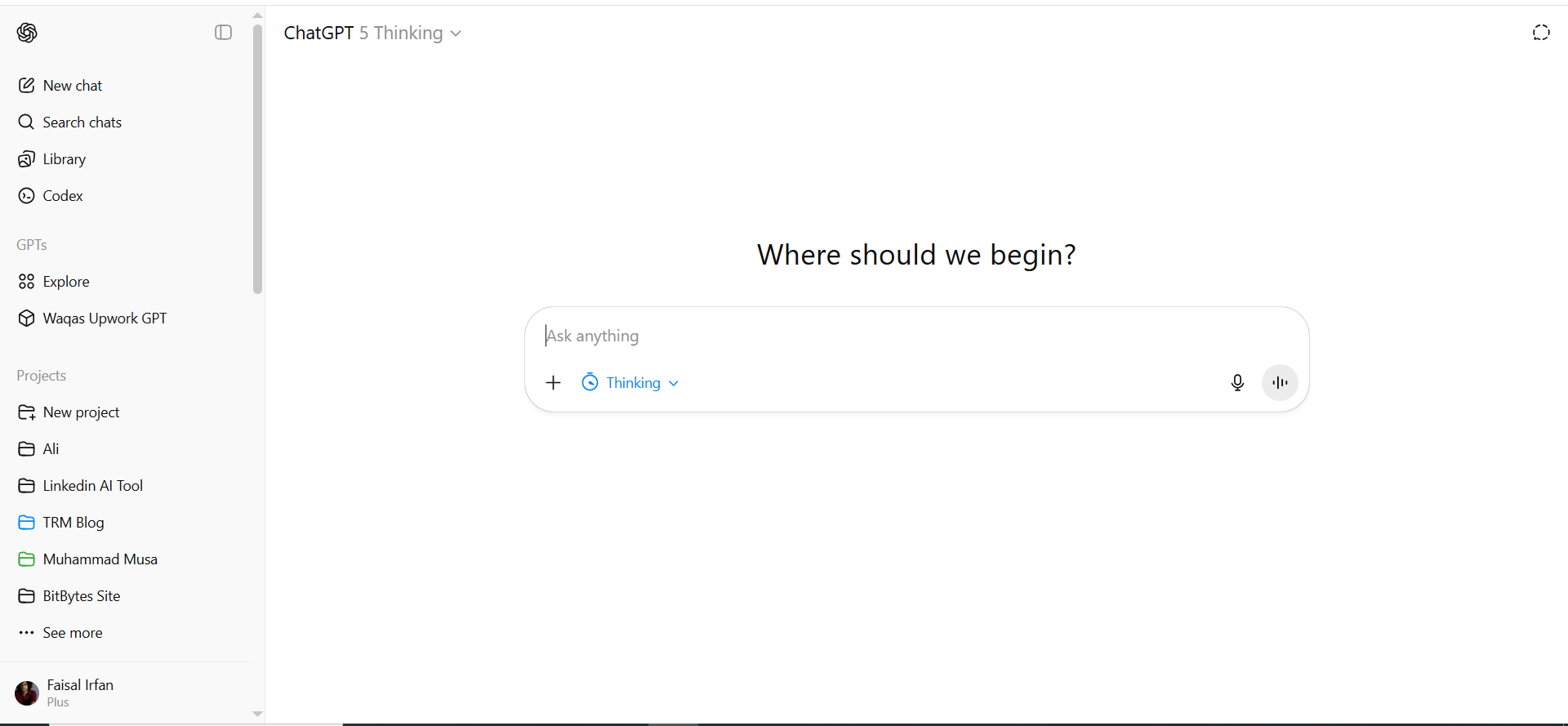
ChatGPT is OpenAI's conversational AI that handles everything from brainstorming and outlining to drafting full articles, writing email sequences, generating social captions, and conducting research. It functions as a general-purpose writing assistant that adapts to virtually any content format.
Why Teams Use It
Content teams adopt ChatGPT because it eliminates the blank-page problem across every content type. Whether you need 10 LinkedIn post variations, a 3,000-word blog draft, or a restructured landing page, ChatGPT handles the range without switching tools. The Canvas feature turns it into a collaborative editor where you and the AI iterate on the same document side by side.
What It's Good For
ChatGPT excels at research-heavy content where you need to synthesize information from multiple angles. It handles brainstorming sessions where speed matters more than polish, first drafts that get you 70-80% of the way there, repurposing existing content into new formats, and ad-hoc writing tasks that don't fit neatly into a template.
When It's a Good Fit
ChatGPT works best for solo content creators and small teams that need one tool for everything. If your workflow involves heavy research, frequent format-switching, and you're comfortable editing AI output to match your voice, ChatGPT delivers the best value per dollar. It's also the strongest choice when you need coding help alongside content work — the same subscription covers both.
When It's Not a Good Fit
ChatGPT struggles when brand consistency is non-negotiable across a large team, because it doesn't have native brand voice training. If you need built-in SEO optimization, template libraries for specific content types, or multi-user collaboration with approval workflows, you'll hit limitations quickly. The output also tends toward a recognizable AI voice that requires more editing for content where originality matters.
How to Use It
Start with a detailed prompt that includes your target audience, the content format, tone, and any constraints. Use Canvas for long-form pieces where you want to iterate paragraph by paragraph. Create custom GPTs for recurring content types — upload your style guide, past examples, and brand guidelines so the AI references them automatically. For blog posts, feed it your outline and have it draft section by section rather than generating the entire piece at once.
Key Capabilities
Custom GPTs with uploaded knowledge bases. Canvas collaborative editing workspace. Web browsing for real-time research. Image generation with DALL-E. File analysis and data interpretation. Voice conversation mode. Extensive plugin ecosystem through the GPT Store.
Pricing
Free plan with access to GPT-5.3 (includes ads in the US). Go plan at $8/month for regular users. Plus at $20/month for the full model suite including GPT-5.4, Canvas, Deep Research (10 runs/month), and Agent Mode. Pro at $100/month for 5x Plus limits, or $200/month for 20x Plus limits. Team at $25/user/month (annual) for collaboration features. Business and Enterprise plans available for larger organizations.
Free Tier?
Yes. The free plan includes GPT-4o mini access with limited usage, which is enough for light content tasks. However, you'll hit rate limits quickly during heavy writing sessions.
Downsides / Limitations
No native brand voice training means output consistency varies across sessions. Content can feel generic without significant prompt engineering. No built-in SEO tools or content scoring. Free tier now includes ads in the US. Longer outputs sometimes lose coherence or repeat themselves. No team collaboration or approval workflow features on individual plans.
Tool #2: Claude

What It Does
Claude is Anthropic's AI assistant built for nuanced, accurate writing tasks. It handles long-form content, detailed analysis, document summarization, and editorial work. With a context window that extends up to one million tokens — roughly the equivalent of several full-length books — Claude can process entire document sets, style guides, and reference materials in a single conversation.
Why Teams Use It
Content teams choose Claude when accuracy and depth matter more than speed. Claude's extended context window means you can upload your entire brand guide, past articles, and competitor research into one conversation and get output that reflects all of it. The writing tends to be more natural and less AI-sounding than most alternatives, which reduces editing time for editorial and thought-leadership content.
What It's Good For
Claude excels at long-form articles and whitepapers where depth and coherence are critical. It handles editorial content that requires a natural, human-sounding voice, document analysis and summarization for research-heavy workflows, content that needs to reflect complex brand guidelines, and writing tasks where factual accuracy is more important than creative flair.
When It's a Good Fit
Claude is ideal for content creators who write long-form, research-intensive pieces — think 2,000+ word guides, industry analysis, thought leadership, and whitepapers. If your workflow involves uploading reference documents and asking the AI to synthesize them into original content through deep research, Claude handles this better than any competitor. It's also the strongest pick for teams that need AI output requiring minimal human editing for tone and accuracy.
When It's Not a Good Fit
If your primary need is high-volume short-form content — social posts, emails, ad copy — Claude is overkill. It also lacks built-in templates, SEO scoring, and content workflow tools. Teams that need native brand voice profiles, approval chains, or integration with marketing platforms will find the standalone Claude app insufficient for production-scale work.
How to Use It
Upload your style guide, sample articles, and brand voice documentation at the start of each project conversation. Give Claude specific instructions about tone, audience, and structure before requesting drafts. For long articles, provide a detailed outline and have Claude draft one section at a time, reviewing each before moving to the next. Use the Projects feature to organize recurring workflows with persistent context.
Key Capabilities
Million-token context window for processing large document sets. Opus 4.6, Sonnet 4.6, and Haiku 4.5 model tiers. Natural and coherent long-form writing. Strong reasoning and analysis capabilities. Projects feature for organizing persistent context. MCP integrations connecting to Google Drive, Slack, GitHub, Notion, and thousands of apps. Web search. Desktop app with extensions. Thoughtful handling of nuanced or sensitive topics.
Pricing
Free tier with Sonnet 4.6 and daily usage limits. Pro at $20/month for higher usage limits, Opus 4.6, and Projects. Max Expanded at $100/month for 5x Pro limits. Max Ultimate at $200/month for 20x Pro limits. Team at $25-30/user/month for standard seats, $150/user/month for premium seats with Claude Code.
Free Tier?
Yes. The free plan includes Sonnet 4.6 with daily usage limits across web, iOS, Android, and desktop. It covers text, image, and code generation plus web search. Sufficient for light article drafting but not for production-scale content workflows.
Downsides / Limitations
No template library or content-type presets. No built-in SEO optimization or keyword tracking. Limited integrations with marketing and publishing platforms without MCP setup. The free tier has restrictive daily limits. No native team collaboration features on individual plans. No native Brand Voice feature (requires manual prompt guidance or Projects).
Tool #3: Jasper
What It Does
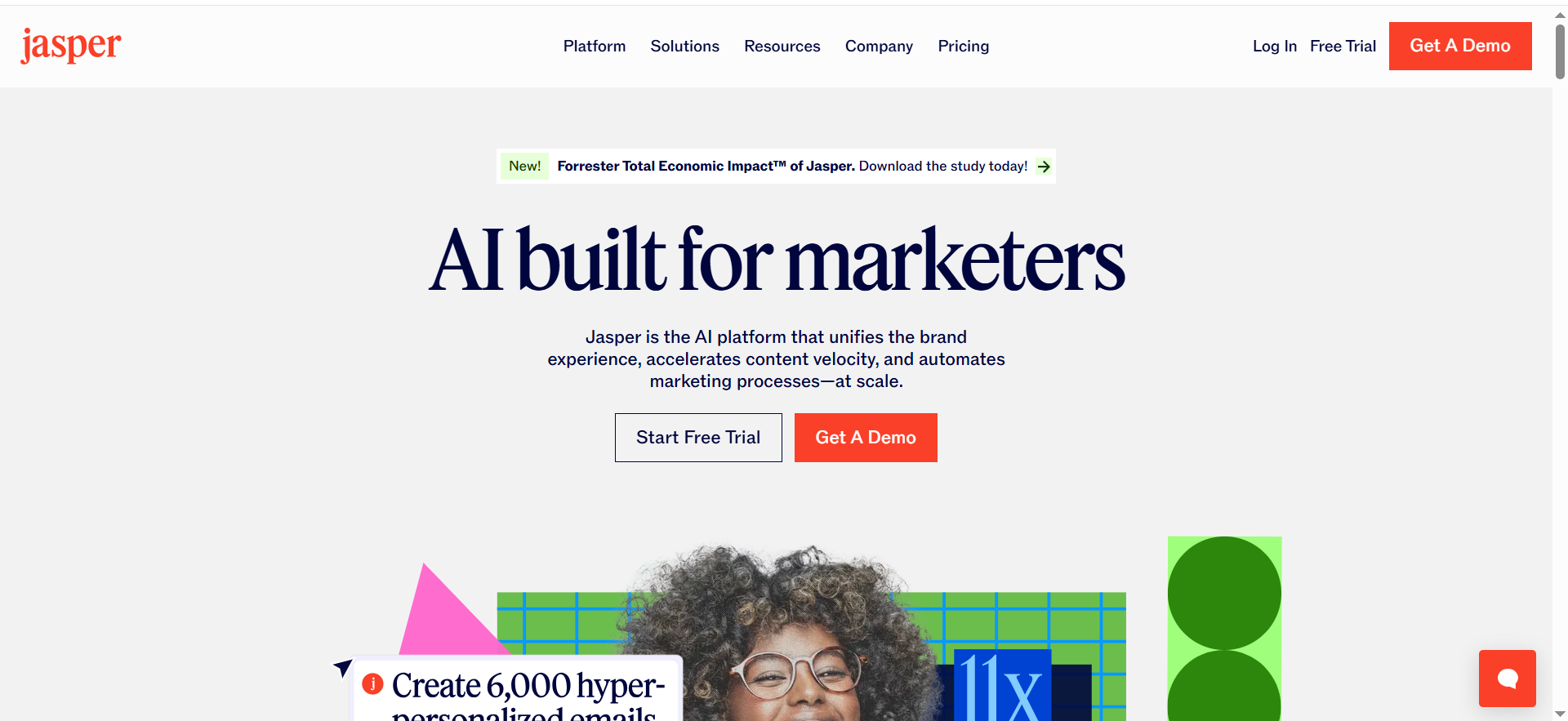
Jasper is a generative AI platform built specifically for marketing teams. It produces blog posts, ad copy, social content, email sequences, and landing pages — all trained on your brand voice, style guidelines, and product information. Unlike general-purpose AI tools, Jasper is designed to output marketing-ready content that stays on-brand across every piece.
Why Teams Use It
Marketing teams choose Jasper because it solves the brand consistency problem that general AI tools can't. You upload your style guide, tone-of-voice documentation, and product details once, and every piece of content Jasper generates reflects them. The template library covers virtually every marketing format, and the workflow tools let teams move from brief to published content without leaving the platform.
What It's Good For
Jasper shines at scaling marketing content production across blog posts, emails, social, and ads. It maintains brand voice consistency across a multi-person team, supports template-driven workflows for common content formats, produces AI-generated first drafts that require minimal brand-voice editing, and integrates SEO, writing, and collaboration in one place.
When It's a Good Fit
Jasper is the right pick for mid-market and enterprise marketing teams producing content at scale who need every piece to sound like the same brand. If your team includes multiple writers, editors, and stakeholders who all need to produce on-brand content, Jasper's brand voice training and collaboration features justify the higher price. It's also strong for teams that rely heavily on templates and repeatable content formats.
When It's Not a Good Fit
Solo creators and freelancers will find Jasper expensive relative to ChatGPT or Claude. If your work is mostly long-form thought leadership or research-heavy content that doesn't fit a template, Jasper's structured approach can feel limiting. The learning curve for setting up brand voice profiles and Knowledge Assets takes time, and the platform's value scales with team size — a single user won't get enough return on the $39-69/month investment.
How to Use It
Start by uploading your brand's style guide and sample content to train Jasper's brand voice. Build Knowledge Assets with product information, audience personas, and messaging frameworks. Use the template library for common formats — select the template, input your brief, and let Jasper generate a first draft. For blog posts, use the long-form editor with SEO mode enabled to get keyword suggestions alongside your draft. Set up campaigns to keep related content pieces aligned.
Key Capabilities
Brand voice training with uploaded style guides and sample content. Five Knowledge Assets for product and brand information. 50+ marketing content templates. Built-in SEO mode for search-optimized content. Jasper Agents for automated research and personalization. Team collaboration with shared workspaces. Campaign management for coordinated content production. Multi-language support.
Pricing
Creator at $39/month (annual) for individual marketers. Pro at $59/month per seat (annual) for teams. Business with custom pricing for enterprise. All plans include a 7-day free trial. Annual billing saves approximately 20%.
Free Tier?
No permanent free tier. Jasper offers a 7-day free trial on Creator and Pro plans. After that, the minimum commitment is $39/month.
Downsides / Limitations
The most expensive option on this list for individual users. Brand voice setup requires upfront investment of time and content samples. Knowledge Assets are limited to five on lower plans. Output quality for long-form content can feel formulaic compared to ChatGPT or Claude. The template-driven approach works better for standard marketing formats than for creative or editorial content. Pricing jumps significantly when adding team seats.
Tool #4: Writesonic
What It Does
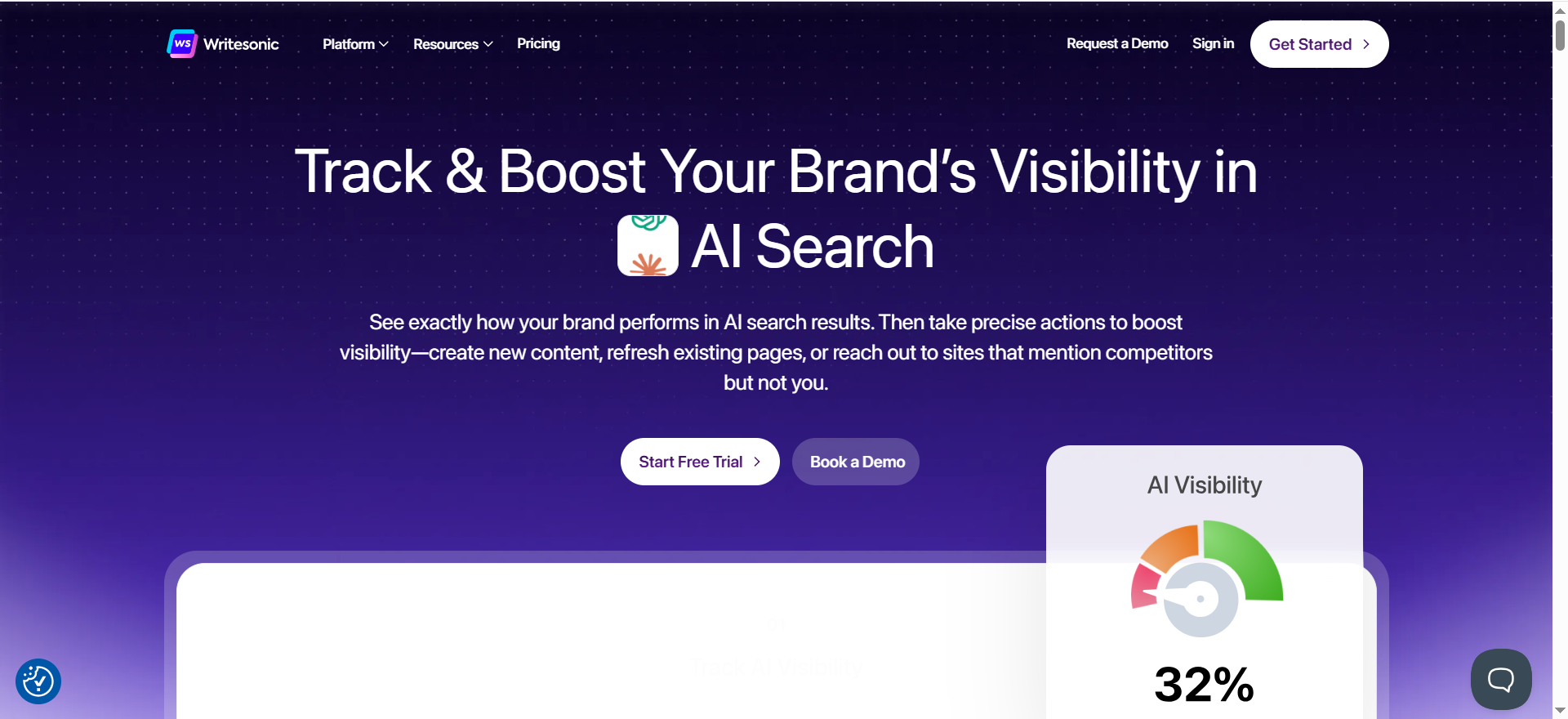
Writesonic is an all-in-one AI content platform that combines article writing, chatbot functionality, and AI search visibility tracking. Its flagship feature, AI Article Writer 6.0, generates long-form blog content using real-time data and competitor analysis. The platform also includes tools for tracking how your brand appears in AI-powered search results.
Why Teams Use It
Content teams pick Writesonic when SEO-driven blog content is their primary output. The AI Article Writer analyzes competing content in real time, structures articles based on what's already ranking, and produces drafts that are closer to publish-ready than most AI tools. The addition of AI search visibility tracking gives teams insight into how their content performs in AI overviews and conversational search results.
What It's Good For
Writesonic is strongest at SEO-optimized blog posts and long-form articles where search ranking matters. It handles content teams that need real-time competitor analysis built into the writing process, organizations tracking their visibility in AI search engines alongside traditional SEO, high-volume article production where consistency and structure matter more than creative voice, and teams that want article generation and SEO analysis in a single platform.
When It's a Good Fit
Writesonic fits best for content marketing teams whose primary KPI is organic search traffic. If you're producing 10-30+ blog posts per month and need each one optimized for search from the first draft, Writesonic's Article Writer 6.0 handles the heavy lifting. The platform is also a strong pick for teams interested in tracking their brand's presence in AI-powered search results — a growing priority for SEO-focused organizations.
When It's Not a Good Fit
If your content needs are primarily short-form — social posts, emails, ad copy — Writesonic's strengths are wasted. The most valuable features like GEO tracking and AI visibility analysis require the $249+ plans, which makes it expensive for teams that only need the writing functionality. The generated content also carries a noticeable AI tone that requires human refinement before publishing, and the pricing jumps between tiers are aggressive.
How to Use It
For blog posts, use AI Article Writer 6.0: input your target keyword, let the tool analyze competing content, and generate a structured draft. Review the real-time data citations and competitor analysis the tool pulls in. Edit the output for voice and accuracy — expect to spend 20-30 minutes refining a 2,000-word article. For shorter content, use the template library or Chatsonic for quick generation. Enable GEO tracking on higher plans to monitor AI search visibility over time.
Key Capabilities
AI Article Writer 6.0 with real-time data and competitor analysis. Over 80 content templates. Chatsonic conversational AI with web browsing. AI search visibility tracking on higher plans. Brand voice customization. Multi-language support. Factual content generation with source citations. Bulk content generation for high-volume workflows.
Pricing
Lite at $39/month (annual) with 100 AI Agent generations and 15 articles/month. Standard at $79/month with unlimited AI generations, 30 articles, and Google integrations. Growth at $399/month with 50 articles, audits, sentiment analysis, and multi-region support. Annual billing saves approximately 20%.
Free Tier?
Writesonic offers a limited free plan but with significant restrictions on usage. It is functional for testing the platform but not practical for ongoing content production. The Lite plan at $39/month is the realistic entry point for regular use.
Downsides / Limitations
Article count limits on all plans (15 on Lite, 30 on Standard). Output quality is good but less polished than ChatGPT or Claude for editorial content. GEO features require higher-tier plans. Growth plan at $399/month is expensive for small teams. No native Brand Voice feature comparable to Jasper. The platform has shifted focus toward SEO and GEO, which may not suit teams with broader content needs.
Tool #5: Copy AI
What It Does
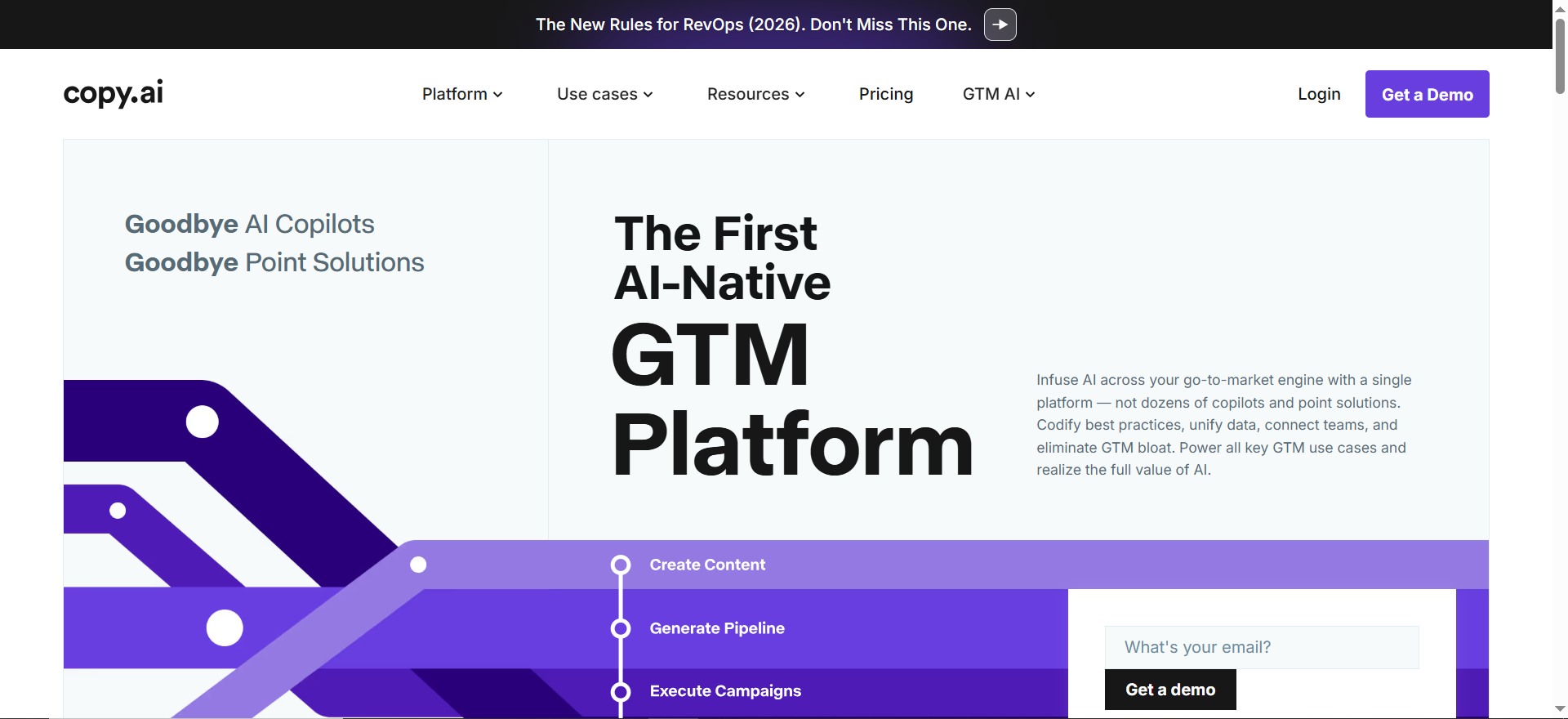
Copy AI is a generative AI platform focused on short-form marketing content. It produces product descriptions, social media posts, ad copy, email subject lines, landing page copy, and other conversion-focused content types. The platform includes a workflow builder that automates multi-step content processes from research through publication.
Why Teams Use It
Marketing teams adopt Copy AI because it's the fastest path from idea to polished short-form copy. The 90+ template library covers virtually every marketing content format, and the workflow builder lets teams chain together research, outline, draft, and polish steps into automated sequences. For teams producing high volumes of product descriptions, social posts, or ad variations, Copy AI eliminates the repetitive work.
What It's Good For
Copy AI delivers the most value for high-volume short-form content like product descriptions, ad copy, and social posts. It handles marketing teams that need rapid iteration on copy variations for testing, e-commerce businesses producing descriptions across large product catalogs, teams that want automated multi-step content workflows, and organizations that need consistent brand messaging across multiple content types and languages.
When It's a Good Fit
Copy AI is the right tool for content creators whose primary output is short-form marketing copy — social posts, ad variations, product descriptions, email subject lines, and landing page sections. If you need to produce dozens or hundreds of copy variations quickly and your workflow benefits from template-driven generation, Copy AI's speed and template breadth are unmatched. The free tier also makes it the most accessible entry point for solo creators.
When It's Not a Good Fit
If your content needs lean toward long-form — blog posts, whitepapers, editorial content — Copy AI is not the right tool. The platform is optimized for short, conversion-focused copy, and its long-form output doesn't compete with ChatGPT, Claude, or even Writesonic. The workflow builder, while powerful, has a learning curve that solo creators may not benefit from. And the jump from the free tier at 2,000 words to Pro at $49/month is steep for users who need just slightly more capacity.
How to Use It
Start with the template library: pick a template matching your content type, input your product details and target audience, and generate multiple variations. Use the brand voice settings to ensure consistent tone. For larger projects, build workflows that chain together research, outlining, drafting, and refinement steps. Copy AI's infobase feature lets you store product information, brand guidelines, and audience details that the AI references across all content generation.
Key Capabilities
Over 90 content templates for marketing formats. Workflow builder for multi-step automated content creation. Brand voice and infobase for consistent messaging. 25+ language support. Chat-based interface for conversational content generation. First Draft Wizard for guided content creation. API access on Pro plans. Team collaboration on higher tiers.
Pricing
Free plan with 2,000 words/month in chat and 200 bonus credits. Chat plan at $29/month ($24/month annual) with 5 seats and unlimited chat words. Pro at $49/month ($36/month annual) with unlimited words and brand voices. Growth at $1,000/month (annual) with 75 seats and 20,000 workflow credits. Enterprise with custom pricing for larger organizations.
Free Tier?
Yes. The free plan includes 2,000 words per month in chat and 200 bonus credits. It's enough to test the platform and handle occasional copy needs, but regular users will exhaust it within a few sessions.
Downsides / Limitations
Weak at long-form content — not designed for blog posts or articles. The jump from free at 2,000 words to paid at $29/month (Chat) or $49/month (Pro) is significant. Growth plan at $1,000/month creates a large gap between Pro and enterprise-level usage. Workflow builder has a learning curve for non-technical users. Template quality varies across the 90+ options. Output still requires editing for brand voice accuracy even with infobase configured.
Can AI Writing Tools Replace Human Content Creators?
AI writing tools cannot fully replace human content creators, and that isn't where their value lies. These tools are best understood as force multipliers: they handle the labor-intensive parts of content creation — first drafts, research synthesis, format conversion, and variation generation — while humans handle strategy, voice, and editorial judgment. A content manager using ChatGPT or Claude can produce a polished 2,000-word article in 90 minutes instead of four hours, but the human still decides what to write, validates the facts, and ensures the piece serves the business goal. The teams getting the most value from AI writing tools are the ones that redesigned their workflow around human-AI collaboration rather than trying to fully automate content production.
Which AI Writing Tool Is Best for Blog Posts?
For blog posts specifically, the best tool depends on what matters most to your workflow. If you need SEO optimization built into the drafting process, Writesonic's AI Article Writer 6.0 gives you competitor analysis and keyword suggestions as you write. If you prioritize editorial quality and depth, Claude produces the most natural-sounding long-form content with fewer edits needed — especially for company blogs where thought leadership matters. ChatGPT offers the best balance of versatility and value — it handles blog research, outlining, and drafting in a single conversation at $20/month. Jasper is the strongest choice for marketing teams that need every blog post to match a specific brand voice across multiple writers.
How Much Do AI Writing Tools Cost Per Month?
Pricing ranges from free to $1,000/month depending on the tool and plan tier. ChatGPT and Claude both offer usable free tiers and $20/month paid plans (Plus and Pro respectively). ChatGPT also offers a Go plan at $8/month and Pro tiers at $100/month and $200/month. Copy AI starts free, with Chat at $29/month and Pro at $49/month for unlimited words. Jasper is the most expensive for individual use at $39-69/month with no permanent free tier. Writesonic starts at $39/month (annual) with its Lite plan. For most solo content creators, a $20/month ChatGPT Plus or Claude Pro subscription delivers the best return. Teams producing content at scale should budget $39-69/month per seat for Jasper or consider Writesonic's higher tiers if SEO is the primary focus.
Are AI Writing Tools Good for SEO Content?
AI writing tools can produce SEO-friendly content, but the quality varies significantly. Writesonic is the only tool on this list with dedicated SEO features built into the article writing process — its Article Writer 6.0 analyzes top-ranking content and suggests structure based on what's working. Jasper includes a basic SEO mode that recommends keywords during drafting. ChatGPT and Claude can produce SEO-structured content when prompted correctly, but they don't score content against ranking competitors. For serious SEO workflows, most teams pair a general AI writer like ChatGPT or Claude with a dedicated SEO tool like Surfer SEO or Clearscope to handle the optimization layer.
What Is the Best Free AI Writing Tool?
ChatGPT's free tier is the most capable free AI writing tool in 2026. It provides GPT-5.3 access with enough daily messages to draft several articles per week, includes limited Deep Research, and offers the Canvas editing workspace. The main limitation is the ads that now appear in the US market and the usage caps that can interrupt longer writing sessions. Claude's free tier is the better choice if prose quality matters more than volume. Sonnet 4.6 on the free plan produces notably cleaner editorial writing than ChatGPT's free GPT-5.3, but the daily usage limits are stricter. Copy AI's free tier offers limited access with basic templates. This is too limited for any real production workflow but can serve as a testing ground for the platform's Workflows feature. Writesonic's free plan exists but is similarly restrictive. Jasper offers no free tier at all — only a 7-day trial. For a team evaluating AI writing tools, the recommendation is to test ChatGPT Free and Claude Free side-by-side on the same brief. Write the same article with both, compare the output quality, and use that comparison to decide which paid tier (if any) fits your production needs.
How Do Content Creators Use AI Writing Tools Without Sounding Robotic?
The AI-sounding output problem is real, and the solution is workflow design rather than tool selection — similar to the approach covered in our guide to the best undetectable AI rewriter. Start by feeding the AI your own writing samples and style preferences before generating content. Use AI for structure, research, and first drafts — then edit in your own voice. The most effective approach is to generate 3-5 variations of any section and pick the one closest to your natural style as a starting point. Claude tends to produce the most natural output out of the box. Jasper's brand voice training reduces the robotic quality by learning from your existing content. ChatGPT requires more manual prompting but becomes more consistent when you create a custom GPT trained on your style.
Is Jasper Worth the Price Compared to ChatGPT?
Jasper at $39-69/month versus ChatGPT at $20/month is a meaningful price difference that only pays off under specific conditions. Jasper is worth it when you have a multi-person team that needs brand voice consistency across all content, when you rely on templates for high-volume production, and when the collaboration features save coordination time. For solo creators, freelancers, or teams where one person handles most of the writing, ChatGPT Plus at $20/month delivers 80-90% of the capability at less than half the price. The brand voice training is Jasper's genuine differentiator — if you need it, nothing else on this list matches it. If you don't, ChatGPT is the better value.
Can AI Writing Tools Maintain Brand Voice?
Brand voice consistency is the biggest gap between general AI tools and purpose-built platforms. Jasper is the strongest tool for maintaining brand voice because it lets you upload style guides, sample content, and brand guidelines that the AI references for every piece of content. Copy AI's infobase feature offers a lighter version of the same capability. Claude handles brand voice well when you upload your guidelines at the start of each conversation, though it doesn't persist them between sessions without the Projects feature. ChatGPT can approximate brand voice through custom GPTs but requires more setup and testing to get consistent results. For teams where brand voice is a hard requirement, Jasper is the only tool that makes it a core feature rather than a workaround.
Which AI Writing Tool Is Best for Social Media Content?
For social media content specifically, Copy AI is the strongest choice because it's optimized for short-form, conversion-focused copy with templates covering every major social platform. You can generate 10-20 post variations in minutes, test different hooks, and iterate quickly. ChatGPT is the best general-purpose alternative — it handles social content well alongside everything else, and the $20/month price covers unlimited social post generation. Jasper is the right pick for teams that need every social post to match a documented brand voice across multiple team members. Writesonic and Claude are both overkill for social-only workflows — their strengths are in long-form content.
Do AI Writing Tools Work for Non-English Content?
All five tools on this list support multiple languages, but quality varies. ChatGPT and Claude offer the broadest language support with strong output quality across major languages including Spanish, French, German, Portuguese, Japanese, and Mandarin. Jasper supports 30+ languages with brand voice training that works across them. Copy AI covers 25+ languages for marketing copy. Writesonic handles multi-language content generation. For non-English markets, the practical recommendation is to test your target language with 2-3 tools before committing — output quality drops for less common languages across all platforms, and human review by a native speaker remains essential for published content. For teams with heavy localization needs, dedicated translation platforms may be a better fit alongside these writing tools.
Frequently Asked Questions
ChatGPT is the best starting point for beginners because it requires no setup, has a capable free tier, and handles every content type. The conversational interface is intuitive — you describe what you need in plain language and iterate from there. Claude is the next best option for beginners who need higher editorial quality from the start.
Yes, and many professional content creators do. A common workflow uses ChatGPT for research and outlining, Claude for long-form drafting where quality matters, and Copy AI for generating social media variations from the finished piece. The key is assigning each tool to the task where it's strongest rather than trying to force one tool to do everything.
Google's official position is that it evaluates content quality regardless of how it was produced. AI-generated content that is helpful, accurate, and serves the reader can rank well. Content that is thin, repetitive, or adds no value will perform poorly whether it was written by a human or an AI. The risk isn't in using AI — it's in publishing AI output without editing, fact-checking, and adding original perspective.
Accuracy varies by tool and topic. Claude and ChatGPT with web browsing produce the most reliable factual content because they can verify claims against current sources. All AI writing tools can generate plausible-sounding but incorrect statements, especially on technical topics or recent events. Every piece of AI-generated content should be fact-checked before publication — treat AI output as a well-researched first draft, not a finished article.
ChatGPT offers the most useful free plan with GPT-4o mini access for writing, research, and brainstorming. Copy AI's free tier at 2,000 words per month is the most generous for marketing copy specifically. Claude's free plan produces the highest-quality output but hits daily limits faster. For testing purposes, start with ChatGPT free, try Claude free for a long-form piece, and use Copy AI free for a batch of short-form content — then decide which one fits your workflow before paying.