Best Practices For Combining RPA And AI For Business Transformation (2026)
A strategy-first breakdown of how to win at best practices for combining rpa and ai for business transformation with the right process, measurement, and team alignment.

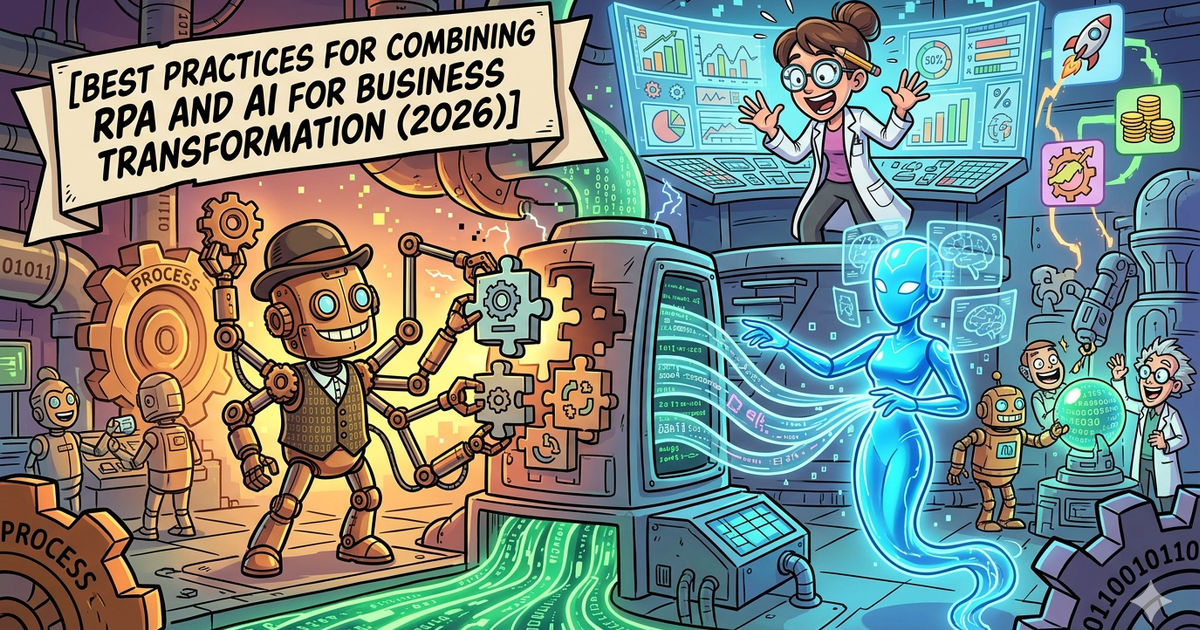
Learn how to approach best practices for combining rpa and ai for business transformation with a strategy built for B2B companies and B2C brands. The guide covers positioning, workflow design, tool selection, and measurement so marketing ops leaders and product managers can move from experimentation to a scalable activation motion.
Combining RPA and AI works best when you stop thinking in terms of “which tool has the most features” and start thinking in terms of workflow design. RPA is strongest when the task is repetitive, rules-based, and tied to systems. AI is strongest when the workflow involves judgment, unstructured content, classification, summarization, or prediction. The winning approach is to let AI interpret and decide where needed, then let automation execute the next step reliably across systems.
The best platform depends on how complex the workflow is and how much governance you need. UiPath and Automation Anywhere make the most sense for enterprise-scale orchestration. Microsoft Power Automate is the obvious fit for Microsoft-heavy environments. Zapier is the fastest option for lighter workflows and growth teams. Workato is the better fit when integrations, orchestration depth, and enterprise controls matter more than speed to first workflow.
📋 Get Listed / Advertise
We update this guide monthly. Want your tool featured? Contact: aigrowthhacksofficial@gmail.com.
Table of Contents
Best Tools for Combining RPA and AI for Business Transformation
| Tool | Best for | Core strength | Pricing cue |
|---|---|---|---|
| UiPath | Enterprise intelligent automation | Deep orchestration across agents, robots, and people | Starts at $25/month for Basic; higher tiers are sales-led |
| Automation Anywhere | Large enterprise transformation | Agentic process automation and process discovery | Sales-led |
| Microsoft Power Automate | Microsoft-first companies | Low-code automation plus attended/unattended RPA | Premium from $15/user/month; Process from $150/bot/month |
| Zapier | Fast-moving SMB and growth teams | No-code AI workflows across 8,000+ apps | From $19.99/month annually |
| Workato | Enterprise app orchestration | Cross-functional integrations and governed automation | Sales-led / usage-based |
Best Tools for Combining RPA and AI for Business Transformation
1. UiPath
What it does
UiPath is built for companies that want to orchestrate AI agents, robots, and people in one platform. Its current positioning is explicitly around agentic automation, with enterprise governance and orchestration as the centerpiece. UiPath also pairs this with process mining to identify automation opportunities before teams start building.
Why teams use it
UiPath is a strong fit when the transformation effort spans multiple departments, requires formal governance, or needs a path from discovery to orchestration. The platform’s Standard and Enterprise tiers emphasize agent orchestration, document extraction at scale, governance controls, and the ability to bring your own models or infrastructure choices.
What it’s good for
It is especially good for large workflows where AI needs to interpret documents or requests and RPA needs to take action inside business systems. It also fits organizations that want discovery, orchestration, and automation in a more unified stack.
When it’s a good fit
Choose UiPath when you need enterprise rollout discipline, serious orchestration, and room to scale beyond a few isolated bots.
When it’s not a good fit
It is usually too heavy for teams that only need a handful of no-code app automations or quick marketing and ops workflows.
How to use it
A sensible approach is to use process mining first, identify the highest-friction steps in a workflow, place AI where the process needs interpretation, then use robots and orchestration to execute reliably.
Key capabilities
Agentic orchestration, document understanding, process mining, enterprise governance, and infrastructure flexibility are the headline strengths.
Pricing
UiPath Basic starts at $25/month. Standard and Enterprise are contact-sales tiers.
Free tier?
Yes. UiPath offers a try-now path and a low-entry Basic plan.
Downsides / limitations
It can be more platform than a smaller team needs. The learning curve, governance setup, and broader implementation motion make most sense when automation is a real operating priority, not a side project.
2. Automation Anywhere
What it does
Automation Anywhere positions itself as an Agentic Process Automation platform. Its pitch centers on orchestrating work across teams, systems, and processes, with AI agents and process discovery playing a big role in how companies identify and automate opportunities.
Why teams use it
Teams use it when they want AI involved earlier in the lifecycle, especially in discovery and process understanding. Automation Anywhere’s process discovery product highlights enterprise-wide visibility, AI-driven recommendations, and faster identification of what to automate next.
What it’s good for
It is a strong choice for large organizations that need to find process variation across teams before standardizing and automating. That matters because many AI + RPA projects fail when companies automate a messy process instead of redesigning it first.
When it’s a good fit
Use it when the organization is large, process-heavy, and serious about transformation across operations, IT, finance, or customer workflows.
When it’s not a good fit
It is not the most natural fit for a lightweight team that mainly needs quick app-based automations.
How to use it
Start with process discovery, identify patterns and exceptions, then choose where AI should classify, interpret, or reason before the automation layer handles system execution. That sequence is more reliable than trying to bolt AI onto unstable steps.
Key capabilities
Agentic process automation, AI-powered discovery, enterprise visibility, pre-built AI agents, and strong enterprise posture are the main themes on its current product pages.
Pricing
Automation Anywhere does not publish straightforward self-serve platform pricing for enterprise buyers on its main sales flow. Expect a sales-led process.
Free tier?
It offers community and learning paths, but enterprise evaluation is typically demo and sales driven.
Downsides / limitations
Like UiPath, it is better suited to formal automation programs than ad hoc automation experiments.
3. Microsoft Power Automate
What it does
Power Automate combines cloud flows, attended desktop flows, unattended desktop flows, process mining, and AI-related add-ons inside the Microsoft ecosystem. For companies already deep in Microsoft 365, Dynamics, Azure, and Power Platform, that ecosystem fit is often the biggest advantage.
Why teams use it
It lowers the barrier to automation for business teams while still giving IT a governance layer. Microsoft’s governance guidance explicitly emphasizes designating a Power Platform admin and using formal policies and practices to control efficient, secure, compliant usage.
What it’s good for
It is especially good for approvals, document flows, employee workflows, service operations, and Microsoft-centric business processes where AI Builder or Copilot-adjacent capabilities can enhance routing, extraction, or decisions.
When it’s a good fit
Choose it when your environment is already Microsoft-heavy and you want one platform for low-code workflow automation plus RPA.
When it’s not a good fit
It can feel limiting when your automation estate is highly cross-platform, deeply custom, or needs more enterprise-grade orchestration than a low-code-first environment comfortably handles.
How to use it
Start with cloud flows for orchestration, keep desktop RPA for legacy systems or UI-only tasks, and add AI only where the process needs extraction, classification, or decision support. Also set governance early, especially if citizen developers are involved.
Key capabilities
Cloud flows, attended RPA, unattended RPA, process mining, hosted process options, and adjacent AI capacity through Microsoft’s ecosystem.
Pricing
Power Automate Premium is $15/user/month. Process is $150/bot/month. Hosted Process is $215/bot/month. Process Mining is listed at $5,000/tenant/month as an add-on.
Free tier?
Yes, Microsoft lists a free trial.
Downsides / limitations
The main risk is accidental sprawl. Power Automate becomes much more powerful when paired with clear governance, environment rules, and ownership, not just open access.
4. Zapier
What it does
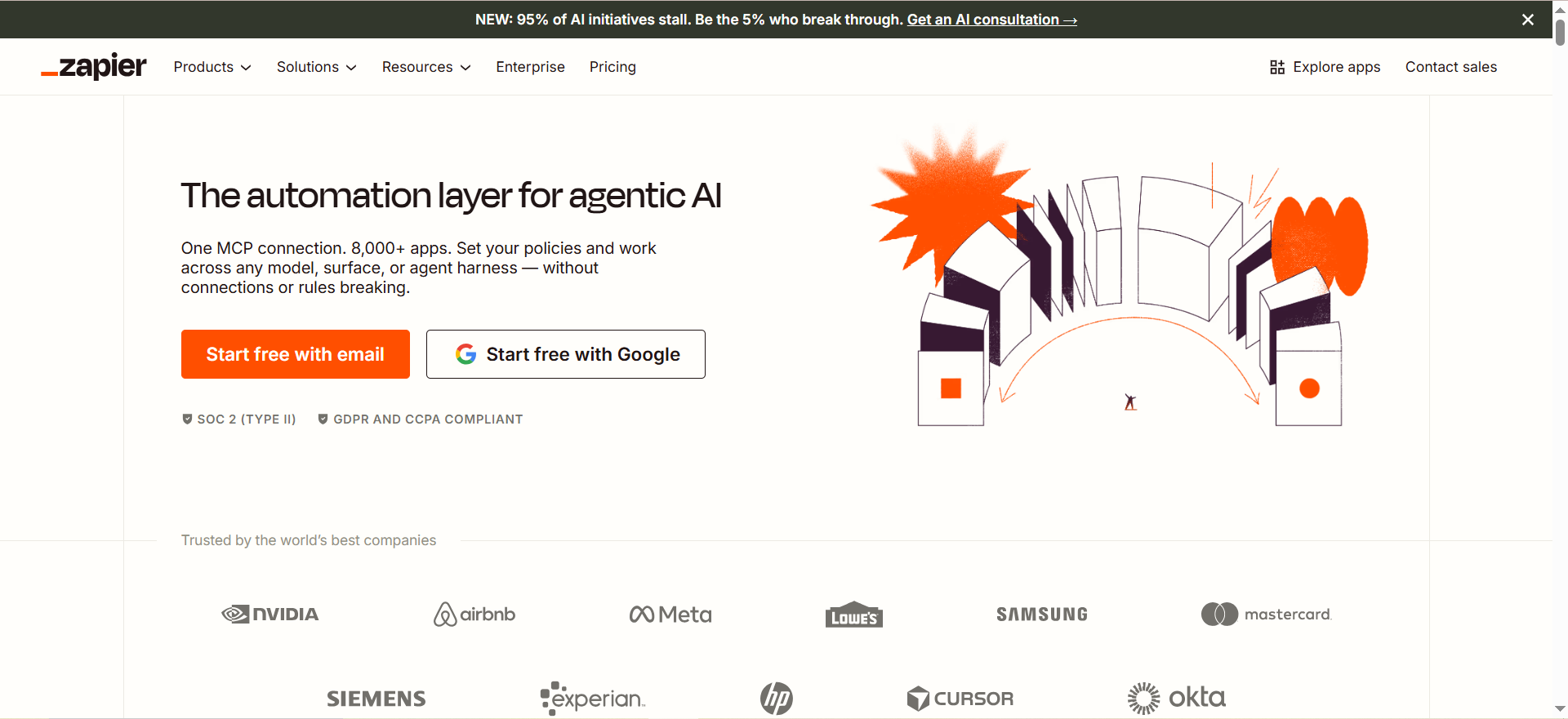
Zapier is the fastest path for smaller teams that want to combine AI with business workflows without standing up a full automation program. It now positions itself as an automation layer for agentic AI and says it connects to 8,000+ apps.
Why teams use it
Teams use Zapier because it is fast, approachable, and good at getting a workflow live in hours instead of weeks. Its multi-step logic, paths, forms, tables, and AI workflow layer make it useful for marketing ops, RevOps, support, and internal productivity.
What it’s good for
Lead routing, enrichment, content operations, internal notifications, support routing, approval chains, and lightweight AI-assisted workflows are all natural fits.
When it’s a good fit
Use it when speed matters more than deep enterprise orchestration and when the process mainly lives in SaaS apps with modern integrations.
When it’s not a good fit
It is not the best choice for highly regulated, deeply complex, or mission-critical enterprise automations with lots of legacy system dependence.
How to use it
Let Zapier coordinate SaaS events and AI steps, but keep the automation narrowly scoped and well-monitored. It works best when the process is clear, the apps are modern, and the number of exceptions is manageable.
Key capabilities
Multi-step workflows, conditional paths, AI workflows, AI agents, governance features on Enterprise, and 8,000+ app connections.
Pricing
Zapier Professional starts at $19.99/month billed annually.
Free tier?
Yes, Zapier offers a free plan and trial paths for premium features.
Downsides / limitations
Costs can rise with task volume, and it is easy for teams to build many useful workflows without enough process ownership. That makes documentation and review important.
5. Workato
What it does
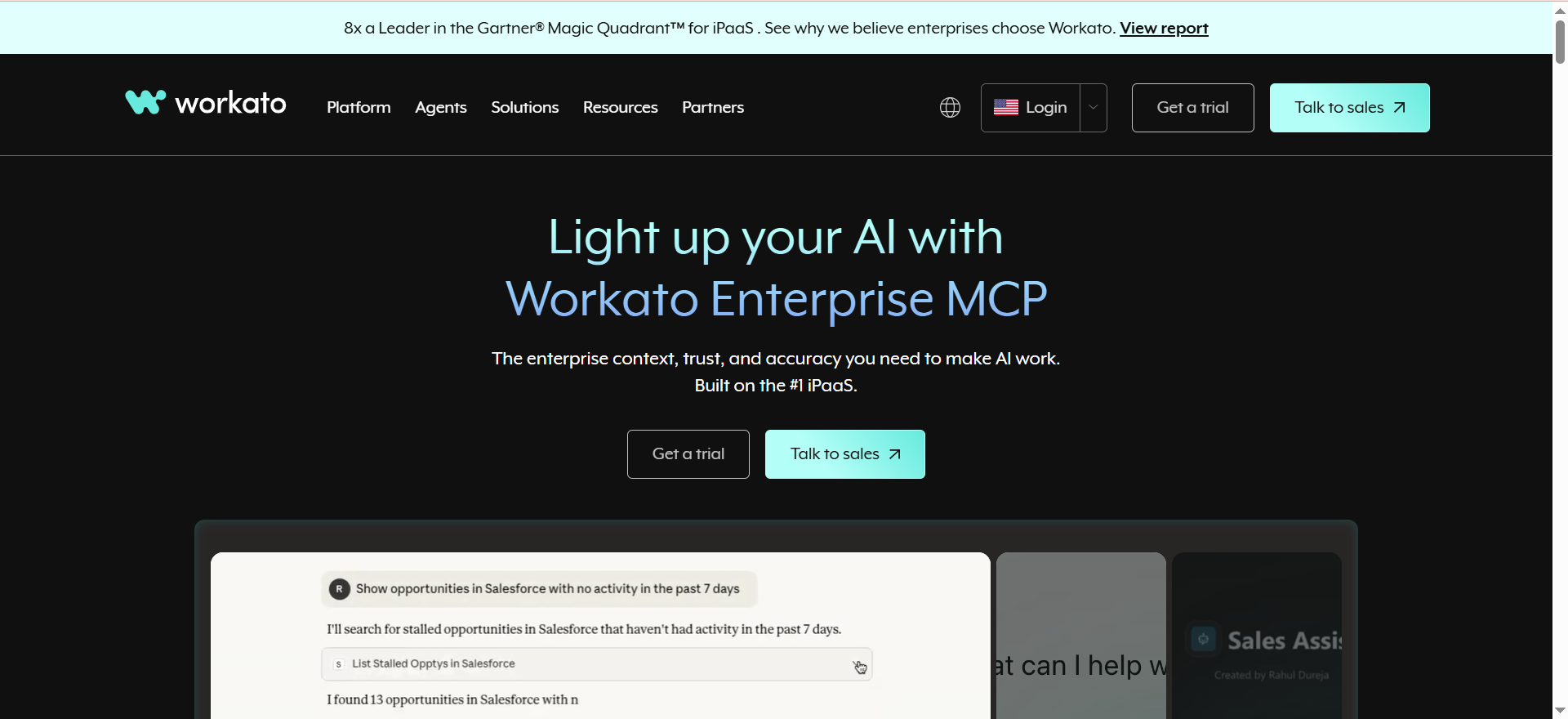
Workato is aimed at enterprise integration and orchestration, and its current positioning leans into enterprise MCP, agentic AI, and app connectivity across business systems. It is best understood as a more enterprise-grade integration and automation layer than a quick-start no-code tool.
Why teams use it
Teams choose Workato when the workflow spans many systems, needs stronger control, and must be reliable enough for cross-functional business operations.
What it’s good for
It is a strong fit for quote-to-cash, lead-to-revenue, support escalation, IT workflows, and any process where data, actions, and governance need to move across departments.
When it’s a good fit
Choose it when integration depth, enterprise orchestration, and organizational scale matter more than getting a first workflow live this afternoon.
When it’s not a good fit
It is usually too much for simple departmental automations or early-stage teams with basic needs.
How to use it
Use Workato when the workflow depends on multiple business systems, clear ownership, and dependable orchestration. It shines when the automation has to become part of the company’s operating model, not just a productivity hack.
Key capabilities
Enterprise integration, low-code orchestration, AI and agentic positioning, and a usage-based pricing model built for scale.
Pricing
Workato describes its pricing as usage-based and sales-led rather than publishing simple self-serve tiers.
Free tier?
Workato offers a trial route, but enterprise buying is primarily sales assisted.
Downsides / limitations
The tradeoff is complexity and buying friction. It makes sense when you need enterprise-grade orchestration, not when you only need a few connected tasks.
What combining RPA and AI actually means
RPA and AI are complementary, not interchangeable. RPA is the execution layer. It clicks, copies, routes, updates, and moves data across systems. AI is the interpretation layer. It reads messy inputs, classifies content, summarizes context, predicts outcomes, and supports decisions. For a direct guide to this exact topic, see best practices for combining RPA and AI for business transformation.
That distinction matters because many projects fail by using AI where standard automation would be more stable, or by trying to force rule-based bots into tasks that clearly need judgment. The practical model is simple: let AI interpret, score, classify, or draft; let automation trigger actions, update systems, notify stakeholders, and keep the workflow moving. For teams evaluating the wider stack around this model, best AI automation tools is a useful related playbook.
In business transformation, the combined stack is valuable when a process includes both structured work and messy work. Think invoice processing, support triage, contract intake, employee onboarding, lead routing, claims handling, or internal knowledge workflows. One part of the process is repetitive and reliable. Another part needs context or interpretation. That is where the combination pays off. For enterprise teams comparing broader rollout options, best enterprise AI automation tools is a strong adjacent guide.
Best practices for combining RPA and AI
Start with process discovery, not model selection
The first mistake teams make is choosing a model or a vendor before they understand the process. The smarter sequence is to map the workflow, identify bottlenecks, find exception paths, and then decide where AI belongs. UiPath and Automation Anywhere both emphasize process discovery because transformation efforts are far more likely to succeed when the process is visible before it is automated.
Automate stable steps first
Do not begin with the hardest, messiest part of the process. Start with the parts that are deterministic. Logins, handoffs, system updates, routing, notifications, status changes, and form movement are all good early targets. That creates immediate value and gives you a stable backbone before you add AI-driven variability.
Put AI only where judgment is needed
Use AI where the workflow involves unstructured inputs, content interpretation, categorization, summarization, extraction, or risk scoring. Do not use AI to replace logic that could be expressed cleanly as a rule. The more you reserve AI for genuine ambiguity, the easier it is to manage performance and trust.
Keep humans in the loop for exceptions
Business transformation is not about removing humans from every decision. It is about moving humans toward the highest-value decisions. Human review should sit on exception paths, confidence thresholds, escalations, and policy-sensitive steps. This is especially important in finance, support, regulated operations, and customer-facing workflows.
Build governance before scaling
Governance is not a late-stage cleanup task. Microsoft’s Power Platform guidance is clear that governance means policies, practices, and administrative ownership that keep usage efficient, secure, and compliant. The same logic applies across every automation stack. Set environment rules, ownership, auditability, approval paths, and data handling standards before the program grows.
Measure business outcomes, not just automations shipped
A healthy program measures handle time, completion rate, exception rate, operator time saved, cycle time reduction, SLA adherence, and downstream business results. Shipping ten bots is not transformation. Improving throughput, quality, speed, or revenue with a governed operating model is transformation.
📋 Get Listed / Advertise
We update this guide monthly. Want your tool featured? Contact: aigrowthhacksofficial@gmail.com.
Common use cases by team
Finance and operations
Use AI to classify invoices, extract fields, or flag anomalies. Use RPA to validate entries, update finance systems, route approvals, and reconcile statuses.
Customer support
Use AI to summarize tickets, detect intent, classify urgency, and propose responses. Use automation to create tickets, route to the right queue, update systems, and notify stakeholders.
Marketing and growth
Use AI to summarize leads, score inbound requests, classify campaign responses, or structure content inputs. Use automation to enrich records, route leads, trigger follow-ups, and sync CRM updates.
IT and internal ops
Use AI to interpret user requests and summarize incidents. Use automation to create records, trigger workflows, provision access, or update status in internal systems.
How to choose the right platform
Choose UiPath if your company needs enterprise orchestration and wants a broad intelligent automation platform with process mining and strong governance.
Choose Automation Anywhere if your transformation strategy starts with process understanding and enterprise-wide automation opportunities.
Choose Microsoft Power Automate if your business already lives in Microsoft 365, Dynamics, Teams, and Power Platform.
Choose Zapier if your workflows are SaaS-first, your team is non-technical, and speed matters more than enterprise architecture.
Choose Workato if your workflows span multiple systems and departments and need to be durable, governed, and integration-heavy.
Mistakes that derail AI + RPA projects
Treating AI as a drop-in upgrade
AI does not fix a broken process. It only makes a broken process more expensive and harder to debug.
Scaling without governance
When many teams can build automations but nobody owns standards, quality drifts fast. Governance should include naming rules, environment separation, approval policies, monitoring, and access controls.
Using brittle UI automation where APIs exist
UI automation still matters, especially for legacy systems, but API-first design is usually more resilient and easier to maintain.
Ignoring exception handling and change management
The best workflows are not the ones with zero errors. They are the ones with visible errors, clear ownership, and fast remediation.
What Is the Difference Between RPA and AI in Business Automation?
RPA and AI solve different problems. RPA is best for structured, repeatable actions such as moving data, updating systems, triggering workflows, or completing routine tasks the same way every time. AI is better suited for interpretation, prediction, summarization, extraction, and decisions involving unstructured content.
A useful way to think about it is this: RPA does the work, while AI helps decide what work should happen next. If a workflow starts with an invoice, email, support ticket, resume, or contract, AI may be used to read and classify it. Once that is done, RPA can take over and push the right actions through the right systems.
This distinction matters because many teams misuse AI for things that could be handled with clear business rules. That tends to make automation more expensive and less stable. The strongest workflows are usually the ones where AI is used selectively and RPA handles the operational follow-through.
How Do You Combine AI and RPA in the Same Workflow?
The most effective approach is to treat the workflow as a chain of decisions and actions. AI should sit where ambiguity or judgment exists. RPA should sit where structured execution needs to happen after the judgment has been made.
For example, imagine an incoming support email. AI can summarize the request, detect urgency, classify the category, and suggest the next step. RPA or workflow automation can then create a ticket, assign it to the right team, update internal systems, notify stakeholders, and log the activity in a dashboard.
This model works because each layer does what it is best at. AI handles interpretation. Automation handles action. Humans step in when there are exceptions, confidence is low, or policy requires review.
What Are the Best Tools for Intelligent Automation in 2026?
The best tools are the ones that match your operating environment, not the ones with the biggest feature list. For enterprise orchestration, UiPath and Automation Anywhere are usually the most natural starting points. For Microsoft-centric businesses, Power Automate is often the most practical choice. For fast-moving SaaS teams, Zapier is often the easiest entry point. For integration-heavy enterprise workflows, Workato stands out.
There is no single best tool for every company. A growth-stage SaaS team automating lead intake and routing has very different needs from an enterprise finance organization automating invoice operations across multiple systems.
That is why platform selection should come after workflow analysis. The right tool is the one that fits your systems, governance maturity, and implementation complexity.
When Should a Team Use RPA Instead of AI?
A team should use RPA when the workflow is predictable, rule-based, and repetitive. If the same conditions produce the same action every time, traditional automation is often enough. Good examples include transferring data between systems, generating reports, routing approvals, sending notifications, and updating records.
RPA is usually the better choice when the process already has clear decision logic. In these cases, adding AI may not improve outcomes. It may only add cost, risk, and complexity.
As a rule of thumb, if you can explain the logic as a stable decision tree, start with automation first. Only bring in AI when the workflow actually requires interpretation or judgment.
When Should AI Be Added to an Automation Workflow?
AI should be added when the workflow includes unstructured inputs or decisions that are difficult to capture with simple rules. This includes reading contracts, extracting information from documents, classifying tickets, analyzing messages, summarizing conversations, or detecting unusual patterns.
It is also helpful when the workflow needs flexible decision support rather than fixed routing logic. For example, if inbound requests vary significantly in tone, urgency, or content, AI can make the process more adaptive before automation takes over.
The important part is restraint. AI should not be added just because it is available. It should be added when it meaningfully improves the workflow’s speed, accuracy, or ability to handle ambiguity.
What Are the Best Use Cases for AI-Powered RPA?
The best use cases combine high volume, repetitive operational steps, and some layer of interpretation. Invoice processing is a classic example. AI extracts and classifies information from documents, while automation validates entries, routes approvals, and updates finance systems.
Customer support is another strong fit. AI can summarize messages, detect intent, and classify urgency. Automation can then open tickets, assign queues, notify teams, and update customer records. The same pattern works in onboarding, claims processing, lead management, HR operations, and internal IT workflows.
A good use case usually has a clear business metric attached to it, such as cycle time reduction, lower manual effort, fewer errors, or faster response times. If you cannot define the business outcome clearly, it is probably too early to automate.
How Do You Measure ROI From RPA and AI Together?
The mistake many teams make is measuring the number of automations launched instead of the business results those automations create. ROI should be tied to operational and commercial outcomes, not activity.
Start with direct workflow metrics such as time saved, cost per transaction, cycle time, completion rate, first-time accuracy, and exception rate. Then connect those metrics to business outcomes like faster lead response, shorter onboarding time, improved service levels, or lower operating costs.
It is also useful to compare the workflow before and after implementation. Measure how much manual effort was removed, how often exceptions occur, and whether the automation reduces rework. Real ROI usually comes from better throughput and more reliable execution, not just labor savings.
What Governance Is Needed for AI and Automation at Scale?
Governance is what prevents automation programs from turning into a patchwork of fragile workflows. Once multiple teams start building, you need clear rules for ownership, approval, documentation, security, access, and performance monitoring.
At a minimum, governance should define who can build workflows, where workflows live, how changes are approved, how sensitive data is handled, and what happens when something breaks. It should also define how AI usage is reviewed, especially when the workflow affects customers, finances, or regulated processes.
The goal is not bureaucracy for its own sake. The goal is to make automation reliable, maintainable, and safe enough to scale. Without governance, teams often move fast at first and then hit a wall when workflows become too risky or too messy to maintain.
Which Platform Is Best for Enterprise Intelligent Automation?
For most enterprise teams, the strongest shortlist starts with UiPath and Automation Anywhere. Both are built for organizations that need scale, governance, and more than just task automation. They make the most sense when intelligent automation is becoming part of the operating model.
Power Automate can also be an enterprise option, especially for Microsoft-first companies that want a more accessible way to combine low-code automation and RPA. Workato is a strong choice when cross-system integration and orchestration matter deeply across departments.
The best enterprise platform is not just the most powerful one. It is the one your company can actually govern, adopt, and maintain over time.
Is Power Automate Enough for AI + RPA?
For many companies, yes. Power Automate is often enough when most workflows live inside the Microsoft ecosystem and the team wants a relatively practical route into automation. It can cover internal approvals, document routing, system updates, onboarding workflows, reporting, and a range of low-code automation needs.
It becomes even more useful when paired with strong ownership and governance. The platform is flexible, which is good for adoption but risky if teams create too many inconsistent workflows without shared standards.
If your automation needs are highly enterprise-specific, legacy-heavy, or deeply cross-platform, another solution may be a better fit. But for many mid-market and Microsoft-aligned organizations, Power Automate is often enough to deliver meaningful results.
How Does UiPath Compare to Automation Anywhere?
UiPath and Automation Anywhere are often evaluated side by side because both target serious enterprise automation programs. In broad terms, UiPath is often seen as a strong fit for organizations that want a broad enterprise automation foundation with strong orchestration and an established ecosystem. Automation Anywhere is often especially appealing when process discovery and enterprise process transformation are central to the strategy.
In practice, the difference usually comes down to your existing systems, internal capabilities, deployment preferences, and how your team wants to manage the automation lifecycle. One platform may fit your processes better even if both look similar on paper.
The best way to compare them is to test the same workflow in both environments and evaluate governance, usability, scalability, and exception handling, not just demo output.
When Is Zapier a Better Fit Than Workato?
Zapier is a better fit when your workflows are mostly SaaS-based, your team needs speed, and the process is not deeply complex. It works particularly well for marketing ops, lead routing, notifications, internal handoffs, and lightweight AI-assisted workflows.
Workato becomes the better fit when the workflow spans many systems, departments, and operational dependencies. If you need more durable orchestration, integration depth, and long-term maintainability, Workato is usually the stronger option.
In simple terms, Zapier is better for fast execution and accessibility. Workato is better for enterprise integration and process depth.
What Are the Risks of Combining AI With Automation?
The biggest risk is building a workflow that looks smart but behaves unpredictably. AI introduces uncertainty, especially when it is used too broadly or without confidence thresholds and exception handling. If you automate actions based on weak or inconsistent AI outputs, errors can spread quickly.
Another major risk is over-automation. Not every workflow should be fully autonomous. Processes involving compliance, finance, customer commitments, or edge cases often need human review built into the design.
There is also operational risk. If the workflow is poorly documented, weakly governed, or dependent on fragile interfaces, small changes in systems or prompts can create outsized failures. That is why stable process design matters more than flashy AI features.
How Do You Keep Humans in the Loop?
Humans should sit at the points where trust, exceptions, or high-stakes decisions matter. That usually means review steps for low-confidence outputs, edge cases, approvals, escalations, or policy-sensitive actions.
The goal is not to pull humans back into every step. It is to reserve their time for the moments where judgment matters most. Done well, human-in-the-loop design improves quality without removing the efficiency gains of automation.
A practical way to structure this is through thresholds. If the AI output is clear and the action is low risk, let the workflow continue automatically. If confidence is lower or the consequences are significant, send it to a person for approval or correction.
What KPIs Should Be Tracked in Intelligent Automation Programs?
The best KPI set combines workflow performance metrics with real business outcomes. Start with cycle time, completion rate, error rate, exception rate, time saved, and rework reduction. These show whether the workflow is actually becoming more efficient.
Then track the business impact. That may include faster lead response, lower service costs, quicker onboarding, better SLA compliance, higher throughput, or improved customer satisfaction. The exact KPI mix depends on the process.
Teams should also monitor adoption and maintainability. If nobody trusts the workflow, or if every change requires major rework, the program will stall even if the early output looks promising.
FAQs
RPA automates structured, repeatable actions across systems. AI handles interpretation, prediction, classification, summarization, and judgment support. The best results usually come when AI decides or interprets, and automation executes the next step.
You should combine them when a workflow includes both repetitive work and messy or ambiguous inputs. A good sign is when people spend time reading emails, documents, tickets, or forms, then manually performing system actions afterward.
For most enterprise evaluations, UiPath and Automation Anywhere deserve to be on the shortlist first because both emphasize orchestration, discovery, and enterprise-scale automation. The better fit depends on your environment, governance needs, and integration complexity.
Yes, for many Microsoft-first companies it is. It supports cloud flows, attended and unattended RPA, and related AI capabilities, but it becomes much more effective when governance is set early.
It can be, but mostly for lighter and SaaS-centric workflows. Zapier is excellent for speed, accessibility, and app-based automation, but it is not the default choice for every mission-critical enterprise process.
Start with cycle time, completion rate, exception rate, accuracy, operator time saved, and SLA adherence. Then connect those to business outcomes like lead response speed, cost to serve, customer satisfaction, or revenue impact.
The biggest mistake is automating the current process without redesigning it first. The second biggest is scaling before governance, exception handling, and ownership are in place.
Final takeaway
The best practice for combining RPA and AI is not “add AI everywhere.” It is to design a workflow where each layer does the work it is best suited for. Use AI for interpretation and judgment support. Use automation for execution and orchestration. Keep humans involved where trust, quality, or policy matter. Start with one workflow, run a fair pilot, and scale only after you have governance, measurement, and support in place.
For most enterprise teams, UiPath and Automation Anywhere are the strongest evaluation starting points. For Microsoft-centric companies, Power Automate is usually the most practical path. For faster-moving teams, Zapier is the quickest way to test value. For integration-heavy enterprise environments, Workato is often the stronger long-term orchestration choice.