Best AI Automation Tools (2026)
A practical buyer's guide to picking the right ai automation tools stack for AI agents and workflow automation across content and email.


This playbook helps marketing ops leaders and product managers compare the best ai automation tools options for AI agents and workflow automation. It breaks down where zapier, make stand out, when alternatives such as relay-app, relevance-ai make more sense, and which setup fits B2B companies and B2C brands and small businesses and mid-market companies.
TL;DR
If you are looking to automate workflows without writing code, Zapier is the fastest to get started with 8,000+ pre-built integrations. For budget-conscious SMBs, Make delivers better pricing and visual workflows. n8n wins for technical teams that want self-hosted control and unlimited scaling. Workato is built for enterprise complexity, while UiPath leads in legacy system automation and agentic AI. The right choice depends on your team size, technical depth, and integration complexity.
Table of Contents
Best AI Automation Tools (Quick Comparison)
| Tool | Best For | Starting Price | Free Tier? |
|---|---|---|---|
| Zapier | Non-technical teams needing fast no-code automation | $19.99/mo | Yes (100 tasks/mo) |
| Make | SMBs needing visual multi-step workflows at low cost | $9/mo | Yes (1,000 credits/mo) |
| n8n | Technical teams wanting self-hosted control | $24/mo (cloud) / Free (self-hosted) | Yes (community edition) |
| Workato | Enterprise teams needing deep orchestration | Custom (~$25K+/yr) | No |
| UiPath | Enterprise RPA + agentic AI automation | $25/mo (basic) / Custom (enterprise) | Limited trial |
Best AI Automation Tools (Quick Comparison)
Tool #1: Zapier
What it does
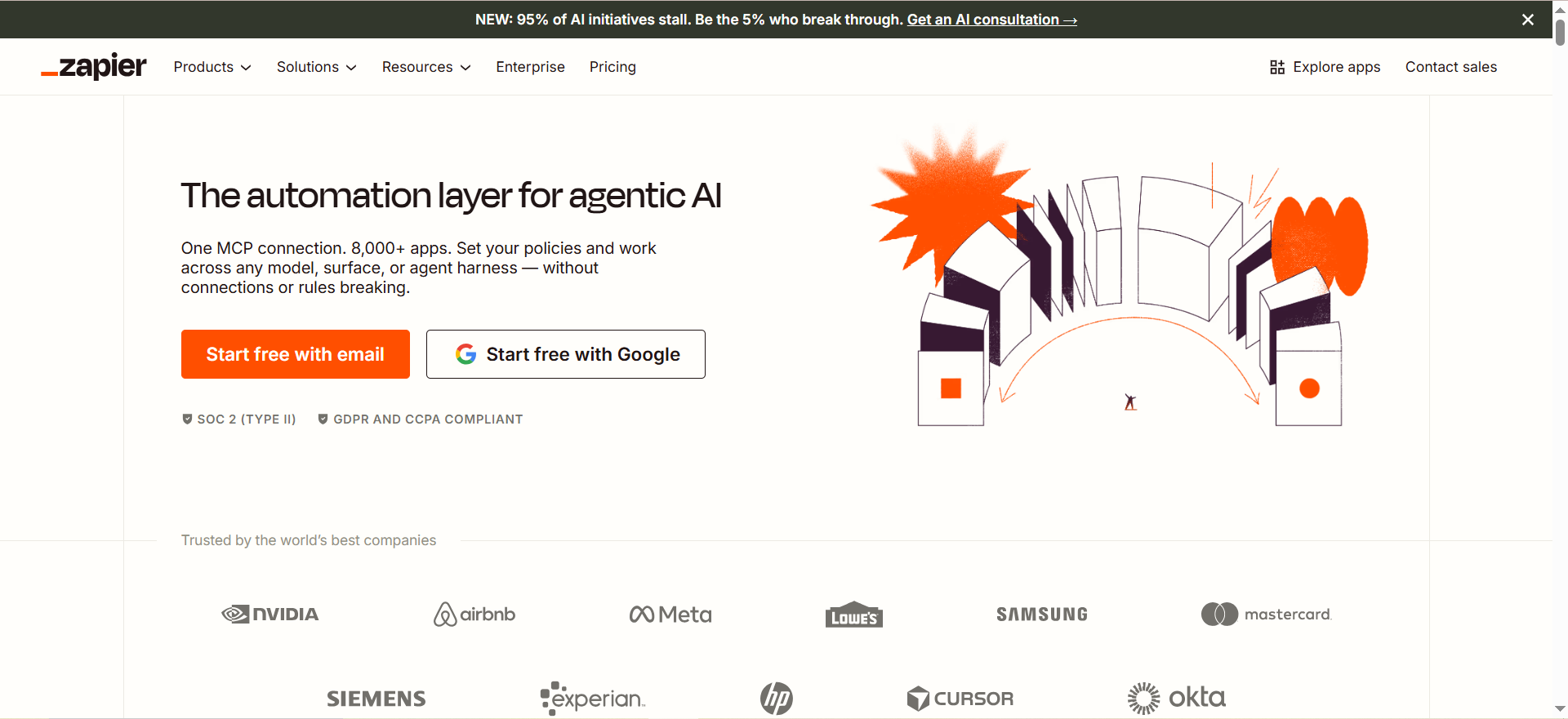
Zapier connects apps and automates multi-step workflows without code. It acts as a bridge between your tools, triggering actions in one app based on events in another. Each "Zap" (automation) can have multiple steps and conditions to handle complex business logic.
Why teams use it
Zapier has the largest integration ecosystem in the market with 8,000+ apps and growing. Non-technical users can build powerful automations in minutes without involving engineers. The interface is intuitive, and pre-built templates for common workflows reduce setup time.
What it's good for
Lead capture and nurturing, email marketing automation, data synchronization across CRMs, customer support ticket routing, Slack notifications tied to business events, form submissions to databases, and multi-app approval workflows. Zapier excels when you need to connect mainstream SaaS tools.
When it's a good fit
Choose Zapier if your team is non-technical, you need fast time-to-value, and your tools are all in Zapier's ecosystem. It is ideal for marketing teams, ops teams, and small companies that need automation without hiring developers.
When it's not a good fit
Avoid Zapier if you need self-hosting, custom logic beyond conditional branching, or real-time execution. It is also expensive at scale — premium plans can cost $100+/mo, and enterprise teams often exceed their task limits. For teams with specialized legacy systems, Zapier may lack connectors.
How to use it
Sign up at zapier.com, create a "Zap" by selecting a trigger app and action app, set conditions and data mapping, and turn it on. Zapier walks you through each step with prompts and examples. Test your Zap before enabling to ensure data flows correctly.
Key capabilities
- 8,000+ integrations
- Multi-step workflows (Zaps with up to 100 steps on enterprise plans)
- Conditional logic and routing
- AI Copilot to generate Zaps from plain English
- AI Agents for autonomous workflow orchestration
- Zapier Tables (relational database included)
- Zapier Forms for low-code form building
- MCP (Model Context Protocol) support for AI agent integration
- Advanced error handling and delay options
- Webhook support for custom integrations
Pricing
- Free: 100 tasks/month, 2-step Zaps only, limited to basic integrations
- Professional: $19.99/month (750 tasks, unlimited step Zaps, all integrations)
- Team: $69/month (2,000 tasks, shared workspaces, user management, templates)
- Enterprise: Custom pricing (SSO, SAML, SLA, dedicated support)
Free tier?
Yes — 100 tasks per month with 2-step Zaps only. Upgrade to Professional for unlimited steps and more tasks.
Downsides / limitations
High monthly costs at scale; a mid-sized company can easily spend $500+/mo. Task limits require planning to avoid overages. No self-hosting or on-premise deployment. Pricing is not transparent for enterprise custom plans. Limited support for real-time, streaming workflows. AI Copilot sometimes generates Zaps that need refinement.
Tool #2: Make
What it does
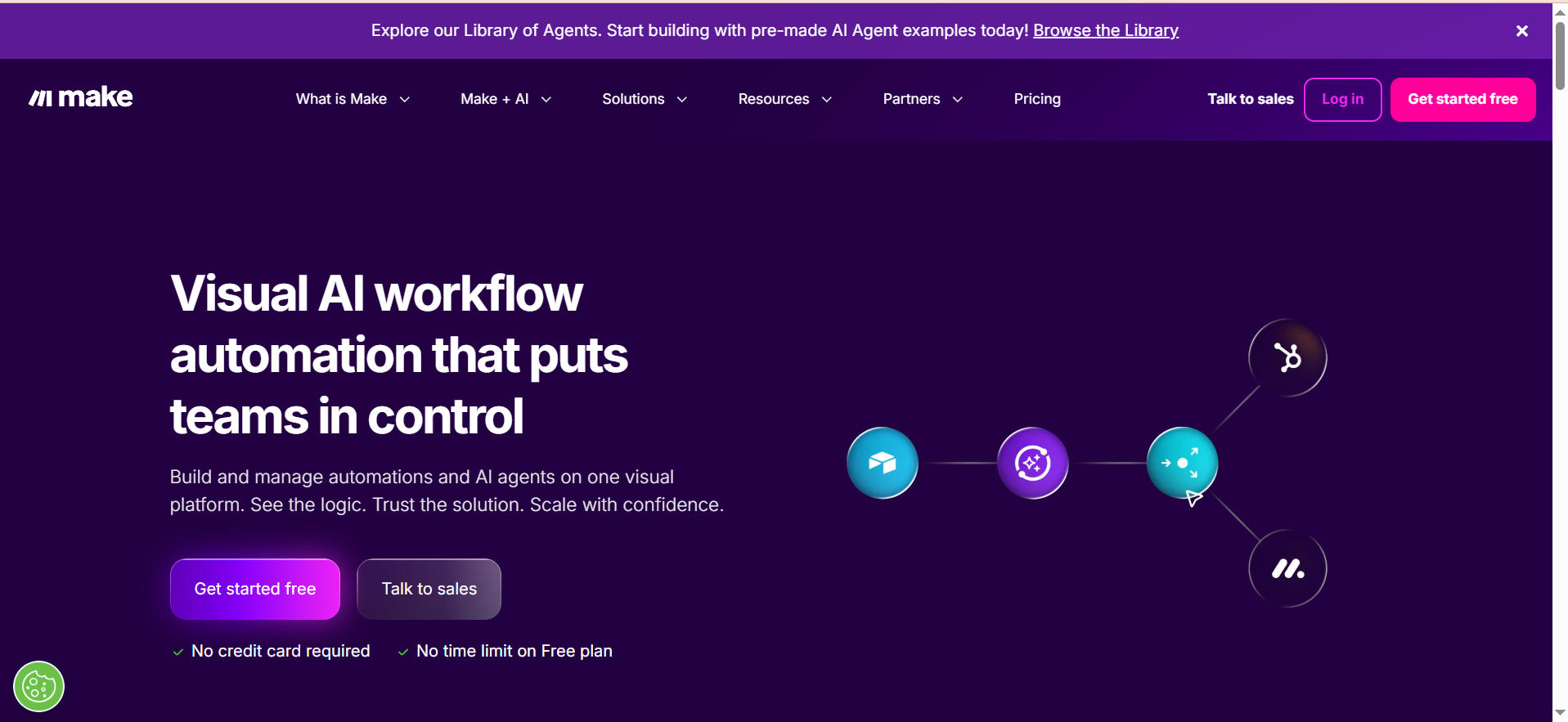
Make is a visual automation platform that connects apps through a "scenario" builder. It shows workflows as interconnected modules, making it easy to understand data flow. Each module represents an action or condition, and modules connect with lines showing data dependencies.
Why teams use it
Make offers aggressive pricing (starting at $9/mo) and provides exceptional value for SMBs. Its credit-based system is transparent — you see exactly how many credits each module costs. The visual interface is intuitive, and Make's AI assistant Maia helps design workflows faster.
What it's good for
Content distribution (posting to multiple social platforms at once), lead enrichment and data syncing, Slack and email notifications, ecommerce inventory management, customer data aggregation, and complex multi-step approval workflows. Make handles credit-heavy operations like data transformation and API calls efficiently.
When it's a good fit
Choose Make if you are budget-conscious, need visual workflow design, and want native AI integrations (OpenAI, Claude, Gemini). It is ideal for SMBs, agencies, and teams with moderate automation complexity.
When it's not a good fit
Avoid Make if you need an extensive pre-built connector library — while Make has 3,000+ integrations, it lags behind Zapier. Enterprise SSO and SAML support is limited. Self-hosting is not available. For teams requiring unlimited executions without per-operation charges, the credit system can become expensive.
How to use it
Visit make.com and create a new scenario. Drag modules onto the canvas, connect them to set data flow, and configure each module's settings. Use Maia AI to suggest next steps. Test the scenario, then activate it.
Key capabilities
- 3,000+ integrations with focus on APIs and custom connectors
- Visual scenario builder with clear data flow
- Maia AI assistant for workflow design
- AI Agents for autonomous execution
- Native modules for OpenAI, Claude, and Gemini
- Credit-based pricing (transparent cost per operation)
- Advanced text search and data transformation
- HTTP and webhooks for custom integrations
- Template library with industry-specific examples
- Multi-team collaboration and role-based access
Pricing
- Free: 1,000 credits/month
- Core: $9/month (10,000 credits, standard features)
- Pro: $16/month (50,000 credits, priority execution, advanced features)
- Teams: $29/month (unlimited team seats, templates, collaboration)
- Enterprise: Custom pricing with dedicated support
Free tier?
Yes — 1,000 credits per month, sufficient for simple automations or testing.
Downsides / limitations
Credit costs can escalate quickly if you run data-heavy workflows with HTTP modules or transformations. The smaller app library compared to Zapier means some integrations may be missing. Enterprise features are limited on lower tiers. Documentation is helpful but sometimes lacks advanced examples.
Tool #3: n8n
What it does
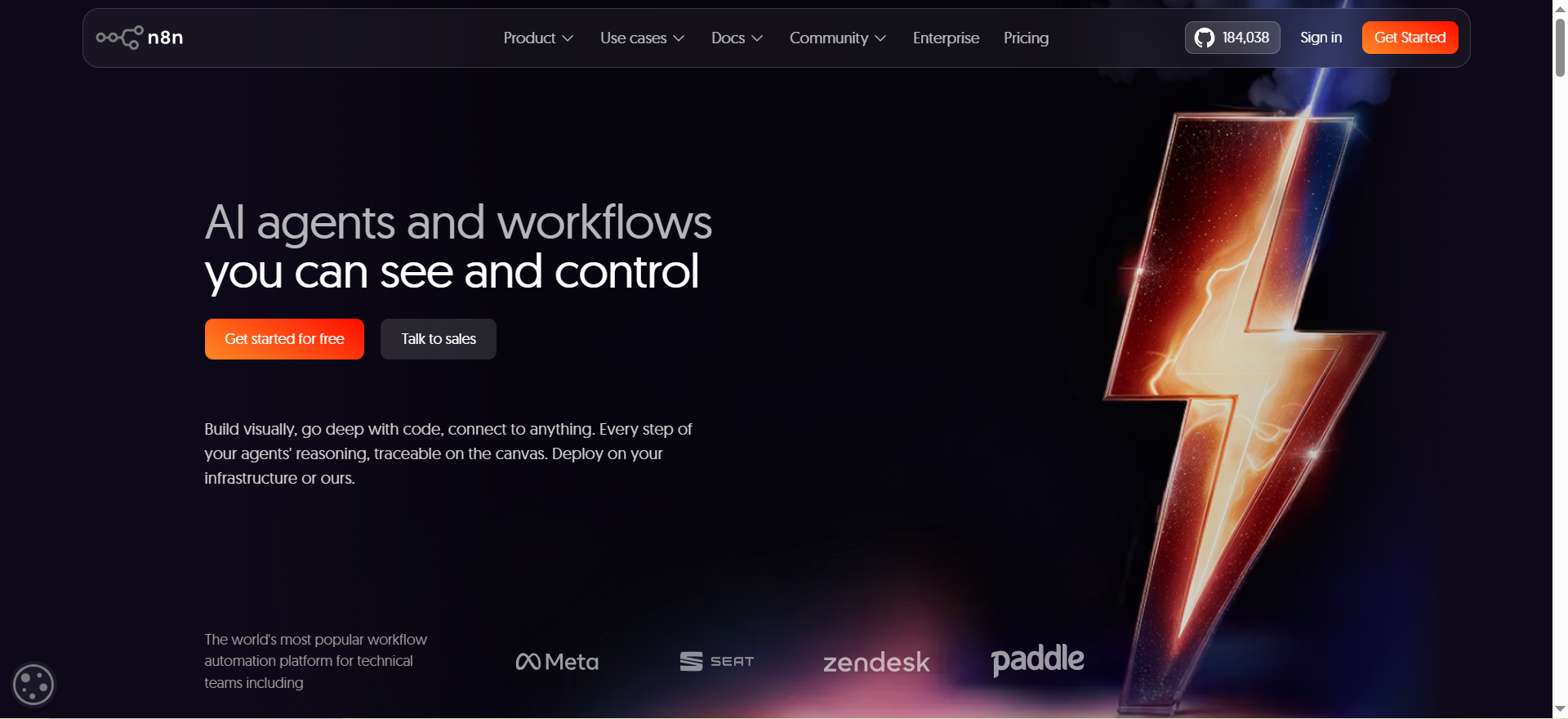
n8n is an open-source workflow automation platform that can be self-hosted or used as a cloud service. It offers both visual workflow design (like Make) and the ability to deploy custom code nodes. n8n is built for teams that want control over their infrastructure and data.
Why teams use it
n8n's community edition is completely free and unlimited — no task, credit, or execution limits. The self-hosted option appeals to engineering teams concerned about data privacy and vendor lock-in. Cloud pricing is reasonable, and the ability to extend n8n with custom code is unmatched.
What it's good for
Complex data pipelines, internal tool automation, multi-step data validation workflows, API orchestration, ETL (extract, transform, load) processes, and teams managing sensitive data. n8n is excellent for technical teams that want to own their automation infrastructure.
When it's a good fit
Choose n8n if your team has engineering resources, you need self-hosting or privacy-first deployment, or you want unlimited automation capacity. It is ideal for startups wanting to avoid SaaS vendor lock-in and for enterprises with data governance requirements.
When it's not a good fit
Avoid n8n if your team is non-technical and prefers point-and-click interfaces. Self-hosting requires DevOps experience, server management, and ongoing maintenance. Cloud plans are more expensive than Make for high-volume operations, and fewer pre-built integrations mean more custom coding.
How to use it
For cloud: sign up at n8n.cloud, create a workflow, add nodes, and connect them. For self-hosted: install n8n using Docker or npm, configure your instance, and build workflows locally. Both paths follow the same visual workflow design.
Key capabilities
- 400+ native integrations
- 70+ AI-specific nodes for LLM integration
- LangChain integration for advanced AI workflows
- Fully customizable with code nodes (Node.js/Python)
- Self-hosted community edition (unlimited)
- Cloud deployment with scalable execution
- Webhook and API support for custom triggers
- Workflow templates and community contributions
- Git integration for version control
- Multi-environment support (dev, staging, production)
- Execution-based pricing model (clearer cost predictability)
Pricing
- Community (Self-Hosted): Free, unlimited workflows and executions
- Cloud Starter: $24/month (2,500 executions/month, development features)
- Cloud Pro: $60/month (execution-based, production features)
- Business: $800/month (SSO, Git support, multi-environment)
- Enterprise: Custom pricing with on-premise deployment
Free tier?
Yes — unlimited with the community self-hosted edition. Cloud free tier is limited to development.
Downsides / limitations
Self-hosting requires engineering resources and operational overhead. Smaller pre-built integration library means you will write custom code more often. Documentation is strong but assumes technical knowledge. Cloud plans are not cheaper than Make at scale. No native visual form builder like Zapier or Make.
Tool #4: Workato
What it does
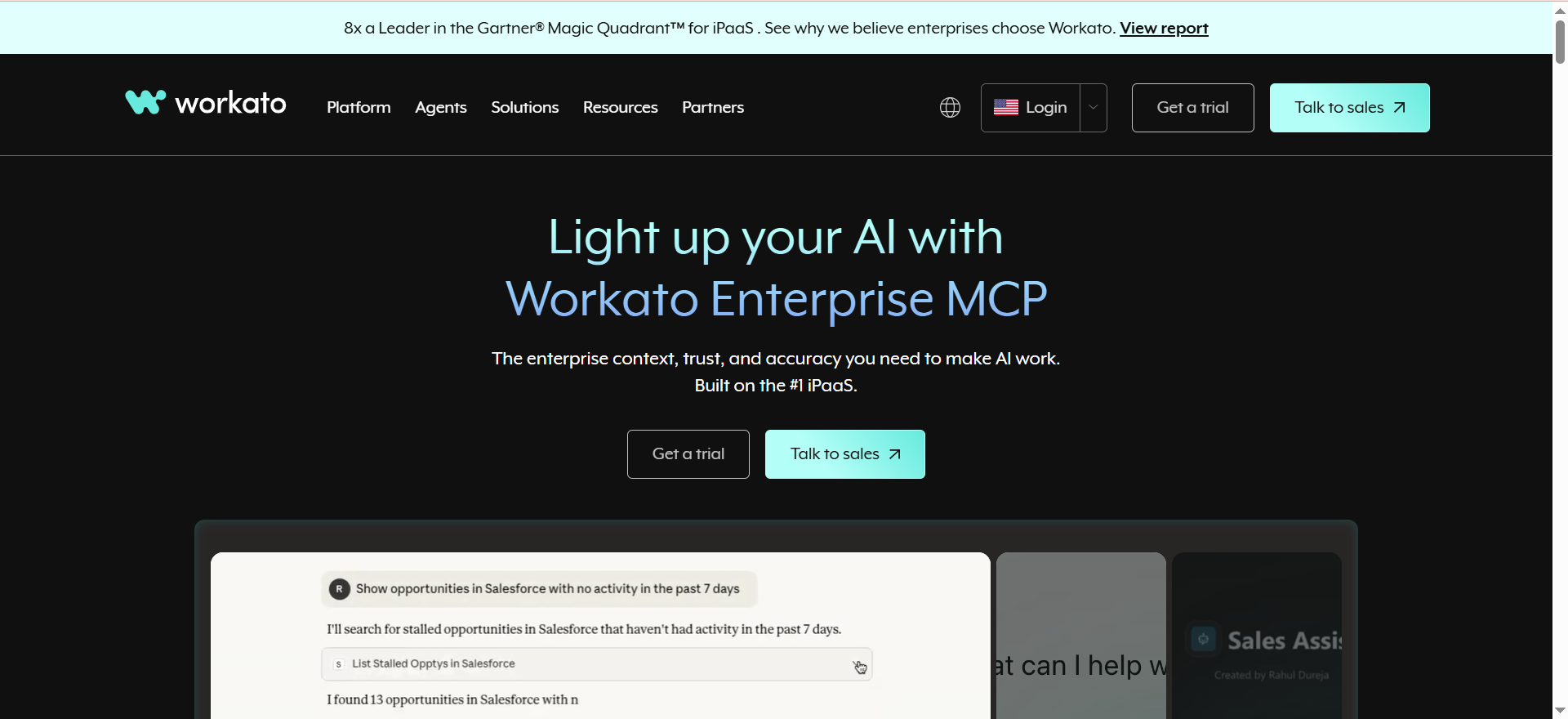
Workato is an enterprise integration platform (iPaaS) that orchestrates workflows across complex, interconnected systems. It is built for large organizations with dozens of legacy systems, deep API requirements, and strict governance needs. Workato handles enterprise-grade error handling, API management, and multi-tenant architectures.
Why teams use it
Workato connects to specialized enterprise systems (SAP, Oracle, Salesforce at scale) that other tools struggle with. It offers deep process orchestration capabilities, including complex branching, approval workflows, and real-time event streaming. Workato One, their agentic automation platform, adds AI-driven process optimization.
What it's good for
Cross-system data synchronization in large enterprises, complex approval and routing workflows, API gateway and management tasks, real-time event streaming, and organizations needing certified compliance (SOC 2, HIPAA). Workato excels when connecting legacy and modern systems.
When it's a good fit
Choose Workato if you are an enterprise with 500+ employees, manage complex multi-system integrations, or need advanced governance and audit trails. It is ideal for financial services, healthcare, and regulated industries where compliance is non-negotiable.
When it's not a good fit
Avoid Workato if you are a small company or startup — the minimum pricing starts around $25,000/year, with most mid-market contracts ranging $100,000-$300,000+ annually. Setup requires professional services and can take months. Overkill for simple point-to-point integrations. Steep learning curve for non-engineers.
How to use it
Workato is typically implemented with professional services. An integration consultant works with your team to map systems, design workflows, and deploy them. Ongoing management requires a dedicated integration or ops team.
Key capabilities
- 1,500+ pre-built enterprise connectors
- Advanced API gateway and management
- Real-time event streaming and webhooks
- Complex process orchestration with multi-step approvals
- Workato One for agentic automation
- Monitoring, audit trails, and compliance reporting
- Git-based version control and CI/CD
- White-label capabilities for SaaS platforms
- Multi-tenant architecture support
- Business rules engine for policy enforcement
Pricing
- Standard: Custom, typically $25,000-$50,000/year
- Business: Custom, typically $100,000-$300,000/year
- Enterprise: Custom, $300,000+/year with dedicated support
- Workato One: Add-on pricing for agentic automation features
Free tier?
No — Workato does not offer a free tier or trial for most organizations.
Downsides / limitations
Extremely high upfront cost with multi-year commitments. Requires implementation partners (professional services), extending deployment timeline and cost. Overkill for companies with fewer than 500 employees. Steep learning curve. Limited documentation for self-service users. Pricing opacity makes it hard to budget.
Tool #5: UiPath
What it does
UiPath is an RPA (Robotic Process Automation) platform that mimics human actions on screens and in applications. It can automate legacy systems that lack APIs, clicking buttons, filling forms, and processing documents. UiPath has transitioned toward agentic AI automation, combining RPA with intelligent process automation.
Why teams use it
UiPath is the market leader in RPA and excels at automating routine, repetitive tasks on legacy systems that cannot be modernized. Its AI Center provides document understanding and process mining to identify automation opportunities. For enterprises stuck with outdated systems, UiPath is often the only viable solution.
What it's good for
Automating data entry across multiple systems, processing documents and forms, legacy system migrations, high-volume transaction processing, and regulated industries where audit trails are critical. UiPath shines when modernizing is impossible and legacy systems dominate.
When it's a good fit
Choose UiPath if your enterprise relies on legacy systems that lack APIs, you need to automate repetitive manual tasks, or you are in a regulated industry requiring detailed audit trails. It is ideal for financial services, insurance, and government.
When it's not a good fit
Avoid UiPath if you have modern, API-first systems — simpler tools like Zapier or Make are faster and cheaper. Small businesses rarely need RPA's complexity. It is expensive compared to workflow automation platforms. Implementation takes months and requires experienced RPA developers.
How to use it
UiPath requires enterprise licensing and professional implementation. Your team uses UiPath Studio to design workflows, records screen interactions, and deploys bots to UiPath Orchestrator. Ongoing management requires RPA developers and bot maintenance.
Key capabilities
- Screen-based automation (mimics human actions)
- Document understanding and intelligent form processing
- AI Center for process mining and analytics
- Agentic AI automation (added late 2025)
- Deep enterprise connector library
- User activity monitoring and process insights
- Audit trails and compliance reporting
- Scalable bot deployment and orchestration
- Center of Excellence (CoE) templates for governance
- Advanced error handling and retry logic
Pricing
- Basic (Cloud): $25/month for individual use
- Standard/Enterprise: $100,000-$350,000+/year for mid-market
- Enterprise: Custom for large organizations with 100+ bots
- AI Add-Ons: Additional cost for document understanding and AI Center
Free tier?
Limited trial available; no free tier for production use.
Downsides / limitations
Very high total cost of ownership (licensing, implementation, maintenance). Requires RPA developers, not suitable for non-technical teams. Long implementation cycle (3-12 months typical). Over-engineered for simple automations. Steep learning curve. Support for modern cloud-native systems lags behind workflow platforms.
What Is an AI Automation Tool and How Does It Work?
An AI automation tool is a platform that connects your business applications and automates repetitive workflows without code. It watches for triggers (like "new email arrives" or "form submitted"), then automatically executes actions in connected apps (like "send to CRM" or "create task"). Many tools now include AI capabilities — Zapier's Copilot, Make's Maia, and n8n's LLM nodes let you automate with natural language, text analysis, or document processing. The core workflow is: trigger, condition check, data transformation, action. For a closer look at tools that handle this autonomously, see our guide to the best AI agents for automating tasks.
How Do AI Automation Tools Differ From Traditional Workflow Automation?
Traditional workflow automation (like Make or Zapier without AI) follows fixed, pre-programmed rules: if X happens, do Y. Modern AI automation adds intelligence — it can understand unstructured text, classify incoming data, make decisions based on patterns, and adapt to edge cases without human intervention. For example, an AI automation can read an invoice, extract the correct cost center, and route it to the right approver, whereas traditional automation would need 20 separate rules to handle variations. The difference is: traditional automation is rigid and rule-based; AI automation is flexible and pattern-based. Enterprise teams exploring this shift can review the best enterprise AI automation tools.
Which AI Automation Tool Is Best for Small Businesses?
Make is the best choice for small businesses due to its $9/month starting price and transparent credit system. If you want the largest app library and fastest setup, Zapier's Professional plan at $19.99/month is also reasonable. n8n's self-hosted community edition is free and unlimited, but requires technical setup. Avoid Workato and UiPath — they are designed for enterprises and start at $25,000+/year. For budget, go Make. For ease-of-use, go Zapier Professional.
Can You Use AI Automation Tools Without Coding?
Yes — all five tools offer point-and-click interfaces that require zero coding. Zapier, Make, and cloud n8n are designed for non-technical users and provide visual workflow builders, pre-built templates, and AI assistants to help design automations. Workato and UiPath are more technical but still offer low-code visual interfaces. The only exception is n8n's self-hosted community edition — while it has a visual editor, you will write custom code nodes if you need advanced logic, so technical knowledge helps.
What Are the Hidden Costs of AI Automation Platforms?
Most AI automation tools have cost escalation mechanisms that are not immediately obvious. Zapier does not show enterprise pricing upfront — custom pricing can exceed $1,000/mo. Make's credit system seems cheap until you run data transformation modules (expensive per-operation). n8n Cloud charges per execution, which stacks quickly if you have many runs. Workato requires expensive professional services for setup (often $50,000+ alone). UiPath licensing alone does not include implementation, which averages $150,000+. Beyond the platform fee, factor in learning curve (time investment), maintenance (engineer time), and operational overhead (monitoring, error handling, compliance).
How Do You Choose Between Zapier, Make, and n8n?
Choose Zapier if you want the largest app ecosystem (8,000+) and fastest setup with minimal technical knowledge. Best for marketing, sales ops, and non-technical teams. Choose Make if you are budget-conscious, need visual workflows, and value transparent pricing. Best for SMBs and agencies needing good value. Choose n8n if you have engineering resources, want self-hosting and unlimited execution, or need custom code and advanced data transformation. Best for technical teams and startups avoiding vendor lock-in. Decision tree: Non-technical goes to Zapier. Budget-first goes to Make. Self-hosted or custom logic goes to n8n.
Are AI Automation Tools Secure Enough for Enterprise Use?
It depends on the tool and your data sensitivity. Zapier, Make, and cloud n8n are cloud-hosted, meaning your data passes through their servers; you must trust their security certifications (SOC 2, GDPR compliance). n8n self-hosted keeps data on your infrastructure — better for sensitive information but requires you to maintain security. Workato and UiPath offer enterprise-grade security with SSO, SAML, data encryption, and audit trails. For regulated industries (finance, healthcare), self-hosting or enterprise tools (Workato, UiPath) are safer choices. For typical SaaS companies, Zapier and Make are adequate.
What Types of Workflows Can AI Automation Tools Handle?
Nearly any repetitive, rule-based process can be automated. Common types include: lead capture and nurturing (form to CRM), data synchronization (across systems), notifications (Slack, email), document processing (extract data from PDFs), approval workflows (multi-step routing), data validation (check and cleanse), scheduled tasks (daily reports), and customer journeys (multi-touch campaigns). Complex workflows with deep nesting, real-time streaming, or heavy machine learning often exceed what Zapier and Make can do — these require n8n, Workato, or custom code. For inspiration on what to automate, explore the best use cases for AI agents.
How Do AI Automation Tools Integrate With Existing Tech Stacks?
All five tools integrate through APIs, webhooks, or pre-built connectors. Most connections are one-way (data flows from app A to app B) or two-way (sync both directions). Zapier and Make rely on pre-built integrations — if your tool is not listed, you can use webhooks or custom HTTP requests. n8n offers more flexibility with custom code nodes and API support. Workato and UiPath have deep connectors to enterprise systems (Salesforce, SAP, Oracle). The process: identify your source app (trigger), your destination app (action), map the data fields, and test.
What Is the ROI of Using AI Automation Tools?
ROI depends on task volume and labor cost. A single workflow saving 5 hours per week at $50/hour equals $260/month in labor, easily justifying a $20-30/month platform fee. Most companies see ROI within 1-3 months by automating high-frequency, low-complexity tasks like lead routing, invoice processing, or data syncing. However, complex implementations (Workato, UiPath) can take 6+ months and require $100,000+ in implementation costs — ROI timeline extends to 2-3 years. Rule of thumb: simple, high-volume automations (Zapier and Make) pay off fast; enterprise implementations (Workato and UiPath) pay off over years.
FAQs
n8n's self-hosted community edition is free and unlimited, with no time restrictions or feature lockouts. If you want a managed cloud option, Make's free tier offers 1,000 credits/month, or upgrade to Core at $9/month. Zapier's free tier (100 tasks/month, 2-step only) is more limited. For budget-conscious startups without engineering resources, Make is the best value.
Partially. AI automation can eliminate repetitive, structured data entry (forms, invoices, inventory updates). However, unstructured or ambiguous data still benefits from human review. Tools like UiPath and n8n with document understanding can extract data from PDFs and images, reducing manual work by 80-90%, but catching the remaining 10% edge cases often still requires humans.
Yes. All five tools (Zapier, Make, n8n, Workato, UiPath) integrate with Salesforce and HubSpot. Zapier has pre-built CRM connectors and templates. Make has both native modules and HTTP for custom Salesforce and HubSpot calls. n8n supports both via native nodes or custom API calls. Workato has deep Salesforce integrations. UiPath can automate legacy CRM systems via screen automation. If you use HubSpot, see our roundup of the best HubSpot workflow automation tools with AI integration.
Zapier leads with 8,000+ integrations. Make has 3,000+ integrations, focusing on APIs and newer SaaS tools. n8n has 400+ native integrations but supports unlimited integrations via webhooks and custom HTTP nodes. For out-of-the-box coverage, Zapier wins. For technical flexibility, n8n's webhook support effectively offers unlimited integrations.
The n8n community self-hosted edition is completely free with no limits on workflows, executions, or users. You pay only for your own server and infrastructure. n8n Cloud has a limited free tier (development only). If you want true free, unlimited automation, n8n self-hosted is unbeatable. The tradeoff: you manage servers, updates, and backups yourself.
Workflow automation (Zapier, Make, n8n) connects APIs and apps, moving data between systems. It is fast, cloud-native, and works with modern SaaS. RPA (UiPath, Blue Prism, Automation Anywhere) mimics human actions, clicking buttons and filling forms on legacy systems that lack APIs. RPA is slower but handles legacy systems workflow automation cannot touch. Use workflow automation for APIs; use RPA for legacy systems. For a deeper comparison, see our guide on the best practices for combining RPA and AI.
Yes. All five tools support multi-step approvals, though the approach varies. Zapier and Make use conditional branching to route based on approver decisions. n8n uses similar logic plus custom code for complex routing. Workato excels at advanced approval orchestration with role-based routing. UiPath can handle approvals via email or web UI. For simple 2-3 step approvals, Zapier and Make suffice. For complex, role-based approvals across many stakeholders, Workato is best.
Choosing an AI automation tool depends on your team's technical depth, budget, and integration complexity. Non-technical teams with tight budgets should start with Zapier (easiest) or Make (cheapest). Technical teams benefit from n8n's flexibility and self-hosting. Enterprises with legacy systems should evaluate Workato (API-first) or UiPath (screen automation). Start small — pick one workflow, automate it, and measure the time saved. If you also need to build custom AI agents, check our guide to the best AI agent builder platforms.