Best AI Ideation Tools
Which ai ideation tools options actually fit content production and which ones create extra cost, handoff friction, or weak output.


This playbook helps content managers and growth marketers compare the best ai ideation tools options for content production. It breaks down where chatgpt, claude stand out, when alternatives such as jasper, copy-ai make more sense, and which setup fits B2B companies and B2C brands and solo operators and small businesses.
TL;DR
If you need AI ideation tools that actually move content from blank page to published pipeline, the answer depends on what kind of ideation you are doing. ChatGPT is the fastest way to generate volume — dozens of headlines, angles, and content hooks in under a minute. Claude produces fewer but sharper ideas, especially when you need brand-voice alignment or strategic depth. AlsoAsked and AnswerThePublic reveal what your audience is already searching for, turning real Google data into question-based content maps. Semrush Keyword Strategy Builder takes seed keywords and builds full pillar-and-cluster content architectures at scale. This guide breaks down what each tool does best, where each one falls short, and which setup fits your team size, budget, and content workflow.
Table of Contents
Best AI Ideation Tools (Quick Comparison)
| Tool | Best For | Starting Price | Free Tier | Key Strength | Main Limitation |
|---|---|---|---|---|---|
| ChatGPT | Rapid volume brainstorming | $8/mo (Go) | Yes — 10 msgs/5hrs | Speed and accessibility | Output needs polish |
| Claude | Thoughtful brand-voice ideation | $20/mo (Pro) | Yes — 15-40 msgs/5hrs | Output quality and nuance | Slower, fewer ideas per session |
| AlsoAsked | Question-based SEO ideation | $12/mo (Basic) | Yes — 3 daily searches | Real-time Google PAA data | No search volume metrics |
| AnswerThePublic | Multi-platform intent research | $99/mo (Monthly) | Yes — 3 daily searches | Volume + question data combined | Based on autocomplete, not PAA |
| Semrush Keyword Strategy Builder | Strategic content roadmaps | $139.95/mo (Pro) | 7-day trial only | Enterprise-scale planning | Expensive, no standalone option |
Best AI Ideation Tools (Quick Comparison)
Tool 1: ChatGPT
What It Does
ChatGPT is OpenAI's generative AI assistant, and for content ideation it functions as the fastest brainstorming partner most teams will ever use. Enter a topic, a constraint, or a rough brief, and ChatGPT returns dozens of angles, headlines, content hooks, and structural suggestions in seconds. It works as a conversational tool — you refine the prompt, it refines the output — which makes it well suited for the messy early stages of content planning where volume matters more than precision.
Why Teams Use It
Content teams reach for ChatGPT when they need to move quickly. The tool requires no setup, no training, and no technical knowledge. Anyone on the team can open it and start generating ideas immediately. According to OECD research from 2025, AI tools like ChatGPT drive up to 40% productivity gains for knowledge workers. That speed advantage is most visible during ideation: what used to take a 60-minute team brainstorm can now happen in 5 minutes of structured prompting.
What It's Good For
ChatGPT excels at headline generation (20+ options in 30 seconds), ad copy variations, content calendar drafts, video script outlines, creative brief development, and rapid topic expansion. If your workflow involves generating a high number of rough ideas and then filtering them manually, ChatGPT is built for that pattern.
When It's a Good Fit
ChatGPT is ideal for teams that prioritize speed and volume in their ideation process. If you run weekly content sprints, produce high volumes of social content, or need quick-turn creative for campaigns, ChatGPT fits naturally. It is also a strong choice for solo marketers who need a brainstorming partner on demand.
When It's Not a Good Fit
If your workflow requires publication-ready output or nuanced brand-voice alignment, ChatGPT's raw speed becomes a liability. The ideas it generates are broad and often generic — they serve as starting points, not finished strategies. Teams that need deep strategic thinking or carefully crafted positioning will find themselves spending significant time editing and refining ChatGPT's output.
How to Use It
The most effective way to use ChatGPT for ideation is to provide high-context prompts with specific constraints. Instead of "give me blog ideas about AI tools," try "generate 15 blog angles for B2B SaaS content managers comparing AI writing tools, focused on operational efficiency and team adoption." Save your best-performing prompt structures as templates. Use the web search feature to ground ideation in current trends. Combine ChatGPT's volume output with manual filtering to build your content backlog.
Key Capabilities
ChatGPT offers GPT-5.3 as the base free model with web search integration, voice conversations, image uploads, and file analysis. The Go tier ($8/mo) provides more message volume than free with file uploads and image creation. The Plus tier ($20/mo) unlocks the full GPT-5.4 model suite, Deep Research (10 runs/month), and agent mode. The Pro tier is available at $100/mo (5x Plus usage) or $200/mo (maximum capacity with 250 Deep Research runs per month and 20x usage). Custom GPTs let you build reusable ideation workflows.
Pricing
ChatGPT's pricing breaks down as follows. The Free tier costs nothing and gives you 10 messages every 5 hours with GPT-5.3, plus limited image generation and web search (US free accounts now include ads). Go costs $8 per month and provides more message volume than free with file uploads and image creation. Plus costs $20 per month and unlocks the full GPT-5.4 model suite, Deep Research, and higher message limits — ad-free. Pro costs $100 per month (5x Plus usage) or $200 per month (maximum capacity with 250 Deep Research runs). Business pricing starts at $25 per user per month with team management features. Enterprise pricing is custom.
Free Tier?
Yes. The free tier includes 10 messages per 5-hour window with GPT-5.3, web search, file uploads, and limited image generations per day. It is enough for light ideation sessions but will hit limits quickly during intensive brainstorming. US free accounts now include ads as of February 2026.
Downsides / Limitations
ChatGPT's main weakness for ideation is the quality-volume tradeoff. It generates ideas quickly, but those ideas often lack depth, specificity, or brand alignment. The free tier's 10-message limit and ads (in the US) restrict meaningful brainstorming sessions. Output can include hallucinated information or outdated claims, which means every idea needs verification before it enters your content pipeline. The tool also tends to produce similar outputs across sessions unless you vary your prompts significantly.
Tool 2: Claude
What It Does
Claude is Anthropic's AI assistant, and for content ideation it operates as a thinking partner rather than an idea factory. Where ChatGPT optimizes for speed and volume, Claude produces more considered, well-structured output that often requires less editing before it reaches your content brief. Claude's brainstorming capabilities include over 30 research-validated prompt patterns — including Perspective Multiplication, Constraint Variation, and Inversion — designed to help teams move past creative blocks.
Why Teams Use It
Research from Stormy AI found that 80% of marketers prefer Claude's output for social posts and ad copy, primarily because Claude captures specific brand voice without sounding clinical or generic. Content teams adopt Claude when quality per idea matters more than ideas per minute. Claude's 200,000-token context window also means it can process a substantial content library, competitor analysis, or audience research document in a single prompt — then generate ideation that accounts for all of that context.
What It's Good For
Claude is strongest at finding content gaps in your audience's questions, adapting content across platforms while maintaining voice consistency, strategic content planning that accounts for competitive positioning, and brainstorming that requires nuanced understanding of audience segments. If your ideation process involves going deep on fewer, better ideas rather than casting a wide net, Claude fits that workflow.
When It's a Good Fit
Claude is a strong choice for teams producing publication-ready content, working in brand-sensitive environments, or building strategic content plans where each piece needs a clear angle and audience fit. It suits content managers who want ideas they can brief directly to writers without significant rework.
When It's Not a Good Fit
If your ideation sessions are about generating 50 rough headlines in 10 minutes, Claude's more deliberate approach may feel slow. Teams that prioritize raw brainstorming speed over idea quality will find ChatGPT more efficient for that specific task.
How to Use It
Feed Claude your audience's current questions, your content audit findings, or a set of competitor articles, and ask it to identify content gaps. Use Claude as a strategic partner — share your quarterly goals, your ICP definition, and your existing content, then let it suggest angles you have not covered. The Projects feature allows you to maintain persistent context across sessions, which means Claude's ideation improves as you share more about your brand over time.
Key Capabilities
Claude offers Sonnet 4.5 as the default model across tiers, with Opus 4.6 (the most capable model) available on Pro and Max plans. Key features include a 200,000-token context window, web search integration, Projects for persistent context, Artifacts for live document creation, and Claude Code for terminal-based workflows. Claude Design (experimental) enables visual prototyping and slide creation directly from ideation sessions.
Pricing
Claude's pricing is structured as follows. Free costs nothing and provides 15-40 messages per 5-hour window with Sonnet 4.5. Pro costs $20 per month and adds Claude Code, unlimited projects, Google Workspace integration, and extended reasoning models. Max starts at $100 per month (5x Pro usage) or $200 per month (20x Pro usage) with priority access. Team plans start at $20 per seat (Standard) or $100 per seat (Premium, 5-seat minimum). Enterprise pricing is custom.
Free Tier?
Yes. The free tier provides 15-40 messages per 5-hour rolling window (varies with demand), Sonnet 4.5 access, Projects, Artifacts, web search, and file uploads (up to 20 files per chat, 30MB max). It is more generous than ChatGPT's free tier for ideation purposes and does not include ads, though Opus 4.6 and Claude Code require a paid plan.
Downsides / Limitations
Claude's main limitation for ideation is throughput. It produces fewer ideas per session than ChatGPT, which means teams doing high-volume brainstorming may need to supplement with another tool. Opus 4.6 requires a paid subscription. The ecosystem of integrations and plugins is smaller than ChatGPT's. And while Claude's output quality is generally higher, it can sometimes be overly cautious — hedging or qualifying ideas in ways that make them feel less decisive.
Tool 3: AlsoAsked
What It Does
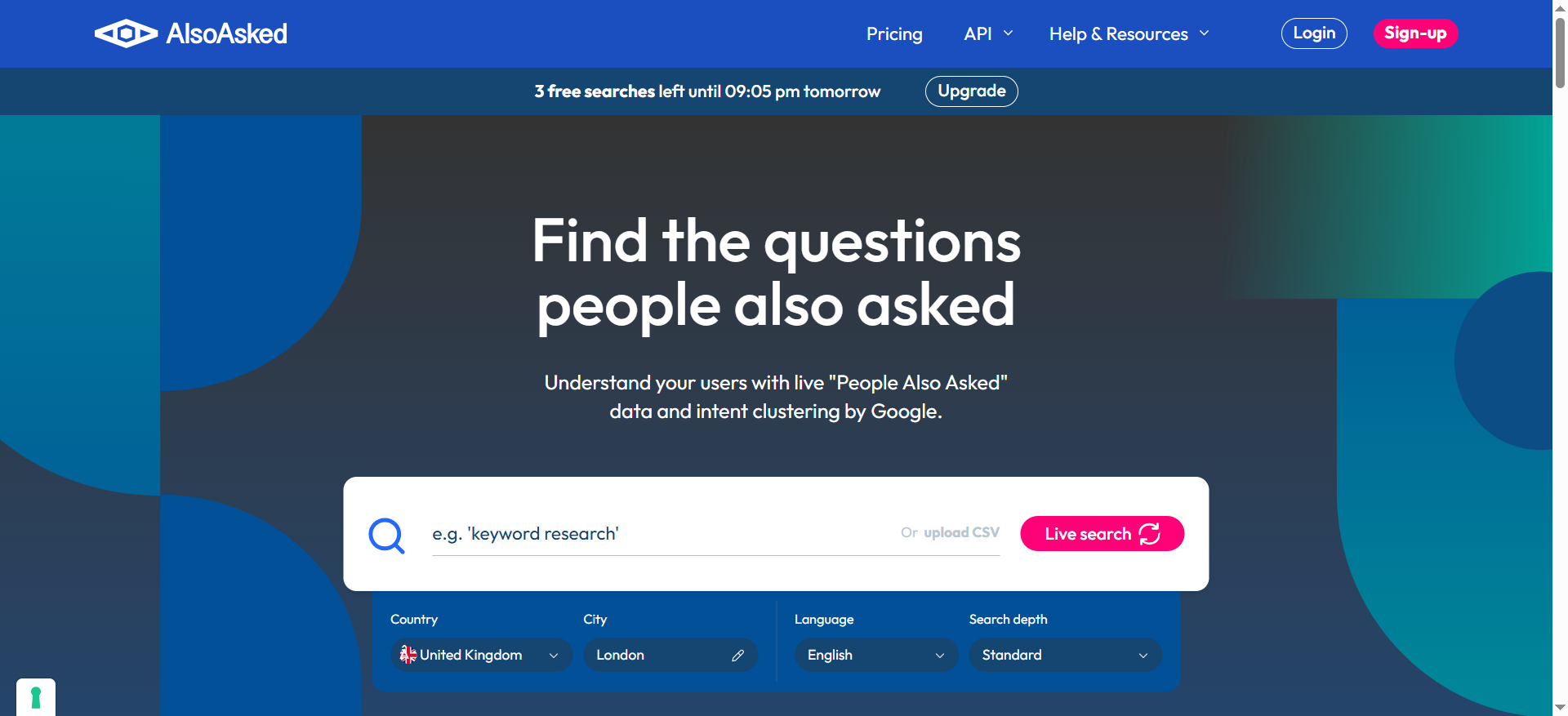
AlsoAsked is a specialized research tool that scrapes Google's "People Also Ask" (PAA) data in real time and organizes it into visual question hierarchies. Enter a seed keyword, and AlsoAsked shows you exactly what questions Google surfaces for that topic — structured as a branching tree from broad queries down to specific follow-ups. This is not autocomplete data or estimated search volume. It is the actual PAA questions Google displays to users, scraped live from the SERP.
Why Teams Use It
Content teams use AlsoAsked because it reveals the structure of user curiosity around a topic. Instead of guessing what your audience wants to know, you see the exact questions Google has determined are most relevant. This makes it invaluable for building FAQ sections, planning content clusters, and identifying gaps in your existing coverage. The visual tree format also makes it easy to present findings to stakeholders or clients.
What It's Good For
AlsoAsked is strongest at discovering question-based content ideas, building FAQ sections grounded in real search behavior, mapping content clusters and topic hierarchies, identifying underserved questions in your niche, and planning SEO content strategies based on what users actually ask rather than what you assume they want to know.
When It's a Good Fit
AlsoAsked works best for teams focused on SEO-driven content, question-based articles, FAQ development, and topic cluster strategies. It suits professional SEO workflows and agencies that need to present structured data to clients.
When It's Not a Good Fit
AlsoAsked is not a keyword research tool. It does not show search volume, CPC, domain authority, or competitive metrics. If you need those data points alongside your question data, you will need to pair AlsoAsked with another tool. It is also not ideal for solo bloggers on tight budgets — the free tier is limited to 3 searches per day, and meaningful work requires a paid plan.
How to Use It
Enter your main topic or seed keyword and explore the PAA tree to map user curiosity around that subject. Use Deep Search (available on paid plans) to expand beyond the initial question set. Export results as CSV for content planning spreadsheets or PNG for client presentations. Build your content outline by mapping questions to H2 and H3 headings — the tree structure translates directly into article architecture.
Key Capabilities
AlsoAsked provides real-time PAA scraping from Google, visual tree-based question organization, CSV and PNG export, Deep Search for expanded question discovery, bulk keyword checking on paid plans, and search history with cache management.
Pricing
AlsoAsked pricing includes a Free tier with 3 daily searches and limited visualization. Basic costs $12 per month (plus tax) with 100 credits. Lite costs $29 per month (plus tax) with CSV downloads. Pro costs $47 per month (plus tax) with 1,000 credits including bulk checking and full feature access. Annual billing saves approximately 20%.
Free Tier?
Yes, but limited. The free tier provides 3 searches per day with basic visualization only. No CSV export, no bulk checking, and no search history.
Downsides / Limitations
The biggest limitation is the absence of search volume data. AlsoAsked tells you what people ask but not how many people ask it. There are no competitive metrics, no rank tracking, and no additional SERP data beyond PAA questions. Deep Search costs 4 credits per query. AlsoAsked is a specialized tool that lives in a stack alongside Semrush or Ahrefs — it does not replace them.
Tool 4: AnswerThePublic
What It Does
AnswerThePublic is a content ideation and keyword research tool that visualizes search suggestions from multiple platforms — Google, Bing, YouTube, Instagram, TikTok, and Amazon. It taps into autocomplete data and organizes the results into visual wheels showing questions, comparisons, prepositions, and related searches around your topic.
Why Teams Use It
AnswerThePublic's multi-platform coverage sets it apart from PAA-only tools. If you produce content for YouTube, Instagram, or Amazon alongside Google search, AnswerThePublic shows you what audiences are searching for on each platform. It also integrates search volume and CPC data on paid plans.
What It's Good For
AnswerThePublic excels at finding question-based content ideas with search volume context, understanding search intent across multiple platforms, creating comprehensive FAQ sections, identifying comparison queries, discovering long-tail keyword variations, and monitoring emerging search trends through its alerts feature.
When It's a Good Fit
AnswerThePublic is a strong choice for teams that want question data with volume metrics attached, teams producing content across multiple platforms, ecommerce brands researching product comparisons, and small-to-medium agencies.
When It's Not a Good Fit
If you specifically need PAA data from Google, AlsoAsked is more accurate. AnswerThePublic's data comes from autocomplete algorithms, which capture related suggestions but not the actual PAA questions. The free tier is restrictive at 3 searches per day.
How to Use It
Search your target keyword and review the visualization. Sort by search volume to prioritize high-opportunity questions. Export CSV data to your content management system. Set up alerts to track emerging questions. Use multi-platform research to identify platform-specific content angles.
Key Capabilities
Multi-platform search suggestions, autocomplete-based keyword expansion, search volume and CPC data integration on paid plans, keyword alerts, CSV export, category folders, advanced filters and historical data on Pro plans, and an AI Dashboard feature.
Pricing
Free tier with limited access. Monthly plan starts at $99 per month. Annual plan is $79 per month (billed yearly). Enterprise plan is $399 per month (billed yearly). 7-day free trial available on monthly plans.
Free Tier?
Yes, but limited. Requires account creation. 3 searches per day with basic visualization, no CSV export, no historical data.
Downsides / Limitations
Relies on autocomplete data rather than actual PAA questions. Free tier is restrictive. Does not automatically distinguish high-intent from low-intent questions. Search volume data requires paid plans.
Tool 5: Semrush Keyword Strategy Builder
What It Does
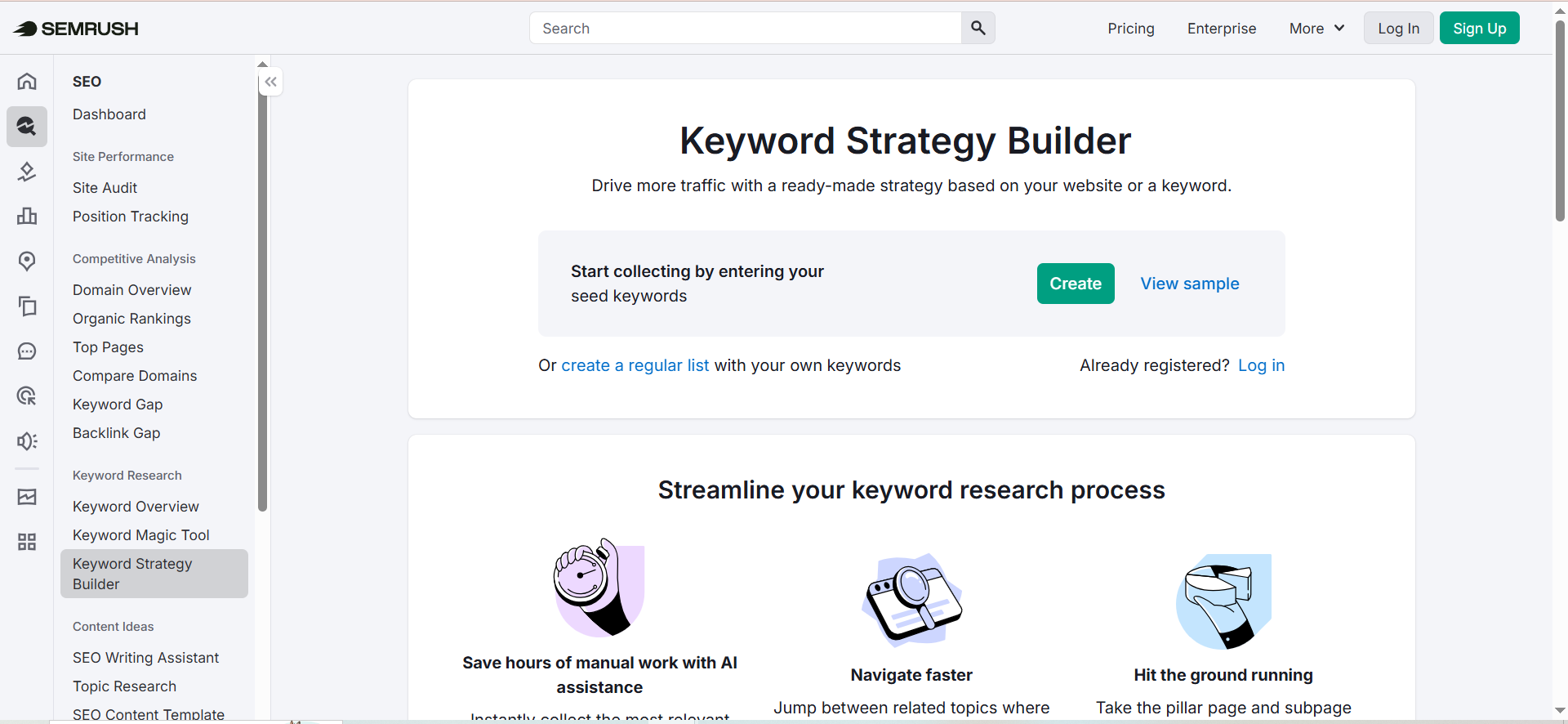
The Keyword Strategy Builder is a strategic planning tool within Semrush's SEO platform that transforms seed keywords into complete content architectures. Enter up to 5 seed keywords, and the tool analyzes up to 10,000 related keywords, automatically grouping them into topics, pillar pages, and subpages.
Why Teams Use It
Content teams at scale use it because it eliminates the manual work of keyword clustering and topic organization. It integrates with the rest of Semrush's toolkit — position tracking, site audit, content brief generation — so ideation output flows directly into execution.
What It's Good For
Strategic content planning at scale, building pillar-and-cluster content architecture, identifying which keywords to target on each page, creating content roadmaps for medium-to-large websites, and planning comprehensive content coverage around seed topics.
When It's a Good Fit
Medium-to-large businesses in competitive niches, SEO-driven content teams, organizations already using Semrush, and enterprise content operations.
When It's Not a Good Fit
Solo bloggers, small teams on tight budgets, or anyone focused on creative ideation rather than SEO-structured ideation. The minimum cost is $139.95 per month. It also cannot surface emerging topics or contrarian angles.
How to Use It
Enter up to 5 seed keywords. Let the tool analyze and cluster related keywords. Review the generated pillar, cluster, and subpage recommendations. Adjust clustering to match your site architecture. Use keyword metrics to prioritize which clusters to build first.
Key Capabilities
Analysis of up to 10,000 keywords per search, automatic topic clustering, pillar and cluster page recommendations, storage of up to 200,000 keywords, list management, integration with Semrush's broader SEO toolkit, and SERP analysis.
Pricing
Not sold separately. Requires Semrush subscription. Pro costs $139.95 per month. Guru costs $249.95 per month. Business costs $499.95 per month. 7-day free trial available.
Free Tier?
No. Requires minimum Pro subscription at $139.95 per month. 7-day free trial available with credit card.
Downsides / Limitations
Highest cost on this list at $139.95/month minimum. Limited to 5 seed keywords per search. Only works with what already ranks in Semrush's database. Keyword storage capped at 200,000. Not a standalone tool.
What Are the Best AI Brainstorming Tools?
The best AI brainstorming tools depend on what stage of the ideation process you are in. For rapid, high-volume idea generation, ChatGPT remains the go-to option — it produces more raw ideas per minute than any other tool on this list. For thoughtful, brand-aligned brainstorming where each idea is closer to execution-ready, Claude is the stronger choice. If brainstorming means uncovering what your audience is already asking, AlsoAsked and AnswerThePublic turn real search data into structured question maps. Semrush Keyword Strategy Builder works best when brainstorming at the structural level — deciding which topics to cover and how they connect rather than individual content angles. Most effective content teams combine at least two of these tools: one for creative generation and one for search-data validation.
What Is the Best AI Tool for Content Creation?
Content creation and content ideation are related but distinct workflows. For ideation specifically — moving from nothing to a structured set of ideas — ChatGPT and Claude are the primary options. ChatGPT generates volume quickly, which helps during the divergent thinking phase where you want as many ideas as possible. Claude produces fewer but more polished ideas, which helps during convergent thinking when you are narrowing down to the best angles. For the full content creation lifecycle (ideation through drafting and editing), Claude's quality advantage makes it the stronger single-tool choice. Teams using ChatGPT for ideation typically pair it with a separate editing process to bring ideas up to publication quality.
Are There Free AI Ideation Tools?
Yes, and you can build a capable ideation stack for zero dollars. ChatGPT's free tier provides 10 messages per 5-hour window, which is enough for focused ideation sessions if you structure your prompts efficiently. Claude's free tier is more generous at 15-40 messages per 5-hour window, with access to Projects and Artifacts. AlsoAsked offers 3 free searches per day, and AnswerThePublic matches that with 3 free daily searches. The main limitation of free tiers is throughput — you will run out of messages or searches before completing intensive ideation sessions. For teams that ideate weekly rather than daily, the free tiers may be sufficient. Combining ChatGPT Free + Claude Free + AlsoAsked Free gives you creative brainstorming, strategic refinement, and search-data validation at no cost.
What Is the Difference Between ChatGPT and Claude for Ideation?
The core difference is a speed-versus-quality tradeoff. ChatGPT generates more ideas faster, making it better for the divergent phase of brainstorming where volume and variety matter. Claude produces fewer ideas but with more depth, nuance, and brand-voice alignment, making it better for the convergent phase where you need ideas that are closer to actionable briefs. In practice, ChatGPT is the tool you open when you say "give me 20 angles on this topic." Claude is the tool you open when you say "help me find the angle nobody else has covered." ChatGPT's strength is breadth; Claude's strength is depth. Many content teams use both — ChatGPT for the initial brainstorm, then Claude to pressure-test and refine the best ideas.
Do AI Ideation Tools Actually Improve Team Creativity?
The evidence suggests yes, with caveats. OECD research from 2025 documented up to 40% productivity gains for knowledge workers using AI tools, and ideation is one of the workflows where those gains are most visible. AI ideation tools improve team creativity by reducing the blank-page problem, surfacing angles the team might not have considered, and compressing the research phase that precedes creative thinking. The caveat is that AI ideation tools generate starting points, not finished strategies. Teams that treat AI output as a first draft — then apply human judgment, brand knowledge, and audience understanding — see the best results. Teams that publish AI-generated ideas without that human layer tend to produce generic content that blends in with competitors.
What AI Tools Do Professional Content Teams Use for Ideation?
Professional content teams typically build a multi-tool ideation stack rather than relying on a single platform. The most common pattern includes a generative AI tool (ChatGPT or Claude) for creative brainstorming, a search-data tool (AlsoAsked, AnswerThePublic, or Semrush) for audience-validated ideation, and a project management or editorial tool to organize and prioritize the resulting ideas. Larger teams and agencies often use the full Semrush suite for keyword-driven ideation, complemented by Claude or ChatGPT for creative angles that search data alone would not surface. The trend in 2026 is toward integrated workflows — using tools in sequence rather than in isolation so that each tool's output feeds the next tool's input.
Can AI Ideation Tools Replace Human Brainstorming?
No, and the most effective teams do not use them that way. AI ideation tools excel at the parts of brainstorming that humans find tedious: generating initial options, researching what already exists, identifying gaps in coverage, and organizing ideas into structures. But AI tools cannot replace human judgment about brand positioning, audience empathy, cultural context, or strategic priorities. The best use of AI ideation tools is to compress the research and generation phases so the team spends more time on evaluation and refinement — the parts of brainstorming where human creativity adds the most value. Think of AI ideation tools as extending the team's creative capacity, not replacing it.
What Is the Best AI Tool for Keyword Research and Ideation?
For keyword research and ideation combined, Semrush Keyword Strategy Builder offers the most comprehensive solution because it integrates keyword metrics (volume, difficulty, intent) with structural content planning. However, it requires a $139.95/month minimum subscription. For teams on tighter budgets, AnswerThePublic provides keyword volume alongside question data starting at $99/month (or $79/month on an annual plan). AlsoAsked gives the most accurate view of what Google surfaces in PAA boxes but lacks volume data. The best budget-friendly approach is to combine AlsoAsked's question data with a free keyword tool like Google Keyword Planner or Ubersuggest to get both questions and volume without the Semrush price tag.
FAQs
Claude's free tier offers the strongest combination of quality and capacity for ideation. It provides 15-40 messages per 5-hour window with Sonnet 4.5, Projects for persistent context, and Artifacts for live document creation. ChatGPT's free tier (10 messages per 5 hours) is more limited but still useful for quick brainstorming.
Use AlsoAsked when you need actual Google PAA data — the questions Google displays in search results. Use AnswerThePublic when you want broader autocomplete data across multiple platforms with search volume context.
For medium-to-large content teams in competitive niches, yes. For solo creators or small teams, the $139.95/month minimum is hard to justify for ideation alone.
Yes. A common workflow uses ChatGPT for divergent brainstorming (generating 20-30 rough ideas quickly) and then Claude for convergent refinement (analyzing which ideas have the strongest angle and competitive differentiation).
Most content teams run weekly or biweekly sessions. Free tiers support weekly sessions comfortably. Daily ideation typically requires paid plans.