Best Free AI Presentation Maker (2026)
A practical buyer's guide to picking the right free ai presentation maker stack for design and brand creative across content and social.

This playbook helps brand strategists and content managers compare the best free ai presentation maker options for design and brand creative. It breaks down where gamma, tome stand out, when alternatives such as adobe-express, adobe-photoshop make more sense, and which setup fits B2B companies and B2C brands and solo operators and small businesses.
The easiest way to build professional presentations is no longer spending hours in PowerPoint—it's asking AI to design one for you. Five tools stand out in 2026 for offering genuinely free tiers: Gamma (with 400 one-time AI credits), Tome (with limited but real AI features), Canva (with 3 million stock assets on the free plan), Pitch (with unlimited presentations), and Beautiful AI (with a 14-day free trial). If you need zero-cost access and AI assistance, Gamma and Pitch offer the most generous free plans. If you want the broadest design library and fastest time-to-polished-deck, Canva wins. This guide breaks down when to use each, what each free tier actually includes, and when to upgrade.
Table of Contents
Best Free AI Presentation Makers (Quick Comparison)
| Tool | Free Tier | Best For | Starting Price |
|---|---|---|---|
| Gamma | 400 one-time AI credits, no branding on paid | Teams wanting real AI generation | $8/mo (annual) |
| Tome | Limited AI, basic templates | Narrative storytelling | $20/mo |
| Canva | Full drag-and-drop, 5GB storage, limited AI | Design-first, quick layouts | $120/year |
| Beautiful AI | 14-day trial only | Smart slide templates | $12/mo (annual) |
| Pitch | Unlimited presentations, real-time collab | Team-based workflow | $20/mo |
Best Free AI Presentation Makers (Quick Comparison)
1. Gamma
What it does
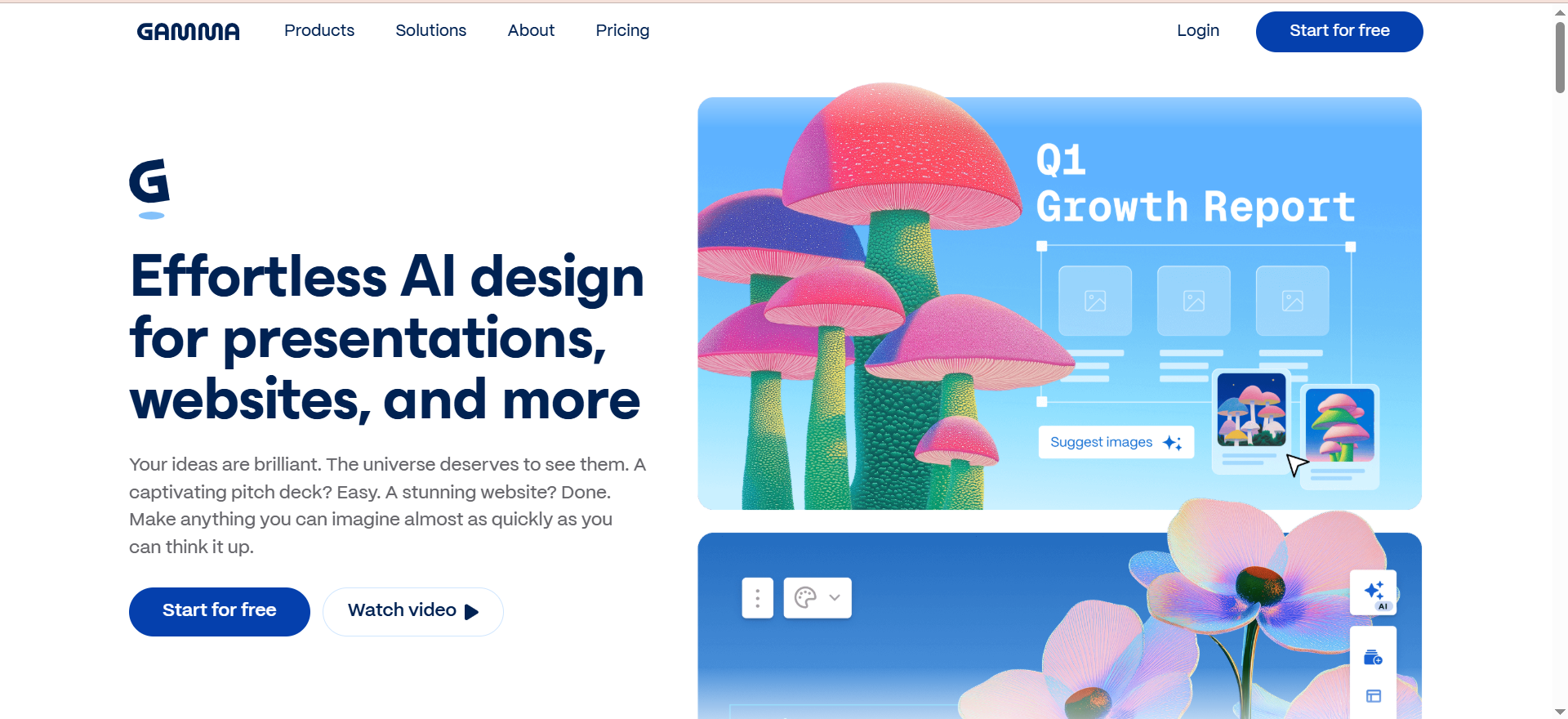
Gamma is an AI presentation builder that generates entire decks from a single prompt or topic. You describe what you need—"Q4 sales pitch for enterprise SaaS"—and Gamma builds the structure, writes copy, sources images, and designs each slide in a card-based scrollable format. You then edit, add notes, rearrange, and export. Gamma integrates 20+ AI models and lets you embed live data from Figma, Miro, Airtable, Power BI, YouTube, and Typeform directly into slides.
Why teams use it
Gamma saves hours on the blank-page problem. Instead of starting with an empty deck, you get a complete skeleton in seconds. Teams use it to prototype ideas, create internal decks fast, and generate client-facing visuals without a designer. The platform has grown to 70+ million users and raised funding at a $2.1B valuation, signaling product-market fit.
What it's good for
Rapid presentation generation. AI-powered image sourcing. Presentations that need embedded data or live integrations. Teams that don't want Gamma branding on client-facing work. Marketers, product managers, and founders who iterate on decks often.
When it's a good fit
You need a presentation in minutes, not hours. Your team has budget for the monthly subscription. You want to skip the design phase and focus on messaging. You plan to create many presentations (the AI credits scale with usage).
When it's not a good fit
You need photorealistic custom branding or complex layouts. You prefer drag-and-drop design over AI generation. You want a permanent free plan with no credit limit.
How to use it
Sign up with email or Google. On the free plan, you get 400 one-time AI credits—enough for about 10 full presentations. Credits do not refresh monthly; earn more through referrals (200 credits per referral) or by upgrading. Enter a topic or paste content, and Gamma generates a deck. Edit the text, swap images, change the layout, add embeds, then export as PDF or share via link. Pro and higher tiers unlock unlimited AI generation, advanced image models, and custom branding.
Key capabilities
- AI deck generation from prompts or content
- 20+ AI model integrations (image generation, text, data)
- Embeds for Figma, Miro, Airtable, Power BI, YouTube, Typeform
- Gamma Imagine for custom image creation (March 2026 release)
- Generate API for programmatic deck building (January 2026 release)
- Card-based scrollable presentation format
- PDF export, shareable links, real-time collaboration
- No Gamma watermark on Plus tier and above
Pricing
- Free: 400 one-time AI credits, Gamma branding included, all core features
- Plus: $8/mo (annual billing) or $10/mo (monthly)—unlimited AI, no branding, advanced image models
- Pro: $15/mo (annual) or $20/mo (monthly)—premium AI models, custom branding, analytics, API access, 10 custom domains
- Ultra: Most advanced AI models, 100 custom domains, early access to new features
Free tier?
Yes. The free plan gives you 400 one-time AI credits, enough for roughly 10 presentations. Credits do not refresh; earn more via referrals or by upgrading. All core features are included, but Gamma branding appears on decks. No time limit; the free plan doesn't expire.
Downsides / limitations
400 one-time AI credits run out if you generate many decks and do not refresh monthly. Free tier includes Gamma branding (mitigated on paid plans). Card-based format isn't ideal if you need traditional slide layouts. Limited control over design unless you dive into editing.
2. Tome
What it does
Tome creates cinematic, visually rich presentations with a focus on narrative and storytelling. You provide a topic or paste text, and Tome builds a deck with AI-generated images, suggested copy, and layouts that emphasize flow and visual impact. It includes real-time collaboration, multimedia integration (video, embeds), and data visualization tools designed for internal pitches and creative decks.
Why teams use it
Tome appeals to teams that care about narrative impact. The tool prioritizes how a story unfolds across slides rather than just filling bullet points. Creative teams, strategy folks, and managers preparing vision decks or board presentations often choose Tome for its cinematic default aesthetic.
What it's good for
Internal vision decks. Creative proposals. Storytelling-heavy presentations. Team collaboration on pitch decks. Multimedia presentations with video and embedded content. Brand narratives that need visual punch.
When it's a good fit
Your presentation is narrative-driven rather than data-heavy. Your team values visual design and flow. You collaborate with teammates in real time. You're building a creative or strategic pitch, not a traditional corporate deck.
When it's not a good fit
You need heavy data visualization or complex tables. You require offline access. You want maximum design flexibility and drag-and-drop control. You prefer a free plan with robust AI features (Tome's free tier has limited AI).
How to use it
Start a new presentation in Tome. Describe your topic or paste an outline. Tome generates a cinematic deck with suggested layouts and images. Edit the copy, swap visuals, add multimedia (video, embeds, data), and share or export. Collaboration is built in, so teammates can comment and edit in real time.
Key capabilities
- Cinematic presentation design by default
- AI image generation and narrative suggestions
- Real-time collaboration and commenting
- Multimedia integration (video, embeds, data viz)
- Outline import and smart layout suggestions
- Shareable links and presenter mode
- PDF export and download
Pricing
- Free: Basic presentation creation, limited AI features, limited templates
- Pro: $20/user/mo or $16/user/mo (annual billing)
- Enterprise: Custom pricing
Free tier?
Yes, but limited. The free plan lets you create presentations, but AI features are constrained compared to paid plans.
Downsides / limitations
Free tier has limited AI features, so you'll hit paywalls fast. Per-user pricing (not per workspace) makes team scaling expensive. Design philosophy favors cinematic layouts, which can feel less professional in certain corporate contexts. Templates are fewer than competitors.
3. Canva
What it does
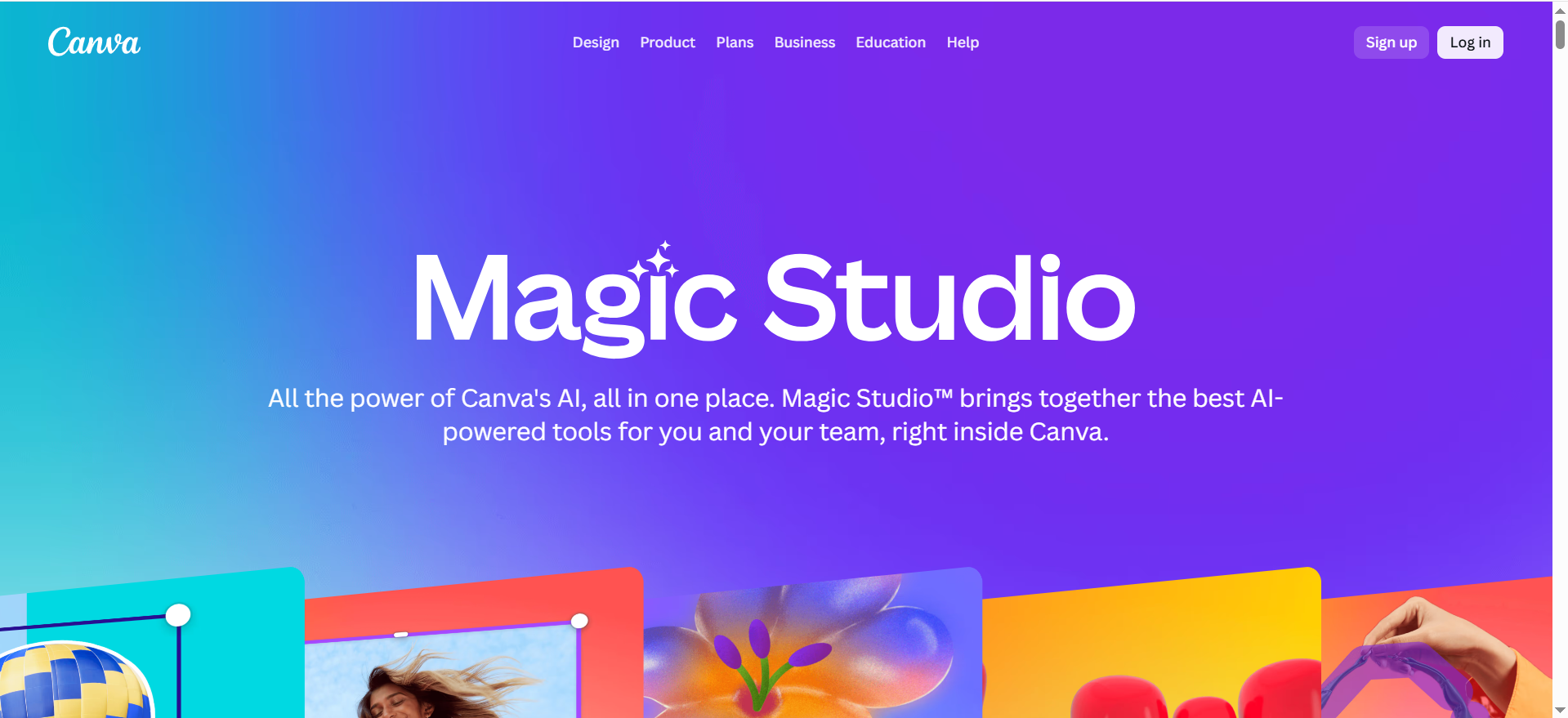
Canva is a visual design platform that lets you create presentations via drag-and-drop. The free plan includes access to 3 million stock photos, graphics, and videos; 5GB of cloud storage; and a growing set of AI tools (Magic Design, AI image generation, AI writer). You pick a template or start blank, drag elements onto the canvas, and customize colors, fonts, and layout. Canva's Magic Design feature lets you enter a prompt and have Canva design a presentation layout automatically.
Why teams use it
Canva is the most accessible design tool. Non-designers can create professional visuals without learning complex software. The free plan is genuinely free (no expiration, no heavy paywalls), and the stock asset library is enormous. Teams use Canva for quick social graphics, posters, presentations, and brand assets. It's particularly popular in startups and small businesses where design tools are shared but rarely afforded.
What it's good for
Quick visual decks. Brand asset creation. Marketing presentations. Social media graphics and promotional decks. Teams without dedicated designers. Anyone prioritizing visual polish over narrative complexity.
When it's a good fit
You want to design fast with a visual-first approach. Your team includes non-designers. You need access to millions of stock assets. You don't need AI to write for you, just to design. Budget is tight and you want a generous free plan.
When it's not a good fit
You need AI-powered copy generation and content structure. You prefer AI to design the entire presentation for you. You require offline access. You need advanced data visualization beyond what Canva offers.
How to use it
Sign up with email or social. Create a new presentation from a template or blank canvas. Search Canva's 3 million stock assets or upload your own. Drag elements into place, edit text, apply brand colors, and save. Use Magic Design by entering a prompt (e.g., "modern Q4 roadmap") and Canva generates layout suggestions. Export as PDF or share via link. The Pro plan ($120/year) adds 20+ AI tools, 1TB storage, and 100M+ premium assets.
Key capabilities
- 3M+ stock photos, graphics, videos (free plan)
- Magic Design (AI prompt-to-layout)
- Drag-and-drop visual editor
- 100+ presentation templates
- AI image generation and AI writer (limited on free)
- Brand kit (store colors, logos, fonts)
- Real-time team collaboration
- PDF and video export
- Shareable links and presenter mode
Pricing
- Free: 5GB storage, 3M+ stock assets, limited AI uses, templates
- Pro: $120/year per person—20+ AI tools, 100M+ premium assets, 1TB storage, unlimited premium templates
- Teams: $300+/year (minimum 3 people)
Free tier?
Yes, and it's generous. The free plan includes millions of stock assets, core design tools, and basic AI features. No expiration, no watermark, no forced upgrade.
Downsides / limitations
Free tier has limited AI uses (you'll hit caps on AI writer and image gen). Templates are attractive but can feel samey across decks. Less suitable for highly customized brand work without the Pro plan. Presentation-specific features are fewer than dedicated tools like Gamma or Tome.
4. Beautiful AI
What it does
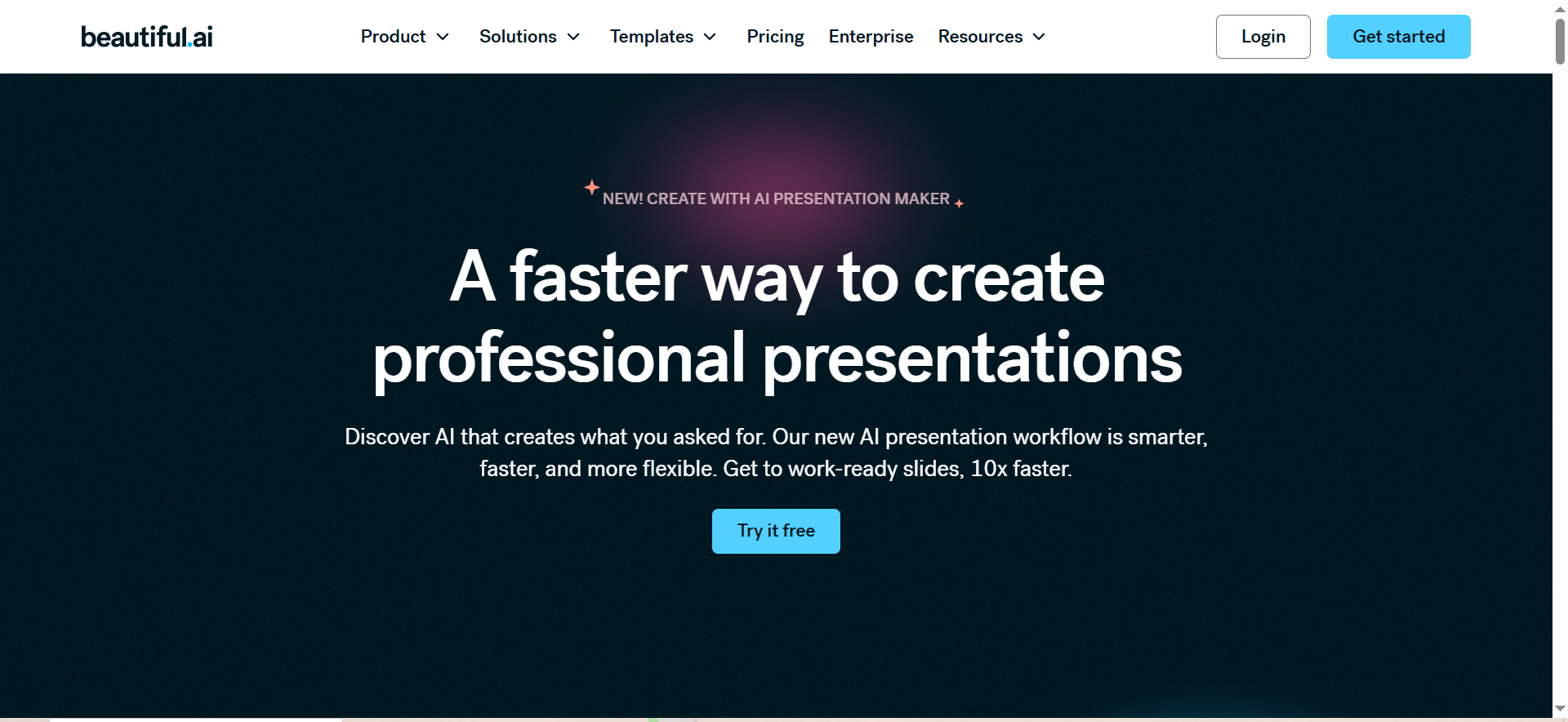
Beautiful AI automates slide design and content structure. You enter your topic or paste content, and Beautiful AI suggests layouts, generates copy, and designs slides using Smart Slides technology. It includes an AI assistant for refining content, PowerPoint import/export for compatibility with existing workflows, and analytics to track who views your deck. A March 2026 feature called Context-Aware AI Workflow lets the AI understand your brand context and adapt suggestions accordingly.
Why teams use it
Beautiful AI appeals to teams invested in PowerPoint who want AI help without abandoning their existing tool. The Smart Slides feature reduces design decisions and ensures layouts are visually cohesive. Analytics help track engagement on decks, which appeals to sales and marketing teams.
What it's good for
PowerPoint users wanting AI assistance. Sales decks with analytics tracking. Teams requiring brand consistency across slides. Companies already deep in the PowerPoint ecosystem.
When it's a good fit
Your workflow is PowerPoint-centric. You need AI to suggest layouts and refine copy. You want to track viewer engagement on decks. Your team values design consistency without sacrificing speed.
When it's not a good fit
You need a permanent free plan (the trial is only 14 days). You prefer total design flexibility. You want the cheapest option (free tier doesn't exist beyond the trial). You need offline access.
How to use it
Sign up with email and get a 14-day free trial (no credit card required initially). During the trial, import a PowerPoint or start a new deck. Describe your topic or paste content, and Beautiful AI suggests Smart Slides. Review layouts, edit copy, and customize. Export back to PowerPoint or share via Beautiful AI's viewer. After the trial, you'll need a subscription to continue.
Key capabilities
- Smart Slides (AI-suggested layouts)
- AI assistant for content refinement
- PowerPoint import/export
- Viewer analytics (track who views and when)
- Brand theme templates
- Real-time collaboration
- Context-Aware AI Workflow (March 2026)
- Shareable links and presenter mode
Pricing
- Pro: $12/mo (annual) or $45/mo (monthly)
- Team: $40/user/mo (annual) or $50/user/mo (monthly)
- Enterprise: Custom pricing
Free tier?
No permanent free plan. You get a 14-day free trial, then you must subscribe.
Downsides / limitations
No permanent free tier—the trial expires after 14 days. Monthly pricing is expensive compared to annual billing. Fewer stock assets than Canva. Design control is less granular if you prefer manual layout. Less suitable for presentation types outside corporate decks.
5. Pitch
What it does
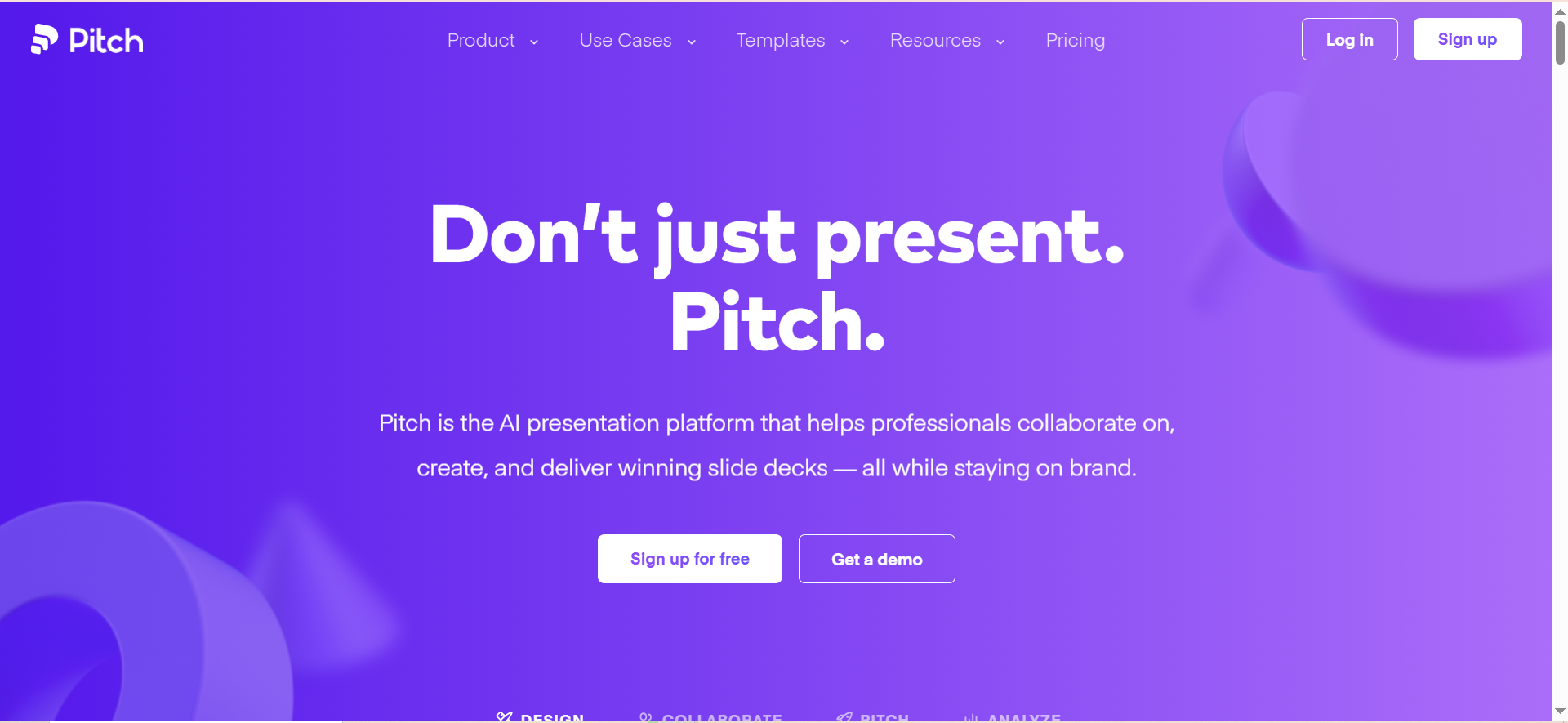
Pitch is a cloud-based presentation platform with AI creation, real-time collaboration, and a growing app marketplace. You describe what you need, and Pitch generates a deck, or you build from templates using drag-and-drop. The platform includes 30+ app integrations (Slack, HubSpot, Google Drive, etc.), presentation analytics, brand management, and advanced sharing options (password protection, view-only links, expiration dates).
Why teams use it
Pitch appeals to modern, collaborative teams. The platform is built for real-time editing, commenting, and feedback. Integration with Slack and other tools makes presentations part of a larger workflow. The generous free plan (unlimited presentations, AI creation, 5 members) keeps the tool accessible even for bootstrapped teams.
What it's good for
Team-based presentations. Sales decks with sharing controls. Internal workflows integrated with Slack. Small teams and early-stage companies. Presentations that need advanced sharing and analytics.
When it's a good fit
Your team collaborates in real time. You use Slack, HubSpot, or other integrated apps. You need granular sharing controls (password, expiration, viewer tracking). You want unlimited presentations and AI help on a free plan.
When it's not a good fit
You need a massive stock asset library like Canva. You prefer traditional PowerPoint workflows. You need offline presentation access. You're a solo user with no team collaboration needs.
How to use it
Sign up with email or Google. Create a new presentation, enter a topic, and Pitch's AI generates a deck, or choose a template. Edit, add collaborators, and comment in real time. Connect Slack, HubSpot, or other apps to pull data or share. Use advanced sharing options (password, expiration, analytics) before sharing. Export as PDF or download as PowerPoint.
Key capabilities
- AI presentation generation from prompts
- Drag-and-drop editor with 30+ templates
- Real-time collaboration and commenting
- 30+ app integrations (Slack, HubSpot, Google Drive, etc.)
- Presentation analytics (view count, viewer info, watch time)
- Brand management and custom templates
- Advanced sharing (password, expiration, view-only links)
- PDF export and PowerPoint download
- Presenter notes and speaker mode
Pricing
- Free: Unlimited presentations, AI creation, up to 5 members, core features
- Pro: $20/mo or $17/mo (annual)—unlimited collaborators, advanced analytics, priority support
- Business: $80/mo or $68/mo (annual)—team management, SSO, advanced security
- Enterprise: Custom pricing
Free tier?
Yes, generous. The free plan includes unlimited presentations, AI creation, real-time collaboration for up to 5 members, and core analytics.
Downsides / limitations
Free tier limits members to 5 (add more on Pro). Fewer stock assets than Canva. AI generation is good but less visually distinctive than Gamma or Tome. App integrations require separate accounts and setup. Template variety is smaller than competitors.
What Is the Best Free AI Tool to Make Presentations?
The best free AI tool for presentations depends on what you value. If you want unlimited AI generation with no permanent branding, choose Gamma (400 credits/month free) or Pitch (unlimited presentations). If you prefer design-first over AI-first, Canva's free plan offers 3 million stock assets and basic AI features. If you value collaboration and integrations, Pitch is the most feature-rich free option.
Can You Use AI to Create Presentations for Free?
Yes. Gamma, Canva, Pitch, and Tome all offer free plans that include AI presentation generation. Gamma gives you 400 one-time AI credits (roughly 10 presentations). Pitch includes unlimited presentations and AI creation for up to 5 members. Canva includes AI features on the free plan, though some tools are limited. Tome's free plan has basic AI features but is less generous than Gamma or Pitch.
Is Gamma the Best Free AI Presentation Maker?
Gamma is the best choice if you prioritize AI-powered generation and speed. It has 70+ million users, generates entire decks from prompts, and includes 20+ AI models for images and text. However, it's not "best" universally—Canva excels if you want design control and stock assets, Pitch excels if you need collaboration, and Tome excels if you value narrative storytelling. The best tool depends on your workflow.
Which Free AI Presentation Maker Has the Best Templates?
Canva has the most templates and stock assets: 100+ presentation templates and 3 million stock photos, graphics, and videos available free. Pitch has 30+ templates and integrations that pull in external data. Gamma focuses less on templates and more on AI generation from scratch. If templates are your priority, Canva wins by volume.
What Is the Best AI Presentation Maker for Students?
For students, Canva and Pitch are the best options. Both have generous free plans with zero expiration, no credit cards needed, and design tools that non-professionals can use. Canva excels for quick visual projects and group presentations (students can collaborate via link). Pitch excels for collaborative group work (5 free members per presentation, real-time commenting). Gamma is strong for content-heavy presentations that need fast AI scaffolding. Beautiful AI is not student-friendly because the free trial expires after 14 days. Educators evaluating AI presentation tools for the classroom should also see the best AI presentation makers for teachers.
Are Free AI Presentation Makers Good Enough for Business Use?
Yes, but with caveats. Gamma and Pitch have generous free plans suitable for small teams and startups. Canva's free plan is professional-grade for most use cases (millions of stock assets, no watermark). However, free tiers often have limits: Gamma's 400 monthly credits, Canva's limited AI features, Pitch's 5-member cap. For high-volume teams or complex branding, paying for a Pro plan is worthwhile. For prototypes, internal decks, and pitches, the free tiers are genuinely sufficient.
What Is the Best AI Presentation Maker Without Watermarks?
Canva free plan (no watermark), Gamma Plus and above (no Gamma branding), Pitch free plan (no watermark), and Tome (no watermark on any plan) all avoid watermarks. Beautiful AI exports clean PDFs without watermarks, though the tool requires a paid subscription. If you're on the free tier and want zero watermarks, Canva, Pitch, and Tome are your safest bets.
How Do Free AI Presentation Makers Compare to PowerPoint?
Free AI tools are faster than PowerPoint for deck creation but offer less granular control. AI tools generate entire presentations in minutes; PowerPoint requires manual slide-by-slide work. However, PowerPoint is better for complex data visualization, precise formatting, and offline access. Many modern presenters use both: AI tools for rapid prototyping and then export to PowerPoint for final edits or archival. Beautiful AI and Pitch bridge this gap with PowerPoint import/export, letting you move between workflows.
Frequently Asked Questions
Most do not. Canva, Pitch, and Tome have no watermarks on any plan. Gamma's free plan includes Gamma branding (the watermark disappears on Plus and above). Beautiful AI removes branding once you subscribe. If watermarks are a dealbreaker, choose Canva, Pitch, or Tome.
Yes, for most tools. Canva, Gamma, Pitch, Tome, and Beautiful AI all allow free-tier presentations to be used for commercial purposes (subject to their terms). However, check licensing on any stock images or videos used—some may require attribution. Custom AI-generated images are yours to use commercially.
Pitch and Tome allow unlimited presentations on the free plan. Gamma limits you to 4-5 presentations per month (based on 400 AI credits). Canva has no presentation limit, only limits on storage (5GB) and AI features. Beautiful AI's free trial expires after 14 days, so your free presentations are time-limited.
Pitch is best for teams. The free plan includes up to 5 members with real-time collaboration. Canva Teams starts at $300/year for 3+ people, and Gamma's free plan doesn't have explicit team limits (though you'd share one account). If team size is critical and budget is zero, Pitch is the clear winner.
Yes. Gamma exports as PDF and shareable links. Canva exports as PDF, video, or image. Pitch exports as PDF, video, or PowerPoint. Tome exports as PDF. Beautiful AI exports as PDF or PowerPoint. All tools also allow you to share via link without exporting. PowerPoint export is available on Pitch and Beautiful AI, making those best for teams that use PowerPoint downstream.