Best AI Tool For Creating Powerpoint Presentations (2026)
How B2B companies and B2C brands can shortlist the best ai tool tools for creating powerpoint presentations without wasting evaluation cycles.


This playbook helps brand strategists and content managers compare the best ai tool options for creating powerpoint presentations. It breaks down where gamma, tome stand out, when alternatives such as adobe-express, adobe-photoshop make more sense, and which setup fits B2B companies and B2C brands and solo operators and small businesses.
If you need an AI tool that can turn a rough idea into a polished PowerPoint-ready deck in minutes, Gamma is the strongest option for most teams in 2026. It generates complete presentations from a single prompt, supports PowerPoint export, and offers a usable free tier. Canva is the best alternative for teams that need broader design capabilities beyond slides, while Beautiful.ai is the pick for teams that want every slide to look professionally designed without manual effort. Pitch wins when real-time collaboration and viewer analytics are the priority. Tome, which was a popular option, shut down in March 2026 and is no longer available.
This guide breaks down each tool by what it does, who it fits, pricing, limitations, and when to choose it over the alternatives.
Table of Contents
Best AI Tools For Creating PowerPoint Presentations (Quick Comparison)
| Tool | Best For | Starting Price | Free Tier | PowerPoint Export |
|---|---|---|---|---|
| Gamma | AI-native deck generation | $8/mo | Yes (400 credits) | Yes |
| Canva | All-in-one design + presentations | $0 (Free) / $15/mo Pro | Yes | Yes |
| Beautiful.ai | Auto-designed professional slides | $12/mo (annual) | 14-day trial | Yes |
| Pitch | Team collaboration + analytics | $0 (Free) / $19/mo | Yes (500 credits) | Yes |
| Tome | N/A — Shut down March 2026 | N/A | N/A | N/A |
Best AI Tools For Creating PowerPoint Presentations (Quick Comparison)
1. Gamma
What It Does
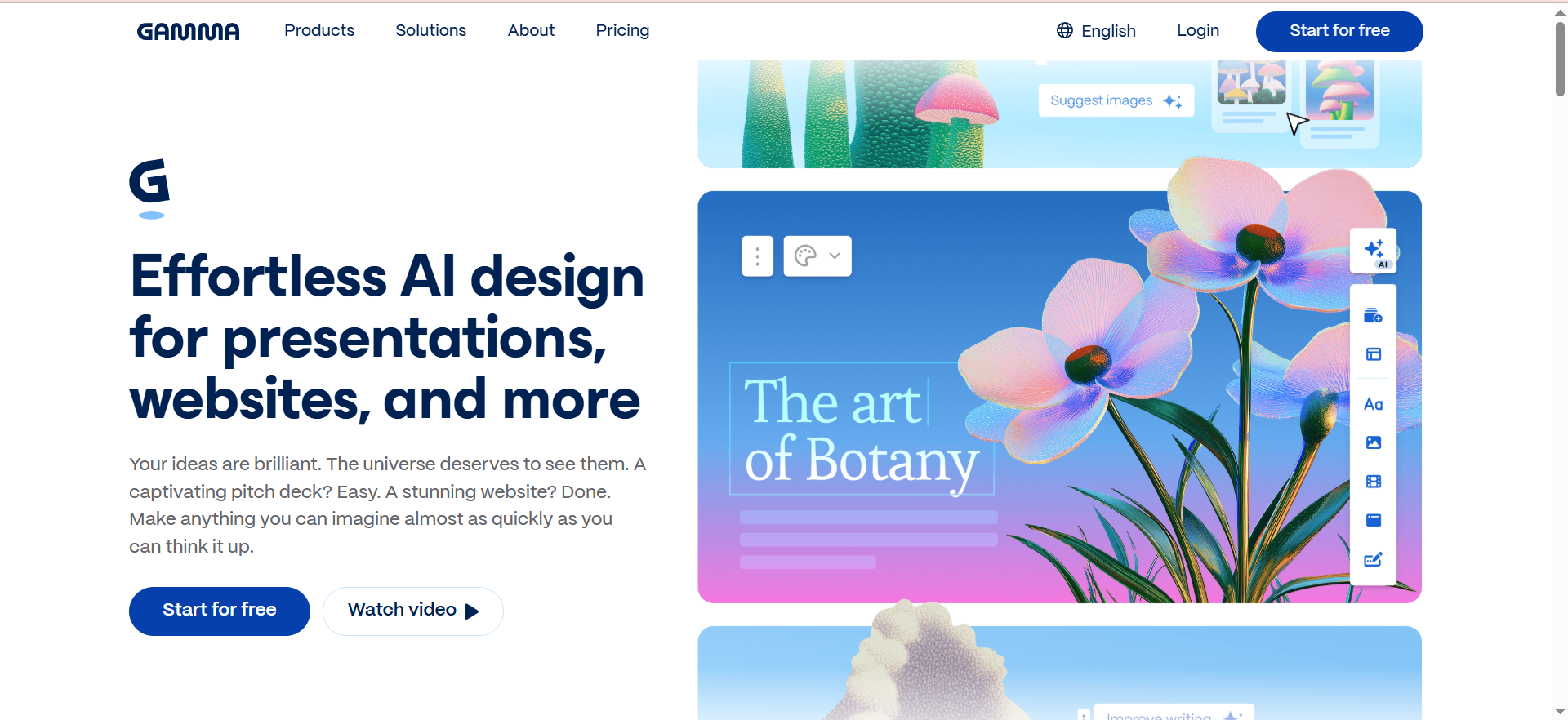
Gamma is an AI-native presentation, document, and website builder. You give it a text prompt, and it generates a complete, polished deck in under 60 seconds using over 20 AI models for text, images, layouts, and design elements. Since January 2026, Gamma also offers a Generate API for programmatic content creation at scale.
Why Teams Use It
Gamma eliminates the blank-slide problem. Instead of spending hours on layout and design, teams describe what they need and get a workable first draft immediately. The AI agent can research the web, refine content, restyle entire decks, and provide design feedback through natural-language conversation. This makes it especially useful for teams that produce presentations frequently but lack dedicated designers.
What It Is Good For
Gamma excels at turning rough ideas, meeting notes, or strategy briefs into visual presentations quickly. It handles pitch decks, internal reports, client proposals, training materials, and marketing presentations well. The platform also creates documents and one-click websites from the same content, making it useful for repurposing. Zapier and Make integrations connect Gamma to 8,000+ apps for automated workflows.
When It Is a Good Fit
Gamma fits teams that prioritize speed and AI-first workflows over pixel-perfect manual control. It works well for startups, agencies producing multiple decks per week, and marketing teams that need to move fast. Solo freelancers benefit from the free tier (400 AI credits, no credit card required). If you regularly create presentations from scratch and want the AI to do most of the heavy lifting, Gamma is the strongest choice.
When It Is Not a Good Fit
Gamma is not ideal for teams that need granular slide-by-slide design control on par with PowerPoint or Keynote. If your organization has strict brand templates that must be followed exactly, or if you need advanced animation and transition controls, Gamma may feel limiting. Enterprise teams with complex approval workflows may also find the governance features less mature than dedicated enterprise tools.
How To Use It
Sign up at Gamma, enter a prompt describing your presentation topic and audience, and Gamma generates a complete deck. From there, edit individual slides, ask the AI agent to restyle or refine sections, add images using built-in AI image generation, and export to PowerPoint, PDF, or PNG when ready. For teams, shared folders and admin controls are available on the Team plan and above.
Key Capabilities
AI-powered deck generation from text prompts. Web research and content refinement via the AI agent. Built-in AI image generation using multiple models (Flux Fast, Nano Banana Pro). One-click publishing for websites. Export to PowerPoint, PDF, PNG, and Google Slides. Zapier and Make integrations. Generate API for programmatic creation. Custom company themes on Team plans. Up to 75 cards per prompt on Ultra plan.
Pricing
Free: 400 AI credits, no credit card required. Plus: $8/month. Pro: $15/month (annual) or $20/month. Team: $20/seat/month (minimum 2 seats, 6,000 credits each). Business: $40/month. Ultra: $100/month (20,000 credits, advanced image models, Studio Mode, 100 custom domains).
Free Tier?
Yes. The free plan includes 400 AI credits per month, access to core AI generation features, and basic export options. No credit card required to start.
Downsides and Limitations
Design control is less granular than traditional presentation software. Brand template enforcement is limited on lower-tier plans. The AI can occasionally produce slides that need significant manual editing for tone or accuracy. Advanced collaboration features require paid Team plans. Credit-based pricing means heavy users may burn through credits quickly on lower tiers.
2. Canva
What It Does
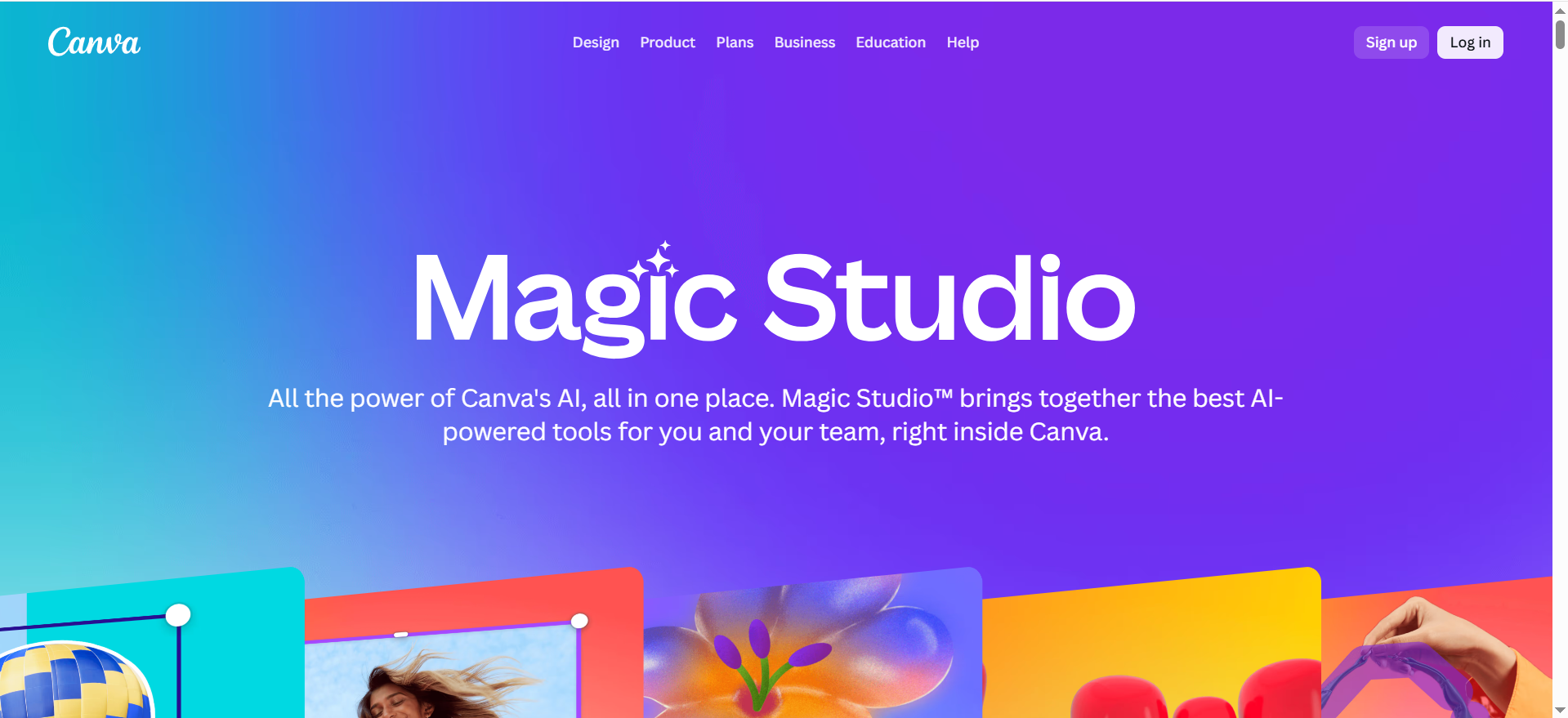
Canva is a broad design platform with dedicated AI-powered presentation tools. Magic Design for Presentations generates on-brand, complete draft presentations from a prompt. Magic Write handles text generation, summarization, and expansion. Magic Media and Dream Lab generate images, and Magic Animate adds motion to slides. In 2026, Canva Code also lets you create interactive widgets like mini-games and calculators inside presentations without writing code.
Why Teams Use It
Canva is the go-to for teams that need more than just presentations. A single Canva subscription covers social media graphics, marketing collateral, video editing, and presentation design. The 250,000+ template library gives teams a massive head start, and the AI tools speed up every step from drafting to final polish. Brand Kit enforcement ensures everything stays on-brand across all content types.
What It Is Good For
Canva handles marketing presentations, sales decks, social media content, reports, and internal communications well. It is particularly strong when the same team produces presentations alongside other visual content, because assets, brand elements, and templates are shared across all formats. The collaborative editing features work smoothly for teams that need multiple people working on a deck simultaneously.
When It Is a Good Fit
Canva fits teams that need a single design platform for everything, not just presentations. It works well for marketing departments, small businesses, content teams, and anyone who values template variety and ease of use. If your team already uses Canva for other design work, adding presentations to the workflow is seamless. The generous free tier makes it accessible for solo freelancers and early-stage startups.
When It Is Not a Good Fit
Canva is not the best choice if you need the most advanced AI-native presentation generation. While Magic Design works well, it is not as deep as Gamma's AI agent for iterative refinement. Teams that only need presentations and nothing else may find Canva's breadth distracting. Enterprise teams with very strict PowerPoint template requirements may struggle with Canva's export fidelity, as some formatting can shift when converting to .pptx.
How To Use It
Go to Canva, select "Presentation" from the create menu, and either start from a template or use Magic Design to generate a draft from a prompt. Edit slides using the drag-and-drop editor, use Magic Write for text, generate images with Magic Media, and add animations with Magic Animate. Export to PowerPoint, PDF, or present directly from Canva. Brand Kit (Pro plan and above) enforces your colors, fonts, and logos across all designs.
Key Capabilities
Magic Design for AI-generated presentations. Magic Write for AI text assistance. Magic Media and Dream Lab for AI image generation. Magic Animate for slide animations. Canva Code for interactive presentation widgets. 250,000+ templates. Brand Kit for brand consistency. Real-time collaboration. Export to PowerPoint, PDF, video, and more. Presenter view with notes.
Pricing
Free: $0, includes basic features and limited AI usage (10 Magic Design uses). Pro: $15/month (monthly) or $120/year. Teams: $10/user/month (3-user minimum). Enterprise: Custom pricing.
Free Tier?
Yes. The free plan includes access to basic templates, limited AI features (Magic Design up to 10 uses), and core editing tools. It is one of the most generous free tiers in the presentation space.
Downsides and Limitations
AI presentation generation is not as deep or iterative as Gamma. PowerPoint export can lose some formatting. The platform's breadth means the presentation-specific features are less specialized than dedicated tools like Beautiful.ai. Advanced AI features require Pro plan or above. Some templates feel generic without customization.
3. Beautiful.ai
What It Does
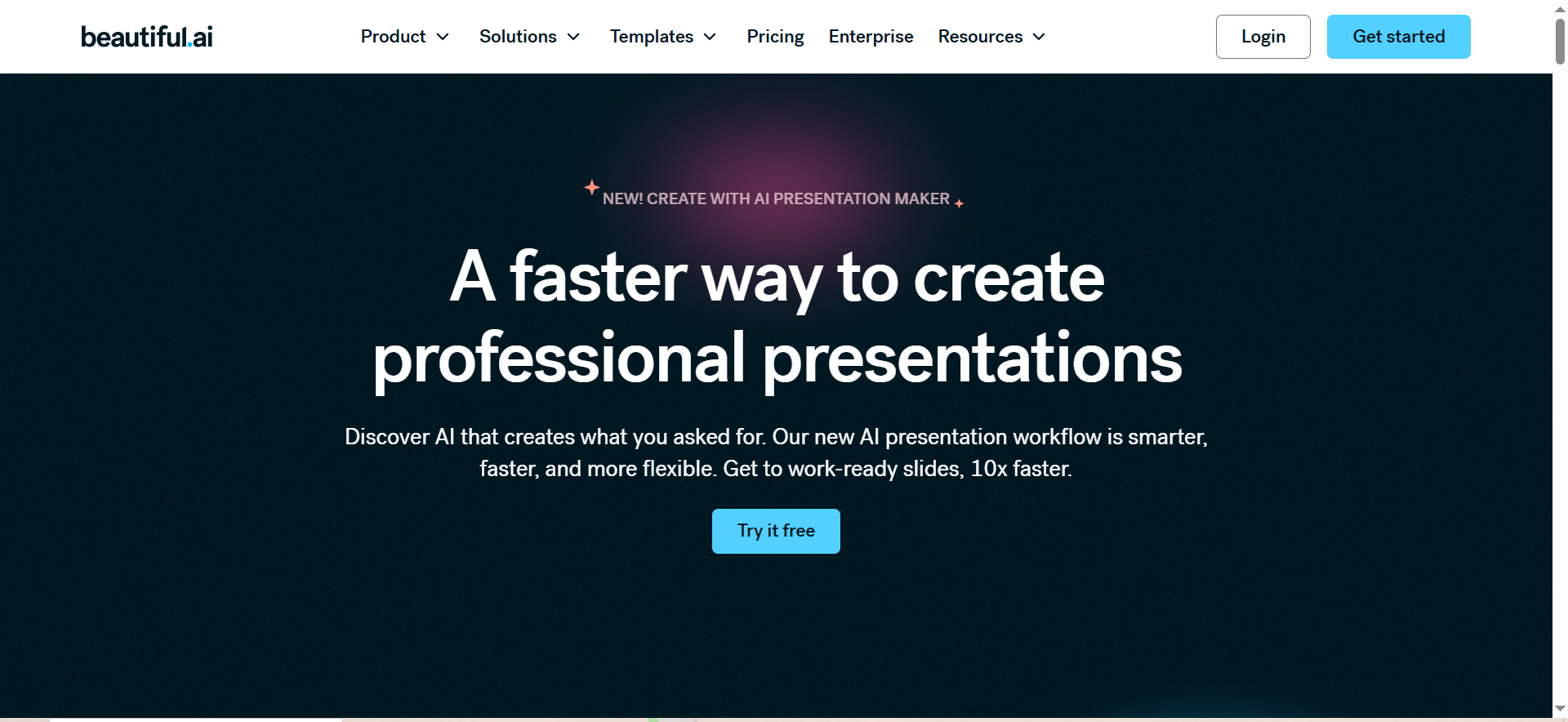
Beautiful.ai is a presentation tool built around Smart Slides, which are purpose-built layouts that automatically adapt to your content in real time. When you add or edit content, the layout reflows to maintain professional design standards. DesignerBot generates slides from prompts, and the AI writing assistant helps draft and refine text. The platform enforces design rules on every slide so presentations always look polished.
Why Teams Use It
Beautiful.ai solves the problem of inconsistent, poorly designed presentations. Teams use it because every slide automatically follows professional design principles, regardless of who creates it. This is especially valuable for organizations where non-designers need to create client-facing or investor presentations. The viewer analytics feature also lets teams track who viewed a deck and how they engaged with it.
What It Is Good For
Beautiful.ai excels at creating consistently professional presentations without design skills. It handles sales decks, investor pitches, team reports, and client proposals particularly well. The Smart Slide system ensures that even complex data presentations maintain visual clarity. Viewer analytics are useful for sales teams that need to know when prospects engage with their decks.
When It Is a Good Fit
Beautiful.ai fits teams that value design consistency above all else. If your organization regularly produces client-facing presentations and cannot afford inconsistent quality, Beautiful.ai's automated design enforcement is a significant advantage. It works well for sales teams, consulting firms, and agencies that need every deck to look premium. Individual professionals preparing pitch decks or proposals also benefit from the instant polish.
When It Is Not a Good Fit
Beautiful.ai is not ideal for teams that want maximum creative control. The Smart Slide system enforces design rules, which means you trade creative freedom for consistency. If your team needs highly custom layouts, heavy animation, or unusual slide formats, the automated constraints can feel restrictive. The pricing is also higher than alternatives for team use ($40/user/month for collaboration features), which may not suit budget-conscious startups.
How To Use It
Sign up at Beautiful.ai, start a new presentation, and either choose a template or use DesignerBot to generate slides from a prompt. As you add content to any slide, the Smart Slide engine automatically adjusts the layout. Use the AI writing assistant to draft or refine text. When finished, export to PowerPoint or PDF, share via link, or present directly. Check viewer analytics to see engagement data.
Key Capabilities
Smart Slides with automatic layout adaptation. DesignerBot for AI slide generation. AI writing assistant for text drafting and refinement. AI image generation. AI language translation. Viewer analytics with slide-level engagement data. PowerPoint import and export. Customizable templates and inspiration library. Team collaboration (Team plan). Shared content libraries and version history.
Pricing
Pro: $12/month (annual) or $45/month (monthly). One-off single presentation: $45. Team: $40/user/month (annual) or $50/user/month. Enterprise: Custom pricing.
Free Tier?
No permanent free tier. Beautiful.ai offers a 14-day free trial of Pro or Team plan features with full access to all capabilities.
Downsides and Limitations
No permanent free tier, only a 14-day trial. Design control is intentionally limited by the Smart Slide system. Collaboration features require the expensive Team plan ($40/user/month). The template library is smaller than Canva. Less flexibility for highly custom or creative presentations. Pro plan is for individual use only.
4. Pitch
What It Does
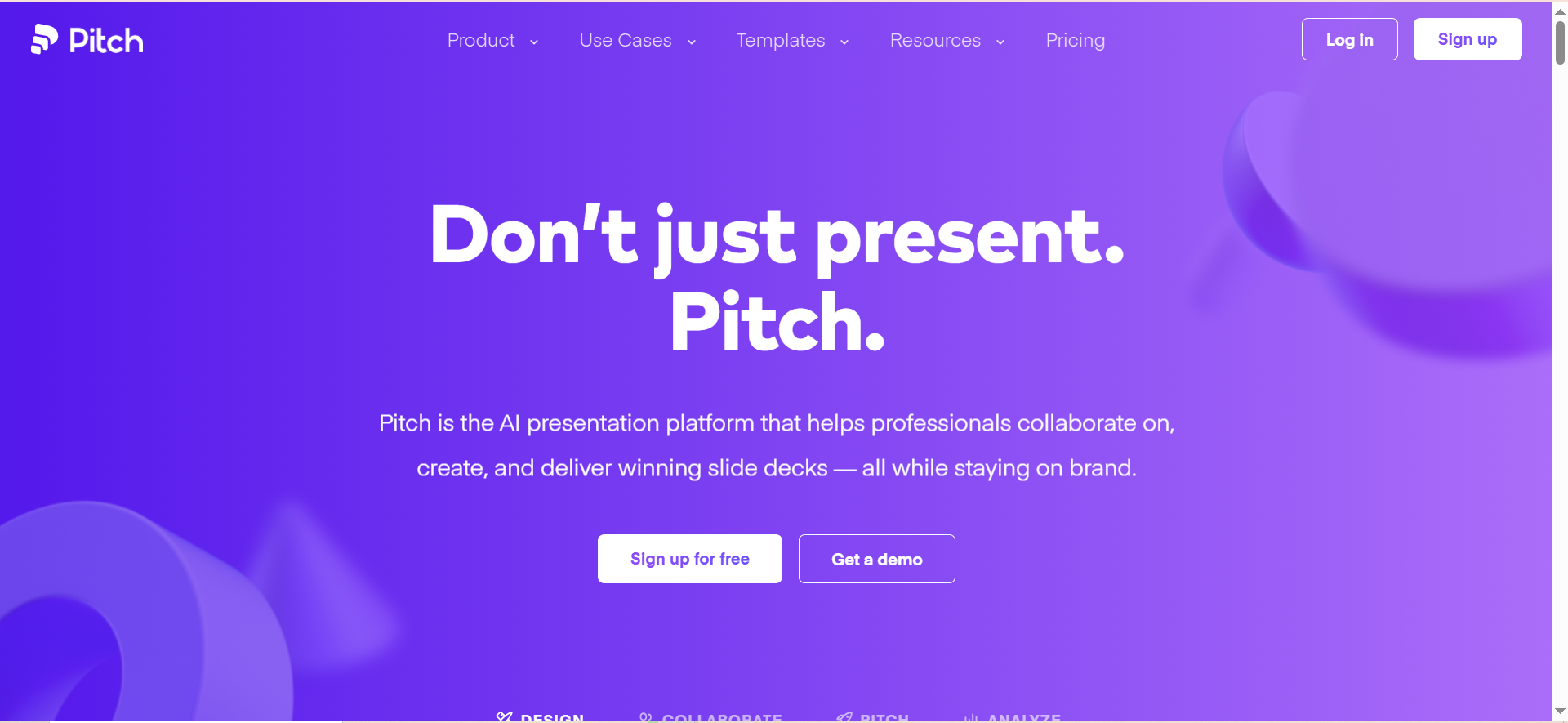
Pitch is a collaborative presentation platform designed for fast-moving teams. It combines AI-powered content generation with strong real-time collaboration tools and presentation analytics. The platform generates presentations from prompts, enforces brand consistency through brand management features, and provides detailed viewer analytics showing who viewed each slide and for how long.
Why Teams Use It
Pitch is built for teams that treat presentations as a collaborative workflow, not a solo task. Real-time co-editing, slide-level comments, and version history make it easy for multiple people to contribute to a deck simultaneously. The analytics feature gives sales and business development teams actionable data on how prospects interact with shared decks, which is a significant advantage for outbound-heavy teams.
What It Is Good For
Pitch handles team-created presentations, sales decks, pitch decks, and any scenario where multiple contributors need to work on slides together. The analytics are particularly strong for sales teams that send decks digitally and want to know which slides resonate. Brand management features help larger teams maintain visual consistency across many presentations.
When It Is a Good Fit
Pitch fits teams where collaboration and analytics are as important as the slides themselves. If your workflow involves multiple people drafting, reviewing, and iterating on decks, Pitch handles that better than most alternatives. Sales teams that share decks with prospects and want engagement data will find the analytics valuable. Startups and growth-stage companies that need professional templates with minimal design effort also benefit.
When It Is Not a Good Fit
Pitch is not the best choice if you primarily need AI to generate entire presentations from scratch. While it has AI features, the generation capabilities are less advanced than Gamma. If you work solo and do not need collaboration tools, Pitch's core strengths go unused. Teams that need a broad design platform (social media, marketing materials, videos) should look at Canva instead.
How To Use It
Sign up at Pitch, create a new presentation from a template or AI prompt, and start editing. Invite team members for real-time collaboration. Use the brand management features to set up your company's visual identity. When the deck is ready, share it via link and track viewer engagement through the analytics dashboard. Export to PowerPoint or PDF as needed.
Key Capabilities
AI presentation generation. Real-time collaboration with simultaneous editing. Slide-level viewer analytics. Brand management and visual consistency enforcement. Professionally designed templates. Version history. Slide-level comments. PowerPoint and PDF export. Presentation recording. Free tier for all teams.
Pricing
Free: 500 AI credits, basic analytics, unlimited presentations. Plus: $19/month. Premium: $29/month.
Free Tier?
Yes. The free plan includes 500 AI credits, access to presentation analytics, unlimited presentations, and core collaboration features. It is a solid free offering for small teams.
Downsides and Limitations
AI generation capabilities are less advanced than Gamma. The template library is smaller than Canva. Does not offer the broader design tools that Canva provides. The free tier has limited AI credits (500). Less automated design enforcement than Beautiful.ai. May feel feature-light for enterprise teams with complex requirements.
5. Tome (Shut Down — March 2026)
What It Does
Tome was an AI-native presentation platform that generated content, images, and animations from prompts. It offered real-time collaboration, customizable templates, multimedia integration, and mobile-responsive presentations.
Why It Shut Down
Tome shut down in March 2026 due to unsustainable business model challenges. The platform struggled to monetize its user base effectively while maintaining its AI infrastructure costs. Over 230,000 monthly searches now look for Tome alternatives.
What To Use Instead
If you were a Tome user, Gamma is the closest replacement for AI-native presentation generation. Canva is the best alternative if you need a broader design platform. Beautiful.ai fills the gap if your priority is consistently polished slide design. All three tools offer PowerPoint export and have active development teams. For a broader comparison, see our guide to the best free AI presentation makers.
Previous Pricing (For Reference)
Free: Basic features with limited AI. Pro: $20/user/month or $16/user/month (annual). Enterprise: Custom pricing.
What Is the Best AI for Making PowerPoint Presentations?
The best AI for making PowerPoint presentations in 2026 is Gamma for most use cases. Gamma generates complete, well-designed decks from a single text prompt and exports directly to PowerPoint format. It handles the full workflow from ideation to finished slides faster than any other tool in this category. For teams that need broader design capabilities beyond presentations, Canva is the strongest alternative because it combines AI presentation generation with a full design suite covering social media, marketing materials, and more. Beautiful.ai is the best pick for teams that want every slide to meet professional design standards automatically, without relying on the person creating the deck to have design skills.
Can AI Create PowerPoint Presentations Automatically?
Yes. Tools like Gamma, Canva, and Beautiful.ai can generate complete PowerPoint-compatible presentations from a text prompt or brief description. Gamma is the most advanced at this, generating fully structured decks with relevant content, images, and layouts in under 60 seconds. Canva's Magic Design creates draft presentations that you can then customize, and Beautiful.ai's DesignerBot generates slides that automatically follow professional design rules. All three export to .pptx format, so you can open and edit the result in Microsoft PowerPoint if needed. The quality of automatically generated presentations has improved significantly, but most teams still review and refine the AI output before presenting.
Is Gamma Better Than Canva for Presentations?
Gamma is better than Canva specifically for AI-driven presentation generation. Its AI agent is deeper, handling iterative refinement, web research, and restyling through conversation. If your primary need is turning ideas into slide decks quickly, Gamma wins. Canva is better if presentations are one part of a broader design workflow. If your team also creates social media graphics, marketing materials, and videos, Canva provides a single platform for everything. Canva also has a significantly larger template library (250,000+ versus Gamma's more focused set). For pure presentation creation speed and AI depth, choose Gamma. For an all-in-one design platform that includes solid presentation tools, choose Canva.
What Is the Best Free AI Presentation Maker?
Canva offers the most capable free tier for presentation creation, with access to a large template library, basic AI features (including 10 uses of Magic Design), and full editing tools at no cost. Gamma's free plan is the best option if you want AI-native generation, offering 400 AI credits per month, which is enough to create several presentations. Pitch provides 500 free AI credits and includes presentation analytics even on the free plan, making it the best free option for teams that need viewer engagement data. Beautiful.ai does not offer a permanent free tier, only a 14-day trial.
How To Use AI To Create Professional Slide Decks
Start by writing a clear prompt that describes the presentation topic, audience, and goal. Using AI writing tools to draft your key points first can improve prompt quality. Include details like the number of slides you want, the key points to cover, and the tone (formal, casual, data-heavy). In Gamma, paste this prompt and the AI generates a complete deck that you can then refine conversationally. In Canva, use Magic Design with your prompt to get a draft, then customize using the template editor and Brand Kit. In Beautiful.ai, use DesignerBot to generate slides, then edit content while the Smart Slide engine handles layout. Regardless of the tool, always review AI-generated content for accuracy, adjust the narrative flow to match your speaking style, and verify any data or claims before presenting.
What Is the Best AI Presentation Tool for Teams?
Pitch is the best AI presentation tool for teams that prioritize collaboration. It offers real-time simultaneous editing, slide-level comments, version history, and brand management features that keep presentations consistent across the organization. The viewer analytics show who viewed each slide and for how long, which is valuable for sales teams. For teams that need collaboration plus strong AI generation, Gamma's Team plan ($20/seat/month) provides shared folders, admin controls, and a custom company theme alongside its AI capabilities. Beautiful.ai's Team plan ($40/user/month) offers collaboration features with the added benefit of automatic design enforcement, though the higher price point may be a barrier for smaller teams.
Can Beautiful.ai Export to PowerPoint?
Yes. Beautiful.ai supports full PowerPoint export on all paid plans. You can export any presentation as a .pptx file that opens in Microsoft PowerPoint, Google Slides, or any compatible application. The export preserves layouts, text, and images. Beautiful.ai also supports PowerPoint import, so you can bring existing .pptx files into the platform, apply Smart Slide design rules, and then re-export. Some minor formatting differences may occur during import/export due to the way Beautiful.ai's design engine handles layouts versus PowerPoint's more manual approach.
What Happened to Tome AI Presentation Tool?
Tome shut down in March 2026. The company cited unsustainable business model challenges as the primary reason. Despite building a popular product with a large user base, Tome struggled to monetize effectively while covering the rising costs of AI infrastructure. The shutdown left over 230,000 monthly searchers looking for alternatives. If you were a Tome user, Gamma is the closest direct replacement for AI-native presentation generation, while Canva offers a broader platform that covers presentations alongside other design needs.
Is Canva Good for Business Presentations?
Canva is a solid choice for business presentations, especially for teams that value template variety and ease of use. The Brand Kit feature (available on Pro plan and above) ensures that all presentations use your company's colors, fonts, and logos consistently. Magic Design generates professional drafts from prompts, and the collaborative editing features work well for teams. The main limitation is that Canva's PowerPoint export can occasionally shift formatting, so if your organization requires pixel-perfect .pptx output, test the export workflow before committing. For most business use cases, including internal reports, sales presentations, and marketing decks, Canva delivers strong results at a reasonable price point.
What Is the Best AI Tool for Pitch Decks?
For investor pitch decks specifically, Beautiful.ai and Gamma are the top choices. Beautiful.ai's Smart Slide system ensures every slide looks professionally designed, which matters when presenting to investors who judge quality of presentation alongside quality of business. Gamma's AI can generate a complete pitch deck structure from a brief description of your business, which saves significant time during fundraising preparation. Pitch is also worth considering if you plan to send the deck digitally and want to track how investors engage with it, since its analytics show slide-level viewing data. Canva works well for pitch decks too, especially if you want access to investor-specific templates, but the AI generation is less specialized for this use case.
Frequently Asked Questions
Gamma is the best AI tool for creating PowerPoint presentations in 2026 for most users. It generates complete decks from text prompts in under a minute, supports PowerPoint export, and offers a functional free tier. Canva is the best alternative for teams that need a broader design platform, and Beautiful.ai is ideal for teams that want automatic design enforcement on every slide.
Yes. Beautiful.ai, Canva, and Gamma all support importing existing .pptx files. Beautiful.ai applies its Smart Slide design rules to imported slides, which can improve their appearance but may change layouts. Canva allows editing of imported PowerPoint files within its editor. Gamma supports importing and then restyling with AI. Import fidelity varies by tool, so test with a sample file before committing.
For small teams, the free tiers of Gamma (400 credits), Canva (basic features), and Pitch (500 credits) provide enough functionality to evaluate whether AI presentation generation fits your workflow. If your team creates presentations frequently, even the entry-level paid plans ($8–$15/month) typically save enough design time to justify the cost. Beautiful.ai's lack of a free tier makes it harder to evaluate for budget-conscious teams, though the 14-day trial provides full access.
Canva has the largest template library with over 250,000 templates across all design categories, including a substantial selection of presentation-specific templates. Beautiful.ai's templates are fewer in number but higher in average design quality due to the Smart Slide system. Pitch offers professionally designed templates with a focus on business and startup use cases. Gamma's template selection is smaller but the AI generation capability often makes templates less necessary since it creates custom layouts from prompts.
No. Gamma, Canva, Beautiful.ai, and Pitch are all cloud-based tools that require an internet connection. However, all of them support exporting presentations to PowerPoint format, which you can then edit and present offline using Microsoft PowerPoint or compatible desktop software. If offline access is critical, use the AI tool to generate and design your deck, then export to .pptx for offline use.
Yes. Canva's Brand Kit (Pro plan and above) stores your logos, colors, and fonts for consistent application across all designs. Gamma offers custom company themes on Team plans and above. Beautiful.ai supports brand customization on all paid plans. Pitch includes brand management features that enforce visual consistency across team presentations. For enterprise-level brand governance, Canva Enterprise and Beautiful.ai Enterprise offer the most comprehensive controls.
Most AI presentation tools handle basic charts, tables, and data visualizations. Beautiful.ai's Smart Slides are particularly strong with data presentations because the layout engine automatically formats tables and charts for visual clarity. Canva supports charts and data visualizations with manual and AI-assisted creation. Gamma can generate data-oriented slides from prompts, though complex datasets may require manual formatting. For highly data-intensive presentations with live data connections, traditional tools like Microsoft PowerPoint with Excel integration may still be more appropriate.