Best AI Video Generator (2026)
A practical buyer's guide to picking the right ai video generator stack for audio and video creation across content and social.


This playbook helps content managers and growth marketers compare the best ai video generator options for audio and video creation. It breaks down where runway, pika stand out, when alternatives such as heygen, synthesia make more sense, and which setup fits B2B companies and B2C brands and solo operators and small businesses.
AI video generators have reached production quality, transforming how teams create promotional videos, social content, and marketing materials in minutes instead of days. Runway dominates for multi-model flexibility and professional video transformation, Pika excels for simplicity and affordability, Luma Dream Machine shines for cinematic quality, Kling leads on realism and benchmark performance, and InVideo AI is best for full-pipeline automation from prompt to publishing. Most offer free tiers with meaningful daily or one-time credits, making it easy to test before committing. Choose based on your primary use case: professional video editing (Runway), budget-conscious content creation (Pika), filmmaker-quality output (Luma), photorealistic humans (Kling), or fully automated production pipelines (InVideo AI).
Table of Contents
Best AI Video Generators (Quick Comparison)
| Tool | Best For | Starting Price | Free Tier |
|---|---|---|---|
| Runway | Professional video transformation & multi-model access | $12/mo | Yes (125 one-time credits) |
| Pika | Simple, affordable text-to-video creation | $10/mo | Yes (daily credits) |
| Luma Dream Machine | Cinematic quality from text/image prompts | $29.99/mo | Yes (~80 credits/day) |
| Kling | Photorealistic humans & sub-$7 entry point | $6.99/mo | Yes (66 daily credits) |
| InVideo AI | End-to-end production (script → video → voiceover) | $28/mo | Yes (~10 min AI/week) |
Best AI Video Generators (Quick Comparison)
1. Runway
What It Does
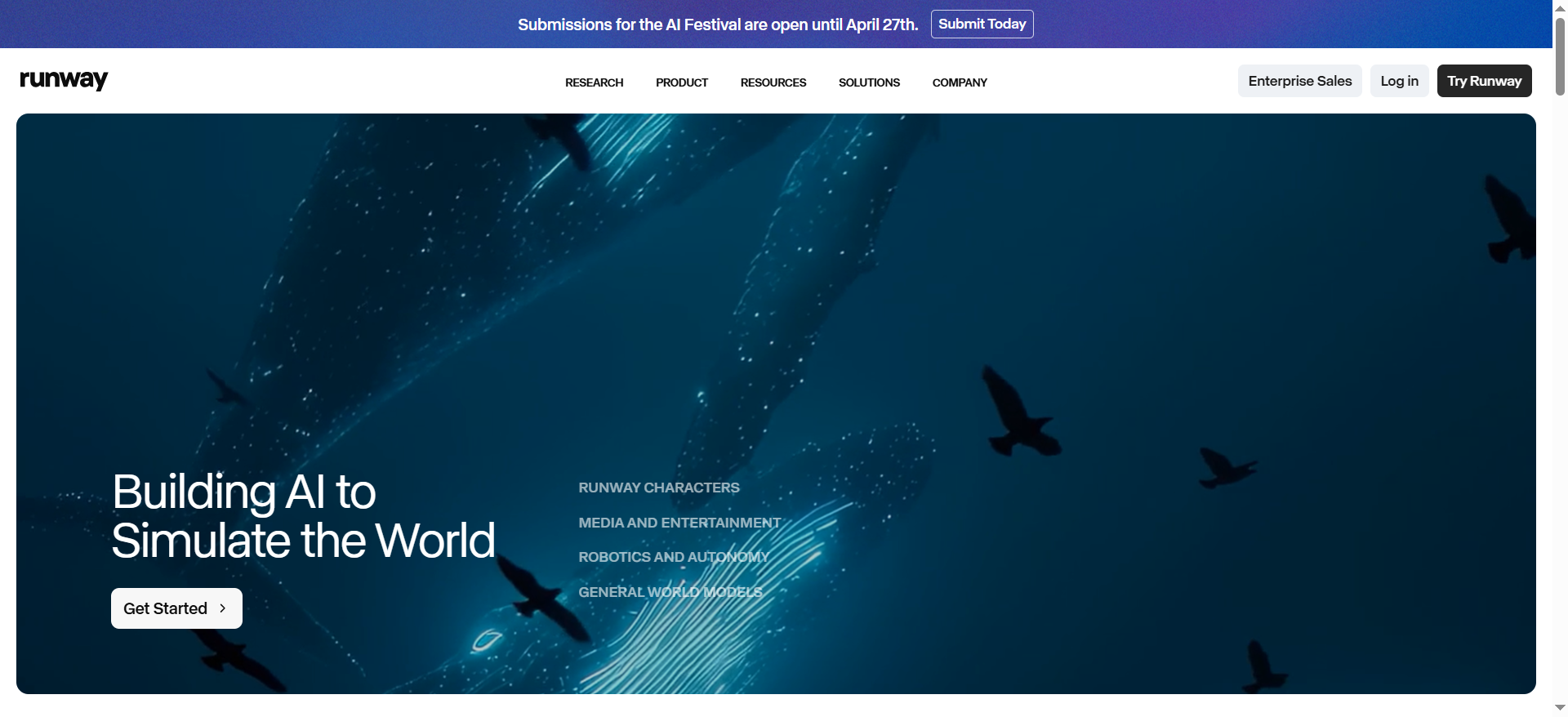
Runway is a creative AI platform that transforms existing video, images, and text into new video content using multiple state-of-the-art models (Gen-4, Gen-4.5, Veo, Kling). You can upload video clips and edit them with AI, generate videos from text descriptions, or upscale static images into motion footage. It functions as both a standalone generator and as a professional video editor's companion tool, integrating into existing creative workflows.
Why Teams Use It
Runway bridges the gap between AI novelty and professional production. Content teams, filmmakers, and ad agencies use it because it supports multi-model access — you're not locked into one generation engine. If Gen-4 struggles with a specific aesthetic, you can try Veo or Kling within the same platform. It integrates with video editing pipelines rather than replacing them, which means motion designers and editors can incorporate AI generations without abandoning their tools.
What It's Good For
Video-to-video transformations (style transfer, quality upscaling, extended shots)Professional advertising and short-form contentComplex motion generation that benefits from model selectionTeams already using professional video editors who want AI accelerationExperimenting across multiple generation engines to find the best output
When It's a Good Fit
Choose Runway if you're a content creator or agency with existing video workflows, want production-grade flexibility, or need to generate variants quickly across multiple models. It's ideal when you have some video editing skills and want AI to augment rather than replace your process.
When It's Not a Good Fit
If you're a non-technical beginner looking for one-click video generation, Runway's breadth of options and model selection can feel overwhelming. If your budget is under $12/month consistently, the minimum paid tier may exceed your needs (though the free tier provides 125 credits for testing).
How to Use It
Sign up and select your generation task (text-to-video, image-to-video, or video transformation)Provide your input (text prompt, image, or video file)Choose your preferred model (Gen-4.5, Veo, Kling, etc.) — each has different strengths for style, motion, and realismRun the generation (typically 30-90 seconds)Download the result or refine with additional AI edits
Key Capabilities
Text-to-video generation via multiple modelsImage-to-video conversionVideo-to-video style transfer and upscalingMulti-model access (Gen-4, Gen-4.5, Veo, Kling integration)Real-time video editing within the platformExport-ready resolution options (up to 4K on higher tiers)API access for developers on enterprise plans
Pricing
Free: 125 one-time credits, watermarked exports, no Gen-4 accessStandard: $12/mo (annual), 625 monthly credits, no watermarkPro: $28/mo (annual), 2,250 monthly credits, priority queueUnlimited: $76/mo, unlimited Explore Mode generations, commercial license
Free Tier?
Yes. 125 one-time credits (non-renewing) allow 3-5 video generations depending on length and model. Exports are watermarked and Gen-4 text-to-video is not available on the free tier. Sufficient for testing the platform's basic capabilities.
Downsides / Limitations
Highest starting price ($12/mo) among comparable toolsCredit system can be opaque — different models consume different credit amountsRequires some learning curve to optimize outputs across multiple modelsExports on free tier are watermarkedProcessing times can vary significantly depending on queue and selected model
2. Pika
What It Does
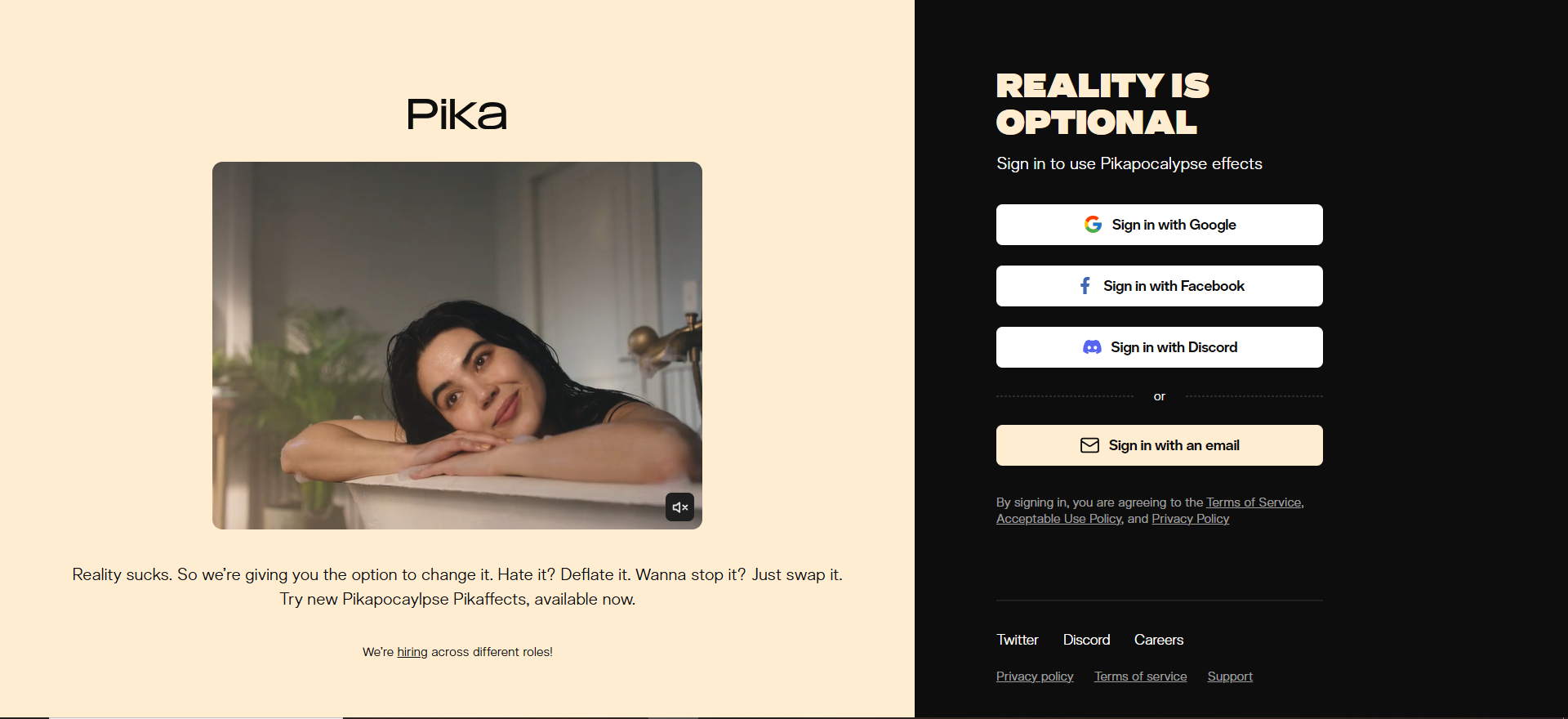
Pika is a streamlined AI video generator focused on text-to-video and image-to-video creation using the Pika 2.5 engine. It emphasizes speed and simplicity: input a text description or image, and within 30-60 seconds, receive a generated video. Pika also includes an effects toolkit called Pika Powers for post-generation editing and customization.
Why Teams Use It
Pika appeals to creators who want results fast without learning complex interfaces. The credit system is transparent and generous — even the free tier provides 150 credits, roughly 6-8 videos depending on length. The platform is optimized for social media creators who need consistent output speed and acceptable quality for TikTok, Instagram Reels, and YouTube Shorts. Small agencies and freelancers gravitate toward Pika because the pricing and speed remove friction from rapid iteration.
What It's Good For
Quick text-to-video for social media contentImage-to-video conversion for animating static assetsCreators who prioritize speed over model varietyBudget-conscious teams generating 10-20 videos monthlyTesting AI video generation without heavy investmentVisual effects additions via Pika Powers
When It's a Good Fit
Choose Pika if you're creating short-form content, need fast turnarounds, value simplicity over options, or operate on a tight budget. It's excellent for creators new to AI video who want straightforward workflows.
When It's Not a Good Fit
If you need multi-model flexibility, professional-grade control over generation parameters, or are working on longer-form content (Pika excels at 15-60 second videos), look elsewhere. Pika also doesn't integrate deeply with professional video editing software.
How to Use It
Sign up and navigate to the "Create" sectionChoose text-to-video or image-to-videoEnter your prompt (text descriptions work best with specific descriptive language)Set video duration, aspect ratio, and camera movements if neededGenerate and wait 30-60 secondsPreview the result and refine with Pika Powers effects or re-generate with adjusted prompts
Key Capabilities
Text-to-video generation (Pika 2.5 engine)Image-to-video conversionCamera movement controls (pan, zoom, rotation)Pika Powers effects toolkit (color grading, transitions, filters)Multiple aspect ratios (square, vertical, horizontal)Social media export presetsBatch generation for creating multiple variations
Pricing
Free: Daily credits (approximately 8-12 short clips per day)Standard: $10/mo, 700 monthly creditsPro: $35/mo, 2,300 monthly credits, commercial rights, no watermarkFancy: $95/mo, 6,000 monthly credits, fastest generation speeds
Free Tier?
Yes. The free tier provides daily credits sufficient for approximately 8-12 short clips per day. Excellent value for testing and light production.
Downsides / Limitations
Single model (Pika 2.5) — no alternative engines if output doesn't match your needsShorter video limit (typically 60 seconds maximum)Less detailed control over fine-grained generation parametersCommunity can be unpredictable — wildly varying quality on similar promptsPika Powers effects are basic compared to professional video editing software
3. Luma Dream Machine
What It Does
Luma Dream Machine generates cinematic, photorealistic videos from text descriptions or static images. It specializes in creating smooth, physics-realistic motion with 120-frame fluidity, typically completing videos in 2-3 minutes. The engine is optimized for cinematic quality rather than speed, producing outputs suitable for professional advertising and visual storytelling.
Why Teams Use It
Luma attracts filmmakers, advertisers, and visual effects professionals who prioritize output quality over generation speed. The 120-frame smooth motion and realistic physics make outputs feel "live-action-adjacent" rather than obviously AI-generated. When a team needs a single, high-quality cinematic shot—for a hero product video, brand film, or visual effect sequence—Luma often outperforms alternatives. It's become a secret weapon for indie filmmakers who want production-quality shots without crew.
What It's Good For
Cinematic hero shots and brand videosPhotorealistic motion and physics-based animationHigh-quality advertising and commercial contentLonger, more narrative-driven sequencesProfessional filmmaking and visual effectsWhen output quality matters more than speed or cost
When It's a Good Fit
Choose Luma if you're producing premium content where quality directly impacts brand perception, can wait 2-3 minutes for generation, or are creating fewer videos with higher production value (5-15 monthly). It's perfect for advertising agencies, production companies, and professional creators.
When It's Not a Good Fit
If you need rapid iteration on dozens of videos weekly, Luma's longer generation time becomes a bottleneck. If your budget is under $10/month consistently, the paid tiers will exceed your threshold. Social media creators needing 3+ new videos per week are better served by faster tools like Pika.
How to Use It
Sign up and select text-to-video or image-to-videoProvide a detailed text prompt (specific visual descriptions yield better results) or upload a high-quality imageOptionally specify duration and camera movement preferencesSubmit for generation (2-3 minute wait typical)Download the final video in your preferred resolution
Key Capabilities
Text-to-video with cinematic focusImage-to-video animation120-frame smooth motion technologyRealistic physics simulationMultiple resolution options (up to 4K)Custom duration support (15 seconds to several minutes)Consistent style maintenance across multiple generations
Pricing
Free: ~80 credits/day (approximately 1 video per day)Plus: $29.99/mo, expanded monthly generations, commercial rights, 4K + HDR supportPro: $99.99/mo, high-volume generations, priority queuePremier: $499/mo, maximum generations, dedicated support
Free Tier?
Yes. The free tier provides approximately 80 credits per day, enough for about 1 video daily. Sufficient for evaluating output quality before committing to a paid plan.
Downsides / Limitations
Slower than competitors (2-3 minute generation time)Higher per-video cost on lower-tier plans ($0.30-$1 per generation equivalent)Less control over fine details compared to professional video editorsOccasional inconsistency in output qualityNo integration with professional editing workflows
4. Kling
What It Does
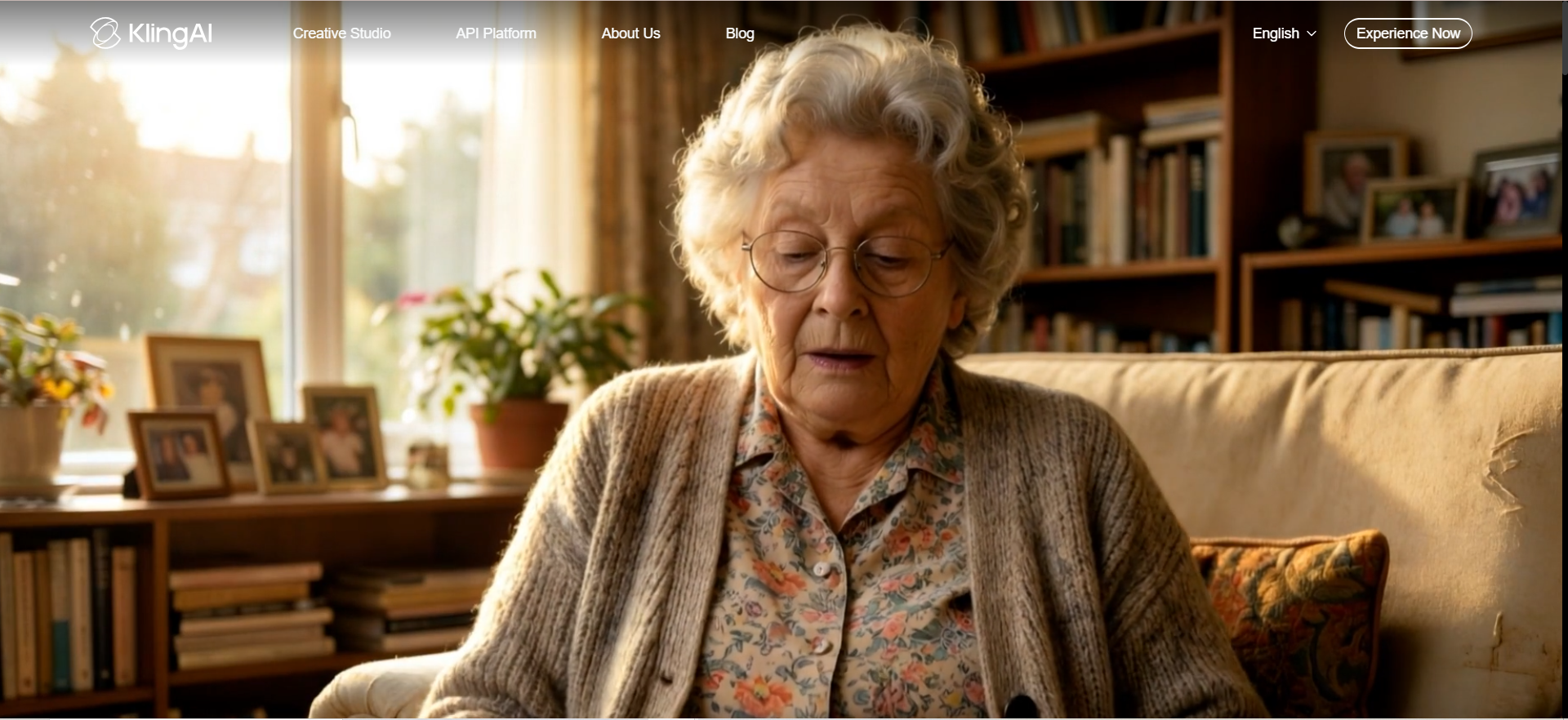
Kling is an AI video generator developed by Kuaishou that emphasizes photorealistic human generation, integrated audio synthesis, and competitive benchmark performance (Kling 3.0 ranked #1 on the ELO benchmark at time of writing). It creates videos up to 3 minutes long from text or images, with special attention to realistic facial expressions and body movements. Audio generation is built-in, eliminating the need for separate voiceover tools.
Why Teams Use It
Kling attracts teams creating human-focused content—interviews, testimonials, presenter videos, educational content—where realistic human performance is non-negotiable. The integrated audio generation means you don't juggle separate tools for video and voice. At $6.99/month for the Standard tier, Kling offers the lowest-cost paid entry point, making it accessible to freelancers and small teams. The high ELO benchmark ranking signals that quality often matches or exceeds competitors on human-centric tasks.
What It's Good For
- Presenter and interview videos with realistic humans
- Educational and tutorial content
- Testimonial and case study videos
- Longer-form content (up to 3 minutes)
- Teams wanting integrated audio without separate tools
- Budget-conscious creators needing professional-grade output
- Content emphasizing human authenticity and expression
When It's a Good Fit
Choose Kling if your content centers on human performance, you need 3-minute clips (longer than Pika), want integrated audio, or operate on a limited budget. It's excellent for educational creators, small marketing teams, and anyone creating people-focused video content.
When It's Not a Good Fit
If you need multi-model flexibility or aren't creating human-centric content (Kling's strength is wasted on product shots or landscapes), other tools may be faster. If you require real-time video editing or integration with professional software, Kling's standalone platform may limit your workflow.
How to Use It
- Sign up and access the generation dashboard
- Choose text-to-video or image-to-video
- Write a detailed prompt, emphasizing human actions and expressions for best results
- Optionally customize audio (generate voiceover, select voice characteristics, or add music)
- Set video duration and aspect ratio
- Generate (typically 60-120 seconds)
- Download and optionally edit audio properties post-generation
Key Capabilities
- Text-to-video with photorealistic human focus
- Image-to-video animation
- Integrated audio generation and synthesis
- Videos up to 3 minutes in duration
- Multiple aspect ratios (square, vertical, horizontal)
- Voice customization (tone, accent, speed)
- Kling 3.0 model with top benchmark performance
- Up to 4K export resolution on higher tiers
Pricing
- Free: 66 daily credits (replenish daily)
- Standard: $6.99/mo, additional monthly credits
- Pro: $25.99/mo, priority generation and higher resolution
- Premier: $64.99/mo, commercial license and advanced features
- Ultra: $180/mo, white-label capabilities and dedicated support
Free Tier?
Yes. 66 daily credits allow 2-3 video generations daily. Generous free tier with no watermarks, making it easy to evaluate before paying.
Downsides / Limitations
- Single model (Kling 3.0) — no alternative engines
- Best optimized for human-centric content; less specialized for landscapes or products
- Integrated audio, while convenient, offers fewer customization options than dedicated voiceover tools
- Occasional inconsistency in facial expressions or body movement
- API access limited to higher-tier plans
5. InVideo AI
What It Does
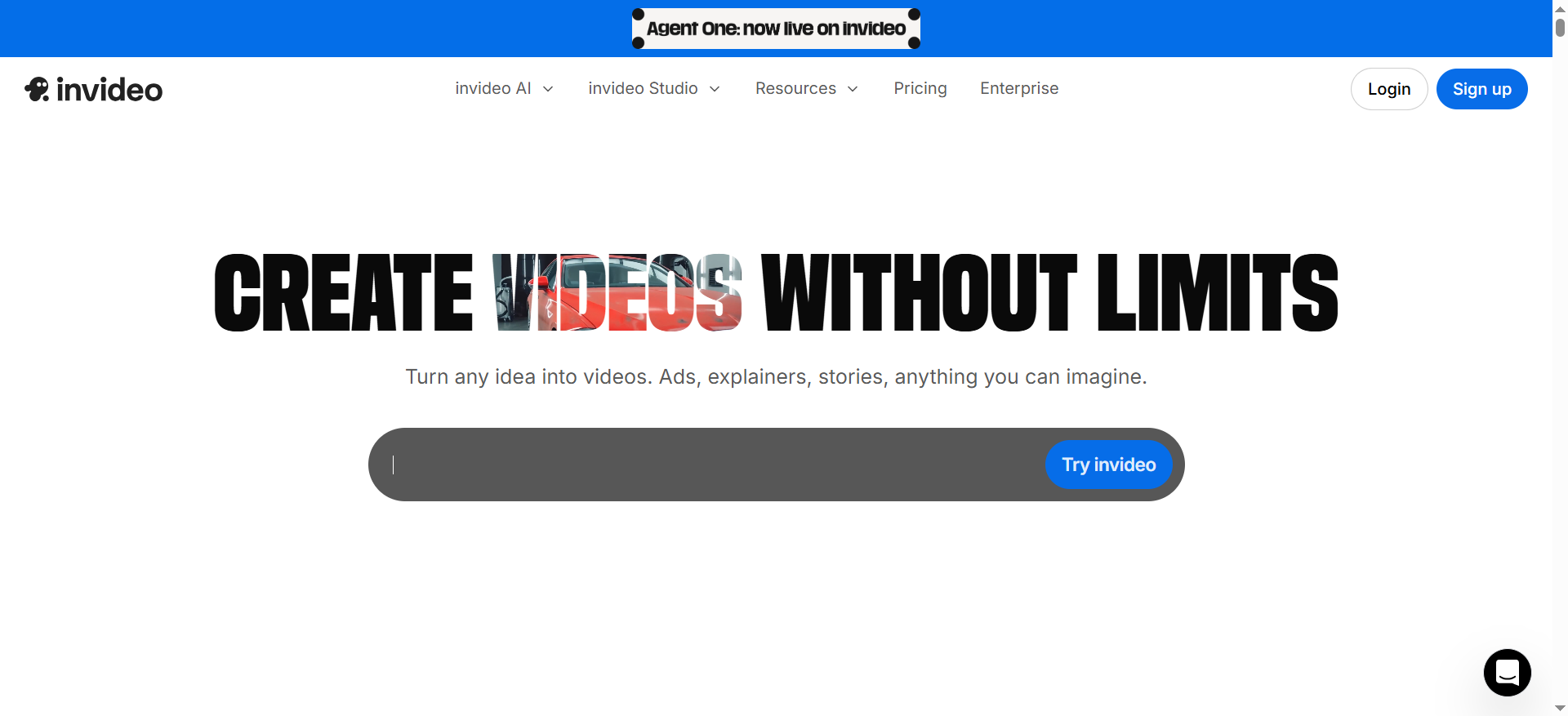
InVideo AI is an end-to-end video production platform that automates the entire pipeline: text prompt → script → AI video generation → voiceover (with voice cloning) → subtitles → background music → export. Unlike standalone video generators, InVideo AI aims to eliminate every friction point between concept and publish. It integrates Sora 2 and VEO 3.1 models and offers multi-format export (vertical for TikTok, horizontal for YouTube, square for Instagram).
Why Teams Use It
Marketing teams and agencies use InVideo AI to compress video production timelines from days to minutes. A single prompt generates a complete video with scripted narration, background music, and subtitles—ready to publish. The brand kit feature lets teams maintain consistent fonts, colors, and logos across dozens of videos. Social media managers creating weekly content find the automation invaluable. The platform handles the 80% of repetitive work (audio sourcing, subtitle timing, export optimization), letting teams focus on strategy and messaging.
What It's Good For
- Full-pipeline social media content creation
- Marketing videos requiring script-to-video automation
- Teams managing dozens of videos monthly
- Brands needing consistent styling across content
- Rapid content iteration with voiceover
- Multi-format export (TikTok, YouTube, Instagram, LinkedIn)
- Educational and explainer videos with narration
- Testimonial videos with automated subtitles
When It's a Good Fit
Choose InVideo AI if you're running a content operation (5+ videos monthly), need scripting plus video generation, or want complete production automation. It's ideal for marketing teams, educational creators, and agencies where speed and consistency matter more than model flexibility.
When It's Not a Good Fit
If you're a filmmaker or visual effects professional prioritizing creative control, InVideo AI's prescriptive pipeline and automation may feel restrictive. If you only need 1-2 videos monthly, the platform's automation overhead doesn't justify the $28/month cost. Visual-only generators (Runway, Pika) offer more creative freedom.
How to Use It
- Sign up and navigate to "Create New Video"
- Describe your video in natural language (e.g., "Create a 60-second explainer video about AI productivity tools. Target busy professionals. Include data visualization. Upbeat music. Female narrator with British accent.")
- InVideo AI generates a script, searches stock footage, and sequences everything
- Preview the draft script and video
- Customize voiceover (select voice, adjust tone), music, text overlays, and subtitles
- Apply brand kit settings (logo, colors, fonts)
- Export in desired formats (vertical, horizontal, square)
Key Capabilities
- AI script generation from prompts
- Text-to-video with Sora 2 and VEO 3.1 models
- Stock footage and music library integration
- Voiceover generation with voice cloning
- Automatic subtitle generation and timing
- Brand kit support (consistent styling across videos)
- Multi-format export (vertical, horizontal, square)
- Batch generation for creating multiple variations
- API access for enterprise customers
Pricing
- Free: ~10 AI minutes per week
- Plus: $28/mo, 50 AI minutes monthly, watermark-free
- Max: $50-60/mo, 150-200 AI minutes monthly, commercial license
Free Tier?
Yes. Approximately 10 AI minutes per week (roughly 2-3 short videos weekly) allows meaningful testing and low-volume creation.
Downsides / Limitations
- Highest starting paid price ($28/mo) among competitors
- Automation pipeline is opaque — less control over generation parameters
- Script generation quality varies; requires editing for branded voice
- Video quality sometimes appears overly polished / less natural than standalone generators
- Fewer output customization options for users wanting granular control
- Free tier limitation (10 min/week) is tight for regular creators
What Is the Best AI for Generating Videos?
The best AI video generator depends on your specific use case. Runway excels for professional video transformation and multi-model flexibility. Pika is best for simplicity and affordability. Luma Dream Machine produces the most cinematic output. Kling leads on photorealistic humans and cost-effectiveness. InVideo AI automates the entire production pipeline. For most teams starting out, Pika or Kling offer the best cost-to-quality ratio and fast learning curves.
Can AI Generate a Full Video from Text?
Yes. All five tools reviewed here can generate complete videos from text descriptions alone. Pika and Kling create videos fastest (30-90 seconds). Luma Dream Machine produces the highest cinematic quality (2-3 minute generation). InVideo AI goes further, generating script, voiceover, subtitles, and music from a single text prompt. The length of generated videos varies: Pika maxes out around 60 seconds, Kling extends to 3 minutes, while Runway and Luma can produce longer clips. Output quality improves with specific, descriptive prompts.
Is Runway Better Than Pika for AI Video?
Runway and Pika serve different priorities. Runway is better if you need multi-model access, professional video editing integration, or video-to-video transformation (style transfer, upscaling). Pika is better if you prioritize speed, simplicity, and cost, especially for social media content. Runway's free tier offers 125 one-time credits; Pika's free tier provides generous daily credits—both sufficient for testing. Choose Runway for flexibility, Pika for rapid iteration on a budget.
How Much Does an AI Video Generator Cost?
Entry-level paid plans range from $6.99-$29.99/month. Kling's Standard tier starts at $6.99/month; Pika Standard at $10/month; Runway Standard at $12/month; InVideo AI Plus at $28/month; Luma Plus at $29.99/month. Professional tiers (Pro/Unlimited) range from $28-$100/month depending on the tool. All tools offer free tiers with daily or one-time credits, sufficient for testing and light production. Budget $10-$30/month for regular creators; $50-$100+/month for agencies generating 20+ videos monthly. For a deeper pricing breakdown, see our best paid AI video generator comparison.
Which AI Video Generator Has the Best Free Plan?
Pika offers a generous free tier with daily credits sufficient for 8-12 short clips per day. Kling's free tier provides 66 daily credits (replenishing daily), effectively unlimited testing. Runway's free tier includes 125 one-time credits. Luma Dream Machine provides approximately 80 free credits per day. InVideo AI's free tier offers approximately 10 minutes per week. For maximum free usage, Kling and Pika edge ahead with daily credit renewal; Luma also provides daily free credits.
Can AI Video Generators Create Content for Social Media?
Yes. All five tools support social media formats: vertical (TikTok, Instagram Reels, YouTube Shorts), horizontal (YouTube, LinkedIn), and square (Instagram Feed, Facebook). Pika and InVideo AI include social media export presets. Kling handles audio and subtitles natively, critical for silent-scroll platforms. Runway and Luma support multiple aspect ratios. InVideo AI's automation adds captions and music pre-optimized for each platform. For maximum social media velocity, Pika and InVideo AI are fastest; InVideo AI handles the most automation.
What Is the Best AI Video Generator for Beginners?
Pika is the best entry point for non-technical users: simple interface, fast results, transparent pricing, generous free tier, no overwhelming options. Kling is nearly as beginner-friendly with an even lower price ($6.99/mo) and integrated voiceover. InVideo AI is best if you want scripting included. Avoid Runway initially—its multi-model complexity is unnecessary when learning. Start with free tiers of Pika or Kling; both emphasize speed and simplicity over options. If you plan to create on mobile, check our best mobile AI video generator guide.
Do AI Video Generators Support 4K Resolution?
Most support 4K export on higher tiers. Runway supports 4K on Pro and Unlimited tiers. Pika supports 4K on Fancy tier ($95/mo). Luma Dream Machine and Kling both offer 4K on professional tiers ($99.99/mo and $25.99/mo respectively). InVideo AI's Max tier ($50-60/mo) includes 4K export. Free and entry-level tiers typically max at 1080p. For casual content, 1080p is sufficient; 4K is most valuable for broadcast, cinema, or large-format displays.
How Do AI Video Generators Handle Audio and Voiceover?
Approaches vary. Kling integrates audio generation natively—generate voiceover with voice selection and tone control directly. InVideo AI includes voiceover generation with voice cloning. Runway, Pika, and Luma focus on video and require external audio tools or manual voiceover addition post-generation. For teams needing voiceover automation, Kling and InVideo AI are fastest. For more control over audio post-production, use Runway or Pika with separate voiceover tools (ElevenLabs, etc.).
Are AI-Generated Videos Good Enough for Marketing?
Yes, with caveats. High-end tools (Luma Dream Machine, Kling, Runway) produce marketing-quality output. Luma's cinematic quality suits hero product videos. Kling's photorealistic humans work for testimonial and educational content. Runway and InVideo AI suit promotional and explainer content. Pika's output is strong for social media but less suitable for broadcast advertising. Quality improves with detailed prompts and iterative refinement. Review outputs critically—some backgrounds or hand movements may feel "off" even in 2026. For maximum marketing impact, combine AI generation with human review and light editing.
Which AI Video Tool Has the Most Realistic Output?
Kling 3.0 leads on realistic human generation and facial expressions, with top ELO benchmark scores. Luma Dream Machine excels at cinematic, photorealistic motion with physics accuracy. Runway offers flexibility across models (Gen-4.5, Veo, Kling), letting you pick the most realistic for your specific task. For landscapes and objects, realism varies less between tools. For human-centric content, Kling is typically most realistic; for cinematic visual storytelling, Luma; for flexibility, Runway.
Can I Use AI-Generated Videos Commercially?
Commercial licensing depends on the tool and tier. Runway's Unlimited tier ($76/mo) includes explicit commercial license. Pika's Pro tier ($35/mo) and above permits commercial use. Luma Dream Machine's Pro tier ($99.99/mo) includes commercial rights. Kling's Premier tier ($64.99/mo) and Ultra tier ($180/mo) grant commercial licenses. InVideo AI's Max tier ($50-60/mo) allows commercial use. Always review the specific terms—some free and entry-level plans restrict commercial use. If publishing on owned channels (your website, YouTube channel), most free tiers are acceptable. If licensing to clients, purchase commercial license tiers.
Final Recommendation
Choose Pika if you're starting out, want simplicity and speed, and operate on a budget. Choose Kling if you need photorealistic humans, integrated voiceover, or the lowest-cost paid option. Choose Runway if you're a professional requiring multi-model flexibility and video editing integration. Choose Luma Dream Machine if cinematic quality is non-negotiable. Choose InVideo AI if you're managing a content operation and need full-pipeline automation.
For 90% of creators and teams, start with Pika's or Kling's free tiers, generate 5-10 test videos, and let output quality guide your choice. All five tools are production-ready and available today—the choice ultimately hinges on your workflow priority (speed vs. quality), budget, and content type. Most teams benefit from testing 2-3 tools simultaneously rather than committing to one. The AI video generation landscape is competitive and rapidly improving; revisit this guide quarterly as new capabilities roll out.
FAQs
Generation speed varies: Pika and Kling average 30-90 seconds. Runway's generation time depends on model selection (typically 30-120 seconds). Luma Dream Machine takes 2-3 minutes for highest quality. InVideo AI's full pipeline (script + video + audio) takes 2-5 minutes. Faster is not always better—Luma's slower speed yields higher quality for cinematic use cases. Most tools offer priority processing on higher tiers to reduce wait times.
Standard exports include MP4 (most compatible), MOV (Apple ecosystem), and WebM (web). Aspect ratio presets include vertical (9:16), horizontal (16:9), and square (1:1). Some tools export ProRes or other professional codecs on enterprise tiers. Check the tool's documentation for the full list—most support 5-10 export formats. For social media, MP4 at 1080p is universally compatible.
Yes. Export the video and edit in any video editor (DaVinci Resolve, Adobe Premiere Pro, Final Cut Pro, CapCut). Some tools (Runway, InVideo AI) include in-platform editing. For most tools, export and edit externally. Higher tier plans often output in formats more compatible with professional editors (ProRes, uncompressed).
Yes, most offer APIs for developers. Runway, Pika, and InVideo AI provide API access (typically on Pro/Plus tiers or with enterprise contracts). APIs let you automate bulk video generation, integrate with your product, or build custom workflows. API costs vary—typically per-generation fees aligned with subscription tiers. Contact the platform's sales team for API pricing and documentation.
Write specific, detailed prompts with visual descriptors, camera movements, and mood. Avoid vague language. Example: "Cinematic shot of a woman walking through a sunlit forest, 24mm lens, soft golden lighting, shallow depth of field, 60fps smooth motion" yields better results than "walking in forest." Use image-to-video if you have reference visuals. Experiment with different models (if your tool offers multiple). Iterate—refine prompts based on outputs. Review examples on the platform's community for inspiration.