Best AI Tools For Agent Assist And Knowledge Surfacing (2026)
What product managers and growth marketers should compare before choosing a ai tools solution for agent assist and knowledge surfacing.


This playbook helps product managers and growth marketers compare the best ai tools options for agent assist and knowledge surfacing. It breaks down where intercom, zendesk-ai stand out, when alternatives such as intercom-fin, zendesk make more sense, and which setup fits B2B companies and B2C brands and small businesses and mid-market companies.
TL;DR
If your support agents are spending more time searching for answers than actually helping customers, you have a knowledge surfacing problem. The best AI tools for agent assist and knowledge surfacing solve this by feeding agents the right information at the right moment, whether that means real-time whisper prompts during a live call, auto-suggested replies in a chat window, or instant policy lookups pulled from scattered internal docs. In this guide, we compare Intercom, Zendesk AI, Cresta, Observe AI, and Assembled across resolution quality, pricing transparency, deployment speed, and the workflows they actually support. If you run a support team at a B2B SaaS company, ecommerce brand, or mid-market business, this is the shortlist that matters.
Table of Contents
Best AI Tools For Agent Assist And Knowledge Surfacing (Quick Comparison)
| Tool | Best For | Pricing Model | Free Tier | Channel Strength |
|---|---|---|---|---|
| Intercom | Chat-first teams wanting unified inbox + AI | $29/seat/mo + $0.99/resolution | No (trial only) | Chat, email, social |
| Zendesk AI | Enterprise teams with existing Zendesk stack | $19–169/agent/mo + $50/mo copilot | No | Email, chat, voice |
| Cresta | Voice-heavy contact centers needing real-time coaching | ~$150K/yr enterprise contracts | No | Voice, chat |
| Observe AI | Compliance-driven orgs needing 100% call QA | Custom ROI-based pricing | No | Voice |
| Assembled | Teams balancing WFM with AI agent assist | $25/user/mo + $35/mo copilot | No | Chat, email, phone |
Best AI Tools For Agent Assist And Knowledge Surfacing (Quick Comparison)
Tool #1: Intercom
What It Does
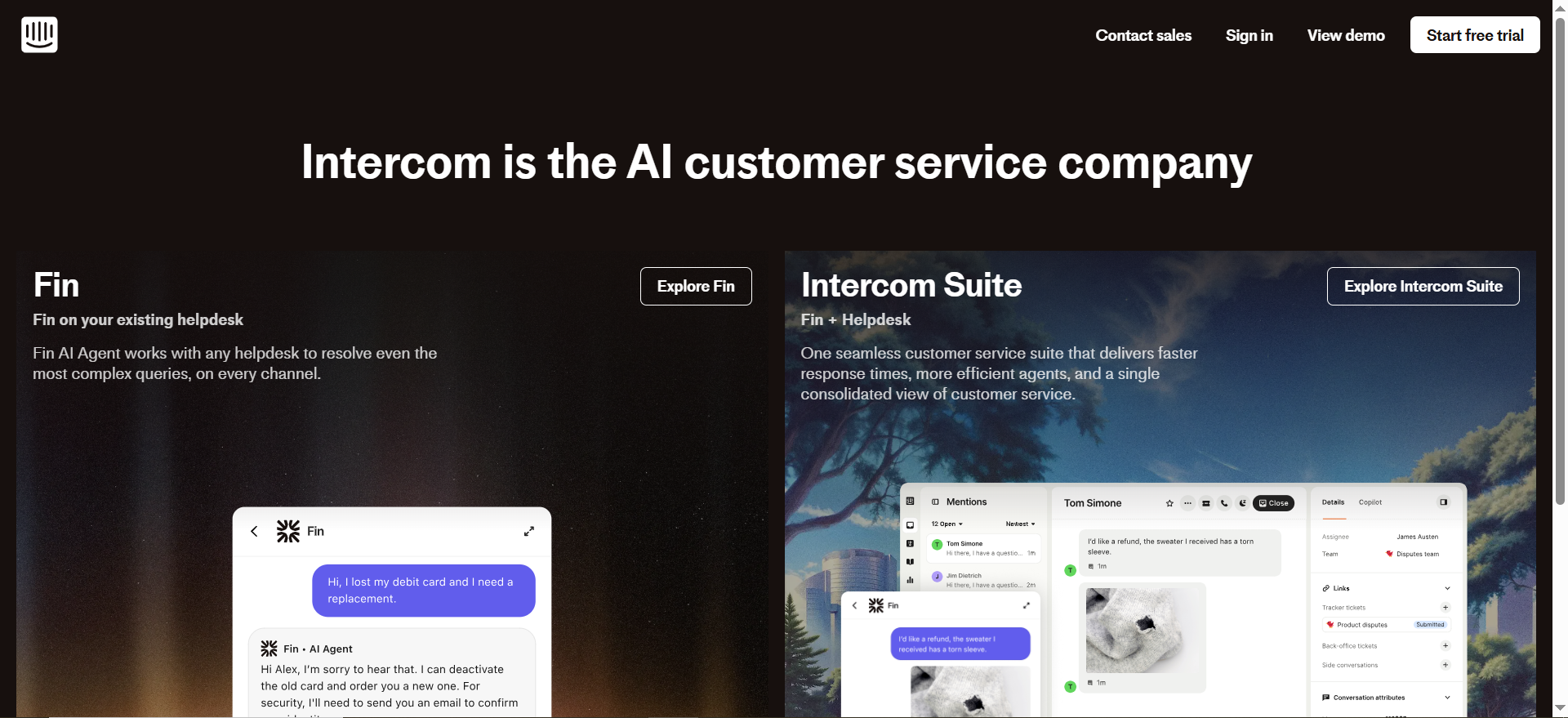
Intercom is a customer messaging platform built around a shared inbox, help center, and AI-powered assistant called Fin. It combines proactive messaging, ticketing, and an AI copilot that surfaces knowledge base articles, past conversation context, and draft replies for agents in real time.
Why Teams Use It
Intercom has moved aggressively into AI-first support. Its Fin AI agent has resolved over 40 million conversations with a reported 67% resolution rate. For teams that already use Intercom for live chat and help center content, the agent assist layer plugs in without adding a new vendor. The copilot drafts replies, summarizes threads, and pulls answers from your help center, all inside the same workspace agents already use.
What It's Good For
Intercom excels at chat-first and email-based support for SaaS and ecommerce teams. The AI copilot is tightly integrated with the knowledge base, so agents get contextual suggestions without switching tabs. Fin can handle multi-step workflows using natural-language Procedures, and it routes conversations it cannot resolve to human agents with full context attached.
When It's a Good Fit
Intercom fits teams that want a single platform for messaging, help center, and AI assist. It works best for B2B SaaS companies and ecommerce brands with moderate to high chat volume, particularly when the team values speed of deployment over deep voice-channel integration.
When It's Not a Good Fit
Intercom is not ideal for voice-heavy contact centers. Its AI copilot does not provide real-time voice coaching or call transcription in the way Cresta or Observe AI do. Teams running large telephony operations will find the platform limited. Additionally, the per-resolution pricing model means costs scale with success, so high-volume teams may see bills climb as Fin improves.
How to Use It
Connect your help center articles, past tickets, and any external knowledge sources to Fin. Set up Procedures for common multi-step workflows like refund processing or account changes. Enable the copilot for all agents so they receive draft replies and knowledge suggestions inline. Monitor the resolution rate dashboard and adjust knowledge snippets based on what Fin cannot answer.
Key Capabilities
Intercom's key capabilities include AI copilot with real-time draft replies and knowledge surfacing, Fin AI agent with 67% autonomous resolution rate, Procedures for multi-step workflow automation, shared inbox across chat, email, and social channels, and knowledge base integration with snippets for edge cases.
Pricing
Intercom starts at $29 per seat per month on the Essential plan, with Advanced at $85 and Expert at $132 per seat. The AI copilot is included in all plans with up to 10 AI-assisted conversations per teammate per month. Unlimited copilot usage is available as an add-on at $35 per agent per month ($29 per agent per month when billed annually). Fin AI resolutions are billed at $0.99 per resolution, charged once per conversation regardless of how many questions are answered within it.
Free Tier?
No permanent free tier. Intercom offers a 14-day free trial on all plans.
Downsides / Limitations
The per-resolution pricing model creates an unpredictable cost curve, particularly for growing teams. Intercom defines what counts as a "resolution," and as your knowledge base improves, Fin resolves more conversations, which means higher bills. Some knowledge sources like Notion and Confluence are copilot-only and unavailable for autonomous customer-facing replies. Voice support is limited compared to dedicated contact center platforms.
Tool #2: Zendesk AI
What It Does
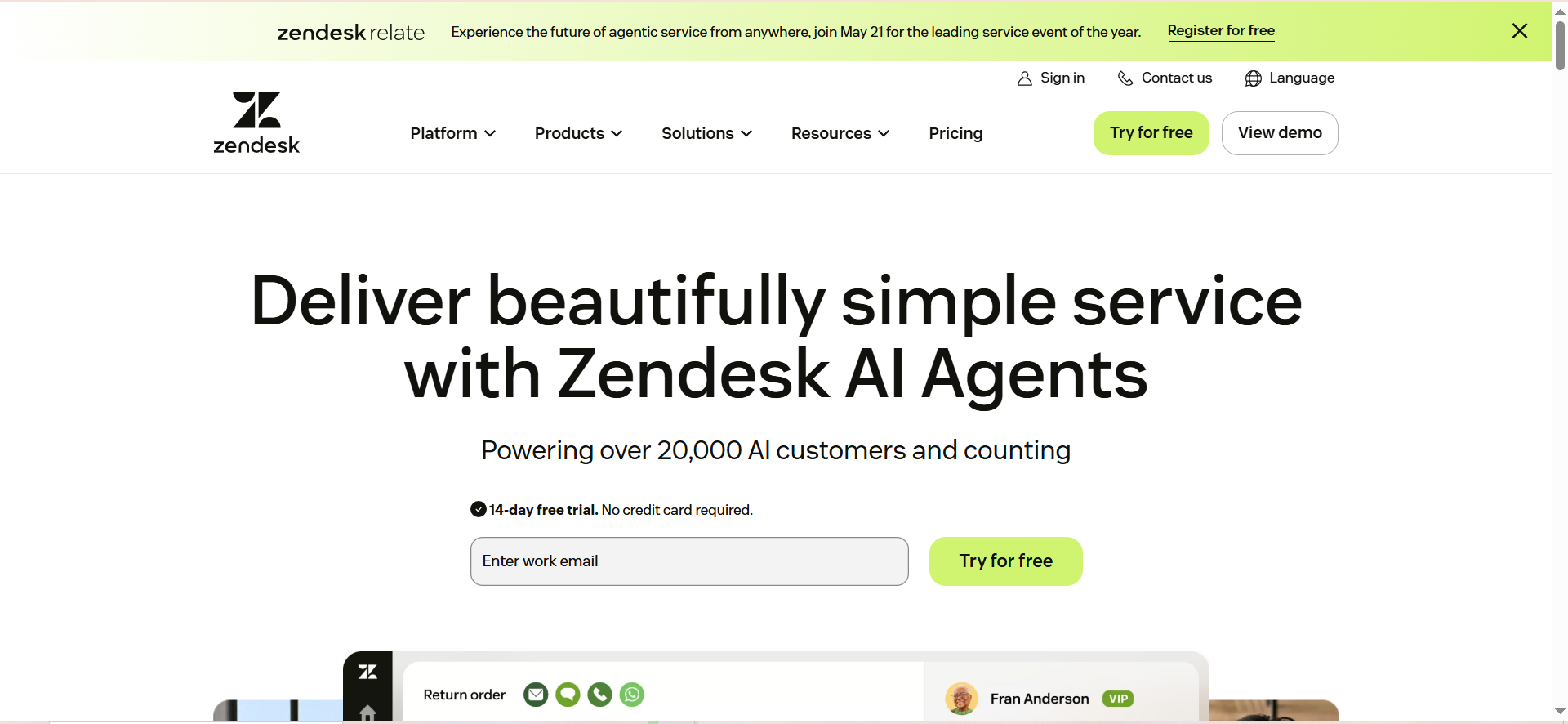
Zendesk AI layers generative AI capabilities on top of the Zendesk Suite, adding agent-assist features like draft replies, ticket summarization, writing enhancement, and intelligent triage. Its Copilot product works inside the agent workspace to surface relevant knowledge and automate repetitive categorization tasks.
Why Teams Use It
Teams already invested in Zendesk's ecosystem choose Zendesk AI because it extends their existing workflows without platform migration. The AI reasons over your knowledge base using generative models rather than keyword matching, which means it handles nuanced questions better than traditional search. Enterprise organizations value the granular access controls and compliance features baked into the Zendesk platform.
What It's Good For
Zendesk AI is strongest in email and ticket-based support environments. The intelligent triage automatically categorizes and tags incoming requests, which reduces manual sorting. The copilot drafts contextual replies by pulling from help center content, past tickets, and internal articles, and it supports search rules for filtering knowledge by URL, locale, and source attributes.
When It's a Good Fit
Zendesk AI fits mid-market to enterprise teams that already run Zendesk Suite and want to add AI assist without switching platforms. It works well for organizations with complex ticket routing, multi-language support needs, and strict compliance requirements. Teams handling primarily email and web-form inquiries benefit most.
When It's Not a Good Fit
Zendesk AI is not the best choice for teams that need real-time voice coaching or live call guidance. The copilot features are add-ons with separate per-agent pricing, which means the total cost can escalate quickly for large teams. Smaller companies may find the combined cost of Suite Professional plus Advanced AI prohibitive.
How to Use It
Start with Zendesk Suite Professional or higher. Enable intelligent triage to auto-categorize incoming tickets. Add the Copilot add-on for your agent team to get draft replies, summaries, and writing improvements. Configure knowledge source filtering rules to control which articles surface for different query types. Monitor automated resolution metrics and refine your knowledge base based on gaps.
Key Capabilities
Zendesk AI's key capabilities include generative AI copilot with draft replies, summaries, and writing enhancement, intelligent triage for automatic ticket categorization, knowledge source filtering by URL, locale, and attributes, automated resolutions with 5-15 free per agent per month, and enterprise-grade compliance and access controls.
Pricing
Zendesk Suite plans range from $19 to $169 per agent per month. The AI Copilot add-on costs $50 per agent per month. Automated resolutions are included at 5-15 free per agent per month depending on the plan, then $1.50 to $2.00 per additional resolution.
Free Tier?
No free tier. Zendesk offers a 14-day free trial.
Downsides / Limitations
The AI features are not included in any base plan and require separate add-on purchases. The $50 per agent per month copilot cost on top of Suite pricing makes this one of the more expensive options for small teams. The platform is heavily ticket-oriented, which means teams that prioritize real-time chat or voice interactions may find the experience less fluid than purpose-built alternatives.
Tool #3: Cresta
What It Does
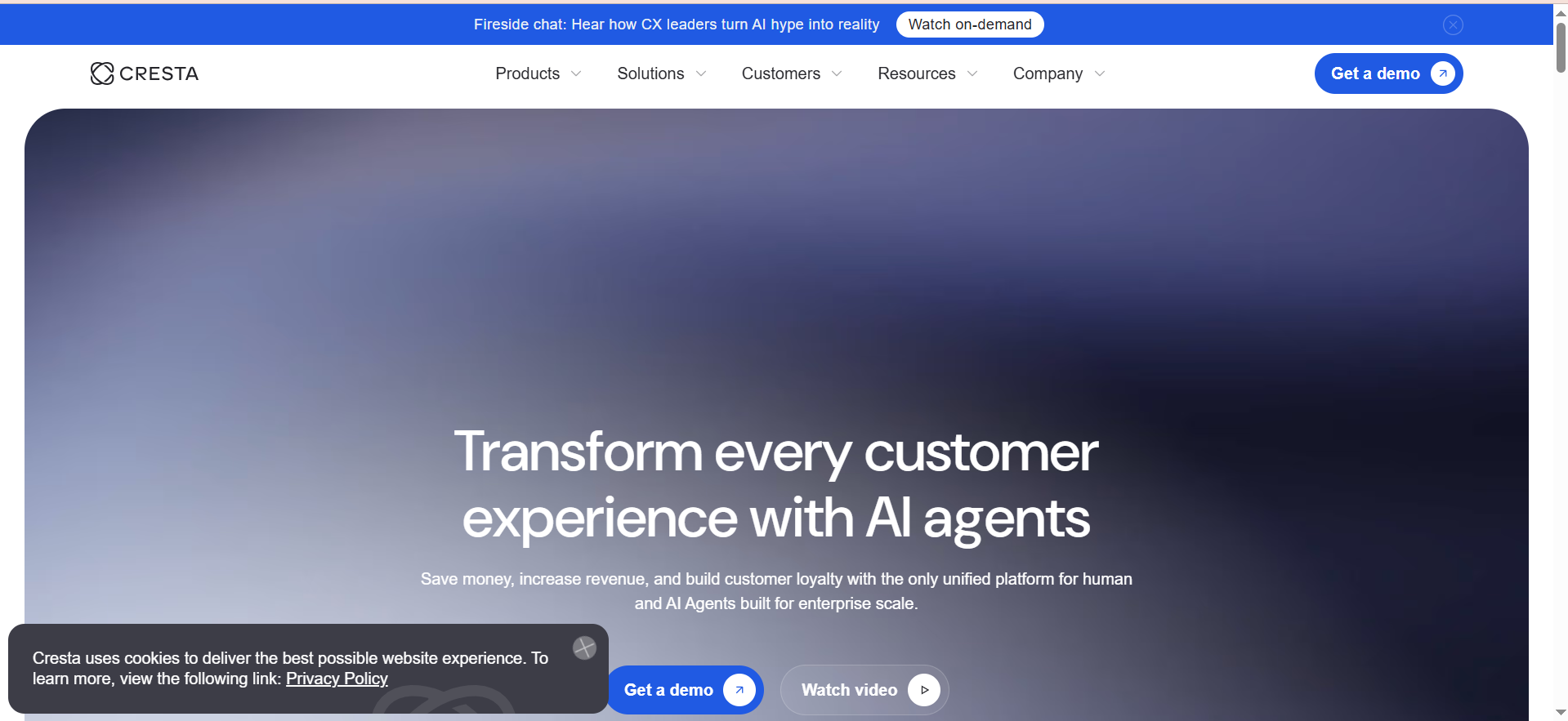
Cresta is a real-time AI platform built specifically for contact centers. It listens to live conversations, detects intent mid-call, and delivers whisper prompts, coaching hints, and knowledge answers to agents as they speak with customers. The platform also includes post-call analytics, customizable playbooks, and QA automation.
Why Teams Use It
Cresta has set the standard for real-time voice agent assist. Unlike chat-focused tools, Cresta's models are trained to understand spoken conversations and deliver guidance at the exact moment an agent needs it. Teams use it because it measurably improves handle time, conversion rates, and compliance adherence without requiring agents to search for information themselves.
What It's Good For
Cresta excels in voice-heavy and high-volume contact centers where agents handle complex, regulated, or sales-oriented conversations. The Knowledge Agent feature combines what is being said on the call with on-screen context to deliver source-backed answers instantly. Customizable playbooks provide agents with proven conversation strategies tailored to specific business goals.
When It's a Good Fit
Cresta fits enterprise contact centers with 100+ agents handling voice calls. It is ideal for financial services, insurance, healthcare, and telecommunications companies where compliance, upselling, and first-call resolution are critical metrics. Teams that need real-time coaching rather than post-call feedback benefit most.
When It's Not a Good Fit
Cresta is not a fit for small or mid-market teams with limited budgets. The enterprise pricing model with annual contracts starting around $150,000 puts it out of reach for most SMBs. It is also not the right tool for teams that primarily handle chat or email support, as its core strength is voice-channel real-time guidance.
How to Use It
Work with Cresta's implementation team to integrate the platform with your telephony system. Define playbooks for common call scenarios including sales, retention, and troubleshooting. Train the Knowledge Agent on your internal documentation, product specs, and compliance requirements. Roll out to a pilot group first, then measure improvements in handle time and conversion before expanding to the full team.
Key Capabilities
Cresta's key capabilities include real-time whisper prompts and coaching during live calls, Knowledge Agent that surfaces source-backed answers mid-conversation, customizable playbooks for sales, retention, and compliance scenarios, post-call analytics and automated QA scoring, and intent detection that adapts guidance based on conversation flow.
Pricing
Cresta uses enterprise contract pricing. Publicly available pricing on the AWS Marketplace lists annual contracts starting at approximately $150,000 for up to 125,000 chat sessions or 100,000 voice calls. Additional usage is billed at $1.20 per chat and $1.50 per voice call. Direct contracts may vary based on volume and customization needs.
Free Tier?
No. Cresta does not offer a free tier or self-serve trial. All deployments require a sales engagement and custom scoping.
Downsides / Limitations
The pricing is not publicly transparent, which makes budgeting and comparison difficult without engaging the sales team. The implementation process involves lengthy onboarding and integration work that can take weeks to months. Cresta is purpose-built for voice, so teams running primarily digital channels will not get full value from the platform.
Tool #4: Observe AI
What It Does
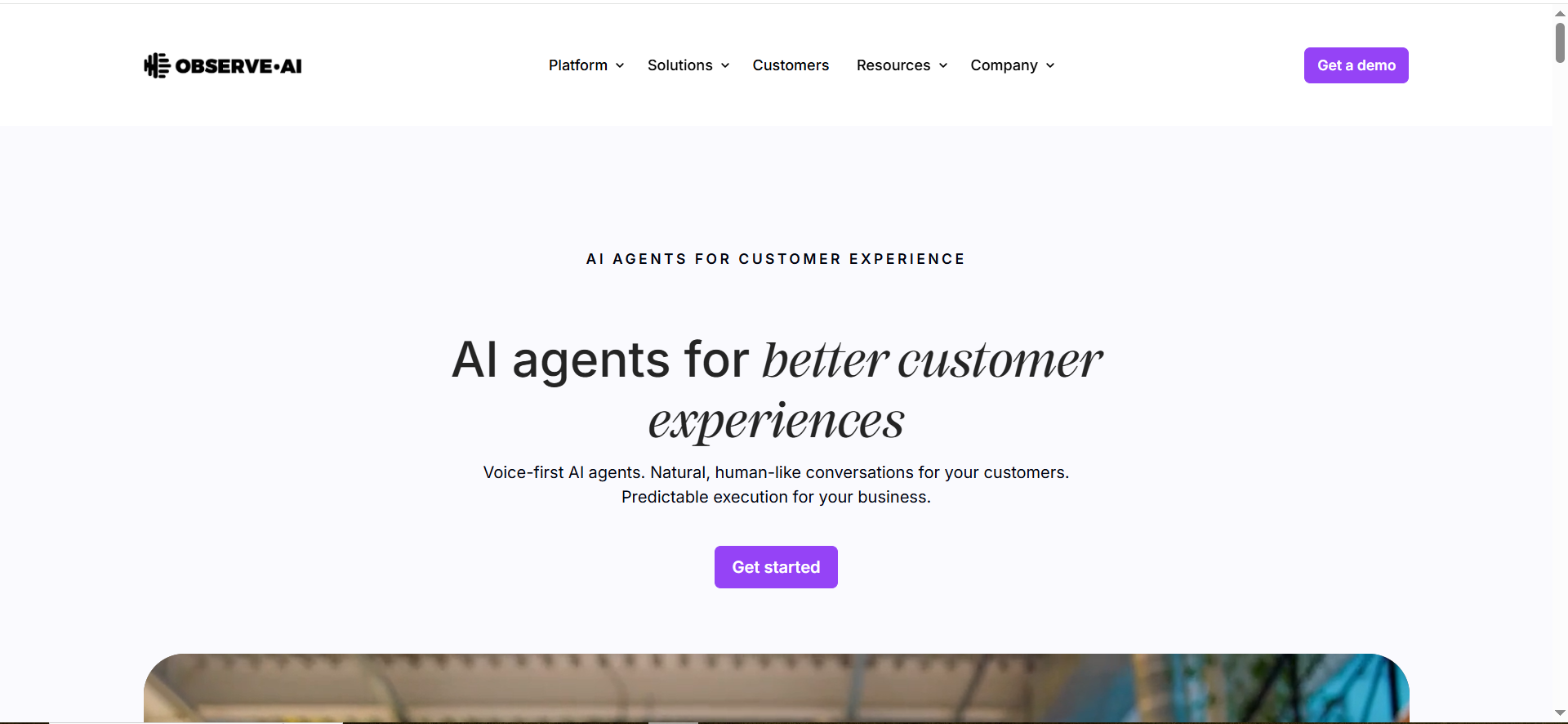
Observe AI is a contact center intelligence platform that combines real-time agent assist with 100% call auditing and automated quality assurance. It uses a contact-center-specific large language model to deliver contextual prompts during live interactions, generate after-call summaries, and surface compliance risks through supervisor alerts.
Why Teams Use It
Observe AI stands out for teams that need both agent assist and comprehensive QA in a single platform. While Cresta focuses primarily on real-time coaching, Observe AI adds a full post-interaction analytics layer that audits every call, scores agent performance, and flags compliance violations. Teams in regulated industries choose it because the QA coverage is automatic and complete.
What It's Good For
Observe AI is strongest in compliance-driven environments where every customer interaction must be reviewed. The platform eliminates an estimated 55% of after-call work with GenAI summaries. The Supervisor Assist feature provides live alerts for compliance risks, negative sentiment, and long hold times, giving managers real-time visibility without listening to every call.
When It's a Good Fit
Observe AI fits contact centers in financial services, insurance, healthcare, and any industry with strict regulatory requirements. It works best for teams with 50+ agents where manual QA is too slow to cover all interactions. Organizations that need both real-time coaching and post-call quality scoring in one vendor benefit most.
When It's Not a Good Fit
Observe AI is not ideal for teams handling primarily chat or email support. The platform's core strength is voice analytics, and while it supports some digital channels, the depth of AI assist features skews heavily toward phone conversations. Smaller teams may find the custom pricing model difficult to justify without clear ROI projections.
How to Use It
Integrate Observe AI with your telephony and CRM systems. Configure the real-time agent assist to surface prompts based on conversation metadata, agent skill level, and call queue. Set up automated QA scoring criteria aligned with your compliance requirements. Enable Supervisor Assist for team leads so they receive live alerts on at-risk calls. Use the Knowledge AI feature to connect support articles, legacy systems, and internal documents for instant policy lookups.
Key Capabilities
Observe AI's key capabilities include real-time agent assist with dynamic prompts based on conversation context, 100% automated call auditing and QA scoring, GenAI after-call summaries that reduce ACW by 55%, Supervisor Assist with live compliance and sentiment alerts, and Knowledge AI for instant policy-compliant answers from internal documents.
Pricing
Observe AI uses ROI-based custom pricing. Rates are not publicly disclosed and are typically negotiated based on agent count, call volume, and expected return on investment. Contact the sales team for a tailored quote.
Free Tier?
No. Observe AI does not offer a free tier or public trial. Demonstrations are available through the sales team.
Downsides / Limitations
The lack of transparent pricing makes it difficult to compare costs against alternatives without a sales engagement. The platform is heavily optimized for voice channels, limiting value for teams with significant chat or email volume. Implementation requires integration with existing telephony infrastructure, which can add complexity and timeline to deployment.
Tool #5: Assembled
What It Does
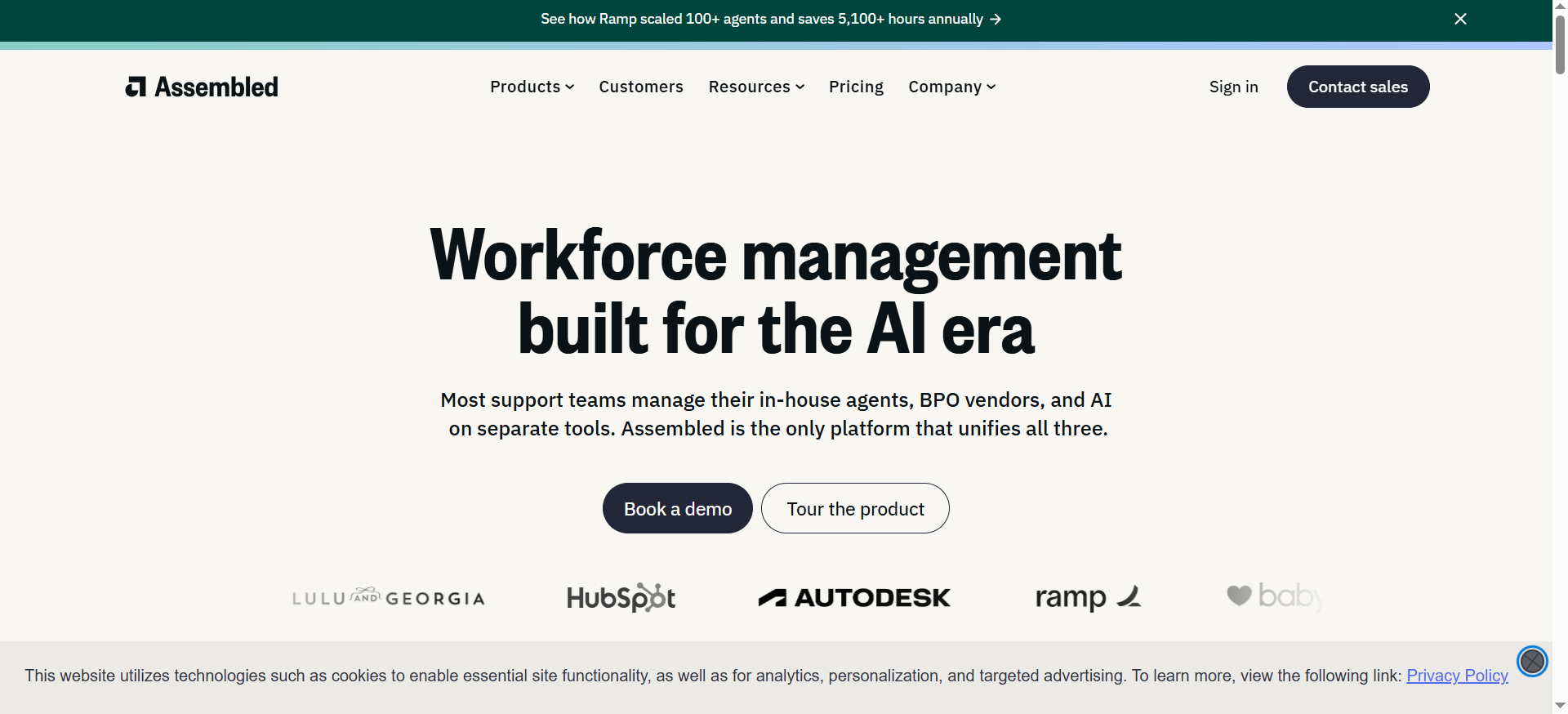
Assembled is a support operations platform that combines workforce management with AI agent assist and autonomous AI agents. The Agent Copilot uses generative AI to provide live response suggestions, summarize conversations, surface relevant knowledge, and automate repetitive tasks. The platform also includes ML-based forecasting, schedule generation, and real-time adherence monitoring.
Why Teams Use It
Assembled is the only tool on this list that bridges workforce management and agent assist in a single platform. Teams choose it because they can manage staffing, scheduling, and AI assist from one dashboard rather than running separate WFM and agent assist tools. This integration means that as AI agents handle more conversations, workforce plans automatically adjust.
What It's Good For
Assembled excels for support teams that need to balance human and AI workloads. The AI agents can autonomously resolve up to 70% of inquiries across phone, chat, and email. For the remaining conversations, the Agent Copilot gives human agents real-time response suggestions and knowledge surfacing. The WFM layer ensures that staffing levels stay aligned with actual demand.
When It's a Good Fit
Assembled fits mid-market to enterprise support teams that are actively deploying AI agents alongside human agents and need a single platform to manage both. It works well for B2B SaaS and ecommerce companies where support volume fluctuates and staffing optimization directly impacts cost and customer satisfaction.
When It's Not a Good Fit
Assembled is not the best fit for teams that only need agent assist without workforce management. If WFM is already handled by a separate tool and the team just wants real-time knowledge surfacing, Intercom or Zendesk AI provide more focused solutions. The AI agent assist features are newer compared to dedicated players like Cresta, so teams needing deep voice coaching may find the real-time guidance less mature.
How to Use It
Connect Assembled to your help desk platform (Zendesk, Intercom, Salesforce, etc.) and telephony system. Set up the AI agents to handle common ticket types autonomously. Enable Agent Copilot for your human agents so they receive live response suggestions and knowledge surfacing. Use the WFM module to generate schedules based on forecasted volume, factoring in the portion of tickets AI will handle. Review adherence and performance data to continuously adjust the human-AI balance.
Key Capabilities
Assembled's key capabilities include Agent Copilot with live response suggestions and conversation summaries, autonomous AI agents resolving up to 70% of inquiries, workforce management with ML-based forecasting and schedule generation, real-time adherence monitoring and staffing analytics, and unified dashboard for managing both human and AI agent workloads.
Pricing
Assembled Workforce Management costs $25 per user per month. Agent Copilot is an additional $35 per month. AI Agents are billed at $0.65 per conversation. The WFM plan includes scheduling, time tracking, adherence monitoring, staffing analytics, and ML-based forecasting.
Free Tier?
No. Assembled does not offer a free tier. Contact the sales team for trial access.
Downsides / Limitations
The agent assist features are newer and less proven than dedicated platforms like Cresta or Observe AI. Teams that do not need WFM are paying for a module they will not use. The AI agent claim of 70% autonomous resolution depends heavily on knowledge base quality and ticket complexity, so results will vary significantly across deployments.
What Is Agent Assist AI and How Does Knowledge Surfacing Work
Agent assist AI is a category of software that provides real-time guidance to customer support agents during live interactions. Instead of making agents search through help articles, internal wikis, or past tickets on their own, the AI monitors the conversation and automatically surfaces the most relevant information at the right moment. Knowledge surfacing is the specific function within agent assist that pulls answers from your knowledge base, CRM, past tickets, and internal documents and presents them to the agent without requiring a manual search. The two work together so agents spend less time looking things up and more time actually resolving customer issues. In practical terms, this means lower handle times, fewer transfers, and more consistent answer quality across the team.
How to Choose the Right Agent Assist Tool for Your Team Size
The right tool depends heavily on how many agents you have and what channels they work. For small teams under 20 agents handling chat and email, Intercom offers the fastest path to value because the AI copilot plugs directly into the inbox agents already use. Mid-market teams with 20 to 100 agents running multi-channel support should evaluate Zendesk AI if they are already on the Zendesk stack, or Assembled if they also need workforce management. Enterprise contact centers with 100+ agents on voice channels should look at Cresta or Observe AI, where real-time voice coaching and 100% call auditing justify the higher price point. The key is matching the tool's channel strength to where your agents actually spend their time.
Agent Assist AI for Voice vs Chat vs Email: Which Tools Cover Which Channels
Not every agent assist tool handles every channel equally well. Cresta and Observe AI are purpose-built for voice, delivering real-time whisper prompts and coaching during live phone calls. Intercom leads on chat and messaging channels, with strong AI copilot features for drafting replies and surfacing knowledge in a shared inbox. Zendesk AI covers email and ticketing most thoroughly, with intelligent triage and copilot features designed for ticket-based workflows. Assembled spans chat, email, and phone but with a broader focus that combines WFM with assist rather than going deep on any single channel. If your team is 80% voice, start with Cresta or Observe AI. If it is 80% chat and email, start with Intercom or Zendesk AI.
How Much Does Agent Assist AI Software Cost in 2026
Pricing models vary significantly across the category. Intercom charges $29 to $132 per seat per month for the base platform, plus $35 per agent per month for the copilot and $0.99 per AI resolution. Zendesk AI ranges from $19 to $169 per agent per month for the suite, with the copilot adding $50 per agent per month and resolutions costing $1.50 to $2.00 each after the free allotment. Cresta operates on enterprise contracts starting around $150,000 per year. Observe AI uses custom ROI-based pricing with no published rates. Assembled starts at $25 per user per month for WFM, $35 for the copilot, and $0.65 per AI agent conversation. For a team of 50 agents, monthly costs could range from roughly $3,200 with Intercom (Essential plus copilot, before resolutions) to over $12,000 with Zendesk (Professional plus copilot), with Cresta and Observe AI negotiated separately.
Can Agent Assist AI Replace Human Agents Entirely
Not yet, and probably not soon for most use cases. AI agents from Intercom (Fin), Zendesk, and Assembled can autonomously resolve a significant percentage of routine inquiries, with reported rates between 50% and 70% depending on knowledge base quality. But complex issues, emotional conversations, compliance-sensitive matters, and anything requiring judgment still need human agents. The real value of agent assist AI is not replacement but augmentation. It handles the repetitive lookups and drafting work so human agents can focus on the conversations that actually require expertise. Teams that try to automate too aggressively tend to see CSAT drops and escalation spikes.
What Metrics Should You Track After Deploying Agent Assist AI
The four metrics that matter most after deployment are first response time, average handle time, CSAT or NPS, and containment rate. First response time measures how quickly agents respond once AI surfaces the relevant information. Average handle time tracks whether agents are resolving issues faster with AI suggestions. CSAT shows whether faster resolutions are actually improving the customer experience or just rushing conversations. Containment rate measures what percentage of interactions AI resolves autonomously without human escalation. Secondary metrics to watch include agent ramp time for new hires (AI coaching should shorten onboarding), QA scores (which should improve with consistent AI-guided responses), and cost per resolution (which should decline as AI handles more routine work).
How to Evaluate Agent Assist Tools Without Getting Misled by Vendor Demos
Vendor demos are designed to show the best-case scenario, not the edge cases that matter in production. To evaluate fairly, run every tool against the same test: pick 50 real tickets or call recordings from the last month, feed them into each platform, and compare the quality of suggested responses, knowledge surfacing accuracy, and any misses. Test with messy data, not clean examples. Check how each tool handles questions that span multiple knowledge sources, ambiguous customer intent, and topics not well covered in your documentation. Ask vendors for customer references in your industry and at your scale. Finally, evaluate the implementation timeline honestly. A tool that takes 8 weeks to deploy and tune is very different from one that works out of the box in 3 days.
FAQs
An AI chatbot interacts directly with customers and tries to resolve their issues without involving a human agent. Agent assist, by contrast, works alongside human agents during live conversations, surfacing knowledge, suggesting replies, and providing coaching in real time. The chatbot replaces the agent for simple queries. Agent assist makes the agent faster and more accurate on complex ones. Many platforms, including Intercom and Zendesk, now offer both capabilities.
Deployment timelines vary widely. Intercom and Assembled can be operational within days to two weeks for teams already using a compatible help desk. Zendesk AI typically takes two to four weeks due to copilot configuration and triage setup. Cresta and Observe AI require enterprise-level integrations with telephony systems and can take four to twelve weeks depending on complexity. The biggest variable is not the tool itself but the quality and organization of your existing knowledge base.
Most agent assist tools integrate with major help desk and CRM platforms, but the depth of integration varies. Intercom is a standalone platform with its own inbox. Zendesk AI only works within the Zendesk ecosystem. Cresta and Observe AI integrate with common telephony platforms like Five9, Genesys, and NICE. Assembled connects to Zendesk, Intercom, Salesforce, and other help desks. Always verify the specific integrations you need before committing, as some connections require custom development.
Yes. Real-time coaching and knowledge surfacing significantly reduce the time it takes for new agents to handle conversations independently. Cresta reports that new agents can navigate conversations like seasoned professionals from day one using its real-time hints and playbooks. Intercom and Zendesk copilots help new hires by drafting replies they can review and send, which builds confidence while maintaining quality. Teams that deploy agent assist typically see new hire ramp time decrease by 30% to 50%.
It depends on the vendor. Cresta and Observe AI are built specifically for enterprise contact centers and include compliance monitoring, call auditing, and data governance features suited for regulated industries. Zendesk offers enterprise-grade security and compliance certifications. Intercom provides SOC 2 compliance and GDPR support but is less commonly deployed in heavily regulated environments. Always review the vendor's security documentation, data residency options, and compliance certifications against your specific regulatory requirements before deploying.