Best AI Chatbots For Enterprise Customer Support (2026)
Which ai chatbots options actually fit enterprise customer support and which ones create extra cost, handoff friction, or weak output.

This playbook helps product managers and growth marketers compare the best ai chatbots options for enterprise customer support. It breaks down where intercom-fin, zendesk-ai stand out, when alternatives such as intercom, zendesk make more sense, and which setup fits B2B companies and B2C brands and small businesses and mid-market companies.
TL;DR
If you're an enterprise customer support leader, you're likely evaluating AI chatbots to reduce costs, improve resolution times, and handle the volume spike across your support channels. The right AI chatbot can autonomously resolve 50-80% of common inquiries, free your team to handle complex issues, and integrate seamlessly with your existing tech stack. This guide compares the five best AI chatbots built for enterprise needs: Intercom Fin, Zendesk AI, Ada, Forethought, and Gorgias—each designed with large-scale support operations in mind.
Table of Contents
Best AI Chatbots For Enterprise Customer Support (Quick Comparison)
| Tool | Best For | Pricing Model | Free Tier? |
|---|---|---|---|
| Intercom Fin | Teams already in Intercom ecosystem | $0.99/resolution + seat plans ($29–$132/seat/month, billed annually) | 14-day trial |
| Zendesk AI | Large enterprises needing API integrations | $55–$169/agent + $50 AI add-on + $1.50–$2.00/resolution | Free trial |
| Ada | Mid-market to enterprise wanting no-code control | Quote-based (~$70K/year median) | Demo only |
| Forethought | Teams valuing specialized agents and QA | Quote-based (~$56K–$60K/year) | Demo only |
| Gorgias | Ecommerce and Shopify-first enterprises | $60–$900/month + $0.90–$1.00/resolution | Free trial |
Best AI Chatbots For Enterprise Customer Support (Quick Comparison)
Tool #1: Intercom Fin
What it does
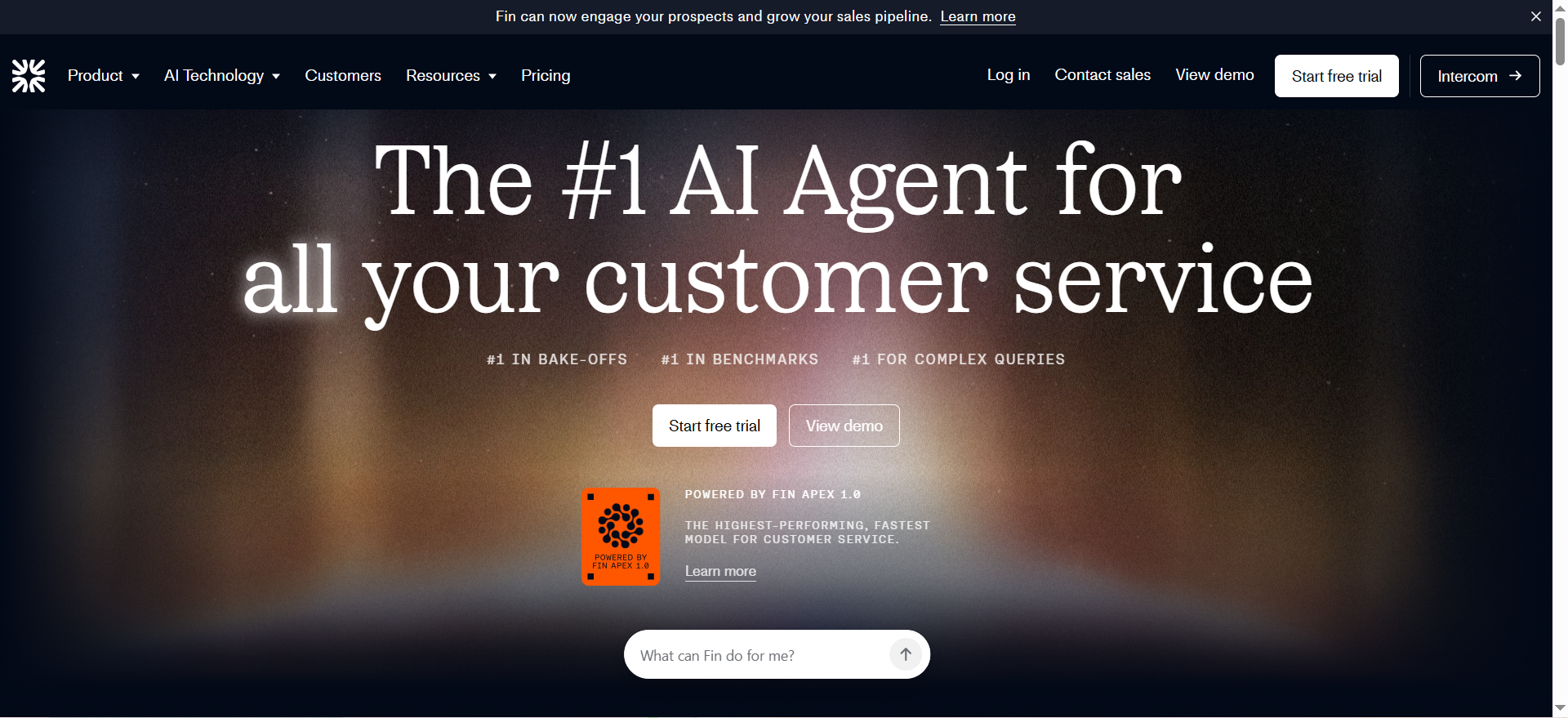
Intercom Fin is an AI resolution agent that handles customer support conversations natively within the Intercom platform. It autonomously responds to customer inquiries, resolves common issues, and escalates complex problems to human agents when needed. The system learns from your support team's past conversations and can be deployed to live channels in hours.
Why teams use it
Teams choose Intercom Fin because it requires zero additional infrastructure. If you're already paying for Intercom, Fin integrates directly into your inbox, chat, and messaging channels without requiring separate API connections or data migrations. The setup process is fast—many teams go from sign-up to live AI resolution within 24 hours. Since Fin operates within Intercom's native system, agents see AI responses in context with customer history, ensuring handoffs feel natural.
What it's good for
Intercom Fin excels at handling frequent, repetitive inquiries: subscription cancellations, billing questions, password resets, order tracking, and account updates. The system is particularly effective for teams already using Intercom's other tools (Help Center, Outbound, Engage) because it leverages existing customer context and conversation history.
When it's a good fit
Intercom Fin is ideal if you're an Intercom customer running 500+ monthly conversations and want to reduce time-to-resolution without managing a separate AI vendor. Small to mid-market companies, SaaS platforms, and product companies benefit most. Teams with tight engineering resources appreciate that Intercom Fin needs no custom development.
When it's not a good fit
If your support team uses a different platform (Zendesk, Freshdesk, Help Scout), Intercom Fin requires switching tools to unlock its value. Organizations needing highly specialized agents or strict data residency controls may find Fin's governance options limited. Enterprise customers wanting outcome-based pricing transparency or multi-channel management across non-Intercom channels should evaluate alternatives.
How to use it
Enable Intercom Fin in your Intercom workspace settings, review your past 200+ conversations so Fin learns your support tone and policies, and set resolution confidence thresholds (Fin will auto-resolve only when confidence meets your threshold). You can then activate Fin on specific conversations or roll it out incrementally to a percentage of incoming chats.
Key capabilities
- Native integration with Intercom Chat, Help Center, and Messenger
- Learns from your support team's conversation history automatically
- Confidence scoring shows when Fin is uncertain and needs human review
- Works across Intercom's email, live chat, and messaging channels
- Agent assist mode shows suggested responses to human agents in real-time
- Custom resolution confidence thresholds based on your team's preferences
Pricing
Intercom Fin uses a hybrid model: $0.99 per successful resolution with a minimum of 50 resolutions/month (roughly $50/month baseline), plus Intercom seat costs ($29–$132/seat/month billed annually, depending on plan). For a 5-agent team on Intercom Essential ($29/seat, billed annually) handling 1,000 conversations monthly with a 50% resolution rate (500 resolutions), expect approximately $640/month total ($145 seats + $495 Fin resolutions).
Free tier?
Yes. Intercom Fin offers a 14-day free trial with no credit card required. This allows you to test the system on live conversations and measure resolution rates before committing.
Downsides / limitations
Intercom Fin's biggest limitation is platform lock-in—it only works if you use Intercom. If you're migrating away from Intercom or need cross-platform support (email + chat + SMS across different systems), you'll need a more flexible solution. The minimum 50-resolution/month commitment means smaller teams pay a baseline fee even if resolution volume is light. Fin also has less granular customization for specialized industry workflows compared to platforms like Ada or Zendesk.
Tool #2: Zendesk AI
What it does
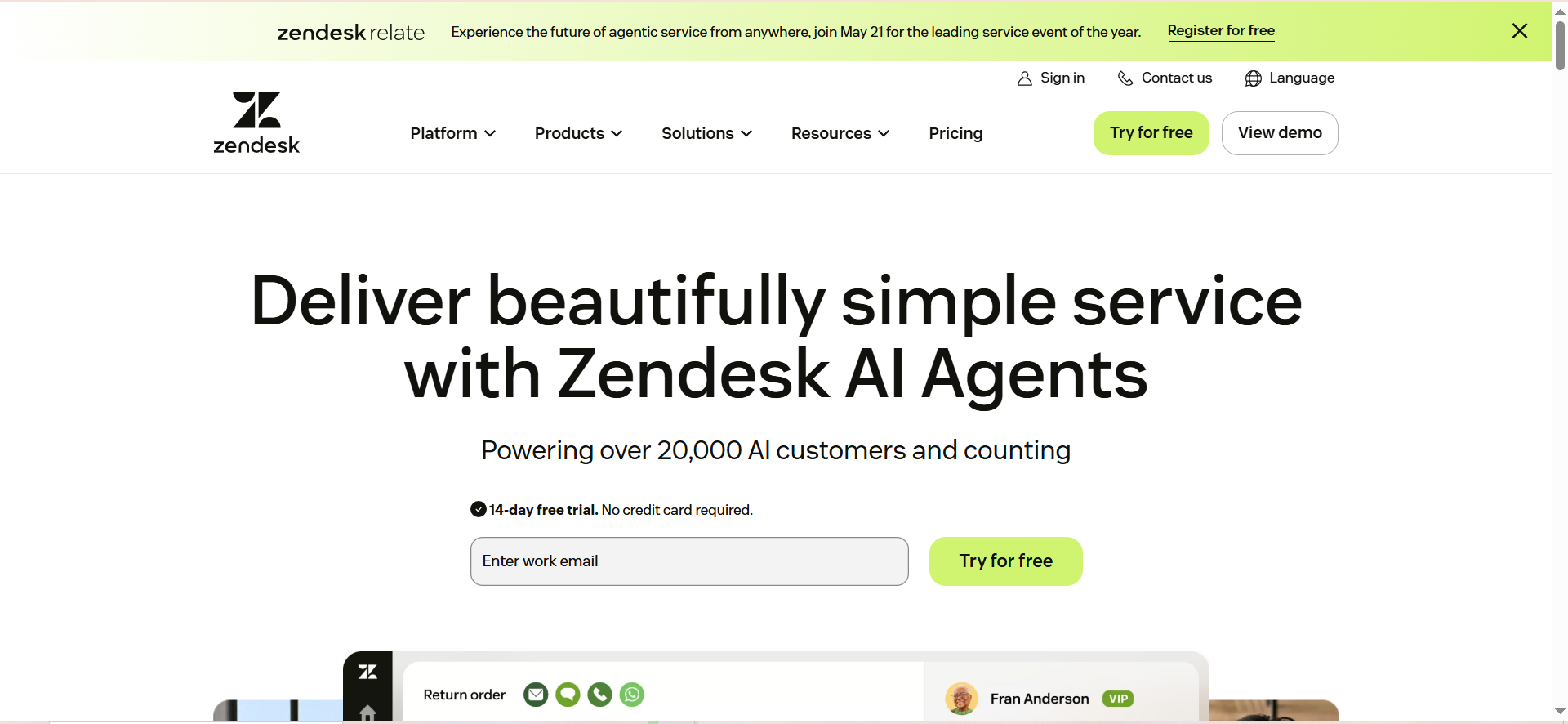
Zendesk AI is an outcome-based AI agent built into the Zendesk suite that autonomously handles customer inquiries across chat, email, voice, and ticket channels. It uses GPT-5 and Zendesk's MCP (Model Context Protocol) to understand customer intent, fetch relevant information from connected systems (Shopify, Salesforce, Jira), and resolve issues without human intervention. Zendesk AI also powers an AI agent builder for custom workflows specific to your business logic.
Why teams use it
Enterprises choose Zendesk AI because it resolves complex, multi-step issues autonomously at scale. Zendesk processes 18 billion+ service interactions annually, and its AI is trained on that massive dataset. Teams also appreciate the outcome-based pricing model—you only pay for successful resolutions, not for failed attempts. Zendesk AI integrates with the full Zendesk ecosystem plus third-party tools (Shopify orders, Salesforce records, Jira tickets), meaning agents and AI have complete context.
What it's good for
Zendesk AI handles both simple and complex support scenarios: order modifications, refund processing, subscription changes, ticket routing, multilingual support, and knowledge base searches. The agent builder allows you to create custom AI agents for industry-specific workflows—for example, a financial services AI that verifies account ownership before processing transactions. The system excels at handling 80%+ of issues autonomously, freeing agents for strategic work.
When it's a good fit
Zendesk AI is best for large enterprises (500+ agents) running high-volume support operations where resolution rate improvements directly impact COGS. Companies using Zendesk's broader suite (Service Cloud, Guide, Talk, Explore) gain maximum integration. Organizations managing multichannel support (chat, email, voice, social) benefit from unified AI across all channels.
When it's not a good fit
If you're a small team with fewer than 100 monthly tickets, Zendesk AI's cost structure may be steep. The platform requires familiarity with Zendesk's agent builder and API integrations—companies without technical resources may need consulting help. If you're not currently a Zendesk customer, the switching cost from another platform is substantial.
How to use it
Activate Zendesk AI in your workspace, configure API connections to your CRM and business systems, define resolution categories and success metrics, and set confidence thresholds. Test the AI on a subset of tickets first, monitor resolution rates and customer satisfaction scores, then gradually expand coverage.
Key capabilities
- Processes 18B+ service interactions with GPT-5 foundation
- Autonomously resolves 80%+ of complex issues without human intervention
- Outcome-based pricing: pay only for successful resolutions
- Custom AI agent builder for industry-specific workflows
- API integrations with Shopify, Salesforce, Jira, and 100+ apps
- Multilingual support across voice, chat, email, and ticket channels
Pricing
Zendesk AI uses a tiered model: $55–$169/agent/month (depending on Zendesk plan) + $50/agent for Advanced AI add-on + $1.50–$2.00 per automated resolution. For a 10-agent team on Zendesk Suite Team ($55/agent) with the Advanced AI add-on ($50/agent) and 500 monthly resolutions at $1.50–$2.00 each, expect approximately $1,800–$2,050/month.
Free tier?
Yes. Zendesk offers a free trial (typically 14 days) that includes Zendesk AI features.
Downsides / limitations
Zendesk's outcome-based pricing adds complexity—if your AI resolution rate is low initially, costs can exceed expectations. The platform is heavy on features; small teams often don't need the full feature set and pay for unused capabilities. Custom agent building requires technical expertise or consulting, increasing implementation time and cost.
Tool #3: Ada
What it does
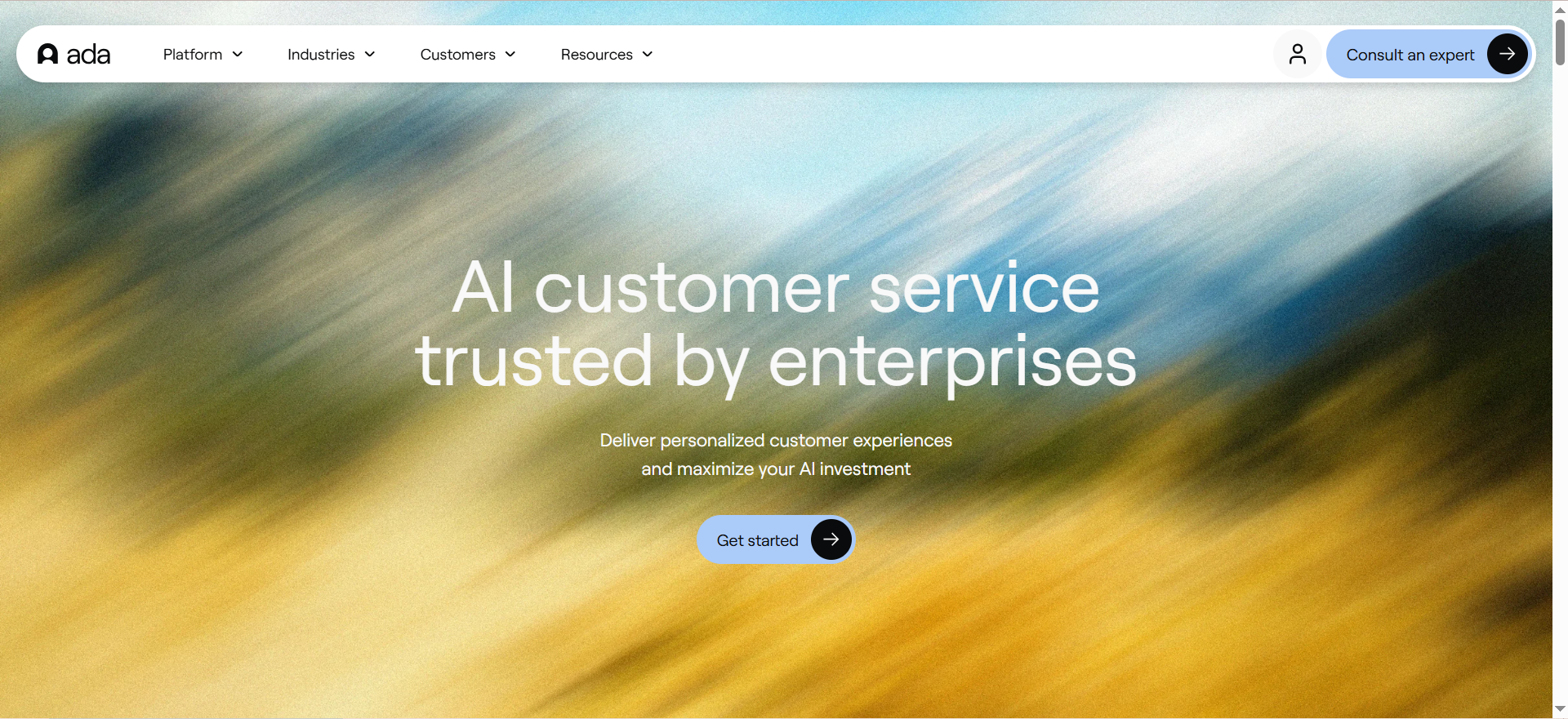
Ada is an enterprise-grade no-code AI chatbot platform that runs across 50+ channels (chat, SMS, email, voice, social, messaging apps). It unifies customer support across every touchpoint without requiring code. Ada's platform includes governance controls, role-based access, audit trails, and security certifications built for regulated industries (healthcare, finance, insurance).
Why teams use it
Enterprises choose Ada because it removes the need for technical resources while maintaining strict governance and security. Unlike no-code tools that sacrifice control, Ada lets enterprises define approval workflows, audit all AI decisions, and control who can modify the AI. Ada's platform processes support across 50+ languages and channels, making it ideal for global teams.
What it's good for
Ada works best for mid-market to enterprise brands wanting a controlled, governed AI chatbot without coding. Regulated industries (healthcare, finance, legal) rely on Ada's compliance features. Customer-facing brands with high support volume benefit from Ada's multilingual support (50+ languages) and omnichannel presence.
When it's a good fit
Ada fits enterprises with 200+ monthly conversations across multiple channels who lack dedicated AI engineering. Organizations in regulated industries needing HIPAA, SOC 2, or PCI compliance should prioritize Ada. Companies with global audiences needing support in 50+ languages find Ada's breadth invaluable.
When it's not a good fit
Ada's quote-based pricing ($30K–$300K+/year depending on volume and channels) makes it expensive for small teams or low-volume support operations. If you need an API-first, developer-friendly tool with maximum customization, Ada's no-code approach may feel limiting.
How to use it
Start with Ada's discovery phase—Ada's team conducts a brief audit of your existing support channels, content, and workflows. Build your knowledge base in Ada's interface by importing FAQs, articles, and documentation. Define escalation workflows for issues Ada can't handle. Activate Ada on your first channel (typically chat or SMS), monitor resolution metrics for 2 weeks, then expand.
Key capabilities
- 50+ channels unified: chat, SMS, email, voice, social, messaging apps
- 50+ languages with automatic language detection
- No-code agent builder—drag-and-drop workflows, no coding required
- Governance controls: role-based access, approval workflows, audit trails
- Enterprise security: SOC 2 Type II, HIPAA, GDPR, AIUC-1
- Zero data retention option for privacy-sensitive industries
Pricing
Ada's pricing is quote-based and depends on monthly conversation volume, channels used, and features needed. Starting price: ~$30K/year. Median: ~$70K/year. Enterprise (high volume, many channels): $150K–$300K+/year. Request a demo to get a custom quote.
Free tier?
No. Ada does not offer a free tier or trial. You must schedule a demo and request a custom quote.
Downsides / limitations
Ada's lack of a free trial or low-cost entry point is a barrier for budget-conscious teams. Quote-based pricing creates unpredictability. The no-code builder, while user-friendly, may feel constraining for teams needing highly custom workflows.
Tool #4: Forethought
What it does
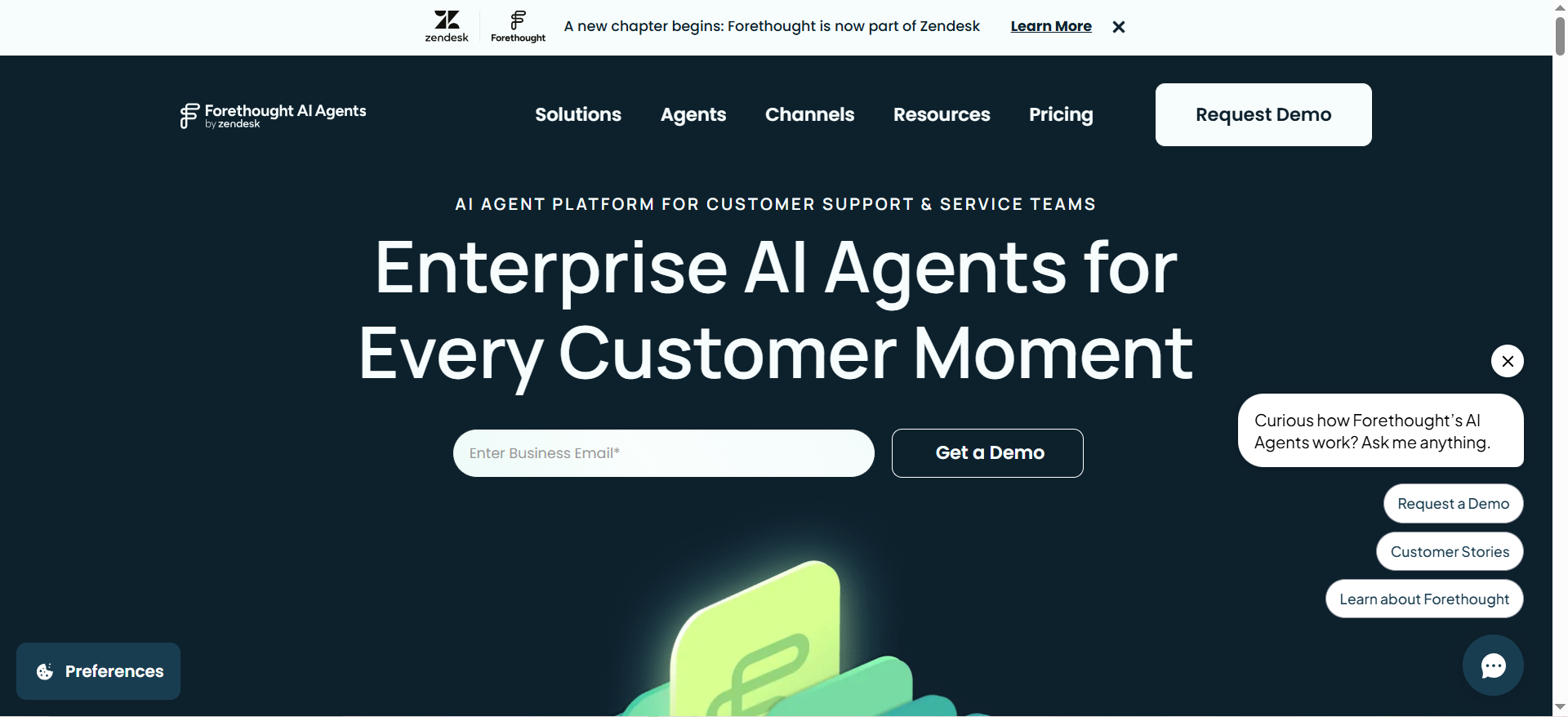
Forethought is an AI customer support platform built on five specialized agents: Solve (autonomously resolves tickets), Triage (categorizes and routes issues), Assist (AI copilot for human agents), Discover (identifies improvement opportunities), and Agent QA (scores 100% of interactions for empathy, grammar, relevance). Forethought operates across chat, email, voice, and SMS. Note: Forethought was acquired by Zendesk in March 2026.
Why teams use it
Enterprises choose Forethought because its specialized agents are purpose-built for support workflows. Unlike generic chatbots, Forethought's AI understands the nuances of customer service—empathy matters as much as accuracy. The Assist Agent (Chrome extension for human agents) shows suggested responses in real-time, reducing handle time without requiring full automation.
What it's good for
Forethought excels at teams wanting both automation (Solve) and quality (Agent QA). Customer service organizations prioritizing agent productivity and training leverage Assist Agent heavily. Companies that value continuous quality improvement use Agent QA to measure and improve support across 100% of interactions.
When it's a good fit
Forethought fits enterprises with 300+ agents and high-volume support (10,000+ monthly conversations) seeking both automation and quality oversight. Teams already using Zendesk or planning to consolidate platforms should evaluate Forethought closely given the March 2026 acquisition.
When it's not a good fit
Forethought's quote-based pricing and lack of free trial make early-stage companies hesitant. Small teams (<50 agents) likely don't need the full suite of specialized agents and may overpay.
How to use it
Schedule an onboarding with Forethought's team, integrate your support channels, connect your CRM and knowledge base, and configure agent profiles. Deploy the Assist Agent to your team via Chrome extension. Enable Solve Agent on a subset of ticket types first, monitor resolution and customer satisfaction, then expand.
Key capabilities
- Five specialized agents: Solve, Triage, Assist, Discover, Agent QA
- Assist Agent: Real-time suggested responses for human agents
- Agent QA: Automated scoring of 100% of interactions
- Works across chat, email, voice, and SMS
- Multilingual support with voice capabilities
- Seamless integration with Zendesk (post-acquisition)
Pricing
Forethought pricing is quote-based. Median: ~$56K–$60K/year. Enterprise plans with voice and SMS capabilities run higher. Given Zendesk's acquisition in March 2026, pricing may shift—contact Forethought directly for current rates.
Free tier?
No. Forethought does not offer a free trial or freemium tier.
Downsides / limitations
Forethought's acquisition by Zendesk creates uncertainty—feature roadmap, pricing, and integration strategy may change. The platform is heavy on features; teams wanting simplicity may feel overwhelmed. The price point ($56K–$60K+/year) is steep for teams under 100 agents.
Tool #5: Gorgias
What it does
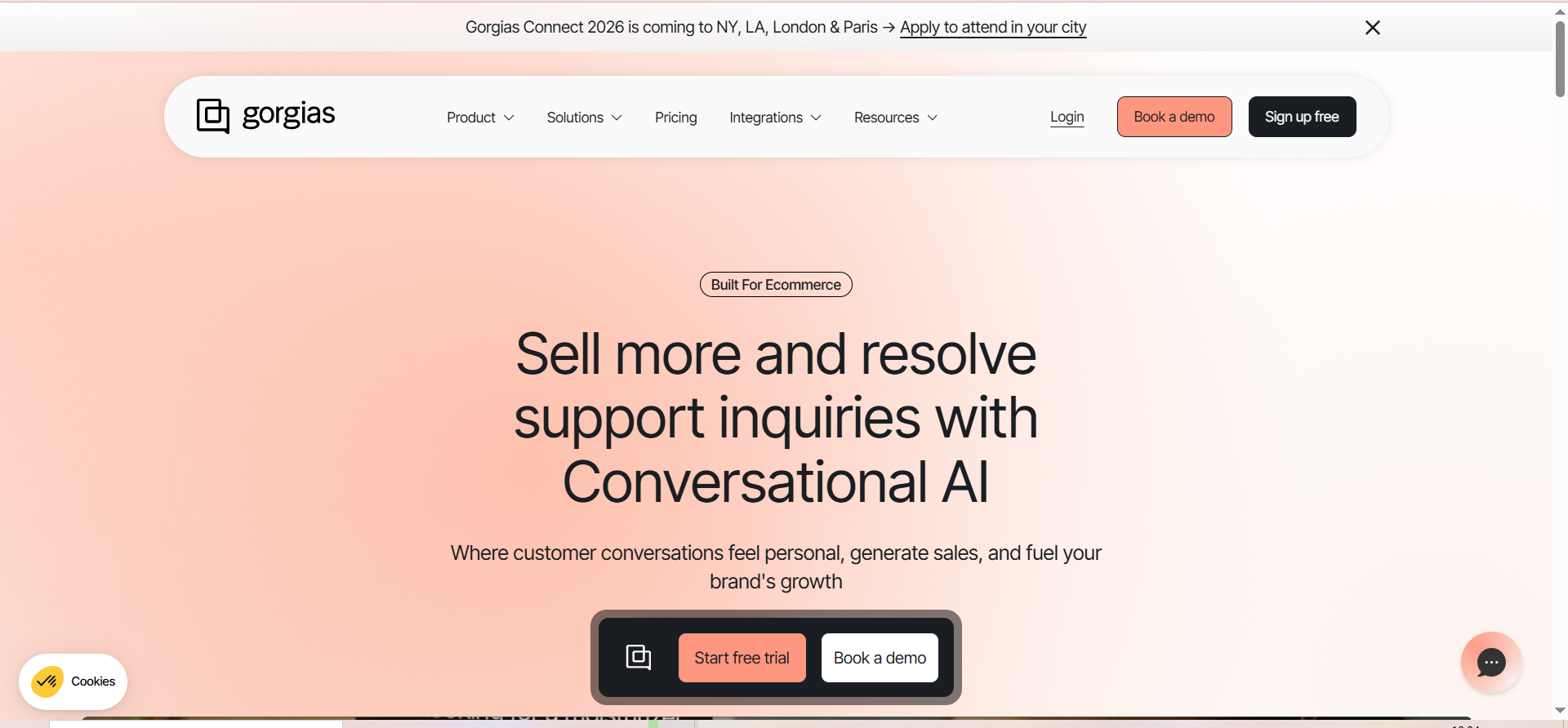
Gorgias is an ecommerce-first AI customer support platform built natively on Shopify. It unifies support across email, chat, SMS, and social media, then deploys AI agents that autonomously handle common ecommerce inquiries. Gorgias AI can process refunds, cancel orders, edit shipping addresses, and answer FAQs directly from the ticket view.
Why teams use it
Ecommerce teams choose Gorgias because it removes friction from support. Instead of agents switching between Shopify admin, email, and a separate support tool, everything happens in Gorgias. The AI handles up to 60% of common inquiries, reducing agent workload dramatically. As a Shopify Premier Partner, Gorgias has deep access to Shopify's API and data.
What it's good for
Gorgias is built for ecommerce support: refund requests, order modifications, tracking inquiries, size/fit questions, and shipping changes. Shopify stores with 500+ monthly orders benefit most from the time savings. DTC brands prioritizing agent speed and customer retention love Gorgias's approach.
When it's a good fit
Gorgias is ideal for Shopify Plus or Shopify Core stores with 500+ monthly orders and a dedicated support team. Ecommerce brands selling across multiple channels benefit from Gorgias's centralized inbox. DTC and subscription box companies gain significant ROI.
When it's not a good fit
Gorgias is Shopify-centric. If you sell primarily on custom sites, Amazon, or non-Shopify marketplaces, other platforms are better. Service-based businesses and B2B companies don't fit Gorgias's design. Enterprise organizations needing strict compliance controls (HIPAA, PCI Level 1) should choose Ada or Zendesk instead.
How to use it
Install the Gorgias app from the Shopify App Store, authorize access to your store, import your email accounts and social channels, and set up AI automation rules. Define which issue types the AI should handle versus escalate. Enable AI on your most common inquiries first.
Key capabilities
- Native Shopify integration with full API access
- Unified inbox for email, chat, SMS, and social
- AI handles refunds, cancellations, order edits, tracking, and FAQs
- Agent can issue refunds and modify orders within Gorgias
- Shopify customer data and purchase history available in every ticket
- Integration with 100+ ecommerce apps
Pricing
Gorgias uses a hybrid model: $60–$900/month for the platform (depending on seats and features) + $0.90–$1.00 per AI resolution. A small ecommerce brand with 2 agents on the Pro plan ($300/month) handling 1,000 monthly tickets with 50% AI resolution rate pays approximately $750–$800/month ($300 base + $450–$500 AI resolutions).
Free tier?
Yes. Gorgias offers a free trial (typically 14 days) that includes full access to AI features.
Downsides / limitations
Gorgias is Shopify-only, eliminating it as an option for non-Shopify retailers. Per-resolution pricing can become expensive at scale. Gorgias's feature set is narrower than enterprise platforms, meaning you may outgrow it as your company matures.
How Do AI Chatbots Reduce Enterprise Support Costs?
AI chatbots reduce enterprise support costs by automating 50-80% of high-volume, low-complexity inquiries, freeing agents to focus on complex issues that generate revenue. Instead of paying an agent $40-$60/hour to answer routine questions, you pay $0.90-$2.00 per AI resolution. For a support team handling 10,000 monthly inquiries with 60% AI resolution, you eliminate roughly 6,000 agent interactions—savings of $20,000–$30,000/month.
What Is the Difference Between AI Chatbots and Traditional Chatbots for Enterprise?
Traditional chatbots use rigid rule-based logic and decision trees—they follow "if customer says X, respond with Y" patterns that break when customer input doesn't match expected phrases. AI chatbots use large language models (LLMs) that understand intent, context, and nuance, enabling them to handle unexpected variations in customer language. Enterprise AI chatbots like Zendesk and Ada also include governance controls, audit trails, and compliance certifications traditional chatbots lack.
How Do AI Chatbots Handle Multilingual Enterprise Support?
Enterprise AI chatbots handle multilingual support by automatically detecting customer language and responding in kind. Platforms like Ada support 50+ languages without requiring separate training or custom configuration. The AI learns multilingual patterns from your knowledge base and past conversations, adapting tone and terminology for each language. Some platforms (Forethought, Zendesk) also handle voice support across languages.
Can AI Chatbots Integrate With Existing Enterprise CRM Systems?
Yes, enterprise AI chatbots integrate with CRM systems through APIs or pre-built connectors. Zendesk AI natively integrates with Salesforce, Dynamics, and Jira, pulling customer records and transaction history into AI responses. Ada, Intercom Fin, and Gorgias also support major CRM integrations. However, integration quality depends on your CRM's API maturity and your data quality—poorly structured CRM data weakens AI reasoning.
What Security Certifications Should Enterprise AI Chatbots Have?
Enterprise AI chatbots should have SOC 2 Type II, GDPR compliance, HIPAA (if handling health data), and PCI DSS (if processing payments). Ada explicitly certifies SOC 2 Type II, HIPAA, GDPR, and PCI compliance. Zendesk and Intercom offer SOC 2 and GDPR but require additional configuration for HIPAA. Always verify certification audit dates—outdated certifications don't protect you.
How Do You Measure ROI of AI Chatbots in Customer Support?
Measure AI chatbot ROI by tracking: resolution rate (% of conversations fully resolved by AI), agent handle time (time saved per conversation), cost per resolution (AI cost vs. agent cost), customer satisfaction (CSAT scores before/after AI), and deflection rate (conversations prevented from reaching agents). A support team paying $50K/month in agent costs that uses AI to resolve 50% of 10,000 monthly conversations at $1/resolution can see significant positive returns.
What Is Resolution-Based Pricing for AI Chatbots?
Resolution-based pricing means you pay only when the AI successfully resolves a customer inquiry—either fully (no escalation) or partially (reducing agent effort). Intercom Fin charges $0.99 per resolution, Gorgias charges $0.90–$1.00, and Zendesk charges $1.50–$2.00. This model incentivizes vendors to improve AI accuracy and gives you cost predictability. For high-volume operations (5,000+ monthly resolutions), resolution-based pricing is typically cheaper than flat-fee pricing.
Are AI Chatbots Replacing Human Support Agents in Enterprises?
AI chatbots are not replacing human agents; they're shifting agent roles. Rather than spending 60% of their time answering routine questions, agents spend 80% handling complex issues requiring judgment, empathy, and context. High-performing support teams are using AI to amplify agent capacity and upskill roles. Enterprise data shows that AI adoption increases agent retention and satisfaction because repetitive work decreases.
FAQs
Gorgias is the cheapest entry point for ecommerce teams ($60/month base + resolutions). For general enterprises, Intercom Fin starts at $50/month (minimum resolutions) if you're already an Intercom customer. Zendesk AI and Ada require higher minimum commitments ($1,400+/month and $30K+/year, respectively).
It depends. If you export your knowledge base as standardized files (PDFs, CSVs, markdown), most platforms can import it. When evaluating vendors, ask about data export formats and whether they support your existing knowledge base system. Plan 2-4 weeks for knowledge base migration and testing.
Yes, but differently than B2C. B2B support often involves complex, multi-step issues requiring access to backend systems and account information. Zendesk AI and Ada handle this well because they integrate with Salesforce, Jira, and custom APIs. Gorgias is B2C-focused and less suitable for B2B.
Intercom Fin: 1-2 weeks (if already an Intercom customer). Zendesk AI: 4-8 weeks (requires API integration and custom agent building). Ada: 6-12 weeks (includes discovery, governance setup, and compliance validation). Forethought: 4-6 weeks. Gorgias: 1-2 weeks (if already a Shopify user).
Enterprise AI chatbots include escalation workflows—when a customer disputes an AI decision, the conversation automatically escalates to a human agent with full context. Agents see the AI's reasoning and can override decisions. Zendesk AI and Ada include audit trails showing what the AI said and why. Most AI errors occur when the knowledge base is outdated—continuous updates reduce error rates.