Best Practices For Onboarding Employees Using AI Knowledge Base (2026)
A strategy-first breakdown of how to win at best practices for onboarding employees using ai knowledge base with the right process, measurement, and team alignment.

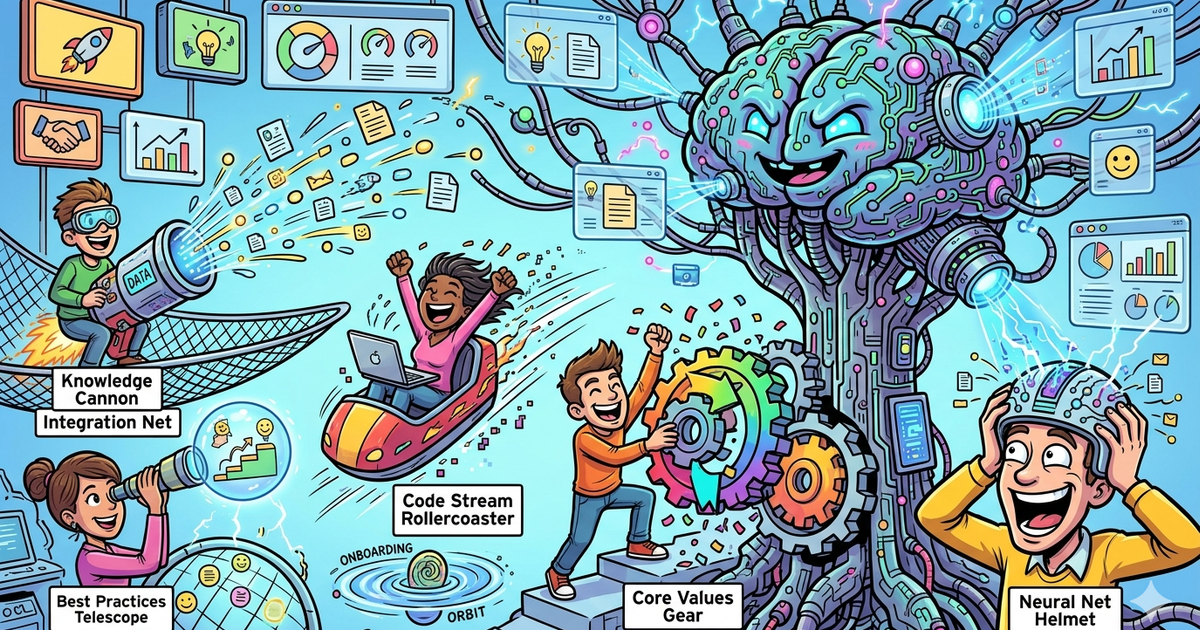
Learn how to approach best practices for onboarding employees using ai knowledge base with a strategy built for B2B companies and B2C brands. The guide covers positioning, workflow design, tool selection, and measurement so marketing ops leaders and product managers can move from experimentation to a scalable retention motion.
If you want to onboard employees using an AI knowledge base, the best approach is not to dump documents into a chatbot and hope for the best. The winning setup is a governed knowledge system built around the real questions new hires ask, with role-based access, verified answers, and a clear path from “Where do I find this?” to “How do I do this correctly?” Research from SHRM and Gallup keeps pointing to the same basics: structured onboarding improves productivity, and clear expectations early matter a lot for employee experience and performance. Atlassian’s onboarding and knowledge-management guidance also reinforces that standard workflows, checklists, and accessible knowledge reduce friction and help teams self-serve more effectively.
For most teams, Glean is the strongest fit when onboarding depends on searching across many tools and permissions-heavy systems. Guru is the best fit when trust, verification, and answer quality matter most. Notion AI is the best fit for teams that want docs, wiki, and AI in one workspace. Slab is best for a simpler, cleaner knowledge base. Mendable is the best fit when you want an AI answer layer over documentation with more product-style deployment flexibility.
📋 Get Listed / Advertise
We update this guide monthly. Want your tool featured? Contact: aigrowthhacksofficial@gmail.com.
Table of Contents
Best Tools for Onboarding Employees Using an AI Knowledge Base
| Tool | Best for | Core strength | Pricing signal |
|---|---|---|---|
| Glean | Mid-market and enterprise teams with knowledge spread across many apps | Permissions-aware enterprise search across 100+ connectors | Custom / contact sales |
| Guru | Teams that need verified, trusted answers and knowledge governance | Knowledge Agents, verified content, AI answer layer | Free trial / custom plans |
| Notion AI | Teams that want docs, wiki, search, and AI in one workspace | Workspace-native AI plus Enterprise Search | Free, Plus $10, Business $20, Enterprise custom; Custom Agents credits after May 4, 2026 |
| Slab | Teams that want a clean wiki-first knowledge base | Straightforward documentation and integrated search | Free, Startup $6.67, Business $12.50, Enterprise custom |
| Mendable | Teams that want an AI chat/search layer over docs for employees or users | Fast AI chat search over connected docs and data sources | Free tier, custom paid plans |
Best Tools for Onboarding Employees Using an AI Knowledge Base
Tool #1: Glean
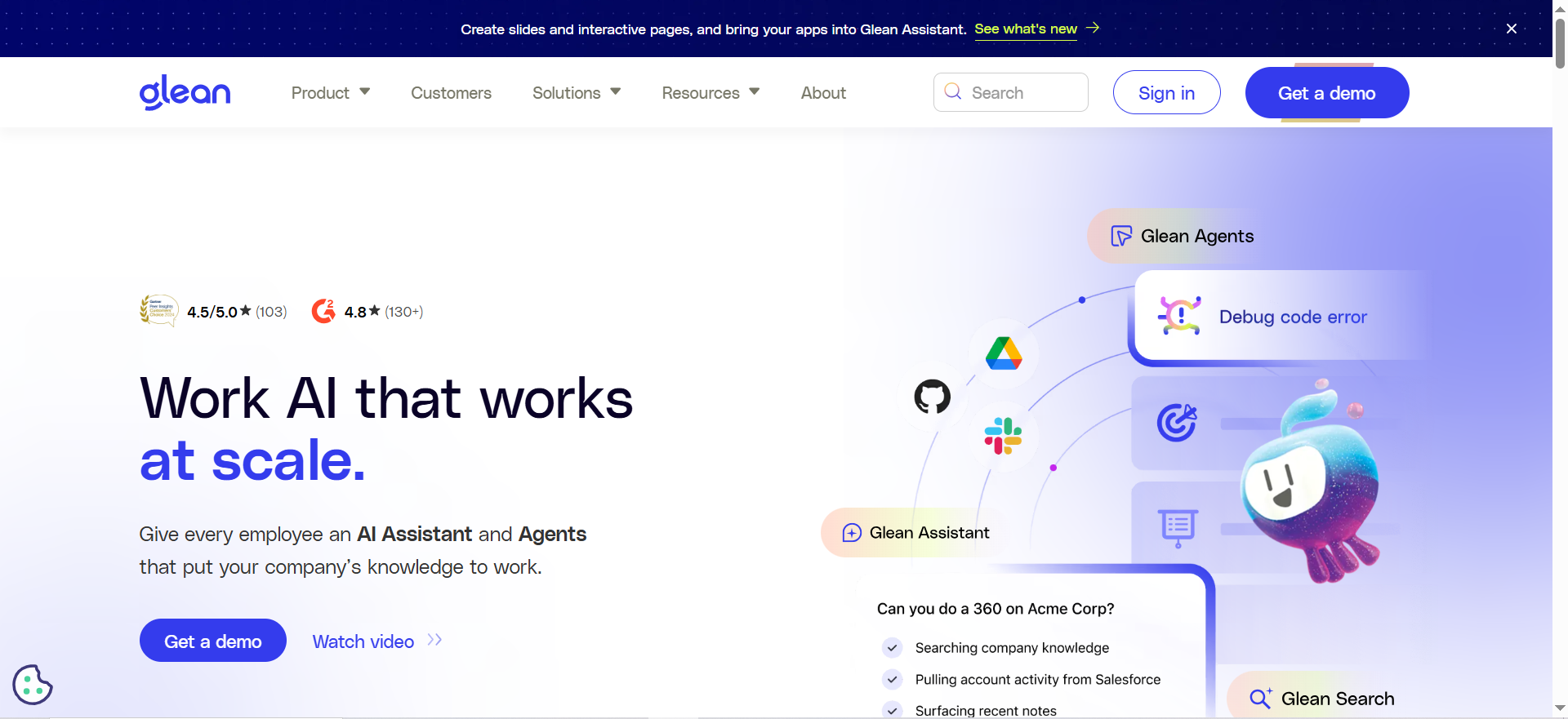
What it does
Glean is an enterprise search and work AI platform that connects across company systems and returns permission-aware answers, results, and actions. Its core strength for onboarding is helping new hires find the right information without knowing where it lives first.
Why teams use it
Teams use Glean when onboarding knowledge is fragmented across many tools and no single wiki reflects how work actually happens. Glean emphasizes search across connected systems and enforces existing permissions, which matters when onboarding touches HR, IT, legal, sales, and product documentation.
What it’s good for
It is especially strong for enterprise onboarding where answers sit across tickets, docs, chats, and cloud apps. It also works well when role-specific onboarding requires different access boundaries for different departments.
When it’s a good fit
Pick Glean when your problem is discoverability across systems more than document authoring inside one tool. It is usually a better fit for larger or more complex environments than for small teams with a single central wiki. This is an inference based on Glean’s product positioning, connector breadth, and enterprise administration features.
When it’s not a good fit
It is not the simplest option if your team mainly needs to write onboarding docs in one place and keep things lightweight. For smaller teams, it may be more platform than you need.
How to use it
Use Glean as the answer layer on top of your existing onboarding sources. Create role-based content collections, connect your major systems, test permissions carefully, and build a starter query set such as “How do I request software access?” or “Where is the messaging guide for customer emails?”
Key capabilities
- 100+ connectors
- Personalized, permissions-enforced search
- AI assistant and agent features
- Enterprise admin roles and governance controls
Pricing
Glean does not publicly list standard seat pricing on its main site. Expect a sales-led enterprise pricing motion.
Free tier?
No public self-serve free plan was surfaced in official pricing pages during research.
Downsides / limitations
Its biggest downside is likely complexity and cost relative to simpler wiki-first tools. It also depends on good source hygiene. If your source systems are messy, Glean can make them easier to search, but it cannot magically make outdated knowledge trustworthy.
Tool #2: Guru
What it does
Guru is an AI knowledge platform built around trusted internal knowledge, searchable answers, and role-based Knowledge Agents. It is designed to give employees fast answers grounded in verified company content.
Why teams use it
Guru is appealing for onboarding because it does more than search. It leans into verification, knowledge ownership, and answer quality. Its AI Agent Center is specifically positioned as a control layer for answer performance and knowledge improvement, which is useful when you want onboarding answers to stay current instead of silently drifting.
What it’s good for
It is strong for support, operations, enablement, and people teams that need employees to trust what they are reading. That makes it a particularly good fit for onboarding processes, policy-heavy environments, and repeated how-do-I-do-this questions.
When it’s a good fit
Choose Guru when your main concern is not just retrieval, but confidence. If managers want new hires to see answers that are sourced, reviewed, and easy to maintain, Guru is usually a stronger fit than a pure search layer.
When it’s not a good fit
It may be less ideal if your company already has a mature documentation home and simply needs broad enterprise retrieval across many disconnected systems at massive scale. In those cases, Glean may feel more natural.
How to use it
Build role-based onboarding agents and verified collections for each function. Start with recurring new-hire questions, assign owners to each knowledge area, and use AI Agent Center feedback to improve weak answers over time.
Key capabilities
- Knowledge Agents
- Verified internal answers
- AI Agent Center for quality management
- 100+ integrations
- Governance and privacy controls including source permissions and zero data retention claims on the main site
Pricing
Guru has a pricing page, but it frames pricing around platform usage and sales conversations rather than simple public per-seat comparison for all use cases.
Free tier?
Guru offers ways to see the platform before committing, but exact package details should be confirmed with sales for your use case.
Downsides / limitations
Guru requires operational discipline. Its advantage comes from verified knowledge and ownership, which means someone has to maintain that system. If you do not assign owners, you lose a lot of what makes Guru valuable.
Tool #3: Notion AI
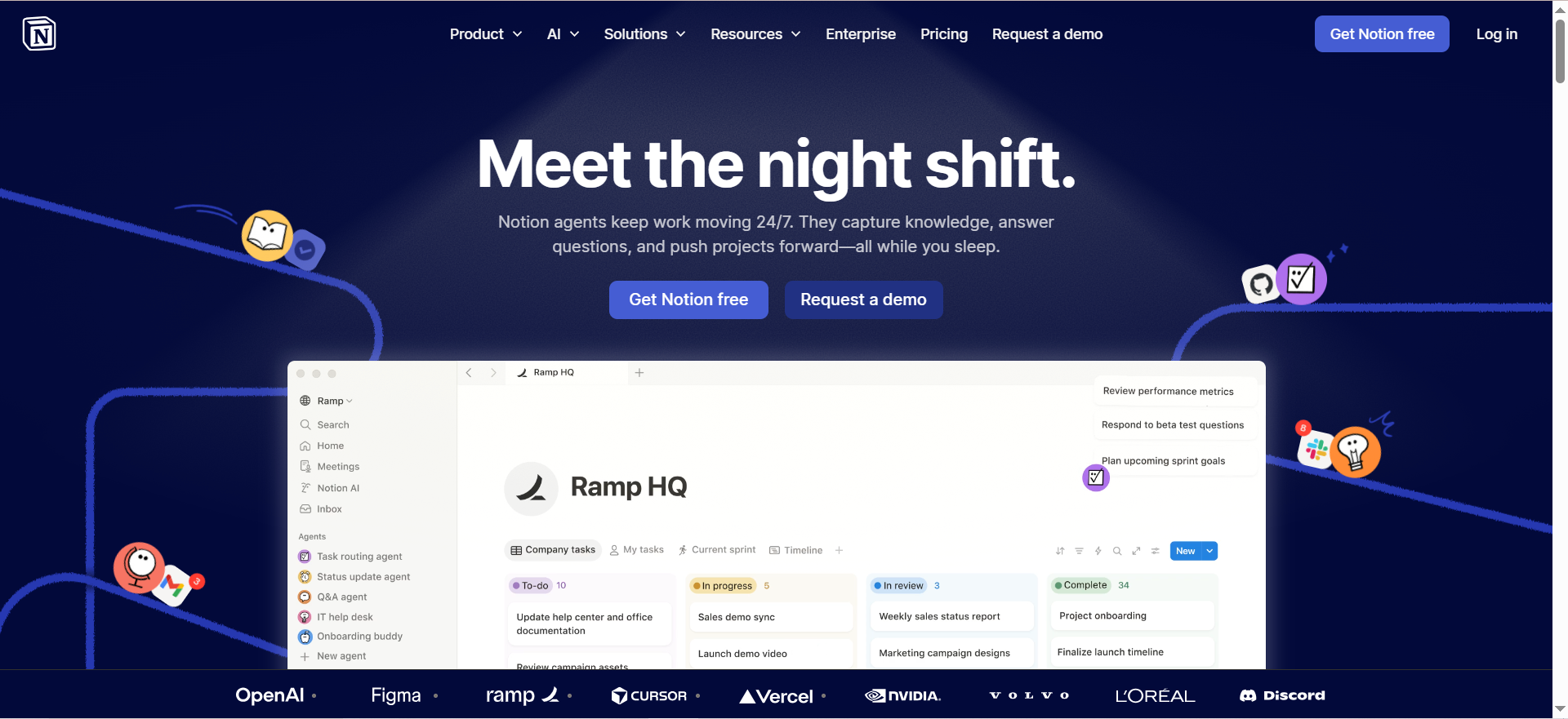
What it does
Notion AI combines workspace docs, wiki, databases, and AI features in one product. Its Enterprise Search can look across the Notion workspace and connected apps like Slack, Google Drive, and Jira.
Why teams use it
Teams choose Notion AI when they want fewer tools and want onboarding content to live where projects, docs, and internal processes already live. It is especially attractive for startups and growth-stage companies that already use Notion as the operating system for work.
What it’s good for
It is strong for creating onboarding hubs, role-based handbooks, manager checklists, training databases, and searchable SOP libraries in one place. Its connected search makes it more capable than a static wiki alone.
When it’s a good fit
Choose Notion AI when your team values speed, flexibility, and having authoring plus retrieval in the same environment. It is often the highest-leverage option for teams that are not yet ready for a dedicated enterprise search rollout.
When it’s not a good fit
It is not always the strongest option for highly complex permission models, broad enterprise systems coverage, or organizations that do not already use Notion heavily. Some advanced AI features also depend on Business or Enterprise plans and changing credit models.
How to use it
Create one onboarding home with sections for company basics, role ramp-up, tools access, policies, and first-30-day checklists. Then connect the external apps your team actually searches during onboarding and use AI to summarize, answer, and route users to the right page.
Key capabilities
- Native docs, wiki, and databases
- Notion AI assistant features
- Enterprise Search across workspace and connected apps
- Permissions-aware AI responses
- Business and Enterprise admin controls
Pricing
Notion lists Free, Plus at $10 per seat per month, Business at $20 per seat per month, and Enterprise custom pricing on its official pricing page. Notion also states that Custom Agents are free to use on Business and Enterprise plans through May 3, 2026, and then begin consuming Notion credits from May 4, 2026.
Free tier?
Yes, but the most relevant enterprise search capabilities are available on Business and Enterprise plans.
Downsides / limitations
The main risk is turning Notion into a content warehouse without governance. Notion is easy to write in, which is great, but teams can overproduce pages and under-manage freshness. You need templates, ownership, and archiving rules.
Tool #4: Slab
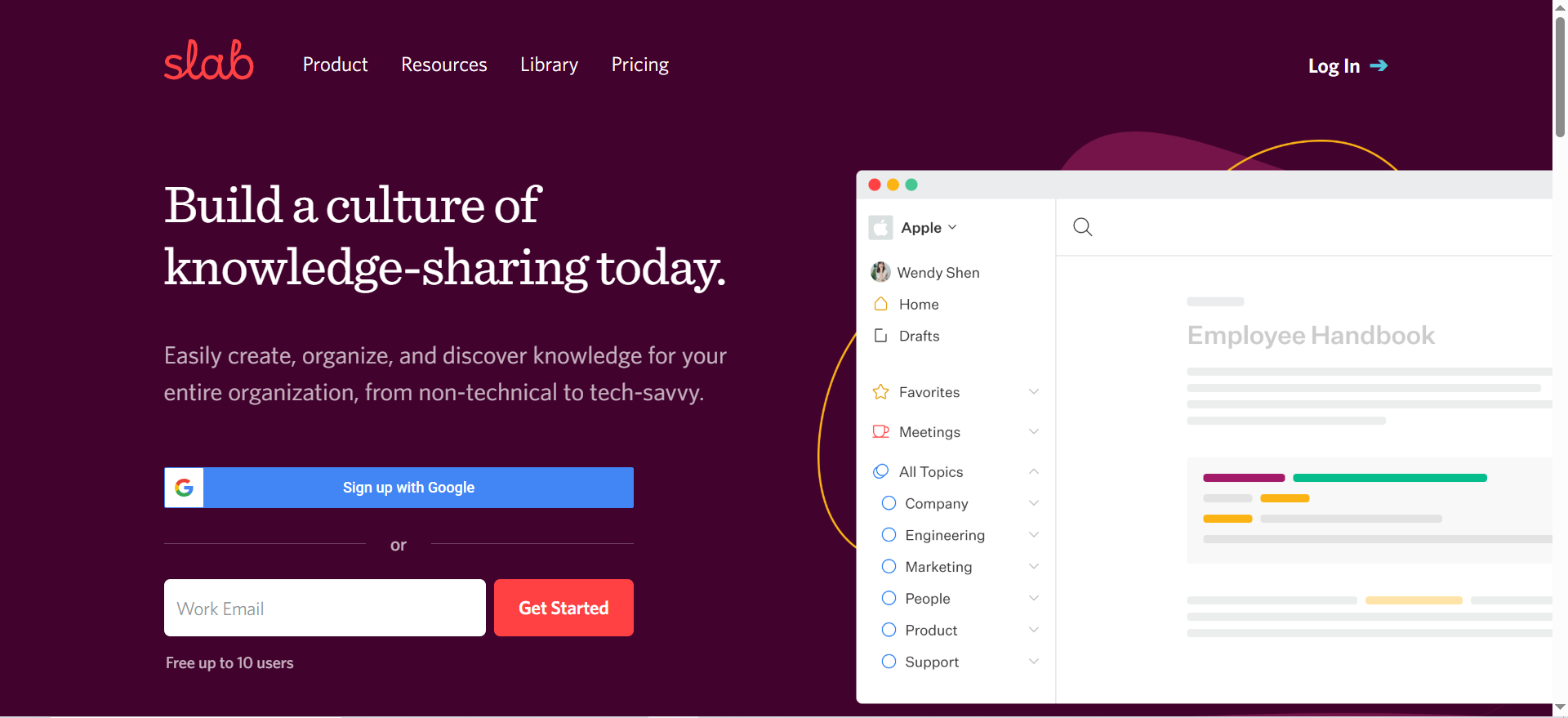
What it does
Slab is a knowledge base and wiki platform focused on documentation clarity, search, and integrations. Its positioning is intentionally simple: a best-in-class knowledge base rather than an all-in-one operating system.
Why teams use it
Teams use Slab when they want a cleaner writing and reading experience than heavier documentation stacks. For onboarding, that matters because the first job of a knowledge base is helping new hires understand how the company works without getting lost.
What it’s good for
It is good for structured onboarding handbooks, team playbooks, SOP libraries, glossary pages, and manager enablement docs. It is especially useful when your goal is “make the onboarding wiki excellent” rather than “search everything in the enterprise.”
When it’s a good fit
Pick Slab when you want a wiki-first approach with strong documentation hygiene. It makes sense for startups, agencies, and mid-sized teams that want a dedicated knowledge base without enterprise-search complexity.
When it’s not a good fit
It may be less ideal when onboarding depends on retrieving answers across many business systems with very granular permission checks. In those cases, Glean or Guru may cover more of the real-world question flow.
How to use it
Use Slab as the canonical onboarding library. Organize by company-wide topics, department-specific onboarding, and first-30-60-90-day paths. Then layer search, templates, and integrations around that structure.
Key capabilities
- Knowledge base and wiki
- Integrations with tools like Google Workspace, Slack, and GitHub
- Tiered pricing from free to enterprise
Pricing
Slab publicly lists Free, Startup at $6.67 per user per month billed annually, Business at $12.50 per user per month billed annually, and Enterprise custom pricing.
Free tier?
Yes. Slab has a free plan.
Downsides / limitations
Slab’s simplicity is the benefit, but also the limit. If you expect advanced cross-system AI retrieval, it is not trying to be the same kind of platform as Glean.
Tool #5: Mendable
What it does
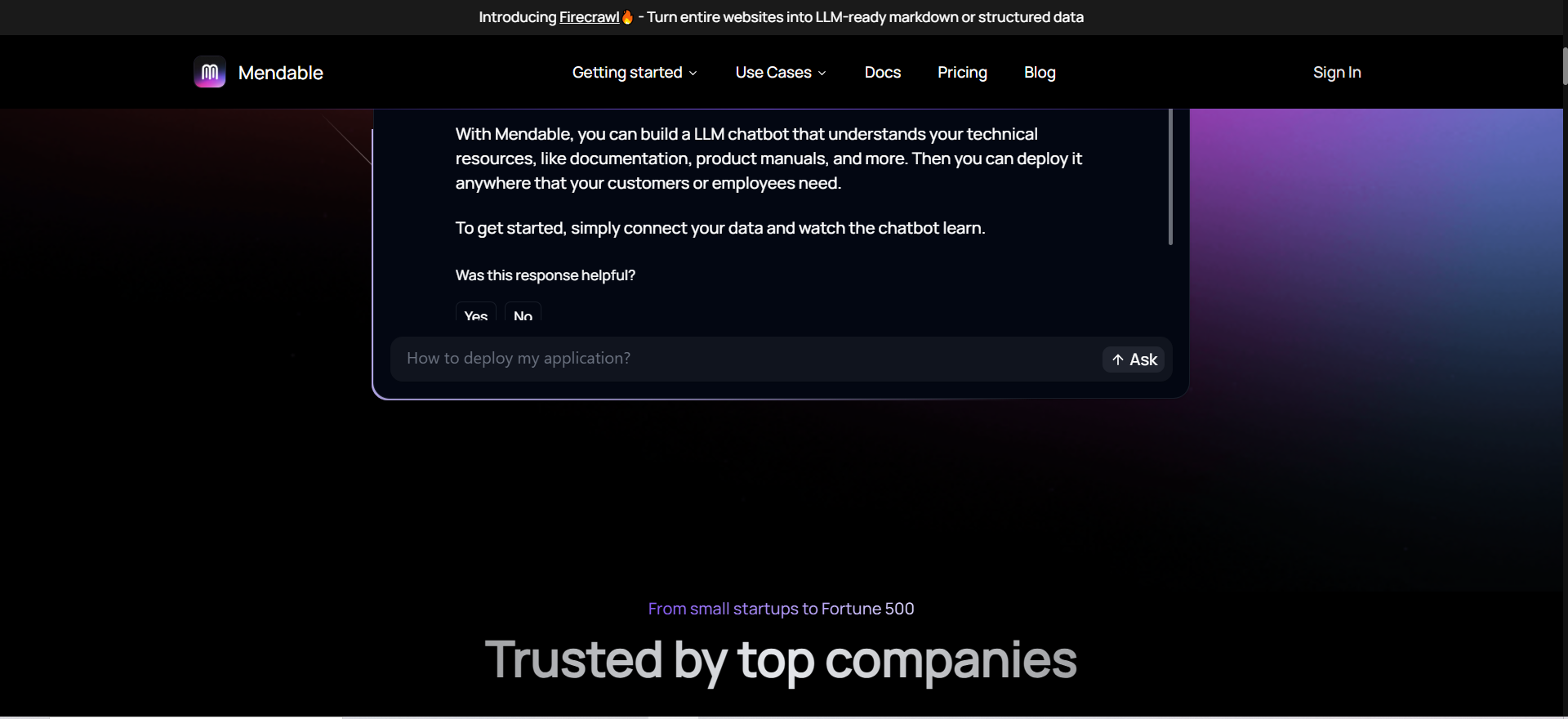
Mendable is an AI chat and search platform that can be trained on your documentation and connected data sources. It is built to let teams deploy AI chat experiences internally, externally, or both.
Why teams use it
Mendable is attractive when the goal is a fast AI answer layer over technical or process documentation. While it is often discussed in support and docs use cases, the same architecture can work for internal onboarding when you want employees to ask questions conversationally instead of browsing a large wiki.
What it’s good for
It is good for product, engineering, technical support, and documentation-heavy teams that want a chatbot-style experience over their knowledge sources. It can also work when you want the same documentation system to support both employees and external users.
When it’s a good fit
Choose Mendable if your onboarding depends on searchable docs and you want a more embedded AI interface quickly. It is especially relevant when your documentation is already in places like Notion, Zendesk, or Google Drive and you want to layer AI on top.
When it’s not a good fit
It is not the most obvious fit if your main problem is enterprise-wide governance, HR policy management, or cross-departmental workflow orchestration. In that case, Guru or Glean usually match the problem more directly.
How to use it
Use Mendable for FAQ-style onboarding, technical setup guides, tool access help, and SOP retrieval. Start with the repetitive questions new hires ask in week one and week two, then expand.
Key capabilities
- AI chat over docs
- API and embeddable components
- Unlimited data sources on pricing page
- Analytics and customization options
Pricing
Mendable publicly lists a free plan with 500 message credits per month, while larger plans are custom.
Free tier?
Yes. A free tier is publicly listed.
Downsides / limitations
Mendable is powerful, but it is more of an AI answer layer than a full onboarding operating system. You still need a strong content model and governance process behind it.
What “good” AI knowledge base onboarding looks like
A strong onboarding system does five things well. It helps new hires find answers fast, gives them role clarity, reduces repeated manager questions, respects permissions, and turns tribal knowledge into maintained knowledge. That is the real standard, not whether the AI can write a fancy summary. SHRM notes that structured onboarding improves productivity, while Gallup consistently ties better employee experience to clear expectations and clarity early on. For teams building around this exact use case, best practices for onboarding employees using AI knowledge base is the most relevant companion guide.
The practical takeaway is simple: an AI knowledge base is only useful if it sits on top of trustworthy content and an onboarding flow that already makes sense. AI helps retrieval and summarization. It does not replace process design, role ownership, or review. Atlassian’s guidance on onboarding workflows and knowledge bases supports this directly by emphasizing standard workflows, accessible knowledge, and self-service design. That same logic also connects well with best ai tools for agent assist and knowledge surfacing.
Best practice #1: Define the operating problem before buying software
Your sheet gets this right. The first step is to define the operating problem, audience, constraints, and business outcome before tool selection. For this topic, that means specifying what “better onboarding” actually means in your organization. Is the goal faster ramp time, fewer repeated questions, lower manager load, fewer access bottlenecks, stronger compliance, or all of the above?
Start with a brief that answers:
- Who is being onboarded?
- What do they need to know by day 3, day 14, and day 30?
- Where does knowledge live today?
- Which answers are high-risk if wrong?
- What metrics define success?
Without that brief, teams overbuy software and underdesign the experience.
Best practice #2: Build onboarding around questions, not documents
New hires do not think in file structures. They think in questions:
- How do I get access to the CRM?
- Where is the latest positioning doc?
- What approval do I need before sending this campaign?
- How do I know if this is the current process?
That is why the best onboarding knowledge bases are question-led. They still need strong documents underneath, but the front-end experience should map to real queries and task flows. This also aligns with how enterprise search and AI assistants are used in practice. Glean, Guru, and Notion all emphasize natural-language search and retrieval rather than forcing users into manual browsing.
A useful rule is this: for every onboarding module, create both a source doc and an answer layer. The source doc is the maintained truth. The answer layer is the AI-ready summary, FAQ, decision tree, or query prompt that helps the employee get there fast.
Best practice #3: Create role-based paths for the first 30 days
Not every new hire needs the same onboarding path. A product marketer, RevOps manager, support rep, and engineer will all ask different questions. The base layer should be shared, but the role path should change.
A practical structure:
- Company onboarding: mission, org chart, communication norms, security basics, glossary
- Function onboarding: tools, recurring workflows, success metrics, team rituals
- Role onboarding: top tasks, shadowing plan, first deliverables, escalation points
- Systems onboarding: access requests, approval logic, SOPs, templates
- Context onboarding: examples of good work, decisions, recordings, and known pitfalls
This approach also helps with Gallup’s point about role clarity. New employees need to know what good performance looks like early, not just where the handbook is.
Best practice #4: Verify and govern knowledge before AI scales it
This is the big one. AI makes good knowledge easier to access, but it also makes bad knowledge easier to spread.
Before rollout:
- assign an owner to each onboarding topic
- label critical vs non-critical content
- archive outdated docs
- add last-reviewed dates
- define which systems are authoritative
- test permissions and role access
- decide which answers require human sign-off
This is where Guru stands out because verification is core to the product, while Glean and Notion emphasize permissions-aware retrieval across connected systems. All three are solving different parts of the trust problem.
A simple content model helps:
- Policy: must be reviewed and approved
- Process: reviewed monthly or quarterly
- Reference: reviewed when systems change
- FAQ: updated from real query logs
- Examples: reviewed when brand, legal, or workflow standards shift
Best practice #5: Measure time-to-answer, time-to-productivity, and confidence
Most onboarding programs measure completion, not effectiveness. That is not enough.
Track at least these:
- time to first useful answer
- repeat question volume
- manager interruption volume
- onboarding task completion rate
- time to first independent task
- new hire confidence score
- answer success rate for top onboarding queries
- content freshness coverage
Your sheet also points toward baseline measures like handle time, completion rate, exception rate, and operator time saved. That is a strong model because it ties tool choice back to operating outcomes instead of feature theater.
Gallup also recommends onboarding surveys as a way to capture early feedback in the first weeks, which makes them useful here as a measurement layer on top of search and usage metrics.
📋 Get Listed / Advertise
We update this guide monthly. Want your tool featured? Contact: aigrowthhacksofficial@gmail.com.
Best practice #6: Keep a human escalation path
An AI knowledge base should never be the final fallback for every onboarding issue. Some issues need context, judgment, or approval.
Good escalation design includes:
- when to ask a manager
- when to ask IT
- when to ask HR
- when to file a ticket
- what to do if the AI answer conflicts with policy
- how to flag a bad answer
Atlassian’s self-service guidance makes the same point in a different way: even strong knowledge systems still need a route for personalized help when self-service is not enough.
This matters because trust is earned. New hires are far more likely to use an AI knowledge base repeatedly if they know there is a clean human backup when needed.
Best practice #7: Roll out in phases instead of all at once
The fastest way to make an AI onboarding project fail is trying to centralize every document, every team, and every workflow in one release.
A better rollout:
- Pick one department or onboarding cohort.
- Map the top 25 to 50 recurring questions.
- Clean and verify the source content.
- Connect the minimum systems needed.
- Test search quality and permissions.
- Launch with manager support.
- Review logs weekly for weak answers.
- Expand to the next function.
This phased approach fits your SOP and the spreadsheet row well. It keeps the evaluation tied to workflow reliability, handoffs, governance, and reporting instead of presentation polish.
How to choose between Glean, Guru, Notion AI, Slab, and Mendable
Choose Glean if:
- your onboarding information is scattered across many apps
- permissions matter a lot
- you need strong enterprise retrieval more than a new wiki
- your team is mid-market or enterprise
Choose Guru if:
- trust and verification matter most
- you want answer quality management, not just search
- onboarding spans policies, SOPs, and repeated internal questions
- you want role-based knowledge agents
Choose Notion AI if:
- your team already runs on Notion
- you want docs, databases, wiki, and AI together
- speed of rollout matters more than enterprise complexity
- you are a startup or growth team consolidating tools
Choose Slab if:
- your main problem is creating a cleaner onboarding wiki
- you want simple pricing and fast adoption
- you do not need a heavy enterprise-search layer
Choose Mendable if:
- you want an AI chat/search layer over docs
- your onboarding content is documentation-heavy
- you want flexible deployment for internal or external use
- you are comfortable building the content and governance model behind it
What is the best AI knowledge base for employee onboarding?
This section should answer the core commercial-intent query directly. Summarize the shortlist, explain which tool is best for which use case, and give a quick recommendation by company size, complexity, and governance needs.
How do you use AI to onboard new employees?
Explain the practical workflow: using AI to surface answers, guide task completion, summarize SOPs, support role-based learning, and reduce manager dependency. This should focus on implementation, not just tool features.
What should an employee onboarding knowledge base include?
Cover the core modules: company basics, role expectations, SOPs, tool access, glossary, examples, policies, escalation paths, FAQs, and first-30-day checklists.
How do you structure a role-based onboarding knowledge base?
Show how to organize content into company-level, function-level, and role-level layers. Include how different roles need different onboarding paths and permissions.
What metrics should teams track for onboarding success?
Break out the operational metrics and business metrics clearly. Include time-to-answer, time-to-productivity, search success, repeat questions, completion rate, confidence score, and manager interruption volume.
What is the difference between enterprise search and knowledge base software?
Define both terms clearly. Explain that a knowledge base stores and structures information, while enterprise search retrieves information across systems. Then show how tools like Glean, Guru, and Notion overlap.
How do permissions affect AI knowledge base onboarding?
Explain why permissions are critical for onboarding. Cover role-based access, confidential content, department-specific visibility, and why permissions-aware AI retrieval matters.
Can Notion AI work as an internal onboarding knowledge base?
Answer this directly with a balanced view. Explain when Notion AI is enough, when it works well, and when a team may outgrow it and need something like Glean or Guru.
Is Glean better than Guru for employee onboarding?
Make this a comparison-style H2. Explain that Glean is stronger for enterprise-wide retrieval across systems, while Guru is stronger for verified internal knowledge and trusted answers.
When is Mendable a fit for internal onboarding?
Clarify that Mendable is a fit when onboarding is docs-heavy and the team wants a conversational AI answer layer. Also explain where it is less ideal compared to broader knowledge platforms.
FAQ
For most organizations, the best option depends on whether the main problem is search across many systems, trusted answers, or documentation inside one workspace. Glean is strongest for broad enterprise retrieval, Guru is strongest for verified internal knowledge, and Notion AI is often the most practical all-in-one option for smaller or fast-moving teams.
No. AI can improve retrieval, summarization, and self-service, but it does not replace manager coaching, role clarity, approvals, or judgment. The best results come when AI supports a well-designed onboarding process rather than trying to substitute for it.
It should include company basics, role expectations, system access guidance, SOPs, FAQs, examples of good work, glossary pages, escalation rules, and role-specific 30-day plans. It should also clearly show who owns each page and when it was last reviewed.
Not exactly. A knowledge base is the structured body of information itself. Enterprise search helps employees retrieve information across the knowledge base and other connected systems. Many modern products combine both functions, but they are still different jobs to be done.
Track time-to-answer, search success, repeated question reduction, completion rates, time to first independent task, and new-hire confidence. Add an onboarding survey in the first few weeks so you capture both operational data and employee perception.
For many startups and growth teams, Notion AI can be enough if most knowledge already lives in Notion and a few connected tools. You usually add Glean or Guru when retrieval complexity, governance needs, or verification requirements become harder to manage inside a single workspace.
Conclusion
The best practice for onboarding employees using an AI knowledge base is simple to say and harder to do: build a trustworthy system before you build a clever one.
That means starting with real onboarding questions, creating role-based knowledge paths, assigning owners, testing permissions, and measuring whether people actually get productive faster. On this topic, Guru and Glean are the strongest strategic choices, Notion AI is the strongest practical all-in-one option for many teams, Slab is the cleanest wiki-first choice, and Mendable is a smart AI answer layer for documentation-heavy environments.
If your goal is long-term adoption, pick the tool that best matches your operating reality, not the one with the flashiest demo.
📋 Get Listed / Advertise
We update this guide monthly. Want your tool featured? Contact: aigrowthhacksofficial@gmail.com.