Best AI Sales Automation Tools For Mid-market Companies (2026)
A practical buyer's guide to picking the right ai sales automation tools stack for mid-market companies across content and email.


This playbook helps marketing ops leaders and product managers compare the best ai sales automation tools options for mid-market companies. It breaks down where zapier, make stand out, when alternatives such as relay-app, relevance-ai make more sense, and which setup fits B2B companies and B2C brands and small businesses and mid-market companies.
TL;DR
AI sales automation tools help mid-market companies scale outbound sequences, qualify leads, and sync data across systems without manual intervention. The top platforms—Zapier, Make, n8n, Workato, and UiPath—range from $10–$120k annually and support 400–7,000+ integrations each. Zapier excels at ease of use and AI agents; Make offers great value for SMBs; n8n combines flexibility with open-source options; Workato targets larger teams; and UiPath leads in RPA-powered autonomous workflows. Your choice depends on team size, technical capability, and whether you need low-code visual builders or deeper customization.
Table of Contents
Best AI Sales Automation Tools For Mid-market Companies (Quick Comparison)
| Tool | Best For | Starting Price | Free Tier | Integrations |
|---|---|---|---|---|
| Zapier | AI agents & ease of use | $19.99/mo | 100 tasks/mo | 7,000+ |
| Make | SMBs & visual workflows | $10.59/mo | 1,000 credits/mo (Free plan) | 3,000+ |
| n8n | Flexibility & self-hosting | $24/mo cloud | Unlimited (self-hosted) | 400+ |
| Workato | Advanced error handling | $50k–$120k/year | Limited trial | 4,000+ |
| UiPath | RPA & autonomous agents | $25/mo starter | 60-day trial | 500+ |
Best AI Sales Automation Tools For Mid-market Companies (Quick Comparison)
1. Zapier
What it does
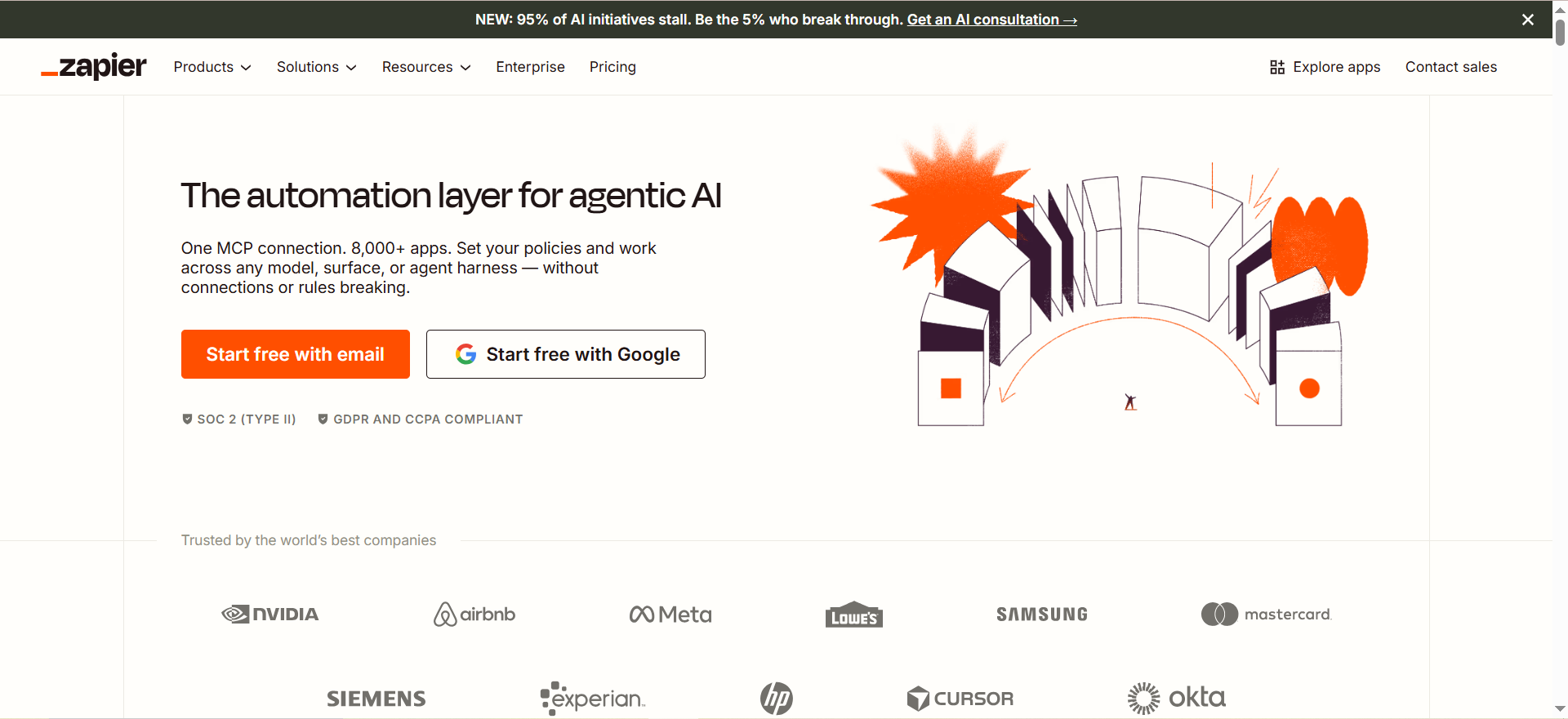
Zapier is a cloud automation platform that connects apps via "Zaps"—automated workflows triggered by events. It handles API calls, data mapping, and conditional logic without coding. Recent AI additions include Copilot (convert natural language to workflows), AI Agents (autonomous performers of multi-step tasks), and Chatbots (conversational interfaces). Zapier also includes Tables (AirTable-like data store) and Forms for lead capture—useful for teams exploring AI agents for lead generation.
Why teams use it
Teams choose Zapier for its massive app ecosystem (7,000+ integrations), beginner-friendly drag-and-drop interface, and native AI features. Marketing ops and growth teams use it to trigger sequences from CRM events, auto-append lead data from enrichment services, and sync signed deals to Slack. Sales teams value the speed of setup—most workflows launch within minutes, not weeks.
What it's good for
- Lead qualification workflows: Trigger email sequences when a prospect lands on your site or fills a form.
- CRM sync automation: Automatically update Salesforce or HubSpot when deals close or stage changes.
- Email + SMS combos: Layer email campaigns with SMS follow-ups based on email opens.
- Data enrichment pipelines: Append company info, technographics, or intent signals to leads.
- Slack/Teams notifications: Alert reps in real-time when a high-value lead arrives.
When it's a good fit
- You prioritize speed-to-launch over deep customization.
- Your team is non-technical; you need drag-and-drop simplicity.
- You use mainstream SaaS tools (Salesforce, HubSpot, LinkedIn, Mailchimp, Stripe).
- You want AI-assisted workflow building (Copilot).
- Budget: sub-$1,000/year for small teams.
When it's not a good fit
- You need RPA (robot process automation) for legacy systems or desktop apps.
- You require self-hosted or on-premise deployment.
- You're building deeply custom logic or multi-month automation projects.
- Enterprise security: SAML SSO only available on Team plan ($69/mo minimum).
- You need fine-grained cost controls or unlimited execution capacity.
How to use it
- Create a Zap: Click "Create" and pick your trigger (e.g., "New form submission in Typeform").
- Add actions: Chain 1–50+ steps. Example: "Create lead in Salesforce → Send Slack notification → Append data from Clearbit → Add to email sequence."
- Map data: Connect fields between apps (Form Name → Salesforce Account Name).
- Use AI Copilot (optional): Describe your workflow in plain English; Copilot generates the Zap.
- Test and launch: Zapier simulates the workflow; once live, it runs automatically.
Key capabilities
- 7,000+ app integrations including Salesforce, HubSpot, Slack, Gmail, Stripe, Calendly.
- AI Copilot: Convert "send me a Slack message when I get a hot lead" into a working Zap.
- AI Agents: Autonomous multi-step tasks (research leads, draft emails, update CRM).
- Conditional logic: "If email opened, then trigger sequence; else, send reminder."
- Webhooks & APIs: Receive data from custom tools or send Zapier data to your app.
- Tables & Forms: Build custom databases and lead capture forms without external tools.
- Chatbots: Create conversational interfaces for lead qualification or customer support.
- 99.9%+ uptime SLA with dedicated status page.
Pricing
| Plan | Price | Tasks/mo | Best For |
|---|---|---|---|
| Free | Free | 100 | Testing, light use |
| Professional | $19.99 | 750 | Solo founders, small teams |
| Team | $69 | 2,000 | Growing teams, SAML SSO |
| Enterprise | Custom | Unlimited | Large orgs, SLA guarantees |
Pricing
(Prices in USD; billed monthly or annually with 33% discount.)
Free tier?
Yes. The free plan includes 100 tasks/month (sufficient for ~3–5 basic workflows). Limited to single-step Zaps (one trigger, one action) and no premium features (AI Copilot, Agents, Tables). Great for testing before committing.
Downsides / limitations
- Cost at scale: High-volume workflows (5,000+ tasks/mo) push you toward $69+ plans. Very active teams pay $200+/month.
- Execution delays: Workflows execute within minutes, not instantly. For real-time syncs, use direct API calls.
- Limited error handling: If an integration fails, Zap pauses or retries; you must debug via task history.
- No self-hosting: Cloud-only; no option to run on your own infrastructure.
- Complex logic: Very intricate conditional workflows (20+ branches) become unwieldy in Zapier; consider code-based platforms.
2. Make
What it does
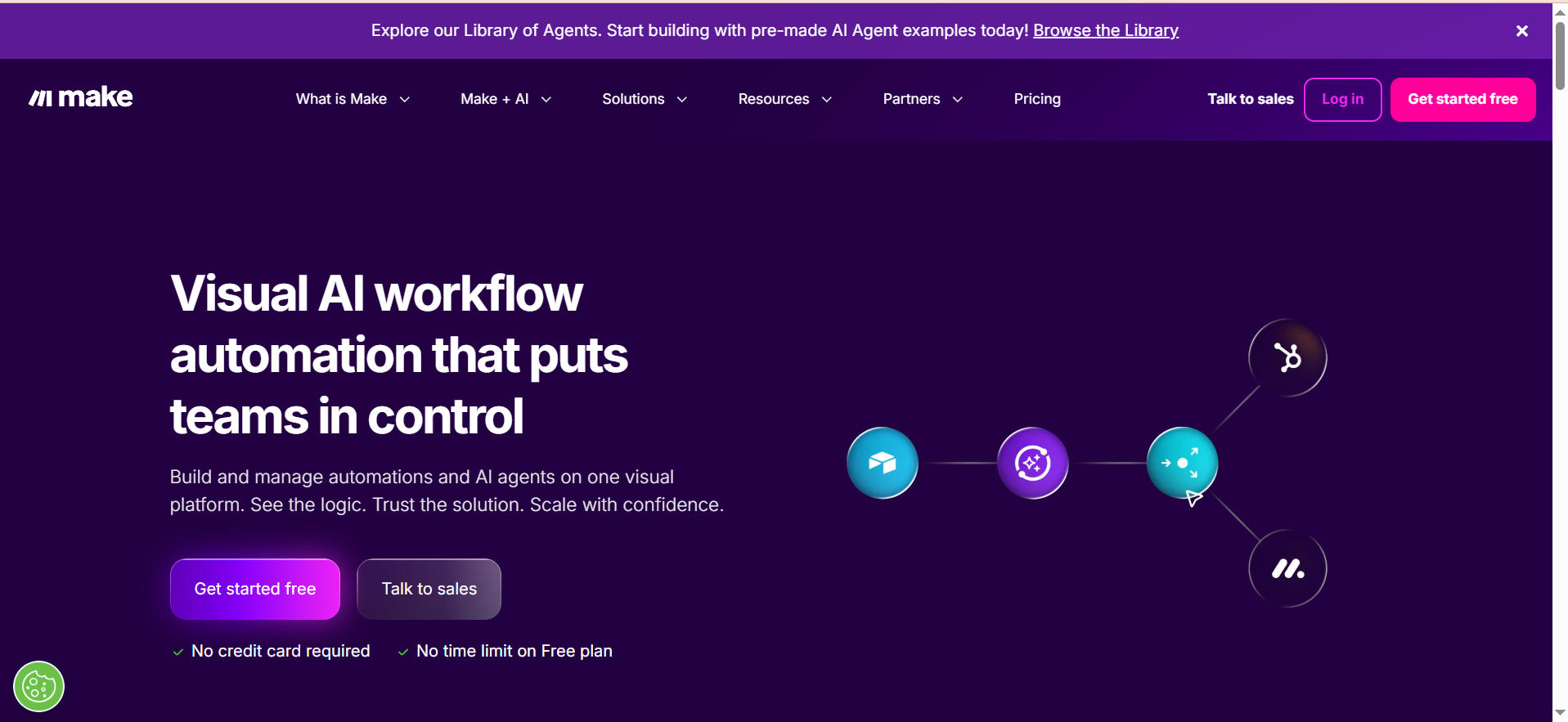
Make (formerly Integromat) is a cloud automation platform with a visual scenario builder for workflows. It combines integrations, routers (if/then branching), filters (skip steps conditionally), and iterators (loop over arrays). Make AI agents let you define tasks in plain English and let AI design the automation. Maia is the AI builder that generates scenarios from prompts. Pricing is credit-based; each action consumes credits.
Why teams use it
Agencies and SMBs love Make for its low cost, visual builder, and transparent pricing. A workflow that costs $69/mo on Zapier might cost $18.82/mo on Make. Growth teams use it for email sequences, lead routing, and CRM syncs. The platform is ideal for creating 5–15 step automations without writing code.
What it's good for
- Lead routing workflows: Route inbound leads to the right sales rep based on territory, company size, or source.
- Email + CRM syncs: Sync email interactions (opens, clicks, replies) back to Salesforce/HubSpot in real-time.
- Slack-driven workflows: Create custom Slack commands that trigger complex automations.
- Multi-step sequences: 8–15 step automations that combine conditional logic, data enrichment, and notifications—ideal for multichannel outreach campaigns.
- Cost-conscious scaling: Handle 10k–50k operations/mo at predictable costs.
When it's a good fit
- You're an agency automating client workflows; cost-per-client matters.
- You have a mid-sized team (5–15 people) running 5–15 step automations.
- You want transparent, predictable pricing (credits clearly tied to actions).
- You prefer visual builders over code.
- Budget: $18.82–$34.12/mo for most mid-market use cases.
When it's not a good fit
- You need 50+ integrations; Make has ~3,000 (smaller than Zapier's 7,000+).
- You require RPA for legacy systems.
- You need self-hosting; Make is cloud-only.
- Your workflows are very simple (1–2 steps); use Zapier's free plan instead.
- Enterprise workflows requiring advanced error handling or custom connectors.
How to use it
- Create a scenario: Click "Create new scenario" and pick your trigger module (e.g., "Trigger: New row in Airtable").
- Add modules: Drag modules into the builder—filters, actions, routers, iterators.
- Route conditionally: Use routers to split the flow ("If revenue > $10k, route to Sales"; else "Route to Marketing").
- Map data: Connect fields between modules. Make auto-suggests field mapping.
- Test and activate: Run a test; once live, the scenario auto-runs.
Key capabilities
- 3,000+ integrations including Salesforce, HubSpot, Slack, Google Sheets, Stripe, Calendly.
- Visual scenario builder: Drag-and-drop; no coding required.
- Routers & filters: Create complex conditional logic (if/then/else).
- Iterators: Loop over arrays of data (e.g., process 100 leads in one run).
- Make AI Agents: Define tasks in English; AI builds the automation.
- Maia AI builder: Prompt-to-scenario generator.
- Webhooks & custom modules: Receive data from external sources.
- SOC 2 Type II & GDPR compliant for mid-market security needs.
Pricing
| Plan | Price | Credits/mo | Best For |
|---|---|---|---|
| Free | Free | 1,000 credits | Testing |
| Core | $10.59 | 10,000 credits | Solo founders |
| Pro | $18.82 | 10,000 credits | Growing teams |
| Teams | $34.12 | 50,000+ credits | Mid-market |
| Enterprise | Custom | Custom | Large orgs |
Pricing
(1 credit = 1 module execution for most modules. Prices in USD, billed monthly; annual billing saves ~15%.)
Free tier?
Yes. The free plan includes 1,000 credits/month (enough for ~10–20 basic workflows). Limited features; upgrade for advanced routing and filters.
Downsides / limitations
- Smaller integration library: 3,000 integrations vs. Zapier's 7,000+. Some niche tools missing.
- Credit-based pricing: Hard to predict monthly costs if workflows are complex or high-volume.
- UI learning curve: Routers, filters, and iterators require understanding Make's logic; steeper than Zapier.
- Limited AI agents: Less mature than Zapier's AI Agents; Maia is newer.
- Support: Community-driven; paid support at higher tiers only.
3. n8n
What it does
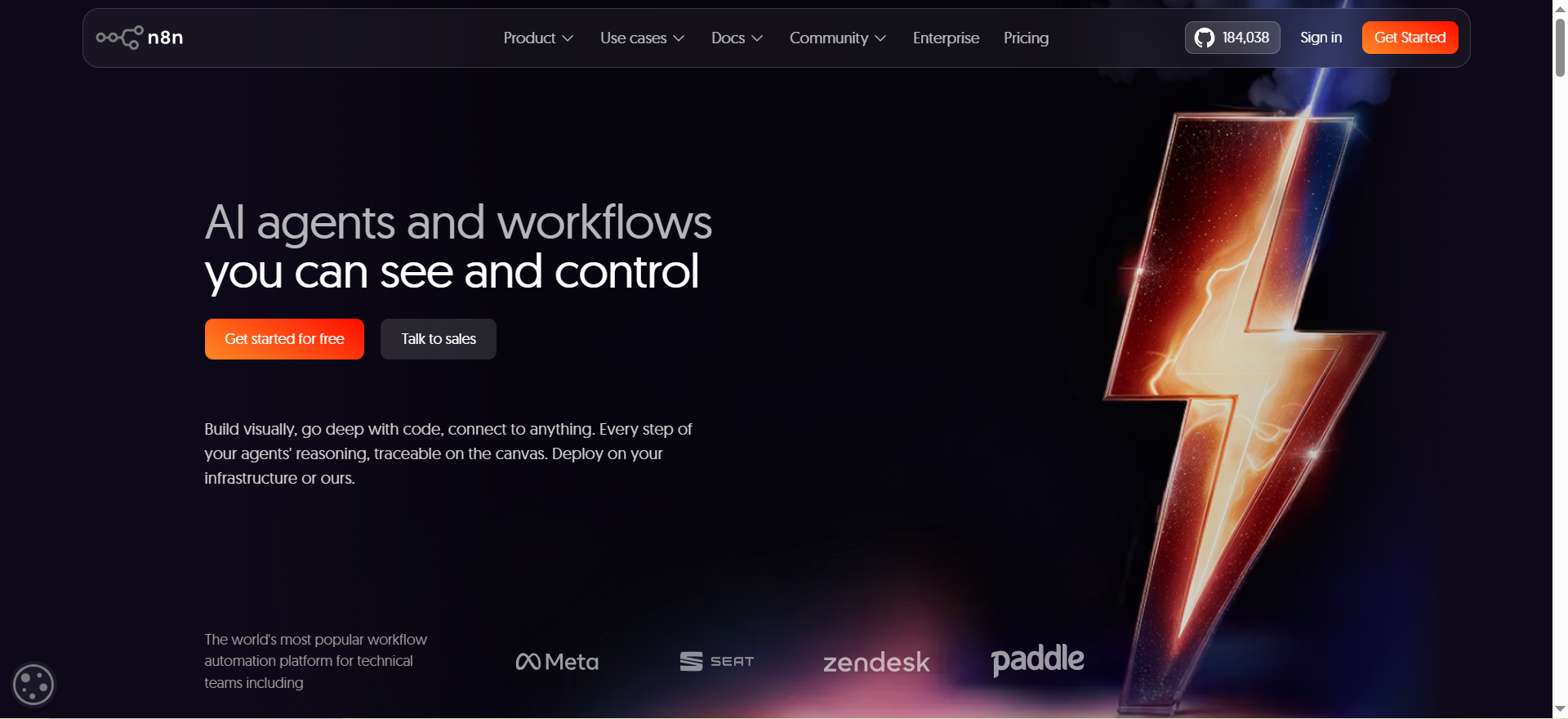
n8n is an open-source, node-based workflow automation platform. Available as cloud-hosted ($24+/mo) or self-hosted (free, unlimited). Workflows are built by connecting nodes (triggers, actions, conditional logic). Each node represents a single task. n8n has 400+ integrations, a visual editor, and full webhook support. You can also extend n8n with custom nodes using Node.js.
Why teams use it
n8n appeals to teams that prioritize data sovereignty, cost-effectiveness, and customization. Self-hosting is free and unlimited (you pay for your own server). Cloud users appreciate transparent pricing and no surprise execution limits. Engineering teams love the open-source model and ability to write custom nodes.
What it's good for
- High-volume automations: Self-hosted n8n with unlimited executions. Process 100k+ workflows/month at zero automation cost.
- Data privacy workflows: Keep sensitive data on your own servers (HIPAA, GDPR, PCI compliance).
- Custom integrations: Write custom nodes to connect proprietary systems or legacy apps.
- Multi-tenant SaaS: Build n8n into your product as an embedded automation engine.
- Complex conditional logic: n8n's node editor is powerful for intricate workflows.
When it's a good fit
- You have engineering resources or are willing to learn Node.js for custom nodes.
- You need unlimited execution capacity; self-hosting makes sense.
- You want to avoid vendor lock-in; open-source gives you exit options.
- You're processing high-volume workflows (50k+ executions/month).
- Budget: $0 (self-hosted) or $24–$800+/mo (cloud).
When it's not a good fit
- You want zero DevOps overhead; self-hosting requires server management.
- Your team is non-technical; visual builders like Zapier or Make are easier.
- You need 7,000+ pre-built integrations; n8n has 400+ (good but smaller).
- You require Zapier's AI Copilot or AI Agents.
- You want managed enterprise support out of the box (n8n's enterprise tier is $800+/mo).
How to use it
- Deploy n8n: Use cloud ($24/mo) or self-host (free).
- Create a workflow: Start with a trigger node (e.g., "Webhook: incoming HTTP request").
- Add action nodes: Connect nodes for each task (e.g., "Query Salesforce → Transform data → Send Slack message").
- Test and deploy: Run a test execution; once live, the workflow auto-runs.
- (Self-hosted) Manage your own server, backups, and upgrades.
Key capabilities
- 400+ integrations including Salesforce, HubSpot, Slack, Gmail, PostgreSQL, REST APIs.
- Node-based editor: Visual builder; each node is a discrete task.
- Custom nodes: Extend n8n with Node.js code for proprietary systems.
- Webhooks & polling: Trigger workflows via HTTP or poll external sources.
- Error handling: Built-in retry logic, error branches, and conditional execution.
- Open-source: Full source code available on GitHub; self-host on your infrastructure.
- $40M ARR, $2.5B valuation with 3,000+ enterprise customers (Vodafone, Softbank).
Pricing
| Plan | Price | Executions/mo | Best For |
|---|---|---|---|
| Self-hosted | Free | Unlimited | Engineers, high-volume |
| Cloud Starter | $24 | 2,500 | Small teams, testing |
| Cloud Pro | $60 | 10,000 | Growing teams |
| Cloud Business | $800 | 40,000 | Mid-market |
| Cloud Enterprise | Custom | Custom | Large orgs |
Pricing
(Prices in USD, billed monthly or annually.)
Free tier?
Yes. Self-hosted n8n is free with unlimited executions (you pay for hosting). Cloud: 14-day free trial on Starter and Pro plans. No credit card required to get started.
Downsides / limitations
Smaller integration library: 400+ integrations vs. Zapier's 7,000+. Common SaaS tools are covered, but niche tools may be missing.Self-hosting complexity: Requires DevOps knowledge (Docker, databases, reverse proxies). Not ideal for non-technical teams.Less mature AI: No native AI Copilot or Agents like Zapier. You write logic manually.Community support: Smaller community than Zapier or Make; paid support at higher tiers.Cloud pricing: $60+/mo for mid-market use; self-hosting is free but requires infrastructure investment.
4. Workato
What it does
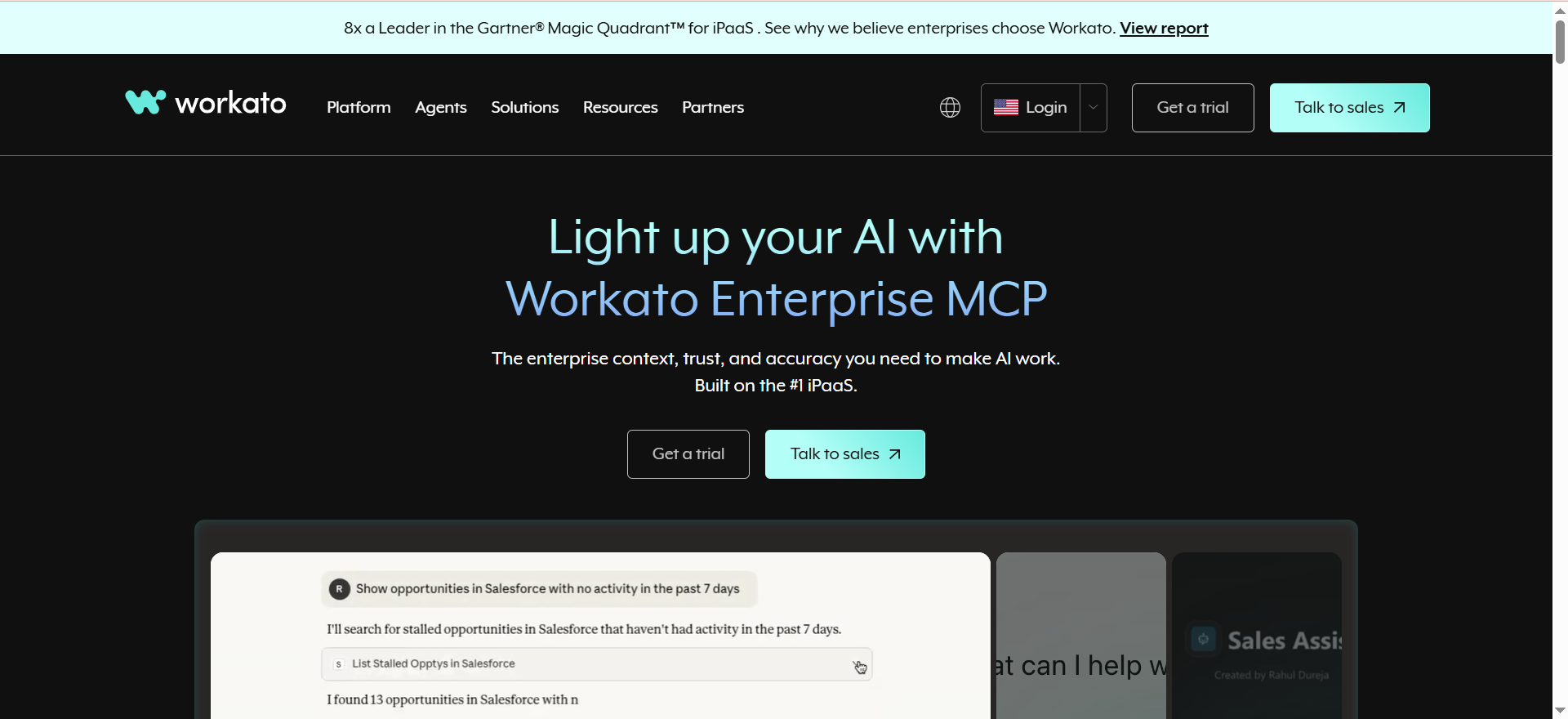
Workato is an enterprise-grade integration platform as a service (iPaaS) for large organizations and mid-market teams needing advanced automation. Built for complex workflows, it offers 4,000+ integrations, including premium connectors for SAP, Oracle, NetSuite, and Salesforce. Workato includes Recipe IQ (AI-powered recipe builder), Workbot for Slack/Teams automation, API management, and custom connector development. It's sales-led pricing; contact sales for quotes.
Why teams use it
Enterprise and mid-market companies choose Workato for sophisticated integrations, advanced error handling, and dedicated support. Operations teams use it for supply chain automation, finance workflows, and CRM mastery. Sales ops teams appreciate the premium Salesforce connectors, which handle complex scenarios (multi-org syncs, custom objects, field mappings).
What it's good for
Salesforce mastery: Premium connectors for multi-org Salesforce syncs, custom objects, and complex field mappings.ERP + CRM integration: Automate data flow between Salesforce and SAP, Oracle, or NetSuite.Complex error handling: Retry logic, circuit breakers, and detailed error logging for mission-critical workflows.Finance automation: AP/AR workflows, invoice processing, and reconciliation.API management: Govern, version, and monitor internal and external APIs.
When it's a good fit
You're a mid-market or enterprise company; budget is $50k–$400k+/year.You run complex, multi-step workflows (20+ steps) with sophisticated error handling.You have Salesforce at the core; need premium connectors or multi-org syncs.You have dedicated integration or ops team managing workflows.You require managed enterprise support, SLAs, and dedicated resources.
When it's not a good fit
Budget: <$50k/year; Zapier or Make is more cost-effective.You want self-hosting or on-premise deployment; Workato is cloud-only.You need quick time-to-launch; Workato requires sales cycles and onboarding.Your workflows are simple (5–10 steps); overengineered for your needs.You're a non-technical founder; Workato targets ops/integration teams.
How to use it
Contact sales: Get a demo and pricing quote based on your use case.Onboarding: Workato assigns a success team to scope workflows and set up connectors.Build recipes: Use Recipe IQ or the recipe builder to create workflows.Deploy: Workflows are tested in dev, then promoted to production.Monitor: Use Workato's monitoring and alerting to ensure reliability.
Key capabilities
4,000+ integrations including Salesforce (premium), SAP, Oracle, NetSuite, Slack, HubSpot.Premium Salesforce connectors: Multi-org syncs, custom objects, bulk operations.Recipe IQ: AI-powered recipe builder (similar to Zapier Copilot).Workbot: Build Slack/Teams chatbots for workflow automation.Error handling: Retry logic, circuit breakers, detailed error logging.API management: Govern APIs, version control, monitoring.Custom connectors: Build connectors for proprietary systems.Enterprise security: SOC 2 Type II, HIPAA, GDPR, FedRAMP certified.
Pricing
| Tier | Annual Cost | Best For |
|---|---|---|
| Standard | $50k–$80k | Mid-market, basic workflows |
| Business | $100k–$150k | Growing mid-market, complex workflows |
| Enterprise | $200k–$400k+ | Large enterprises, 50+ recipes |
| Workato One | Custom | Bespoke solutions |
Pricing
(Contact sales for exact pricing. No published list price.)
Free tier?
Limited trial only. Workato offers a 30–60 day trial with reduced functionality. No permanent free tier; you must commit to a plan to use the platform.
Downsides / limitations
No transparent pricing: Must contact sales for quotes; no self-serve pricing calculator. Lengthy sales cycle (2–4 weeks).High cost for small teams: Minimum $50k/year; out of reach for solo founders or small teams.Learning curve: Workato is powerful but complex. Requires ops or integration team expertise.Vendor lock-in: Premium features (Salesforce connectors, Recipe IQ) are Workato-specific.Implementation time: Typical onboarding takes 2–3 months; not a quick deployment.
5. UiPath
What it does
UiPath is an RPA (Robotic Process Automation) platform that automates repetitive tasks in legacy systems, web apps, and desktop applications. Historically focused on RPA, UiPath pivoted in September 2025 toward agentic AI, combining robots with AI agents for autonomous decision-making. UiPath Studio is the no-code workflow designer; UiPath Automation Suite manages deployments and orchestration. Pricing is per-robot (automation), per-user license, plus platform fees and add-ons.
Why teams use it
Enterprise and mid-market operations teams use UiPath to automate legacy system processes—claims processing, invoice handling, data entry—without APIs or integrations. Sales ops teams automate CRM data entry, quote-to-cash workflows, and report generation. UiPath's pivot to agentic AI means robots can now reason, decide, and act autonomously—a trend explored further in our guide to combining RPA and AI for business transformation.
What it's good for
Legacy system automation: Automate desktop apps, mainframes, and legacy databases where APIs don't exist.High-volume data entry: Robots process thousands of records per day (insurance claims, invoices, HR records).Attended RPA: Employees use robots as assistants within their workflow (bot pushes data, human reviews, bot completes).Autonomous agents: AI-powered bots that reason and decide (emerging feature, post-Sept 2025).Compliance & audit: Document every step for regulatory audits (healthcare, finance, insurance).
When it's a good fit
You have legacy systems without APIs; you need RPA to interact with UIs.You're processing 10k+ transactions/month; automation ROI is clear.You have IT and process optimization resources.You're an enterprise or mid-market with $100k+ budget.You need autonomous AI agents (new, post-Sept 2025).Forrester documents 509% first-year ROI.
When it's not a good fit
You want low-cost automation; UiPath is expensive ($236k/year typical for 25 bots).Your workflows are simple and can be handled by Zapier, Make, or n8n.You need quick deployment; UiPath requires IT setup, licensing, and process mapping.You're non-technical; UiPath targets IT and process optimization teams.You want self-service; UiPath requires IT governance and bot lifecycle management.
How to use it
Buy licenses: Per-robot + per-user model. Typical mid-market: 5–25 robots, $236k/year.Use UiPath Studio: Record or build automations. Pick the task (login to legacy app, fill form, run report).Test: Studio simulates the bot; QA team validates.Deploy to Orchestrator: Orchestrator manages robots, queues, and schedules.Monitor: Dashboards show bot health, exceptions, and ROI.
Key capabilities
No-code RPA: Record workflows or build them in Studio.Desktop automation: Control keyboard, mouse, and UI elements.Intelligent Document Processing (IDP): Extract data from documents using AI/OCR.Agentic AI (new): AI agents that reason and decide autonomously.Orchestrator: Centralized bot management, scheduling, and monitoring.Process mining: Discover automatable processes in your workflow data.500+ integrations for cloud apps; custom scripts for everything else.
Pricing
| Plan | Price | Typical Users |
|---|---|---|
| Starter | $25/mo per robot | Testing, proof-of-concept |
| Standard | Custom, $50k+/year | 5–10 robots, mid-market |
| Enterprise | Custom, $150k–$400k+/year | 20–50+ robots, large orgs |
Pricing
(Robot license + user license + platform fees + add-ons (IDP, AI agents). Typical mid-market: ~$236k/year for 25 bots per Forrester.)
Free tier?
60-day trial with limited functionality. No permanent free tier. Starter plan ($25/mo) is the cheapest entry, but you'll need to pay for user licenses and infrastructure.
Downsides / limitations
Expensive: Typical $236k/year for mid-market; much pricier than Zapier ($200/mo) or Make ($35/mo).Complex licensing: Per-robot + per-user + platform + add-ons; difficult to forecast costs.High implementation cost: Requires IT team, process analysis, and months of deployment.Fragile robots: If UIs change, robots break. Requires active maintenance.Agentic AI nascent: AI agents feature is new (Sept 2025); not yet battle-tested at scale.Maintenance burden: On-premise infrastructure (Orchestrator) requires IT support.
What is AI sales automation?
AI sales automation uses artificial intelligence and workflow automation to handle repetitive sales tasks—lead scoring, email sequences, data enrichment, follow-ups, and CRM syncs—without manual intervention. Unlike traditional automation (which follows rigid rules), AI-powered automation learns from data, predicts outcomes (lead likelihood-to-convert), and adapts tactics (personalized sequences based on prospect behavior). Tools like Zapier, Make, and n8n combine integrations with AI logic, while UiPath adds RPA for legacy systems. For a broader comparison, see our guide to the best AI automation tools.
How do mid-market companies use AI for sales?
Mid-market sales teams (5–25 reps) use AI automation to multiply output without hiring. A typical workflow: Prospect fills a form → AI enriches lead data (company, industry, technographics) → AI scores lead (MQL/SQL format) → If hot lead: trigger immediate Slack alert + assign to rep + launch email sequence → If cold: add to nurture stream. This workflow, automated, saves 2–3 hours/day of manual work per rep and accelerates deal cycles by 20–30%. If you're exploring B2B-focused platforms, our best AI sales automation platforms for B2B teams guide covers more options.
What's the difference between RPA and workflow automation for sales?
Workflow automation (Zapier, Make, n8n) connects cloud SaaS tools via APIs. Example: Salesforce → HubSpot → Slack. RPA (UiPath, Automation Anywhere) controls desktop apps and legacy systems where APIs don't exist. Example: Log into legacy CRM, fill a form, generate a report, email the report. For modern sales stacks (Salesforce, HubSpot, Outreach), workflow automation suffices. For legacy ERP or custom systems, RPA is necessary. Our best RPA AI platforms for business process automation guide dives deeper into this distinction.
Can AI sales automation tools integrate with CRM systems?
Yes. All five tools (Zapier, Make, n8n, Workato, UiPath) integrate with Salesforce, HubSpot, and Pipedrive. Zapier and Workato offer the broadest CRM support (7,000+ and 4,000+ integrations). Common workflows: Sync Salesforce deals to Slack → Append lead data from Clearbit → Update deal stage based on email engagement → Auto-create follow-up tasks. n8n and UiPath require custom webhooks or scripts for some CRMs.
How much does AI sales automation cost for mid-market companies?
Costs vary widely: Zapier ($20–$200/mo), Make ($18–$50/mo), n8n ($24–$800/mo), Workato ($50k–$150k/year), UiPath ($150k–$400k+/year). A typical mid-market stack: Make ($35/mo) + Salesforce ($165/mo) + HubSpot ($50/mo) + data enrichment tool ($99/mo) = ~$350/mo ($4,200/year). Larger teams or Salesforce-heavy shops pay $50k+ annually with Workato. RPA-heavy workflows (UiPath) cost 10x more but automate complex legacy processes.
What are the risks of implementing AI sales automation?
Key risks: (1) Data quality: Bad data in = bad automations out. Validate leads before enrichment. (2) Broken workflows: If an API changes, automations fail silently. Monitor task history daily. (3) Vendor lock-in: Switching platforms is costly. Use standards (webhooks, APIs) where possible. (4) Over-automation: Automating all outreach sounds good but can overwhelm prospects. Use A/B testing to balance volume and engagement. (5) Compliance: Ensure automations comply with CAN-SPAM (email) and GDPR (data).
How do you measure ROI on sales automation tools?
Track: (1) Time saved: Hours/week of manual work eliminated. Example: 3 reps × 10 hours/week = 30 hours saved = 1.5 FTE. If fully-loaded rep cost is $150k/year, that's $225k savings. (2) Deal velocity: Average days-to-close before/after. Automation often cuts this 20–30%. (3) Lead volume: Leads processed per rep per month. Automation increases capacity. (4) Conversion rate: Track MQL → SQL → Closed Won. Automation improves qualification. (5) Tool cost: Subtract ($200/mo × 12 = $2,400) from savings. Most mid-market breaks even in month 1–2.
Which AI sales automation tool is best for Salesforce users?
Zapier and Workato lead Salesforce integration. Zapier is easier to use (drag-and-drop, AI Copilot), while Workato offers premium Salesforce connectors for multi-org syncs and custom objects. For <$500/mo budgets, use Zapier ($20–$200/mo). For $50k+ budgets with complex Salesforce needs, use Workato. Make and n8n also integrate with Salesforce but lack native Salesforce expertise. UiPath targets Salesforce UI automation (record entry, report generation). If you're building workflows around HubSpot instead, check our best HubSpot workflow automation tools with AI integration guide.
Do AI sales automation tools replace sales reps?
No. Automation replaces tasks, not people. Reps still own relationships, discovery calls, and closing. Automation handles data entry, lead routing, email sequences, and follow-ups. A rep freed from 10 hours/week of admin has time for 2–3 extra discovery calls. The ROI is multiplied rep output, not eliminating reps. Teams using automation effectively hire fewer inside sales reps per ARR dollar but don't eliminate the role.
How long does it take to implement AI sales automation?
Zapier/Make: 1–2 weeks. Simple workflows (lead sync to CRM, Slack alerts) launch in days. n8n cloud: 1–4 weeks. More customization, steeper learning curve. n8n self-hosted: 1–2 months. Requires infrastructure setup and DevOps. Workato: 2–3 months. Sales cycle (2–4 weeks) + onboarding (4–8 weeks) + workflow development (4+ weeks). UiPath: 3–6 months. Process mapping, robot development, testing, IT governance. Start with Zapier for speed; graduate to Workato/UiPath for complexity. For outbound-focused automation, see our best AI sales tools for outbound prospecting guide.
Frequently Asked Questions
Zapier. Drag-and-drop interface, 7,000+ pre-built integrations, AI Copilot translates plain English to workflows, and free plan lets you test before committing. Most non-technical marketers are productive in less than 1 day. Make is a close second; n8n requires more technical knowledge.
Yes, but carefully. All five tools integrate with email platforms (Gmail, Outreach, Lemlist). Example workflow: Zapier triggers email sequence from HubSpot → tracks opens/clicks → updates CRM. Caution: Compliance matters. Ensure you have consent (CAN-SPAM, GDPR) and monitor bounce rates. Tools help scale but don't guarantee deliverability. For tips on crafting sequences that convert, see our AI email writing roundup.
n8n self-hosted (unlimited), followed by UiPath (designed for 10k+ daily tasks). Workato handles millions of operations/month at enterprise scale. Zapier and Make cap at millions of operations/year at higher plans. For sub-1-million-operations/year, Zapier or Make suffice.
Use tools with versioned APIs and webhooks. Zapier and Make use stable APIs and notify users of breaking changes. n8n lets you version workflows (git-like). UiPath is more fragile because it relies on UI automation; screen changes break bots. Workato offers detailed error handling to catch breaks. Test your workflows weekly and monitor task history.
UiPath is built for this (RPA + legacy UI automation). Workato offers custom connectors and premium connectors (SAP, Oracle). n8n and Zapier require REST APIs or custom code. Make supports webhooks and custom modules. If your legacy system has an API, n8n or Make work; if not, you need UiPath or Workato's custom connectors.