Best AI For Email Writing (2026)
How B2B companies and B2C brands can shortlist the best ai tools for email writing without wasting evaluation cycles.


This playbook helps marketing ops leaders and growth marketers compare the best ai options for email writing. It breaks down where lavender, copy-ai stand out, when alternatives such as klaviyo, braze make more sense, and which setup fits B2B companies and B2C brands and small businesses and mid-market companies.
TL;DR
AI email writing tools are transforming how teams draft everything from cold sales emails to marketing campaigns. Tools like Lavender specialize in real-time sales email coaching, while ChatGPT offers flexible general-purpose drafting and Copy AI excels at volume template-based copy. The best choice depends on whether you need sales-focused optimization (Lavender), brand consistency across channels (Jasper), CRM-integrated workflows (HubSpot AI), or pure flexibility (ChatGPT). Most offer free tiers or trials, so you can test before committing to a paid plan.
Table of Contents
Best AI Tools for Email Writing (Quick Comparison)
| Tool | Best For | Starting Price | Free Tier |
|---|---|---|---|
| Lavender | Sales email optimization & SDR coaching | $29/mo | 5 emails/mo |
| Copy AI | Volume email copy & marketing templates | $49/mo | 2,000 words/mo |
| Jasper | Brand-consistent content across channels | $39/mo | 7-day trial |
| HubSpot AI | CRM-embedded email writing | $90/seat/mo | Free basic features |
| ChatGPT | Flexible email drafting for any use case | $20/mo | Free with limits |
Best AI Tools for Email Writing (Quick Comparison)
1. Lavender
What It Does
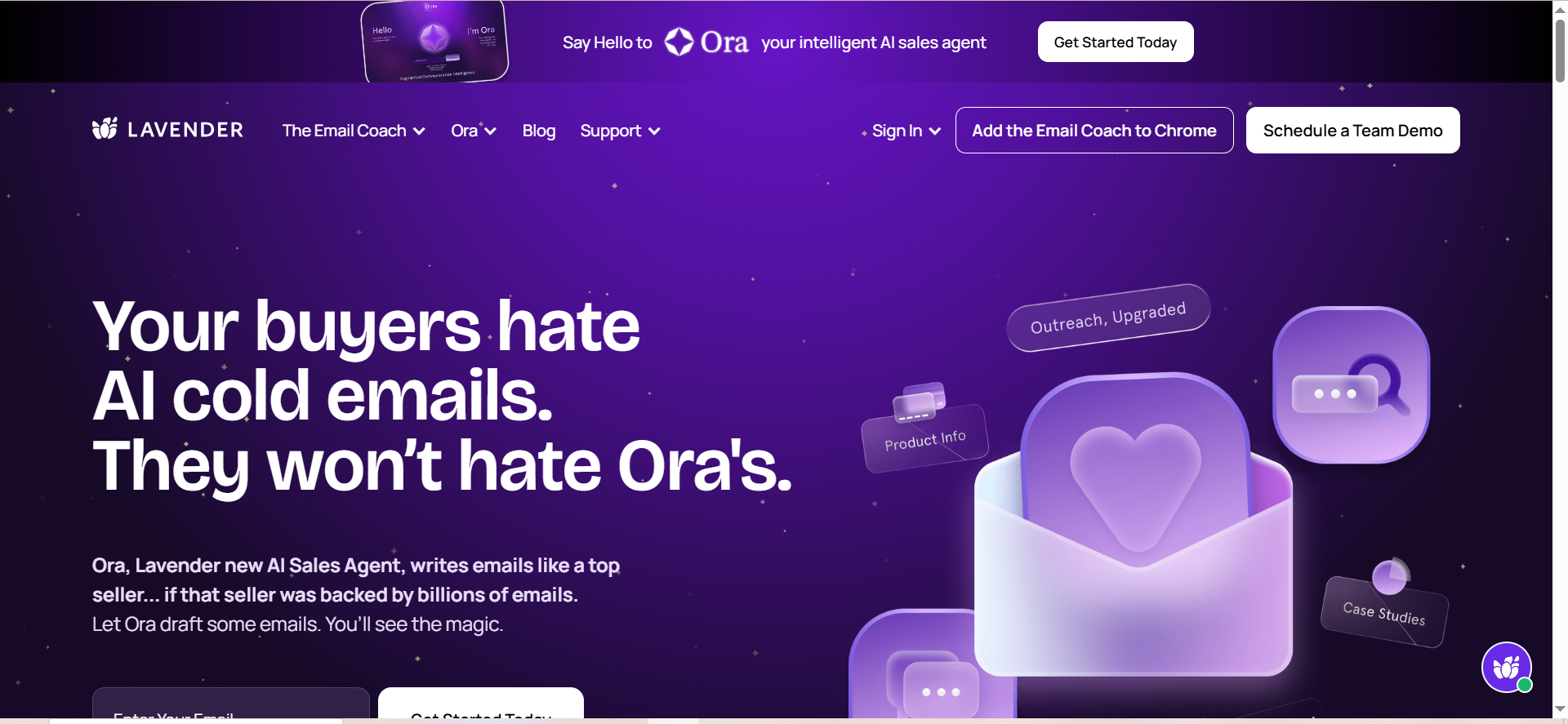
Lavender is an AI email coaching assistant that scores your emails on a 1-100 scale and provides real-time feedback to improve open and reply rates. It generates AI drafts, matches your communication style, and integrates directly into Gmail and Outlook so you write better emails without leaving your inbox.
Why Teams Use It
Sales teams and SDRs rely on Lavender because it acts like a personal email coach. You get instant scoring, specific improvement suggestions, and AI-generated subject lines and body copy tailored to your outbound strategy. The real-time feedback loop helps teams dramatically improve email performance without waiting for A/B test results.
What It's Good For
Lavender excels at cold email outreach, follow-up sequences, and sales prospecting where every email matters. It's designed for teams that send dozens of personalized emails daily and want measurable improvements in response rates.
When It's a Good Fit
Choose Lavender if you're running a sales development team, managing outbound campaigns, or sending high-volume personalized emails where small improvements in messaging can significantly impact reply rates. It's especially valuable if your team uses Gmail or Outlook and wants feedback without switching tools.
When It's Not a Good Fit
If you're primarily writing marketing newsletters, creating brand content, or need broad copywriting templates, Lavender's narrow focus on sales email optimization may feel limiting. It's also not ideal if you need email templates for multiple industries or tones beyond professional outbound.
How to Use It
Install the Lavender browser extension in Gmail or Outlook, compose an email as normal, then click the Lavender icon to get real-time scoring and suggestions. You can accept AI-generated improvements, adjust the communication style, and rewrite sections before sending. Track your performance over time as your email scores improve.
Key Capabilities
- 1-100 email scoring with specific improvement suggestions
- AI draft generation for subject lines and body copy
- Communication style matching (confident, friendly, professional, etc.)
- Integration with Gmail, Outlook, and major CRMs
- Performance tracking to monitor improvements over time
- Personalization recommendations
Pricing
Lavender's free tier allows 5 email analyses per month. Starter plan is $29/month, Pro is $49/month. Annual discounts are available.
Free Tier?
Yes—5 email analyses per month, enough to test the scoring system and get a feel for improvements.
Downsides / Limitations
Lavender is exclusively focused on sales email, so marketing and campaign teams will find limited value. The free tier (5 emails/month) is very restrictive for active SDRs. Advanced features like CRM integration require higher-tier plans, and the tool doesn't generate long-form content like newsletters.
2. Copy AI
What It Does
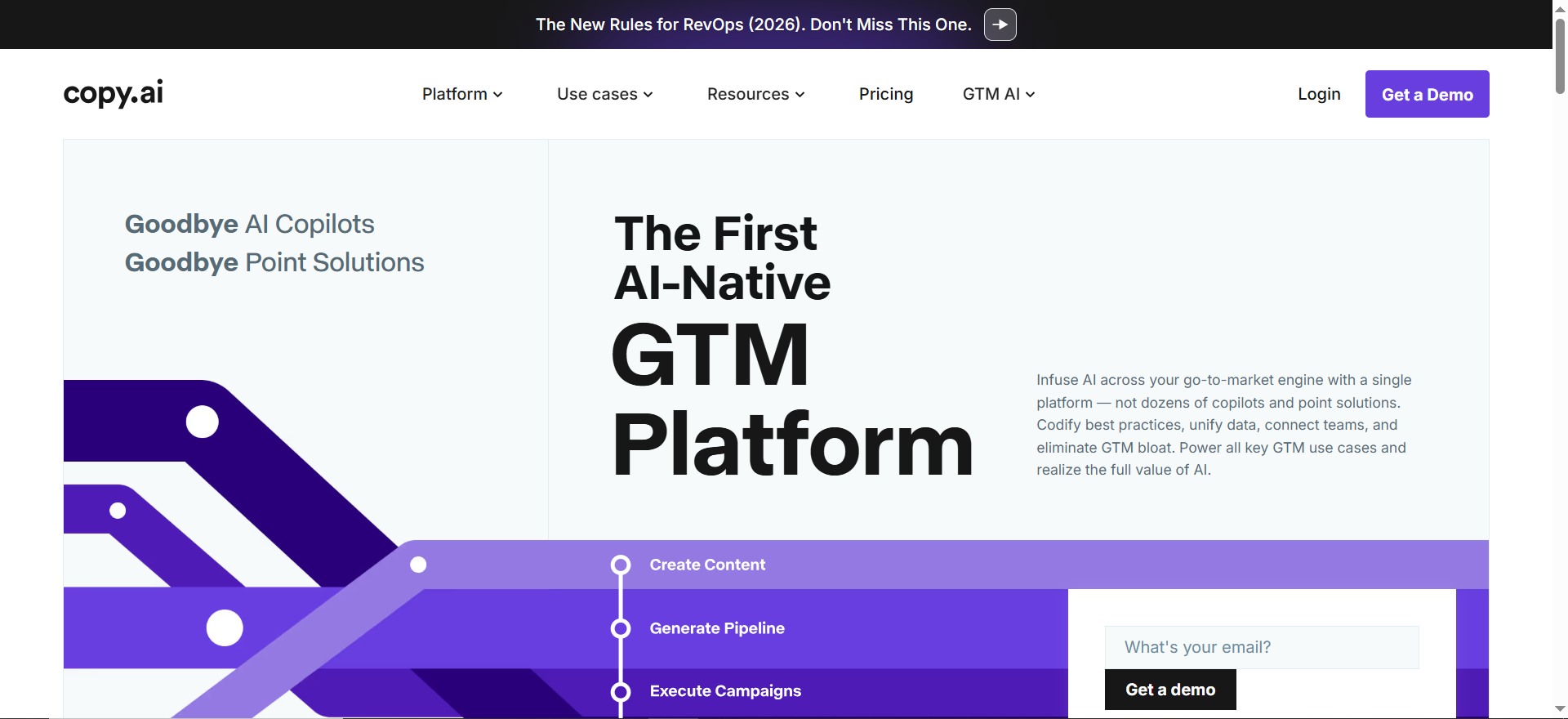
Copy AI is a platform with 90+ templates designed to generate marketing copy at scale, including dedicated email templates for cold outreach, follow-ups, newsletters, and promotional campaigns. It supports 25+ languages, brand voice customization, and workflow automation to turn prompts into finished email sequences.
Why Teams Use It
Marketing teams use Copy AI to rapidly produce email copy without blank-page syndrome. The template library covers every common email scenario (welcome series, abandoned cart recovery, cold outreach, etc.), and the brand voice feature ensures consistency across all outgoing messages. It's built for volume.
What It's Good For
Copy AI shines when you need to generate multiple email variations quickly, create newsletter drafts, build cold email sequences, or produce follow-up copy at scale. It's ideal for marketers who want templates that work out of the box with minimal customization.
When It's a Good Fit
Choose Copy AI if your team needs to produce email copy regularly, you want templates to start from instead of blank pages, and you're willing to customize generated copy rather than use it as-is. It's great for growing marketing teams that need speed without sacrificing consistency.
When It's Not a Good Fit
If you need deep sales email coaching with scoring and performance feedback, Copy AI won't provide that insight. It's also not ideal if you want CRM integration or real-time email optimization features. The generated copy often needs editing and won't match the sophistication of hire-a-copywriter quality.
How to Use It
Select an email template from the library, fill in your prompt or parameters (recipient name, product, tone, call-to-action), and Copy AI generates copy variations. Pick the best version, edit as needed, and export or integrate into your email platform. Save your best copy as templates for future campaigns.
Key Capabilities
- 90+ pre-built email templates
- Brand Voice customization for tone and style consistency
- 25+ language support for global campaigns
- Workflow automation to batch-generate email sequences
- Multiple copy variations per prompt
- Cold email, newsletter, and promotional templates included
Pricing
Free tier includes 2,000 words per month. Pro plan is $49/month (or $36/month annual). Team plans start at $250/month with more features and users.
Free Tier?
Yes—2,000 words/month allows you to test templates and generate some copy, though power users will hit the limit quickly.
Downsides / Limitations
Copy AI doesn't provide performance feedback or A/B testing integration. Generated copy is generic and requires significant editing to feel authentic. There's no CRM integration or real-time in-email suggestions. The templates are broad rather than vertical-specific, so specialized industries may need custom prompts.
3. Jasper
What It Does
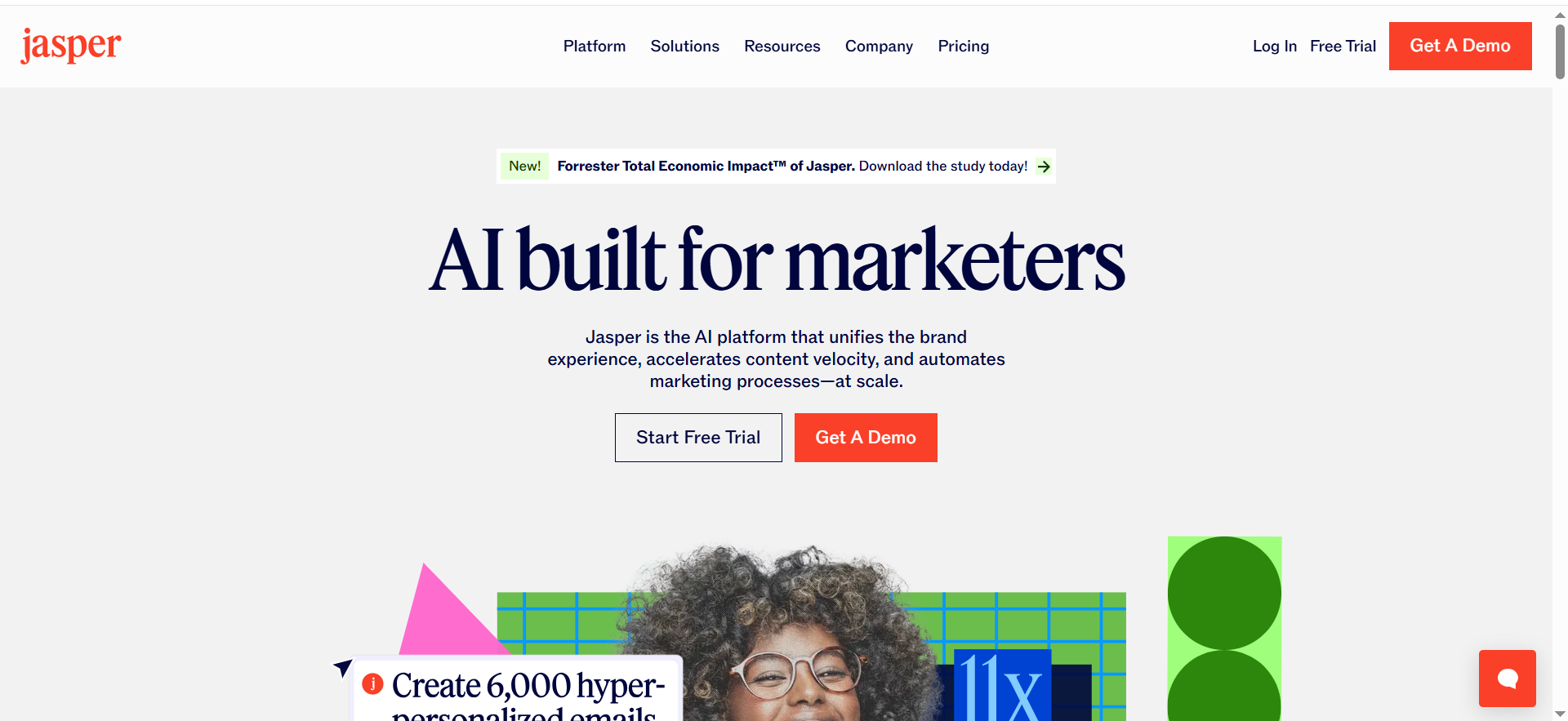
Jasper is a marketing content AI platform with over 100 specialized agents designed to generate brand-consistent content across all channels, including email. It offers brand voice customization (up to 3 brand voices on Pro), an SEO mode for optimizing content, and a browser extension for writing emails directly in Gmail or Outlook.
Why Teams Use It
Marketing teams use Jasper to maintain brand consistency while generating content at scale across blogs, social media, ads, and emails. The multi-agent approach means you get specialized tools for different content types, and brand voice ensures every piece of copy sounds like your company.
What It's Good For
Jasper is excellent for teams that need consistent brand messaging across multiple channels and want email writing integrated into a broader content strategy. It works well for companies that produce regular newsletters, promotional emails, and marketing content that needs to align with brand guidelines.
When It's a Good Fit
Choose Jasper if you're a marketing team needing brand-consistent content across channels, you want advanced features like SEO optimization and 7-day free trials to test before buying, and you're willing to invest in an enterprise-grade tool. It's ideal for mid-to-large marketing departments.
When It's Not a Good Fit
Jasper's pricing and feature set are overkill for small teams writing occasional emails. The free tier is only a 7-day trial, so there's no long-term free option. If you're solely focused on sales email optimization or need CRM integration, other tools are better suited. Solo founders and solopreneurs will likely find more value in simpler, cheaper alternatives.
How to Use It
Create your brand voice in Jasper's settings, specifying your company tone, style, and key messages. Use the browser extension to write emails in Gmail or Outlook, or compose in Jasper's web editor. Select the appropriate agent for your task (email, newsletter, etc.), input your prompt, and generate copy. Adjust tone and regenerate as needed.
Key Capabilities
- 100+ specialized agents for different content types
- Brand Voice customization (up to 3 on Pro plan)
- SEO mode for search-optimized content
- Browser extension for in-email writing (Gmail/Outlook)
- Email templates and newsletter generators
- Multi-user collaboration (up to 5 users on Pro)
Pricing
Creator plan is $49/month or $39/month billed annually (1 user). Pro plan is $69/month or $59/month annual (up to 5 users). Business plans are custom. All plans include a 7-day free trial.
Free Tier?
No permanent free tier, but you get a 7-day free trial to test the platform before committing.
Downsides / Limitations
Jasper's pricing starts higher than some competitors and doesn't offer a long-term free plan. The 7-day trial is short if you need time to evaluate. It's not purpose-built for sales email like Lavender, so sales teams may find the interface too broad. Generated copy often requires customization to feel authentic. Expensive for individual users or small teams.
4. HubSpot AI
What It Does
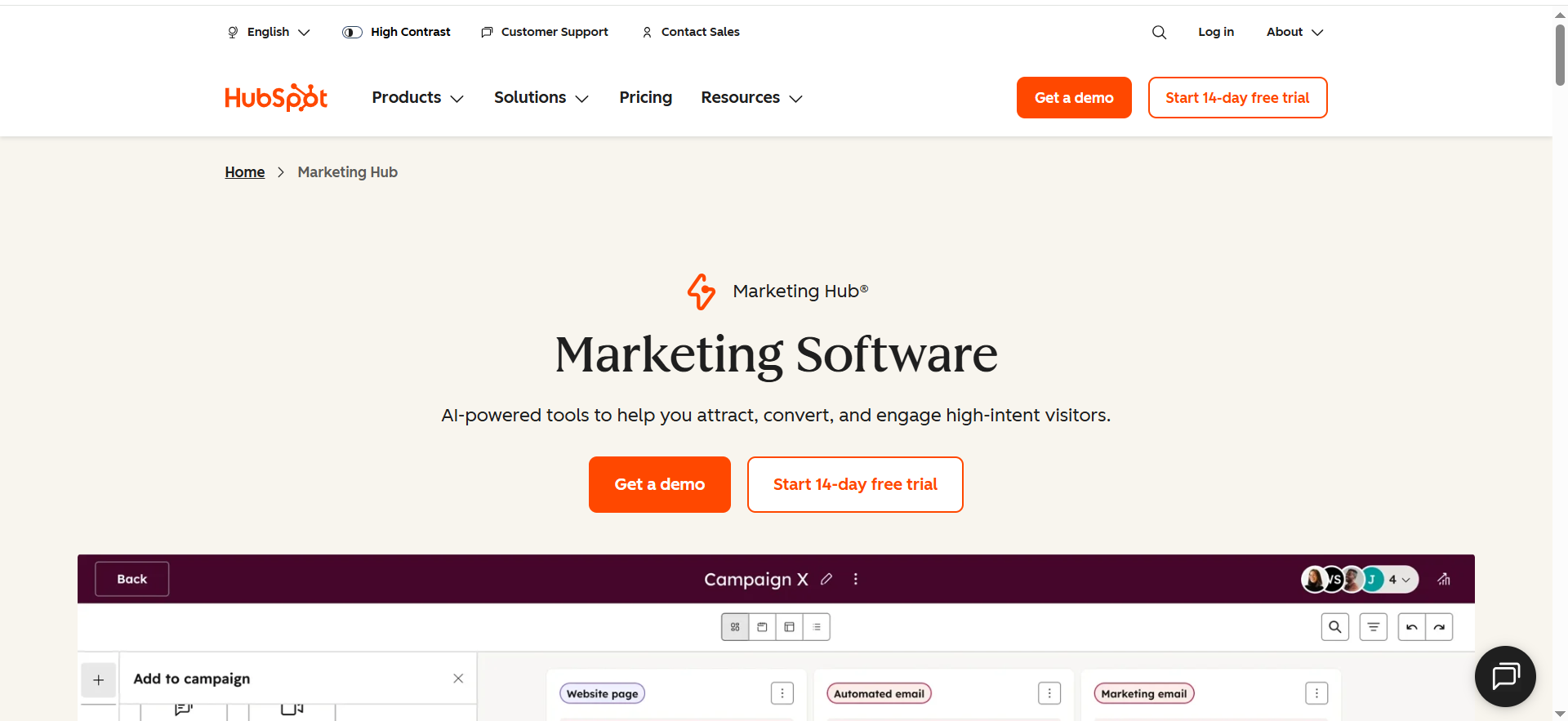
HubSpot AI is integrated into the HubSpot CRM platform and includes an AI email writer that generates subject lines and body copy based on your CRM data, customer context, and tone preferences. It offers send-time optimization and can automatically adjust messaging based on your selected communication style.
Why Teams Use It
Teams already using HubSpot love that email writing is built into their existing workflow—no new tool to learn. The AI uses CRM data to personalize emails automatically, and the tight integration means you can draft, schedule, and track opens/clicks without switching platforms.
What It's Good For
HubSpot AI excels for sales and marketing teams already invested in the HubSpot ecosystem. It's perfect for teams that want email writing embedded directly into their CRM workflow, personalization based on contact and company data, and unified tracking of sends and replies.
When It's a Good Fit
Choose HubSpot AI if you're already using HubSpot CRM, you want email writing integrated into your sales process, and you value having all email data (drafts, sends, replies) in one place. It eliminates context-switching and is especially valuable for teams using HubSpot for CRM, email, and analytics.
When It's Not a Good Fit
If you're not a HubSpot user, the CRM pricing will be prohibitive just for email writing. HubSpot AI lacks the specialized sales coaching of Lavender or the brand voice consistency of Jasper. For standalone email writing outside a CRM workflow, it's not the best option. Small teams and individuals should look elsewhere.
How to Use It
Within HubSpot, navigate to the email composition area and activate the AI email writer. Provide a few details (recipient context, main message, tone), and Breeze AI generates subject line and body copy options. Edit the generated copy as needed, preview, and send directly from HubSpot. Replies and metrics are tracked automatically.
Key Capabilities
- AI-generated subject lines and email bodies
- Tone adjustment (professional, friendly, persuasive, etc.)
- CRM data integration for automatic personalization
- Send-time optimization recommendations
- Full email tracking and analytics in CRM
- Works across Sales Hub and Marketing Hub
Pricing
HubSpot's free tier includes basic email features. Marketing Hub Pro is $800/month. Sales Hub Pro is $90/seat/month. HubSpot AI features are included in Pro tiers and above.
Free Tier?
Yes—HubSpot's free CRM tier includes basic email functionality, but advanced AI writing features require Pro tier or higher.
Downsides / Limitations
You must use HubSpot CRM to access HubSpot AI, making it expensive if you only want email writing. The AI is less specialized than vertical-specific tools like Lavender. It lacks the breadth of email templates that Copy AI offers. Generated copy needs editing and personalization, and the tool assumes you're already a HubSpot customer.
5. ChatGPT
What It Does
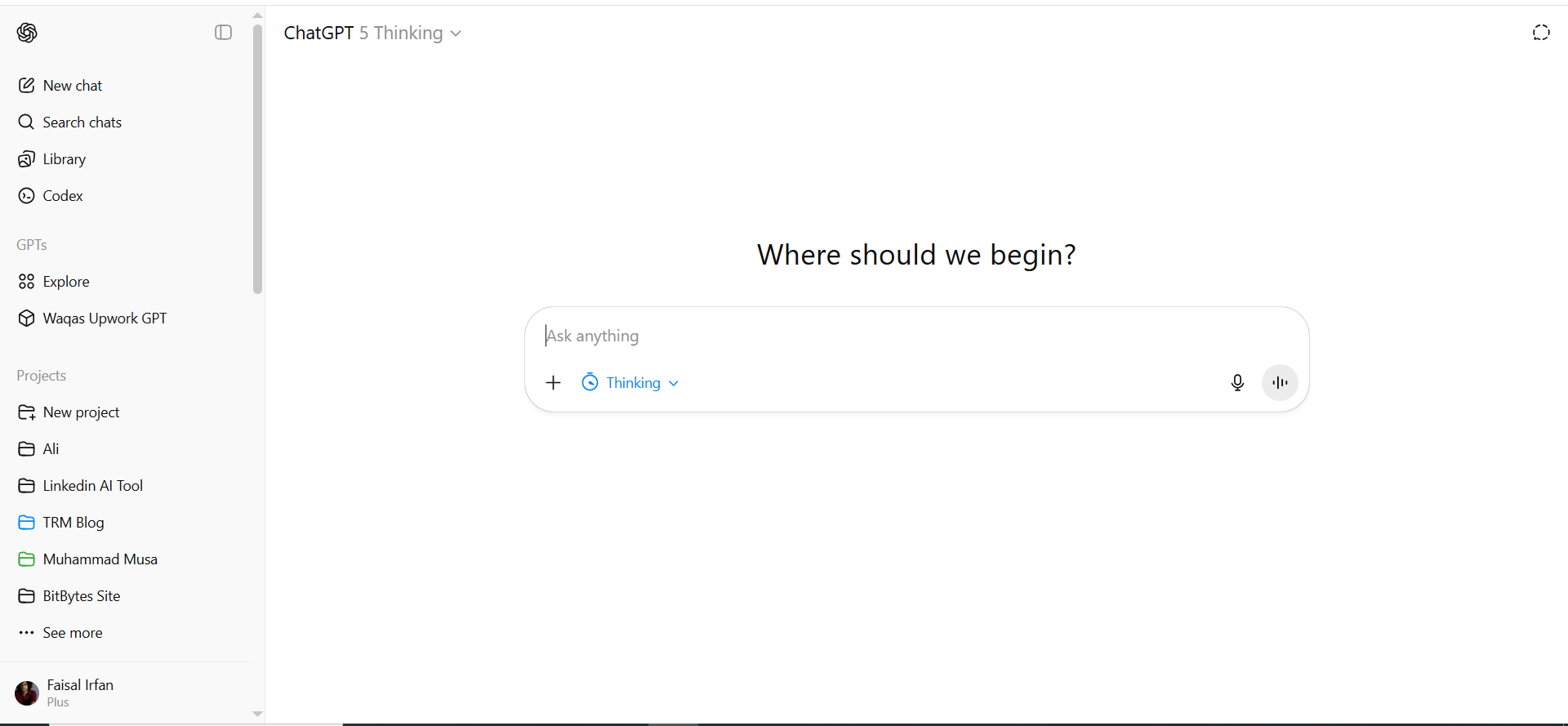
ChatGPT is a general-purpose AI assistant that excels at email writing across any use case—from sales and marketing to internal communication and customer support. It has no email-specific templates but is highly adaptable when you provide clear prompts and context about your goal, recipient, and tone.
Why Teams Use It
Teams use ChatGPT for email writing because it's incredibly flexible, accessible, and free or cheap compared to specialized tools. You can draft emails, brainstorm subject lines, create sequences, refine tone, and get feedback on messaging all in one conversation. No setup, templates, or configuration needed.
What It's Good For
ChatGPT is excellent for flexible email drafting where you want to experiment with tone and messaging, create custom emails for specific situations, write one-off emails quickly without templates, and collaborate on copy with others through iterative refinement.
When It's a Good Fit
Choose ChatGPT if you need simple, fast email writing; you're willing to spend a few minutes refining prompts to get good results; you want maximum flexibility and don't need industry-specific templates; or you're already a ChatGPT Plus subscriber. It's great for individuals, small teams, and anyone who prefers human-directed AI over templates.
When It's Not a Good Fit
If you need real-time in-email scoring and coaching like Lavender, ChatGPT won't help. It lacks brand voice consistency unless you carefully prompt every message. There's no CRM integration, no A/B testing, and no performance tracking. For high-volume email teams needing templates and automation, specialized tools are faster.
How to Use It
Start a new ChatGPT conversation and describe your email task in detail: "Write a cold outreach email to a VP of Marketing at a SaaS company, positioning our data analytics tool. Use a conversational but professional tone and include a specific pain point." ChatGPT generates a draft. Ask for refinements ("Make it shorter," "Add more urgency," "Change the CTA"). Iterate until it matches your needs.
Key Capabilities
- General-purpose email drafting for any scenario
- Iterative refinement through conversation
- Subject line and body copy generation
- Tone and style adjustment on demand
- Brainstorming and feedback on messaging
- Works for sales, marketing, customer support, internal comms
Pricing
ChatGPT Free (with usage limits and ads in the US). ChatGPT Go is $8/month (more message volume, ads included). ChatGPT Plus is $20/month (full model suite, ad-free). ChatGPT Pro is available at $100/month or $200/month (higher limits and advanced reasoning). ChatGPT Business is $25/user/month.
Free Tier?
Yes—the free ChatGPT tier includes email writing capabilities with usage limits and ads in the US. The Go plan ($8/month) offers more volume at a low cost. Premium tiers like Plus ($20/month) remove ads and add advanced features.
Downsides / Limitations
ChatGPT requires manual prompting and iteration, making it slower than template-based tools for high-volume email. It doesn't integrate with email platforms, CRMs, or analytics tools. No built-in personalization, brand voice consistency, or real-time feedback. Each email is a separate conversation, so you can't batch-generate sequences. Generated copy may be generic or over-polished without specific guidance.
What Is the Best AI for Writing Professional Emails?
The best AI for professional emails depends on your use case. Lavender is best for sales teams needing real-time coaching and scoring to maximize reply rates. Jasper excels when you need brand consistency across multiple channels. ChatGPT offers maximum flexibility for one-off professional emails without setup. HubSpot AI works best if you're already using HubSpot and want CRM-integrated writing. Copy AI is ideal if you need templates and want to generate multiple variations quickly.
Can AI Write Sales Emails That Actually Convert?
Yes, but with caveats. AI-generated sales emails improve when you provide specific context about your prospect, their pain point, and your unique value. Lavender includes conversion optimization directly in its scoring system, making it specifically designed for conversion-focused sales emails. ChatGPT can write convertible emails if you iterate and refine the prompt with A/B testing insights. Generic AI-generated emails without personalization and testing will underperform compared to thoughtfully crafted campaigns.
Which AI Email Writer Works Best with Gmail?
Lavender, Jasper, and ChatGPT all work seamlessly with Gmail. Lavender and Jasper offer browser extensions that embed directly in your Gmail compose window for real-time feedback and suggestions. ChatGPT works in a separate tab but makes drafting quick and easy. HubSpot AI requires using HubSpot's compose window. All five tools ultimately produce plain text that works in Gmail without compatibility issues.
Is There a Free AI Tool for Writing Emails?
Yes. ChatGPT's free tier offers robust email writing capabilities with usage limits. Lavender provides 5 free email analyses per month. Copy AI offers 2,000 words per month free (enough for a few emails). HubSpot's free CRM tier includes basic email functionality. If you're willing to work with very limited usage, these free options let you test before upgrading to paid plans.
How Do AI Email Writers Compare to Hiring a Copywriter?
AI email writers are fast, cheap, and good for high-volume and templated emails. Human copywriters are slower, more expensive, but excel at nuance, storytelling, and truly differentiated messaging. For small teams, AI is a cost-effective way to scale email production. For critical high-stakes campaigns, human copywriters create more polished, personalized results. Many teams use AI for initial drafts and have humans refine them.
What AI Tools Do Sales Teams Use for Email Outreach?
Lavender is purpose-built for sales email and used by SDRs, account executives, and outbound teams. Copy AI handles volume cold email sequences. ChatGPT is popular for flexibility in crafting unique outreach angles. HubSpot AI integrates directly into sales workflows for teams already on the platform. Most sales teams use one primary tool combined with their email client, CRM, or outreach platform.
Can ChatGPT Write Good Marketing Emails?
Yes. ChatGPT can write effective marketing emails if you provide clear direction about your audience, offer, tone, and desired outcome. It works especially well for email refinement—taking a rough draft and iterating to improve subject lines, urgency, and CTAs. ChatGPT lacks the brand voice consistency and template library of Jasper or Copy AI, but excels at customized, one-off marketing emails and brainstorming subject line variations.
What Is the Best AI Email Assistant for Small Businesses?
ChatGPT and Lavender are best for small businesses. ChatGPT offers maximum flexibility at a low cost ($20/month) without committing to a specific platform. Lavender's Starter plan ($29/month) provides real-time sales email coaching without CRM lock-in. Copy AI's free tier (2,000 words/month) is enough for small marketing teams testing email copy. HubSpot AI and Jasper are overkill in pricing for small teams unless you already use their platforms.
How to Use AI to Improve Email Open Rates?
Lavender directly optimizes for open rates by scoring subject lines and suggesting improvements. ChatGPT can brainstorm multiple subject line variations and help you test different angles. Copy AI includes open-rate-optimized email templates. HubSpot AI offers send-time optimization to deliver emails when recipients are most likely to engage. Test multiple subject lines with A/B testing, focus on clear personalization, and keep subject lines under 50 characters for mobile.
Are AI-Written Emails Effective for B2B Outreach?
AI-written emails are effective for B2B outreach when personalized with specific company and prospect details. Generic AI templates perform poorly in B2B where buyers expect thoughtful, relevant messaging. Lavender's scoring system helps ensure your outreach is competitive. ChatGPT works well for B2B when you layer in research-based details and messaging that addresses specific pain points. Pair AI drafting with human editing and A/B testing for best results in B2B campaigns.
Frequently Asked Questions
An AI email writer is a tool that uses machine learning to generate, refine, and optimize email content. It can create subject lines, compose body copy, suggest tone adjustments, and sometimes provide feedback on performance. Email AI ranges from general-purpose assistants like ChatGPT to specialized tools like Lavender that focus exclusively on sales email optimization. Most integrate with email clients or CRMs for seamless workflow integration.
Yes, AI email writers are safe for business when used appropriately. Generated copy is typically not automatically sent—you review and edit before sending. Be cautious with sensitive information (don't paste customer data or confidential details into free tools). Enterprise tools like Jasper and HubSpot AI include data security measures. Always review AI-generated copy for accuracy and brand alignment before sending to customers or prospects.
Most AI email writers can personalize messages if you provide the necessary data. Tools like HubSpot AI use CRM data to auto-populate recipient names, company details, and relevant context. ChatGPT personalizes when you include specific recipient information in your prompt. Lavender matches communication style to your audience. Generic personalization (just inserting a name) is easy; deeper personalization (referencing specific pain points or past interactions) requires human input or rich CRM data.
Yes, all five tools work with Gmail and Outlook in different ways. Lavender and Jasper offer browser extensions that embed directly in your Gmail or Outlook compose window. Copy AI generates copy you paste into your email client. ChatGPT works in a separate browser tab. HubSpot AI works within HubSpot's email interface. All produce standard plain text or HTML that works in any email client without compatibility issues.
Costs range from free to enterprise pricing. ChatGPT costs $0 (free with limits), $8/month (Go), or $20/month (Plus). Lavender is $29-49/month. Copy AI is $49/month. Jasper starts at $39/month. HubSpot AI requires Sales Hub or Marketing Hub ($90-800/month). Most tools offer free tiers or trials allowing you to test before committing to paid plans. Team and annual discounts are available on most platforms.
AI-written emails don't inherently land in spam, but poorly crafted or overly promotional emails can. Avoid spam trigger words, keep list hygiene high, and ensure your sending domain has proper authentication (SPF, DKIM, DMARC). Lavender actually helps avoid spam by scoring email quality. Generic, mass-produced AI copy can trigger filters, so personalization and human editing reduce spam risk. Always send from a legitimate domain and test deliverability before large campaigns.
Not entirely. AI excels at speed, volume, and template-based work, but human copywriters create more differentiated, emotionally resonant, and strategic messaging. AI is best used as a first-draft tool that humans refine. For high-stakes campaigns, brand differentiation, and complex persuasion, human skill adds value AI can't match. For high-volume templates, quick iterations, and routine communications, AI replaces much of the manual work. Most effective teams blend AI for efficiency with human creativity for impact.