Best AI Sales Tools For Outbound Prospecting (2026)
A practical buyer's guide to picking the right ai sales tools stack for outbound prospecting across email and social.


This playbook helps sales directors and demand gen managers compare the best ai sales tools options for outbound prospecting. It breaks down where clay, apollo stand out, when alternatives such as salesloft, outreach make more sense, and which setup fits B2B companies and SaaS companies and small businesses and mid-market companies.
TL;DR
If you are looking for the best AI sales tools for outbound prospecting, the short answer is that Clay is the strongest option for teams that want deep data enrichment and AI-driven personalization at scale, Apollo is the best value pick for startups and lean sales teams that need a full-stack prospecting platform under $100 per month, and ZoomInfo remains the enterprise standard for verified contact data and intent signals. This guide breaks down five leading tools, including Cognism and LeadIQ, with honest assessments of where each one wins, where it falls short, and which sales motion it actually fits. Every recommendation is based on current pricing, real feature sets, and the workflows that B2B sales teams are running in 2026.
Table of Contents
Best AI Sales Tools For Outbound Prospecting (Quick Comparison)
| Tool | Best For | Starting Price | Data Strength | Free Tier |
|---|---|---|---|---|
| Clay | AI-powered enrichment and personalization at scale | $185/mo | 100+ data providers aggregated | No |
| Apollo | Full-stack prospecting for lean teams | $0 (Free) / $49/mo (Basic) | 275M+ contacts, built-in sequences | Yes |
| ZoomInfo | Enterprise-grade data and intent signals | ~$14,995/yr | 300+ filters, intent data, org charts | No |
| Cognism | EMEA-focused prospecting with phone-verified mobiles | ~$15,000/yr platform + per seat | 10M+ phone-verified contacts | No |
| LeadIQ | LinkedIn-first prospecting with one-click capture | ~$200/mo (Pro)c | Chrome extension for LinkedIn/Sales Nav | Yes (limited) |
Best AI Sales Tools For Outbound Prospecting (Quick Comparison)
Tool #1: Clay
What It Does
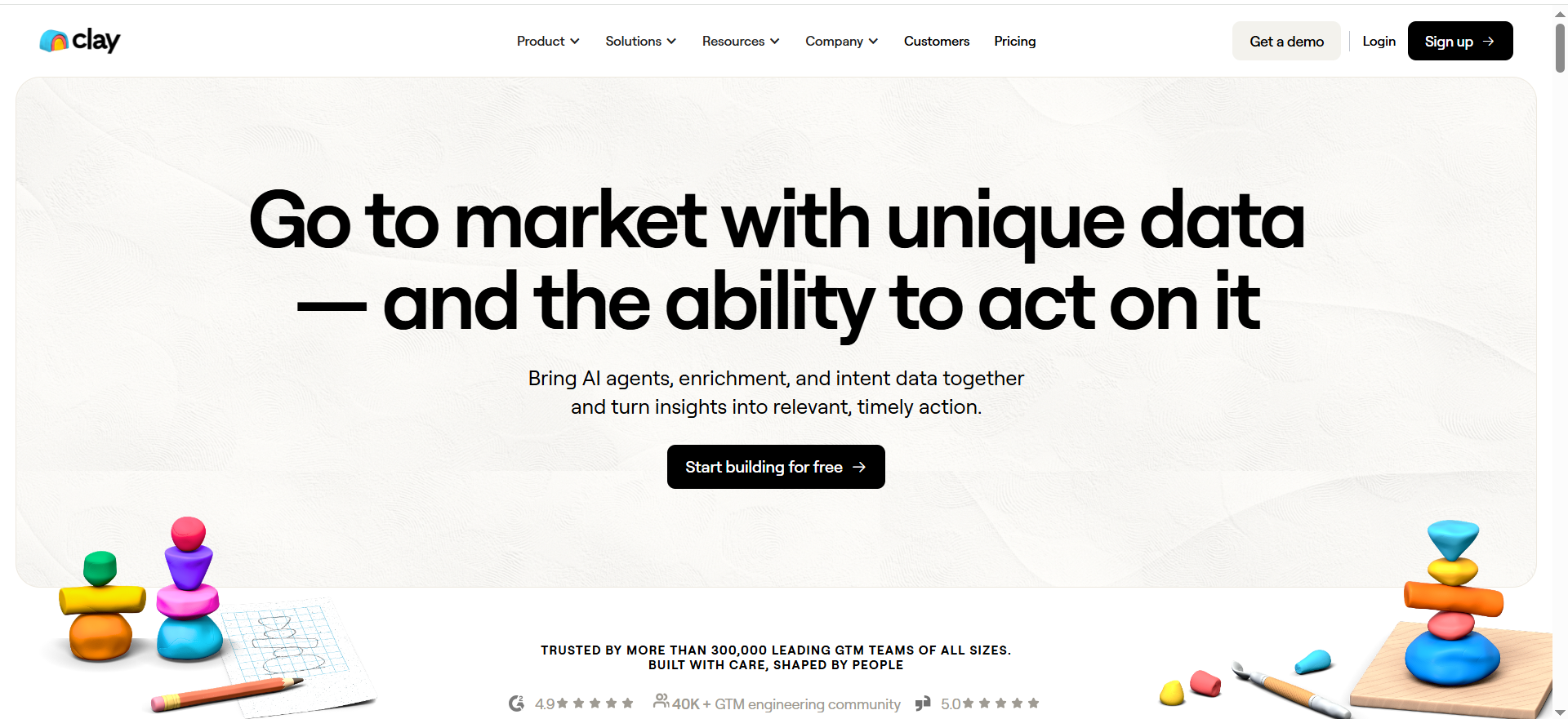
Clay is a data enrichment and outbound automation platform that aggregates over 100 data providers into a single spreadsheet-like interface. Instead of buying access to multiple data vendors separately, Clay lets sales teams pull from all of them in one workflow, layer AI-generated personalization on top, and push enriched leads directly into CRM or sequencing tools.
Why Teams Use It
Sales teams use Clay because it eliminates the manual research bottleneck in outbound. Rather than spending hours looking up prospects across LinkedIn, company websites, and data tools, Clay automates the entire enrichment chain. The AI agent called Claygent can browse the web, extract specific data points, and write personalized email openers based on what it finds. For teams running high-volume outbound with a focus on personalization quality, Clay is the infrastructure layer that makes that possible without hiring more SDRs.
What It Is Good For
Clay excels at multi-source data enrichment, meaning you can waterfall across providers to maximize coverage and accuracy. It is also strong at AI-powered message writing where each email references something specific about the prospect or their company. Teams that run account-based outbound or need to enrich large lists before loading them into a sequencer get the most value from Clay.
When It Is a Good Fit
Clay fits best when your team already has a sequencing tool like Outreach or Smartlead and needs a dedicated enrichment and personalization layer upstream. It is ideal for growth-stage B2B companies with 5 or more SDRs who send 500+ personalized emails per week and want to reduce the manual research load without sacrificing quality.
When It Is Not a Good Fit
Clay is not the right choice for solo founders or very small teams who need an all-in-one tool with built-in email sending. It also requires a learning curve to set up workflows effectively. If your team just needs basic contact lookup and simple sequences, Clay's complexity and cost may not be justified.
How to Use It
Start by importing a list of target accounts or pulling them from a CRM integration. Build an enrichment table that waterfalls across providers to find verified emails, phone numbers, company data, and technographics. Use Claygent to research each prospect's recent activity, funding news, or job changes. Feed the enriched data into your email tool with AI-generated personalized openers. Monitor reply rates and adjust the enrichment steps based on which data points drive the highest engagement.
Key Capabilities
Aggregates 100+ data providers in a single platform. Claygent AI agent for web research and data extraction. AI-powered email personalization. CRM sync with Salesforce and HubSpot. HTTP API and webhook support for custom workflows. Web Intent data for identifying site visitors. Waterfall enrichment to maximize data coverage.
Pricing
Clay starts at $185 per month for the Launch plan, which includes 2,500 Data Credits and 15,000 Actions. The Growth plan is $495 per month with 6,000 Data Credits and 40,000 Actions. Enterprise pricing is custom. Clay uses a hybrid credit model where most enrichment tasks cost a fixed number of credits, while token-intensive AI models charge based on actual usage.
Free Tier?
No. Clay does not offer a free plan. There is a limited trial available to test the platform before committing.
Downsides and Limitations
The credit system can be confusing, especially for teams new to usage-based pricing. Setting up complex enrichment workflows requires a learning investment. Clay does not include built-in email sending, so you need a separate tool for sequencing and deliverability management. Costs can scale quickly for high-volume teams if credit consumption is not monitored carefully.
Tool #2: Apollo
What It Does
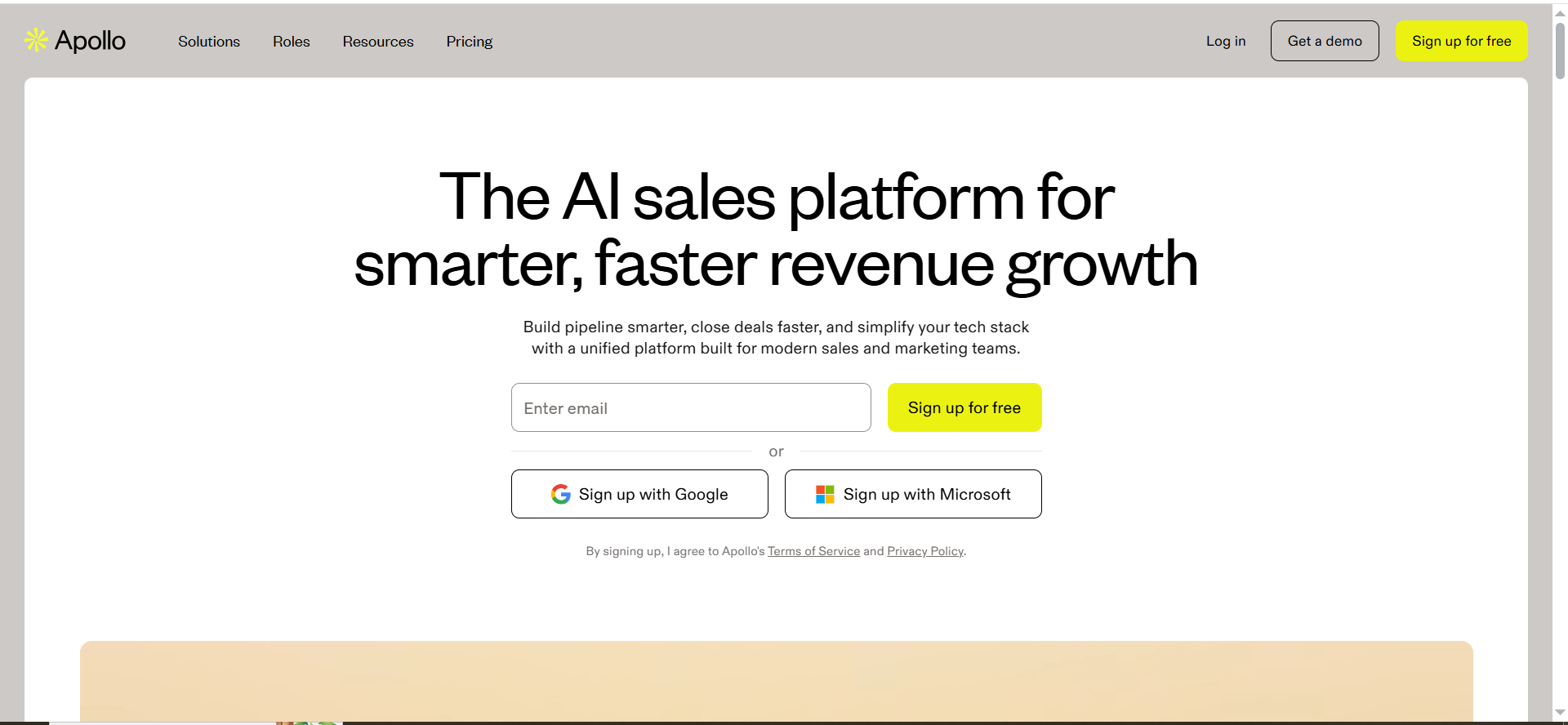
Apollo is a full-stack sales intelligence and engagement platform that combines a database of over 275 million contacts with built-in email sequencing, a dialer, and CRM integrations. It is designed to let sales teams find prospects, enrich their data, build sequences, and track engagement all within one tool.
Why Teams Use It
Teams use Apollo because it offers the most complete set of prospecting features at the lowest entry price in the category. For startups and small sales teams that cannot afford separate tools for data, sequencing, and calling, Apollo bundles everything into a single platform starting with a genuinely useful free tier.
What It Is Good For
Apollo is strong at high-volume email outbound with built-in A/B testing, lead scoring, and engagement tracking. The database is large enough for most B2B use cases, and the filtering options let you target by job title, company size, industry, technology stack, and funding stage. The built-in dialer on the Professional plan and above adds phone outreach without needing a separate tool.
When It Is a Good Fit
Apollo fits best for startups, SMBs, and early-stage sales teams that need to get outbound running quickly without a large tech stack budget. If your team has fewer than 10 reps and needs one platform for finding contacts, writing sequences, and tracking replies, Apollo is the most cost-effective option available.
When It Is Not a Good Fit
Apollo is not ideal for enterprise teams that need the highest possible data accuracy, especially for phone numbers in European markets. It also lacks the depth of enrichment that tools like Clay offer. If your outbound strategy depends on highly personalized, research-driven emails rather than volume, Apollo's built-in personalization features may feel limited compared to dedicated enrichment platforms.
How to Use It
Build a prospect list using Apollo's search filters. Set up a multi-step email sequence with A/B testing on subject lines and body copy. Enable the auto-dialer if you are on the Professional plan or above. Connect your CRM to sync engagement data and pipeline updates. Use Apollo's intent signals and job change alerts to prioritize accounts that are more likely to respond.
Key Capabilities
275M+ contact database with advanced filtering. Built-in email sequencing with A/B testing. Auto-dialer available on Professional and Organization plans. CRM integration with Salesforce, HubSpot, Outreach, and SalesLoft. Lead scoring and intent signals. Job change tracking and alerts. API access on custom plans.
Pricing
Apollo offers a Free plan with up to 10,000 email credits per month for corporate domain signups (personal or non-corporate domains receive 100 email credits per month). The Basic plan is $49 per user per month billed annually with 1,000 monthly credits and CRM sync. The Professional plan is $79 per user per month with a US auto-dialer and unlimited sequences. The Organization plan is $119 per user per month with international dialer, call recordings, and advanced reporting. Additional credits cost $0.20 each.
Free Tier?
Yes. Apollo's free plan includes up to 10,000 email credits (for corporate domain signups; personal domains receive 100 credits), 5 mobile credits, and 10 export credits per month, plus two active sequences. It is one
of the most generous free tiers in the sales intelligence category.
Downsides and Limitations
Phone number accuracy is inconsistent, particularly outside the US. The free and Basic plans have limited credits that can run out quickly for active prospecting teams. Email deliverability management is basic compared to dedicated sending tools. The platform can feel overwhelming for new users due to the sheer number of features packed into the interface.
Tool #3: ZoomInfo
What It Does
ZoomInfo is an enterprise sales intelligence platform that provides verified B2B contact and company data, intent signals, org charts, and automated outreach sequences. It is the category leader in data coverage and accuracy for the US market and serves as the backbone of many enterprise sales operations.
Why Teams Use It
Enterprise sales teams use ZoomInfo because it offers the deepest and most accurate B2B contact database available, backed by a dedicated data operations team that continuously verifies and updates records. The intent data powered by Bombora helps teams prioritize accounts that are actively researching relevant topics, which shortens sales cycles and improves reply rates.
What It Is Good For
ZoomInfo excels at enterprise prospecting where data accuracy is non-negotiable. The 300+ search filters allow highly granular targeting by seniority, department, skills, certifications, company technographics, funding data, and more. The platform also supports multi-touch outreach sequences, website visitor tracking, and conversation intelligence.
When It Is a Good Fit
ZoomInfo fits best for mid-market and enterprise sales organizations with annual outbound budgets above $15,000 and teams of three or more reps. It is the right choice when your sales motion depends on reaching specific decision-makers with verified direct dials and when intent data is a key part of your account prioritization strategy.
When It Is Not a Good Fit
ZoomInfo is not suitable for startups or small teams due to the minimum annual contract of approximately $15,000 and the three-seat minimum. The pricing structure with annual contracts and automatic renewal increases of 10 to 20 percent also makes it a poor fit for teams that need flexibility. If your target market is primarily outside the US, other tools offer better coverage in EMEA and APAC.
How to Use It
Define your ICP using ZoomInfo's advanced search filters to build targeted prospect lists. Use intent data signals to identify accounts showing buying behavior. Export contacts to your CRM or sequencing tool, or use ZoomInfo's built-in Engage workflows for multi-channel outreach. Leverage ZoomInfo Copilot for AI-powered account summaries and buying group identification.
Key Capabilities
300+ search filters for granular targeting. Bombora-powered intent data across all paid plans. ZoomInfo Copilot for AI-driven account insights. Org charts and reporting hierarchies. Website visitor tracking and company identification. Multi-touch outreach sequences. CRM integration with Salesforce, HubSpot, and more. Conversation intelligence and call recording.
Pricing
ZoomInfo starts at approximately $14,995 per year for the Professional plan. The Advanced plan costs $24,995 to $30,000 per year and adds intent data, deeper company insights, and 10,000 bulk credits. The Elite plan starts at $39,995 per year. The median contract across all tiers runs around $31,875 per year based on verified purchase data. All plans require annual contracts with a three-seat minimum.
Free Tier?
No. ZoomInfo does not offer a free plan or a self-serve trial. All plans require an annual commitment.
Downsides and Limitations
The pricing is prohibitively expensive for startups and small businesses. Annual contracts with automatic price increases of 10 to 20 percent lock teams into escalating costs. The platform is US-focused, so international data coverage, especially in EMEA, is weaker than competitors like Cognism. Credit overages and add-on costs can push real-world spending well above the list price.
Tool #4: Cognism
What It Does
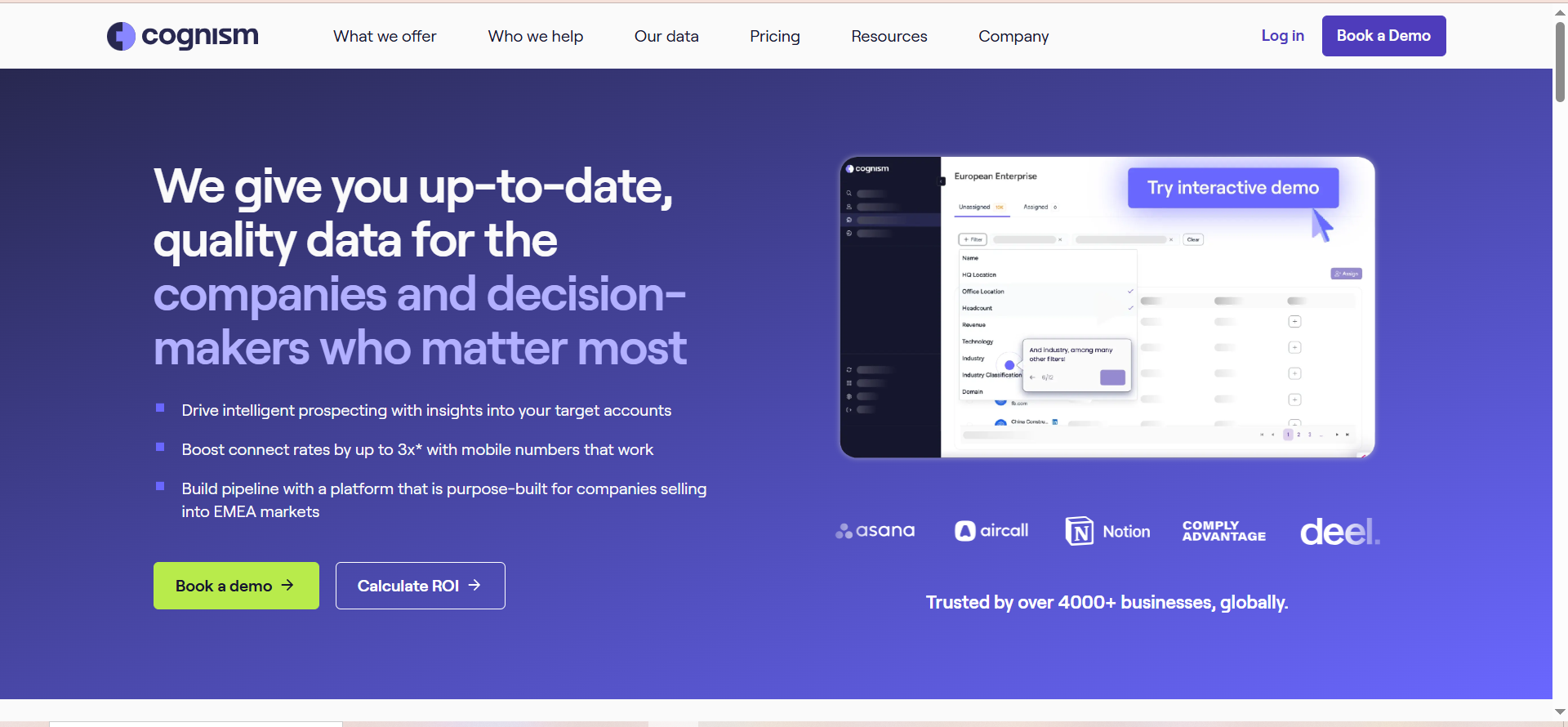
Cognism is a sales intelligence platform focused on delivering phone-verified mobile numbers and GDPR-compliant B2B contact data. It partners with Bombora for intent data and maintains a database of over 10 million phone-verified contacts with particular strength in European markets.
Why Teams Use It
Sales teams use Cognism because it solves one of the biggest pain points in outbound prospecting: reaching prospects by phone. The Diamond Data offering includes numbers that have been manually verified by Cognism's research team, which delivers a claimed 98 percent accuracy rate for direct dials. For teams selling into European markets, Cognism's EMEA data quality is consistently rated higher than US-centric competitors.
What It Is Good For
Cognism is strongest at phone-first outbound strategies where connecting with prospects via direct dial is a primary channel. The GDPR-compliant data handling makes it essential for teams targeting prospects in the UK, DACH region, France, Benelux, and Nordics. The Diamonds-on-Demand concierge service lets teams request verified numbers for specific prospects on demand.
When It Is a Good Fit
Cognism fits best for B2B sales teams that sell into European markets and rely on phone outreach as a key channel. It is ideal for mid-market and enterprise organizations that need verified mobile numbers and cannot afford to waste rep time on bad phone data. Teams that already have a strong email outbound setup and want to add a reliable phone layer will get the most value.
When It Is Not a Good Fit
Cognism is not the right choice for teams focused exclusively on email outbound or those targeting only the US market, where competitors like ZoomInfo and Apollo offer comparable or better coverage at lower prices. The lack of built-in email sequencing means you need a separate tool for email workflows. The annual contract requirement and upfront payment structure also make it less accessible for bootstrapped startups.
How to Use It
Use the Cognism Chrome extension to find verified contacts while browsing LinkedIn or company websites. Build prospect lists using the platform's search filters and enrich them with phone-verified numbers and intent data. Push verified contacts directly to your CRM or sales engagement tool. Use Diamonds-on-Demand to request research on high-priority prospects you cannot find through automated search.
Key Capabilities
10M+ phone-verified mobile numbers (Diamond Data). Bombora-powered intent data on the Diamond tier. GDPR and CCPA compliant data handling. Chrome extension for LinkedIn and web prospecting. Diamonds-on-Demand concierge research service. CRM integrations with Salesforce, HubSpot, Outreach, and SalesLoft. 98 percent claimed accuracy on verified direct dials.
Pricing
Cognism uses custom pricing based on tier and team size. The Grow tier (formerly Platinum) starts at approximately $15,000 per year as a platform fee plus $1,500 per user annually, with access to 25 million contacts. The Elevate tier (formerly Diamond) costs approximately $25,000 per year as a platform fee plus $2,500 per user, with access to 50 million contacts, phone-verified numbers, and intent data. Both tiers require annual contracts with upfront payment.
Free Tier?
No. Cognism does not offer a free plan. A 25-lead sample is available for evaluation purposes.
Downsides and Limitations
No built-in email sequencing or sending capabilities. US data coverage is weaker compared to ZoomInfo and Apollo. The pricing structure is opaque and requires negotiation, which makes budgeting difficult. The annual commitment with upfront payment is a significant barrier for smaller teams. The Grow tier (formerly Platinum) lacks intent data and phone-verified numbers, which are the platform's strongest differentiators.
Tool #5: LeadIQ
What It Does
LeadIQ is a prospecting workflow tool built around a Chrome extension that lets sales reps capture contact information directly from LinkedIn and Sales Navigator with a single click and push it straight into their CRM or sales engagement platform.
Why Teams Use It
Sales teams use LeadIQ because it eliminates the friction between finding a prospect on LinkedIn and getting their contact information into a sequence. The one-click capture flow means reps spend less time copying and pasting data and more time actually selling. The Champion Tracking feature also alerts reps when their contacts change jobs, opening up warm outreach opportunities with people who already know the product.
What It Is Good For
LeadIQ is best at LinkedIn-first prospecting workflows where reps are actively browsing profiles and need a fast way to capture and route contacts. The email data accuracy is generally reliable, and the CRM integrations ensure that captured contacts flow directly into the right sequences and account records without manual data entry.
When It Is a Good Fit
LeadIQ fits best for teams where reps manually prospect on LinkedIn and Sales Navigator as their primary lead sourcing method. It works well as a complement to a full-stack tool like Apollo or a sequencer like Outreach, adding speed and convenience to the prospecting step without replacing the rest of the workflow.
When It Is Not a Good Fit
LeadIQ is not the right choice if your team needs a standalone outbound platform with built-in sequencing, dialing, and analytics. The phone number accuracy is a consistent complaint from users, so teams that rely on phone outreach should look elsewhere. The credit-based pricing can also become expensive for high-volume prospecting teams, especially since unused credits expire at the end of each billing cycle.
How to Use It
Install the LeadIQ Chrome extension and connect it to your CRM and sales engagement tool. Browse LinkedIn or Sales Navigator and click to capture contact details for prospects that match your ICP. LeadIQ will verify the email, enrich the contact record, and push it to your CRM. Use the Scribe AI writing assistant to generate personalized email drafts based on the prospect's profile. Set up Champion Tracking to get alerts when contacts change companies.
Key Capabilities
Chrome extension for one-click contact capture from LinkedIn. Champion Tracking for job change alerts. Scribe AI writing assistant for email personalization. CRM integration with Salesforce, HubSpot, Outreach, and SalesLoft. Email verification built into the capture workflow. Account-based prospecting views. Intent signal integration on advanced plans.
Pricing
LeadIQ offers a Free plan with limited credits. The Pro plan starts at approximately $200 per month for 200 shared credits, with costs scaling based on usage. For a team of 3 to 5 people consuming around 1,000 credits per month, expect to pay approximately $500 to $600 per month. Annual billing saves approximately 25 percent on the Pro plan. Enterprise pricing is custom. Credits expire at the end of each billing cycle.
Free Tier?
Yes. LeadIQ offers a limited free plan that provides a small number of credits per month for individual prospecting.
Downsides and Limitations
Phone number quality is the most significant weakness, with users consistently reporting inaccurate or outdated mobile and direct-dial numbers. The credit-based pricing with expiring credits can feel wasteful for teams with variable prospecting volume. The tool is primarily useful as a LinkedIn companion rather than a standalone prospecting platform. The free plan is too limited for serious use beyond basic evaluation.
How Do AI Sales Tools Improve Outbound Prospecting
AI sales tools improve outbound prospecting by automating the most time-consuming parts of the workflow: finding the right contacts, verifying their information, and writing personalized messages at scale. Traditional outbound requires reps to manually research prospects, look up contact details across multiple sources, write individual emails, and track responses in a CRM. AI tools compress this process from hours to minutes.The most impactful improvement is in personalization quality. Tools like Clay use AI agents to research each prospect's company, recent news, job changes, and technology stack, then generate email openers that reference something specific and relevant. This level of personalization was previously only possible with dedicated research teams, but AI makes it accessible to any sales team willing to invest in the right tooling.Data enrichment is another area where AI creates significant leverage. Instead of relying on a single data provider, platforms like Clay aggregate 100+ sources through waterfall enrichment, which means if one provider does not have a verified email for a prospect, the system automatically checks the next provider in the chain. This dramatically increases coverage rates compared to using any single tool alone.
What Features Should You Look For in an AI Outbound Prospecting Tool
The features that matter most depend on your sales motion, but there are several capabilities that separate effective AI outbound tools from basic contact databases.Data accuracy and coverage should be the first evaluation criterion. The tool should provide verified email addresses with high deliverability rates and, ideally, direct-dial phone numbers. Ask about the verification methodology: does the vendor use real-time verification, or are they relying on cached data that may be months old?Enrichment depth matters for personalization. Look for tools that go beyond basic firmographics to include technographics, funding data, hiring signals, intent data, and recent company news. The more context your reps have about a prospect, the more relevant their outreach will be.Workflow integration is critical for adoption. The tool should sync with your CRM and sales engagement platform without manual data entry. If reps have to copy and paste data between tools, adoption will drop and data quality will suffer.AI personalization should be evaluated on output quality, not just the presence of the feature. Ask for sample outputs and test whether the AI-generated messages sound natural and reference genuinely relevant information, or whether they produce generic fill-in-the-blank templates.Credit and pricing transparency determines whether the tool will stay affordable as your team scales. Understand exactly what consumes credits, whether unused credits roll over, and what happens when you exceed your allocation.
How Much Do AI Sales Prospecting Tools Cost
AI sales prospecting tools range from free to over $40,000 per year depending on the platform, team size, and feature requirements.At the entry level, Apollo offers a genuinely useful free plan and paid plans starting at $49 per user per month. This is the most accessible option for startups and solo founders who need to get outbound running without a significant budget.Mid-range tools like Clay start at $185 per month for the Launch plan, and LeadIQ's Pro plan starts at approximately $200 per month. These tools are best suited for small to mid-size teams that need more advanced enrichment or LinkedIn-specific workflows.Enterprise platforms like ZoomInfo and Cognism start at approximately $15,000 per year and can reach $40,000 to $60,000 annually when you factor in additional seats, credit overages, and add-on features like intent data. These platforms make sense when your organization has the budget and the sales volume to justify the investment.The most important cost consideration is not the list price but the total cost of ownership. Factor in credit consumption patterns, renewal price increases, the cost of any complementary tools you will need, and the time your team will spend learning and maintaining the platform.
Can Small Teams Use AI Sales Tools For Outbound Prospecting
Yes, small teams can absolutely use AI sales tools for outbound prospecting, but the right tool depends on budget and technical comfort.Apollo is the clearest choice for small teams because of its free tier and low-cost paid plans. A two-person sales team can run effective outbound using Apollo's built-in sequences, contact database, and CRM sync for under $100 per month.LeadIQ is another option for small teams whose prospecting workflow centers on LinkedIn. The free plan lets you test the workflow, and the Pro plan is affordable enough for a small team that needs to scale LinkedIn-based prospecting.Clay is viable for small teams with technical aptitude, but the $185 per month starting price and the learning curve for building enrichment workflows make it better suited for teams that have already validated their outbound motion and need to scale personalization quality.ZoomInfo and Cognism are generally not practical for small teams due to minimum contract values that start at $15,000 per year. Unless you have a very specific need for enterprise-grade data or EMEA phone numbers, the cost is difficult to justify for teams under five reps.
What Is the Difference Between AI SDR Tools and Traditional Sales Tools
Traditional sales tools like basic CRMs and manual email platforms require reps to do most of the work themselves: researching prospects, writing emails from scratch, logging activities, and manually tracking responses. These tools are fundamentally databases with communication features bolted on.AI SDR tools shift the balance by automating research, enrichment, and message generation. Instead of a rep spending 30 minutes researching a prospect and writing a personalized email, an AI tool can do the same work in seconds by pulling data from multiple sources and generating contextually relevant messaging.The key differences come down to three areas. First, data sourcing: traditional tools require you to buy or build your own contact lists, while AI tools either include a database or aggregate data from multiple providers on demand. Second, personalization: traditional tools rely entirely on rep effort for message quality, while AI tools generate personalized content that reps can review and send. Third, workflow automation: AI tools can chain together multiple steps like enrichment, verification, personalization, and CRM sync into automated sequences that run with minimal manual input.The tradeoff is that AI tools require more upfront configuration and ongoing monitoring to ensure quality. A poorly configured AI outbound workflow can send irrelevant or incorrect messages at scale, which damages your sender reputation and brand faster than manual mistakes would.
How to Evaluate an AI Outbound Tool Before Buying
The most reliable way to evaluate an AI outbound tool is to run a controlled test using your own data and your actual outbound workflow. Vendor demos and feature comparisons are useful starting points, but they do not reveal the issues that appear in production, like data accuracy gaps, integration quirks, and credit consumption surprises.Start by defining your evaluation criteria based on your specific workflow. If phone outreach is central to your sales motion, data accuracy for direct dials should be weighted heavily. If email is your primary channel, focus on email deliverability rates and personalization quality.Run a side-by-side test with your top two or three candidates. Use the same target list, the same ICP criteria, and the same outreach messaging framework. Measure reply rates, bounce rates, connect rates for phone, and the time reps spend on prospecting tasks in each tool.Pay attention to the onboarding experience and the time it takes for reps to become productive. A tool with superior features but a steep learning curve may underperform a simpler tool that reps actually use consistently.Finally, read the contract terms carefully before committing. Look for auto-renewal clauses, price increase caps, credit expiration policies, and data usage restrictions. Several enterprise tools in this category use aggressive renewal terms that can lock your team into escalating costs.
FAQs
The best tool depends on your team size and budget. Apollo is the best all-around value for small to mid-size teams. Clay offers the deepest enrichment and personalization for teams that need quality at scale. ZoomInfo is the enterprise standard for data accuracy and intent signals.
Yes, for teams that are actively running outbound. AI tools reduce the time spent on manual research and data entry by 60 to 80 percent, which lets reps focus on selling instead of prospecting logistics. The ROI depends on whether your team has the outbound volume to justify the cost.
Not entirely. AI tools automate research, enrichment, and initial message generation, but human judgment is still required for handling replies, qualifying prospects, and managing complex sales conversations. The best approach is using AI to handle the repetitive work so SDRs can focus on high-value interactions.
Cognism leads in phone-verified mobile numbers, especially in European markets, with a claimed 98 percent accuracy rate on Diamond Data. ZoomInfo is the strongest option for US direct dials. Apollo and LeadIQ have weaker phone number accuracy compared to these two.
Most AI sales tools use a credit system where each action, such as looking up a contact, verifying an email, or running an enrichment step, consumes a set number of credits. Credits typically reset monthly, and unused credits usually expire. Understanding your team's consumption pattern before committing to a plan is essential to avoid overage charges or wasted credits.