Best AI Agent Builder (2026)
Which ai agent builder options actually fit AI agents and workflow automation and which ones create extra cost, handoff friction, or weak output.


This playbook helps marketing ops leaders and product managers compare the best ai agent builder options for AI agents and workflow automation. It breaks down where n8n, zapier stand out, when alternatives such as workato, relay-app make more sense, and which setup fits B2B companies and B2C brands and small businesses and mid-market companies.
The right AI agent builder can automate complex workflows, handle customer conversations, and orchestrate multi-step processes—but choosing between dozens of platforms is overwhelming. This guide compares the five best AI agent builders in 2026: n8n for open-source flexibility, Zapier for no-code simplicity, Make for creative prompt-based agents, Voiceflow for conversational AI, and Relevance AI for multi-agent collaboration. Whether you need to automate customer support, build a workflow engine, or run agents locally, we've tested each platform and compiled the details that matter.
Table of Contents
Best AI Agent Builder Platforms (Quick Comparison)
| Tool | Best For | Starting Price | Free Tier? | Key Differentiator |
|---|---|---|---|---|
| n8n | Workflow automation with LangChain AI | Free (self-hosted) | Yes | 70+ LangChain nodes, self-hostable |
| Zapier | Non-technical users and SMBs | Free (limited) | Yes | Fastest no-code setup, 7,000+ apps |
| Make | Creative agents from natural language | 10.59 | Yes | "Vibe code" agent prompt builder |
| Voiceflow | Chat and voice conversational agents | Free (2 agents) | Yes | Voice and chat deployment together |
| Relevance AI | Multi-agent collaboration workflows | Free (limited) | Yes | Agents talk to each other, 9,000+ APIs |
Best AI Agent Builder Platforms (Quick Comparison)
1. n8n
What It Does
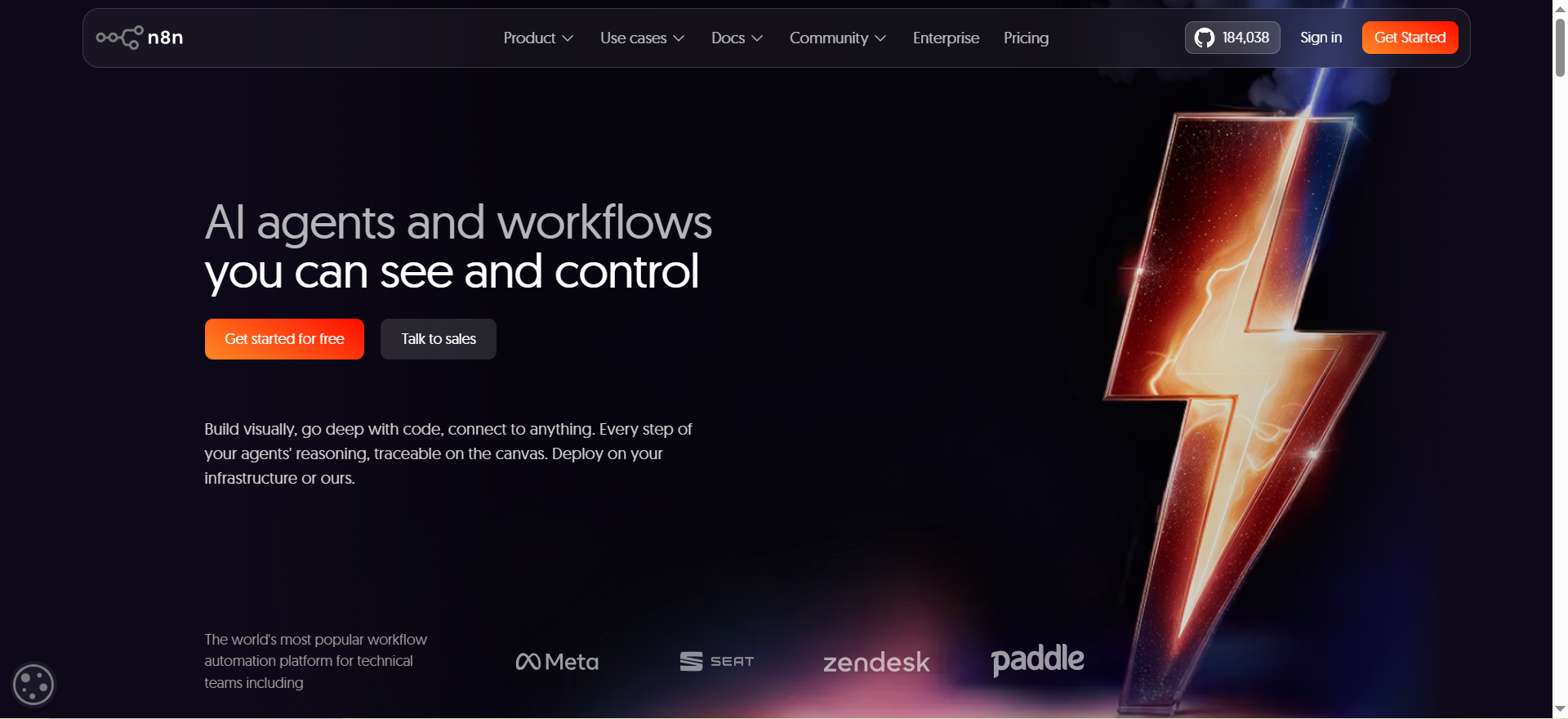
n8n is an open-source workflow automation platform with native AI agent capabilities. You build workflows visually, connect 400+ integrations, and add 70+ LangChain-based AI nodes to create intelligent automation pipelines. You can self-host n8n on your own infrastructure or use the managed cloud version.
Why Teams Use It
Teams choose n8n for control and transparency. Because it's open-source, you see exactly how your AI workflows execute. The platform bills by execution (workflow runs), not by steps, which scales predictably. Developers can inspect logs inline, debug AI decisions in real-time, and monitor LLM drift with the AI Evaluations feature. Companies that need to deploy agents on-premise or behind a firewall prefer n8n.
What It's Good For
- Custom LLM-powered workflows that chain multiple AI models
- Self-hosted agent deployments in regulated industries
- Teams comfortable with visual programming but wanting full control
- High-volume automation where per-step billing gets expensive
- Debugging and monitoring AI agent behavior
When It's a Good Fit
You're a mid-market company with technical resources, want to self-host, or need to integrate proprietary systems. n8n shines when you have developers who can configure workflows and want cost predictability at scale. If you're evaluating broader automation options, see our guide to the best AI automation tools.
When It's Not a Good Fit
You need drag-and-drop simplicity for non-technical users, or you want a fully managed SaaS with zero deployment overhead. n8n requires some setup knowledge, especially for self-hosting.
How to Use It
- Sign up for n8n Cloud or download the self-hosted version
- Create a new workflow and drag nodes onto the canvas
- Configure integrations (database, API, LLM, etc.)
- Add LangChain AI nodes to create agent logic
- Test and deploy; monitor execution logs in real-time
Key Capabilities
- 400+ pre-built integrations (Slack, Salesforce, HubSpot, etc.)
- 70+ LangChain-based AI nodes for agents and chains
- Conditional logic, loops, and error handling
- Inline code execution (JavaScript, Python)
- Webhooks and scheduling
- AI Evaluations to track model drift
- Unlimited users and workflows on all plans
Pricing
- Free: Self-hosted version, unlimited workflows and users
- Cloud Starter: €24/mo, 2,500 executions/month
- Cloud Pro: €60/mo, 10,000 executions/month
- Cloud Business: €800/mo, 40,000 executions/month
- All paid plans include all integrations and unlimited users
Free Tier?
Yes. Self-hosted version is completely free and open-source. Cloud free trial available.
Downsides / Limitations
Self-hosting requires DevOps knowledge and infrastructure maintenance. Cloud tier limits can be restrictive for high-volume automation. Learning curve steeper than drag-and-drop platforms if you're new to workflow automation.
2. Zapier
What It Does
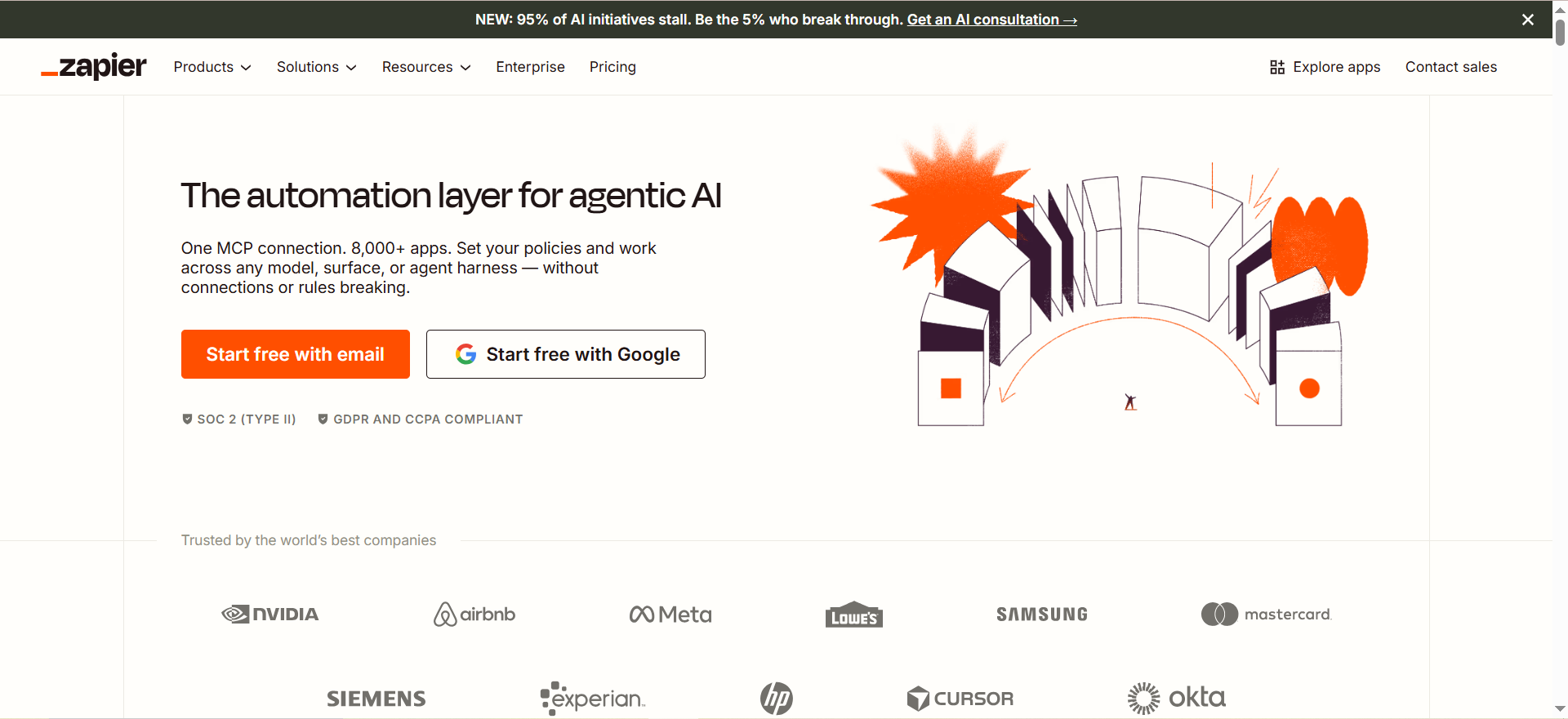
Zapier is a no-code automation platform connecting 7,000+ apps and services. You build "Zaps" (automated workflows) without writing code, and recently added AI Agents and MCP server access to let external LLMs trigger actions across your apps.
Why Teams Use It
Zapier's strength is simplicity and breadth. Non-technical users can set up automation in under five minutes using the AI Copilot, which generates workflows from plain English descriptions. Zapier's new MCP server exposes 30,000+ actions to any external LLM (Claude, GPT-4, etc.), letting you build agents that control Zapier-connected apps from your own AI system. The drag-and-drop builder has been refined over a decade and feels intuitive.
What It's Good For
- SMBs automating between SaaS tools (CRM, email, spreadsheets)
- Non-technical founders and small teams
- Rapid MVP automation (launch in minutes)
- Using external LLMs to control your app ecosystem
- Multi-app integration workflows
When It's a Good Fit
You want the fastest path to automation and don't need self-hosting or custom infrastructure. Your apps are mainstream (Slack, Salesforce, Google Sheets) and you have a non-technical team. For teams focused on sales workflows, see our guide to the best AI agents for lead generation.
When It's Not a Good Fit
You need on-premise deployment, custom code execution, or deeply integrated AI agents. Zapier is SaaS-only and charges per action, which can add up at scale.
How to Use It
- Sign up for Zapier
- Click "Create Zap" and choose a trigger app
- Use AI Copilot to describe the workflow in plain English, or build manually
- Configure the action step (what happens when triggered)
- Test and turn on the Zap
- (Optional) Add the Zapier MCP server to Claude or your external LLM
Key Capabilities
- 7,000+ app integrations (Slack, Gmail, Salesforce, Stripe, HubSpot, etc.)
- AI Copilot for natural-language workflow creation
- Agents add-on for persistent, multi-step agent automation
- Omnichannel Chatbot Builder (Beta)
- MCP server for external LLM control
- Conditional logic and multi-step workflows
- Looping and filtering
- 2,000+ pre-built templates
Pricing
- Free: 100 tasks/month
- Professional: $19.99/mo, 750 tasks/month (billed annually)
- Team: $69/mo, 2,000 tasks/month (billed annually)
- Enterprise: Custom pricing
- Agents add-on: Available as a separate paid add-on
Free Tier?
Yes. Free plan includes 100 tasks/month.
Downsides / Limitations
Per-task billing scales quickly with complex workflows. Agents are a paid add-on. Limited code customization compared to n8n. No self-hosting.
3. Make
What It Does
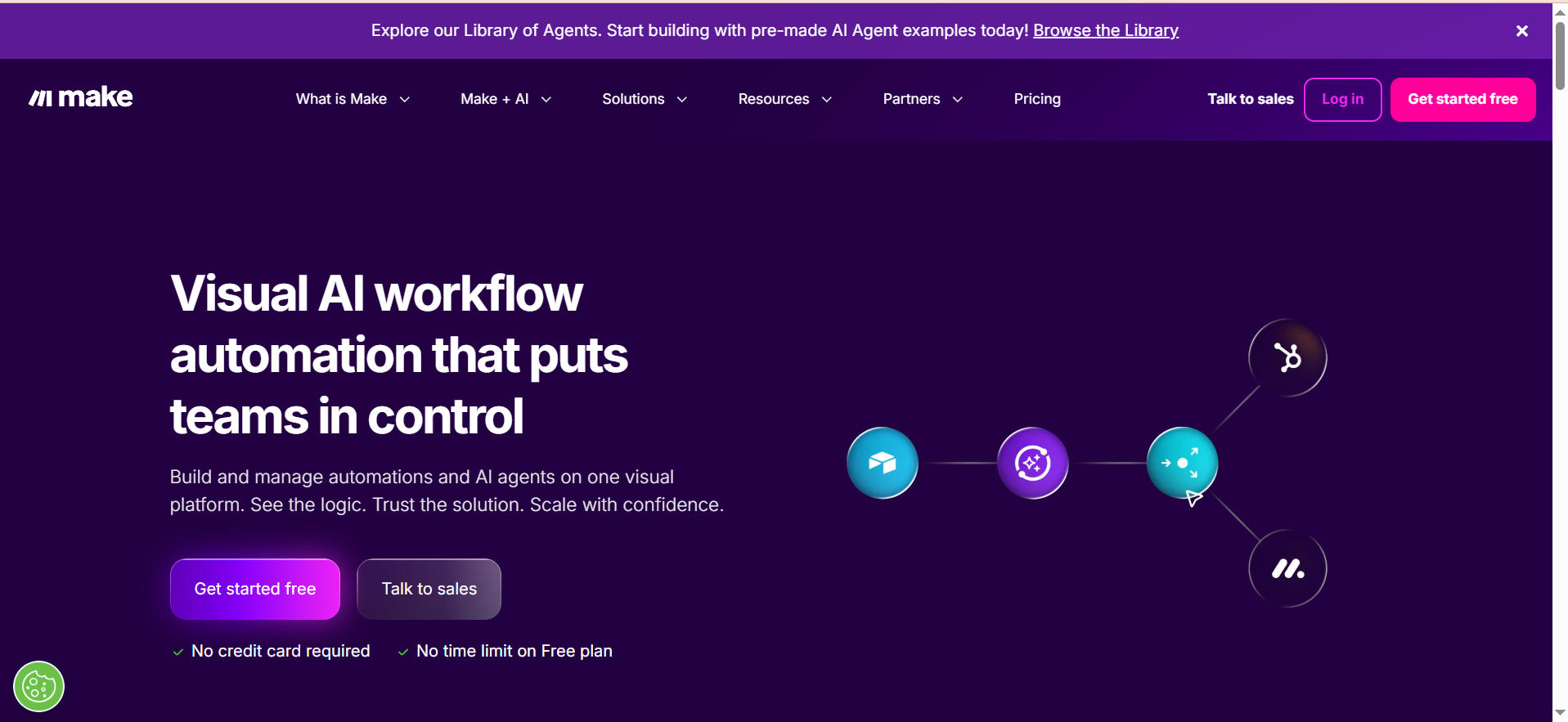
Make is a visual workflow builder with execution-based pricing (called "operations") and a new AI Agents feature released in February 2026. You build workflows by connecting modules, and the new Agent Builder lets you create agents entirely from a natural-language prompt (called "vibe code"). Make also offers Autopilot, which lets AI agents use a cloud-based computer to perform actions autonomously.
Why Teams Use It
Make appeals to teams that want creative, autonomous agents. The "vibe code" approach is different from other platforms—you write a plain-language description of what an agent should do, and Make generates the agent logic. Autopilot is unique: agents can execute actions on a virtual desktop in the cloud, opening possibilities for agents that automate visual or complex tasks. Make's credit-based billing (cheaper than per-action pricing) and rollover of unused credits make it cost-effective.
What It's Good For
- Creating agents from simple prompts without building workflows
- Autonomous agents that interact with web-based UIs or virtual desktops
- Teams wanting creative automation experimentation
- Cost-conscious teams (credits are cheaper than actions)
- Any plan size (agents available on Free, Core, Pro, Teams, Enterprise)
When It's a Good Fit
You want to experiment with agent behavior or automate complex, multi-step sequences that don't fit a traditional workflow. If your team is non-technical but creative, Make's prompt-based approach is fast.
When It's Not a Good Fit
You need detailed debugging and inline log inspection like n8n offers, or you require self-hosting. Make is entirely cloud-based and younger in its agent offering.
How to Use It
- Sign up for Make (free plan available)
- Create a new Scenario (workflow) or Agent
- For an Agent: describe what it should do in plain English
- Make generates the agent logic
- Test by triggering the agent
- Optionally enable Autopilot if the agent needs to interact with a desktop interface
Key Capabilities
- 3,000+ app integrations
- Agent Builder with vibe code (prompt-based)
- Autopilot (agents can use virtual desktop)
- Conditional logic and loops
- Multiple execution modes (scheduled, webhook, manual)
- Credit-based billing (cheaper at scale)
- Credit rollover on paid plans
- Visual workflow + agent building in one platform
Pricing
- Free: 1,000 credits/month
- Core: €10.59/mo, 10,000 credits/month
- Pro: €18.82/mo, 50,000 credits/month
- Teams: €34.12/mo, 100,000 credits/month
- Enterprise: Custom pricing
Free Tier?
Yes. Free tier includes 1,000 credits/month and access to all agents features.
Downsides / Limitations
Agents feature is newly released (Feb 2026) and still maturing. Vibe code generation quality varies. No self-hosting. Debugging is less granular than n8n. Learning curve for complex workflows (steeper than Zapier's simplicity).
4. Voiceflow
What It Does
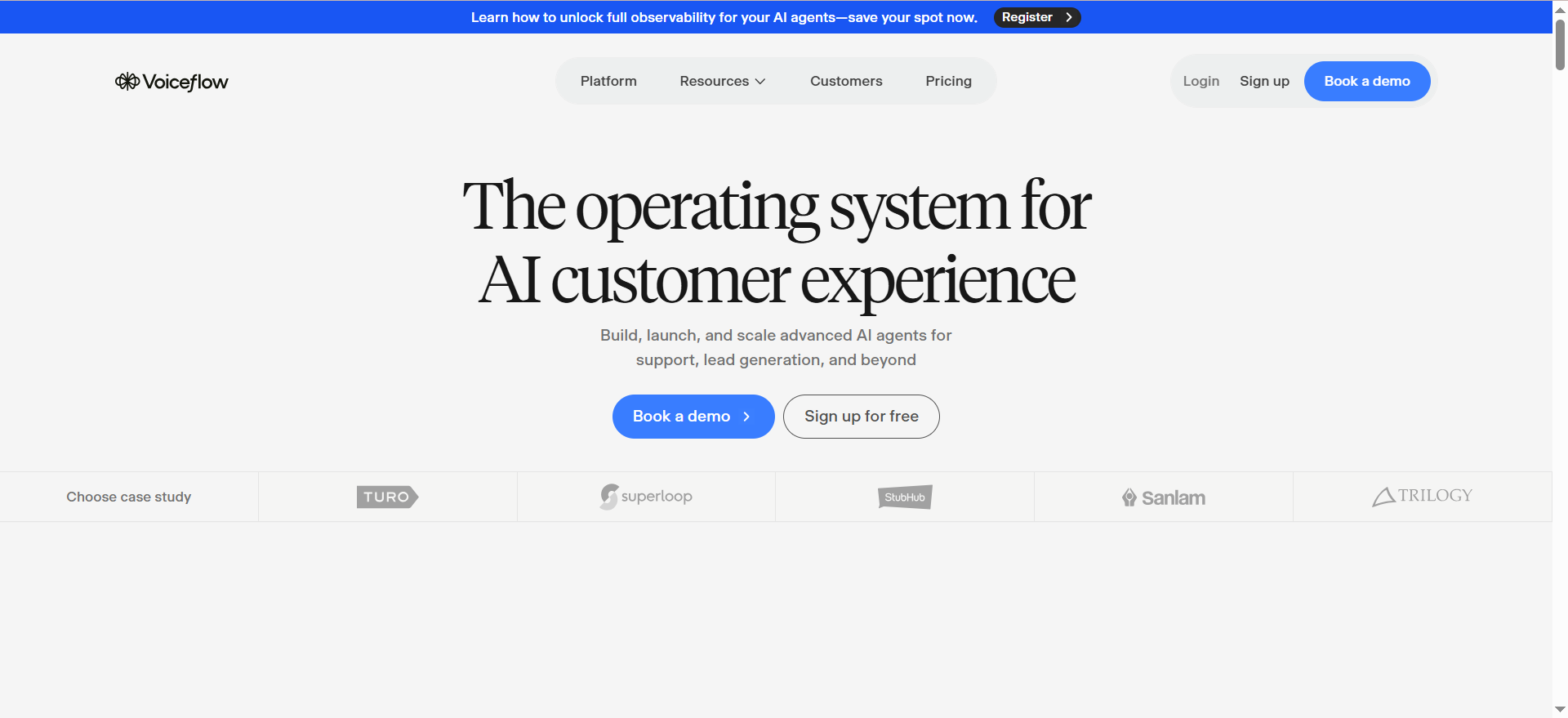
Voiceflow is a no-code platform for building conversational AI agents that work in chat and voice. You design agent conversations visually, integrate LLMs (GPT-4, Claude), train knowledge bases, and deploy to web, Twilio, Vonage, and other channels. It's purpose-built for customer-facing conversational agents.
Why Teams Use It
Voiceflow specializes in conversational flows in a way no other platform here does. You can design voice and chat agents without code, train them on your documentation, and deploy to multiple channels simultaneously. Teams use Voiceflow for customer support automation, FAQ bots, and voice assistants.
What It's Good For
- Customer service chatbots
- Voice-based agents (IVR, support calls)
- Multi-channel deployment (web + Twilio + Vonage)
- Knowledge base training (document upload)
- Teams wanting conversation design without coding
When It's a Good Fit
You're automating customer-facing conversations (support, sales, lead qualification). Your team is non-technical. You need voice and chat in one platform. For enterprise-focused options, see our guide to the best AI chatbots for enterprise customer support.
When It's Not a Good Fit
You need complex backend integrations, multi-agent orchestration, or enterprise-scale automation with detailed logs. Voiceflow's focus is conversation, not workflow orchestration.
How to Use It
- Sign up for Voiceflow
- Create a new Agent (chat or voice)
- Design the conversation flow using visual blocks (messages, inputs, logic)
- Configure LLM integration (GPT-4 or Claude)
- Upload knowledge base documents (optional)
- Deploy to web or channel (Twilio, Vonage, etc.)
- Monitor conversations in real-time
Key Capabilities
- No-code conversation design (visual flowchart builder)
- GPT-4 and Claude integration
- Knowledge base training (upload documents, PDFs, URLs)
- Multi-channel deployment (web, Twilio, Vonage, WhatsApp)
- Voice and chat in one interface
- Real-time conversation monitoring
- Analytics and reporting
- Pre-built templates for common use cases
Pricing
- Starter (Free): 2 agents, 100 credits
- Pro: $60/mo + $50 per additional editor, up to 20 agents
- Business: $150/mo + $50 per additional editor, unlimited agents
- Enterprise: $1,000–$2,000/mo, custom
- Usage credits consumed per conversation; when exhausted, agents stop responding
Free Tier?
Yes. Free tier includes 2 agents (chat or voice).
Downsides / Limitations
Usage credits required on top of subscription; running out of credits stops agent responses mid-conversation (no mid-cycle top-up). Limited backend workflow automation (focused on conversation). Smaller integration ecosystem compared to Zapier or Make. Per-editor fees add up for large teams.
5. Relevance AI
What It Does
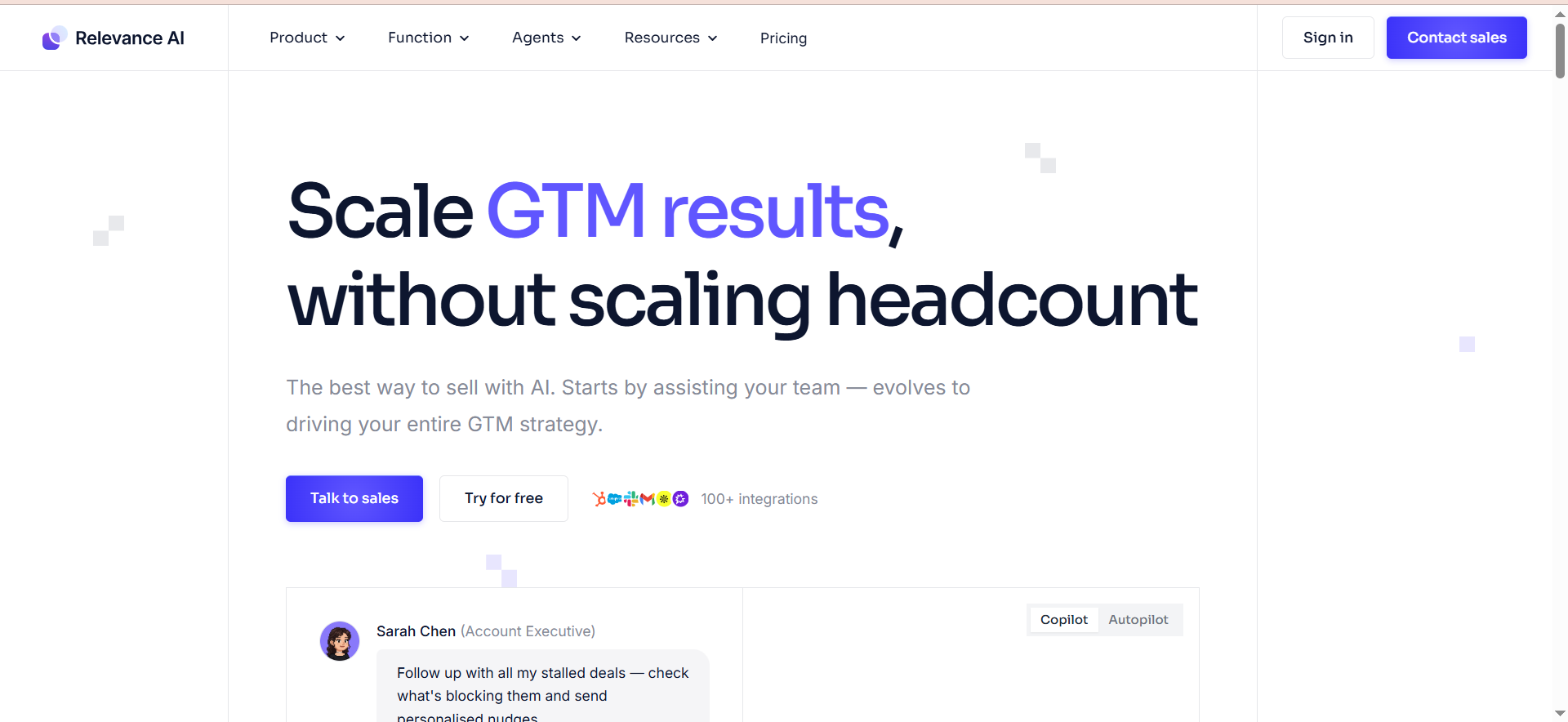
Relevance AI is a no-code AI agent builder focused on multi-agent systems where agents collaborate and communicate with each other. You can build agents by describing them in plain English ("Invent"), integrate 9,000+ APIs, and run agents individually or in teams that pass data between each other.
Why Teams Use It
Relevance AI's multi-agent collaboration is its differentiator. Instead of building one monolithic agent, you create specialized agents that talk to each other—a sales agent, a data-gathering agent, and an approval agent working in parallel or sequence. The "Invent" feature lets non-technical users describe an agent in a sentence, and Relevance generates it. You can also bring your own API keys, which bypasses vendor credit limits and keeps costs predictable.
What It's Good For
- Multi-agent workflows (agents collaborating with each other)
- Complex, multi-step business processes
- Teams wanting to compose agents like building blocks
- Cost-conscious teams (bring your own API keys)
- Community-driven workflows (pre-built agent marketplace)
For more on what agents can do across industries, see our guide to the best use cases for AI agents.
When It's a Good Fit
You're building a complex, multi-step process that requires different agents handling different tasks. Your team wants to reuse pre-built agents from the community or compose multiple agents together.
When It's Not a Good Fit
You need voice capabilities, simple one-agent automation, or traditional SaaS integrations without API keys. Relevance is designed for multi-agent systems, so smaller use cases might feel over-engineered.
How to Use It
- Sign up for Relevance AI
- Create a new Agent using "Invent" (describe in plain English)
- Configure integrations and API keys
- (Optional) Create a second agent and set up collaboration
- Test individual agents or run them as a group
- Deploy via API or webhook
Key Capabilities
- Multi-agent collaboration (agents communicate with each other)
- "Invent" feature (plain-language agent creation)
- 9,000+ integrations
- Bring your own API keys (no vendor credits needed)
- Pre-built agent marketplace (community agents)
- Agent-to-agent messaging
- Execution history and logs
- Scheduled and on-demand execution
Pricing
- Free: 200 actions/month
- Pro: $19/mo, 10,000 credits, 2,500 agent runs
- Team: $234/mo (seat + credits)
- Enterprise: Custom pricing
- Bring your own API keys to bypass credits
Free Tier?
Yes. Free tier includes 200 actions/month.
Downsides / Limitations
Smaller integration marketplace than Zapier or Make (though 9,000+ is substantial). Multi-agent workflows add complexity for simple use cases. Community agent quality is variable. Less mature ecosystem than Zapier (which has been around 12+ years).
What Is an AI Agent Builder?
An AI agent builder is a platform that lets you create and deploy autonomous AI agents without writing code. These agents can make decisions, take actions across connected apps, respond to customer inquiries, or orchestrate complex workflows. Unlike traditional automation (which follows rigid if-then rules), AI agents can reason about problems, adapt to new situations, and handle ambiguity by using large language models (LLMs) like GPT-4 or Claude.
Agent builders abstract away the complexity of prompt engineering, API integration, and agent memory management. You design workflows visually, configure your LLM, and the platform handles orchestration. Some platforms (like n8n) let you self-host; others (like Zapier) are SaaS-only. The best agent builder for you depends on your team's technical skill, budget, and use case. For a deeper comparison, see our guide on which is the best AI agent.
How Do AI Agent Builders Differ From Traditional Automation Tools?
Traditional automation tools (like legacy RPA or early workflow platforms) execute predefined sequences of steps. If the input doesn't match a rule, the workflow fails or requires human intervention. They're rigid by design. For teams weighing RPA vs. AI-native platforms, our guide to the best RPA AI platforms for business process automation breaks down the trade-offs.
AI agent builders layer LLM reasoning on top. An agent can read an email, understand context, and decide whether to escalate, auto-reply, or take a specific action—all without you coding decision logic. Agents can also handle variation and ambiguity; they don't need you to anticipate every possible scenario.
Key differences include decision logic (hard-coded rules vs. LLM reasoning), adaptability (fails on unexpected inputs vs. handles variation), setup time (days or weeks vs. hours or minutes), scalability (brittle logic vs. pattern learning), and cost model (per-license vs. per-execution).
Can You Build AI Agents Without Coding?
Yes. All five platforms in this guide support no-code agent building. Zapier uses AI Copilot to describe a workflow in English and generates it. Make uses "vibe code" (plain-language agent description) to create agents. Voiceflow designs conversations visually without code. Relevance AI uses "Invent" to describe an agent in a sentence. n8n lets you drag nodes and connect them; no code required for basic workflows (though advanced use benefits from code knowledge).
The barrier to entry has dropped dramatically. A non-technical founder can build a customer support bot in Voiceflow or a workflow agent in Make in under an hour. That said, coding knowledge (Python, JavaScript) helps when you need custom logic or integrations unique to your business. For developer-focused options, see our guide to the best AI agents for developers.
What Should You Look for in an AI Agent Builder?
When evaluating an AI agent builder, consider integrations (does it connect to the apps you use daily?), LLM flexibility (can you bring your own API keys?), deployment options (do you need on-premise or is SaaS acceptable?), conversation vs. workflow focus, multi-agent support, pricing predictability, debugging and logs quality, and free tier availability.
All five platforms have free tiers, but limits vary. n8n's free self-hosted option is unbeatable if you can handle infrastructure. For non-technical teams, Zapier's breadth and simplicity are hard to beat.
How Much Do AI Agent Builders Cost?
n8n ranges from free (self-hosted) to €800/mo for cloud. Zapier starts free (100 tasks/month) with paid plans from $19.99/mo plus agent add-ons. Make starts free (1,000 credits/month) with paid from €10.59/mo. Voiceflow starts free (2 agents) with paid from $60/mo plus per-editor fees. Relevance AI starts free (200 actions/month) with paid from $19/mo.
General guidance: tiny teams should start free on any platform. SMBs should consider Zapier or Make. Mid-market technical teams should look at n8n Cloud or Relevance AI with BYOK. Enterprise teams should evaluate n8n self-hosted.
Are AI Agent Builders Secure Enough for Enterprise Use?
Yes, with caveats. Modern AI agent builders use encryption in transit (HTTPS/TLS), at-rest encryption, and comply with SOC 2 Type II or similar standards. Security considerations include data residency (n8n self-hosted gives you control), API key management (all platforms support environment variables or secret vaults), audit logs (n8n and Make provide execution history), and multi-tenancy risk.
For Fortune 500 companies, n8n self-hosted is the security-first choice. For regulated industries (healthcare, finance), verify compliance certifications (HIPAA, PCI-DSS) before committing. For startups and SMBs, Zapier and Make are secure enough.
Can AI Agent Builders Handle Multi-Step Workflows?
Absolutely. All five platforms support multi-step workflows. n8n chains LangChain nodes, integrations, and conditional logic seamlessly. Zapier supports multi-step Zaps with filters, delays, and lookups. Make scenarios support loops, branching, and 50+ operators. Voiceflow conversation flows can branch across dozens of steps. Relevance AI supports multi-agent systems where agents pass data between each other.
Best practices include breaking into smaller workflows, using error handling, logging everything, testing incrementally, and monitoring in production.
What Are the Best Free AI Agent Builders?
All five platforms have free tiers. Best for experimentation: n8n (free self-hosted, unlimited workflows). Best for non-technical users: Zapier (100 tasks/month, AI Copilot available). Best for voice/chat: Voiceflow (2 agents, full feature set). Best for creative agents: Make (1,000 credits/month, full agents feature access). Best for multi-agent: Relevance AI (200 actions/month, access to community agents).
Recommendation: start with Zapier (easiest) or n8n (most capable if you can self-host). Both have generous free tiers and clear upgrade paths.
Frequently Asked Questions
Zapier. It has the lowest barrier to entry, AI Copilot for fast workflow creation, and 7,000+ integrations covering most SaaS tools SMBs use. You can build your first automation in under 5 minutes.
Yes. You can use Zapier for SaaS integrations and n8n for complex AI workflows; they work independently. However, managing multiple platforms adds operational overhead. Most teams pick one platform that covers 80% of their needs.
All platforms export workflow definitions in JSON or similar formats. Migration isn't seamless, but it's possible. Avoid deep lock-in by using standard API integrations where possible.
Not always. Zapier and Make provide integrated LLM access in some workflows. n8n, Voiceflow, and Relevance AI recommend bringing your own API keys for cost control and flexibility.
n8n self-hosted, because you control infrastructure. In the cloud, Zapier and Make scale to millions of monthly actions, but costs grow. Relevance AI's BYOK option removes vendor rate limits.
Yes. All platforms support scheduled execution and webhooks for continuous operation. However, autonomous agents can make mistakes; always build in logging, error handling, and human review loops for critical processes. For scaling guidance, see our guide on best practices for scaling AI agents across departments.
Zapier: Minimal (hours). Make, Voiceflow, Relevance: Low to medium (days). n8n: Medium (1–2 weeks if self-hosting). Time depends on workflow complexity and your technical background. If you want structured learning, see our list of the best AI agents courses.