Best AI Avatar Generator (2026)
How B2B companies and B2C brands can shortlist the best ai avatar generator tools for increase brand awareness without wasting evaluation cycles.

This playbook helps content managers and growth marketers compare the best ai avatar generator options for audio and video creation. It breaks down where heygen, synthesia stand out, when alternatives such as runway, veed make more sense, and which setup fits B2B companies and B2C brands and solo operators and small businesses.
TLDR;
If you need an AI avatar generator that actually fits your workflow (not just the one with the flashiest demo) this guide breaks down the five strongest options on the market right now. For most content teams producing marketing videos, training content, or social clips, HeyGen is the strongest all-around pick thanks to its Avatar IV realism, 175+ language support, and flexible credit system. Synthesia is the better choice if your primary use case is corporate training or L&D, especially if you need SCORM exports and enterprise-grade compliance. D-ID stands out for teams that want interactive, conversational AI agents embedded on websites rather than just pre-recorded video. Colossyan is purpose-built for learning and development with branching scenarios and quizzes baked in. And Elai offers the most affordable entry point for small teams that need a simple, browser-based video creation workflow.
This guide covers pricing, features, strengths, limitations, and real use-case fit for each platform so you can make a confident decision without wasting evaluation cycles.
Table of Contents
Best AI Avatar Generators (Quick Comparison)
| Feature | HeyGen | Synthesia | D-ID | Colossyan | Elai |
|---|---|---|---|---|---|
| Starting Price | $29/mo | $29/mo ($18 annual) | $5.99/mo | $27/mo | $23/mo |
| Free Plan | Yes (3 videos) | Yes (10 minutes) | 14-day trial | Yes (5 minutes) | 1 free video |
| Avatar Count | 700+ | 230+ | 100+ | 300+ | 80+ |
| Languages | 175+ | 160+ | 120+ | 100+ | 75+ |
| Best For | Marketing videos, social content | Corporate training, L&D | Interactive AI agents, conversational video | Training with branching scenarios | Budget-friendly video creation |
| Custom Avatars | Yes (all paid plans) | Yes (Creator+) | Yes (Pro+) | Yes (from one recording) | Yes (4 types) |
| Voice Cloning | Yes | Yes | Yes (Pro+) | Yes | Yes (Advanced+) |
| API Access | Yes | Enterprise | Yes (Pro+) | Enterprise | Enterprise |
| SCORM Export | No | Yes (Enterprise) | No | Yes | Yes |
Best AI Avatar Generators (Quick Comparison)
1. HeyGen
What It Does
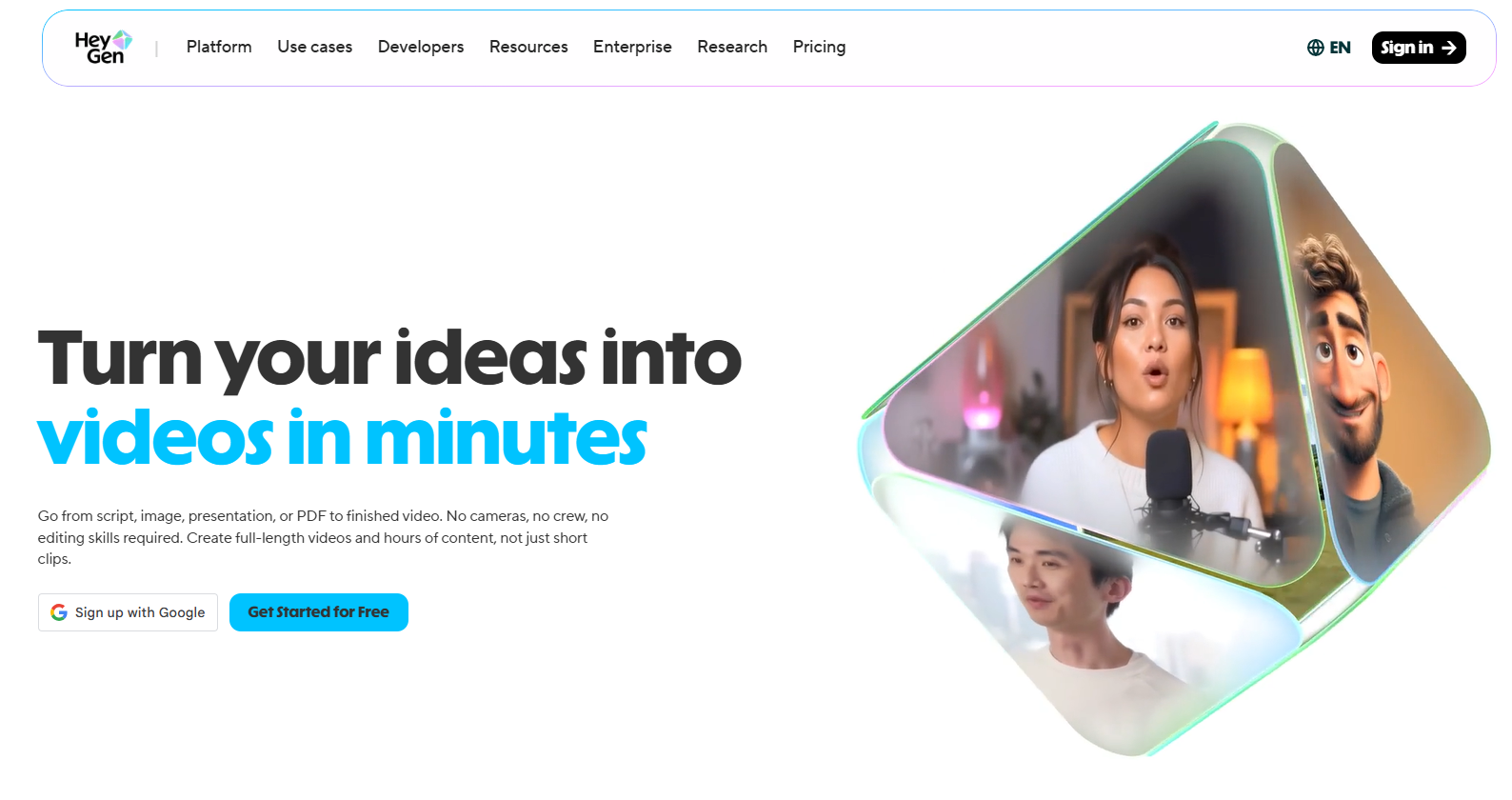
HeyGen is an AI video generation platform that turns text scripts into professional-quality talking-head videos using AI-generated avatars. The platform's Avatar IV engine produces results with natural motion, realistic lip-sync, and emotional intonation that sets it apart from most competitors. You type or paste a script, choose an avatar and voice, and the platform renders a finished video in minutes.
Why Teams Use It
HeyGen has become the go-to choice for marketing teams, social media managers, and content creators who need to produce video at scale without scheduling shoots, hiring talent, or managing post-production. The platform's strength is speed-to-publish: you can go from script to finished video in under 10 minutes. With 700+ stock avatars and 175+ languages, it covers virtually any audience and market segment.
What It Is Good For
HeyGen excels at marketing videos, product explainers, social media content, sales enablement videos, and personalized outreach. The Avatar IV technology produces the most realistic output in the category, which matters when your brand reputation depends on the quality of the video. Teams running multi-language campaigns benefit from the built-in translation and dubbing features that re-render lip movements to match the target language.
When It Is a Good Fit
HeyGen is a strong fit when your team needs to produce a high volume of short-to-medium-length marketing videos, when you are targeting multiple language markets, or when avatar realism is a priority. It works well for B2B SaaS companies running content marketing programs, ecommerce brands producing product videos, and agencies creating client deliverables at scale.
When It Is Not a Good Fit
HeyGen is not the best choice if your primary need is interactive training content with branching scenarios and quizzes — Colossyan or Synthesia handle that better. The credit system can get expensive at scale: Avatar IV costs 20 credits per minute, and credits do not roll over month-to-month. If you are on a tight budget and only need occasional videos, the per-minute cost may not justify the subscription.
How to Use It
Sign up for a free account to test the platform with 3 watermarked videos. Upload or write your script, select an avatar from the library (or create a custom one on paid plans), choose a voice and language, and hit generate. The Creator plan at $29/month gives you 200 credits and unlimited video exports. For teams, the Business plan at $149/month adds 4K rendering, SSO, and shared credit pools.
Key Capabilities
- Avatar IV engine with natural motion and emotional expression
- 700+ stock avatars with diverse appearances
- Text-to-speech in 175+ languages
- Voice cloning for brand-consistent narration
- Video translation with lip-sync re-rendering
- Template library for fast production
- Brand kit integration for consistent styling
- API access for programmatic video generation
Pricing
HeyGen offers a free plan with 3 videos per month (watermarked). The Creator plan costs $29/month with 200 generative credits and unlimited video exports. The Pro plan costs $99/month with 2,000 credits. The Business plan costs $149/month plus $20 per additional seat, with 1,000 shared credits, 4K rendering, and SSO. Enterprise pricing is custom. Premium Credit Packs (300 credits) cost $15/month or $150/year.
Free Tier?
Yes. The free plan includes 3 videos per month with a watermark, access to 500+ stock avatars, and basic editing features. It is enough to evaluate the platform but not suitable for production use.
Downsides and Limitations
- Credits do not roll over, so unused credits expire at month-end
- Avatar IV consumes 20 credits per minute, making high-realism videos expensive at volume
- No built-in SCORM export for LMS delivery
- Custom avatar creation requires a paid subscription
- The free plan includes watermarks on all exports
2. Synthesia
What It Does
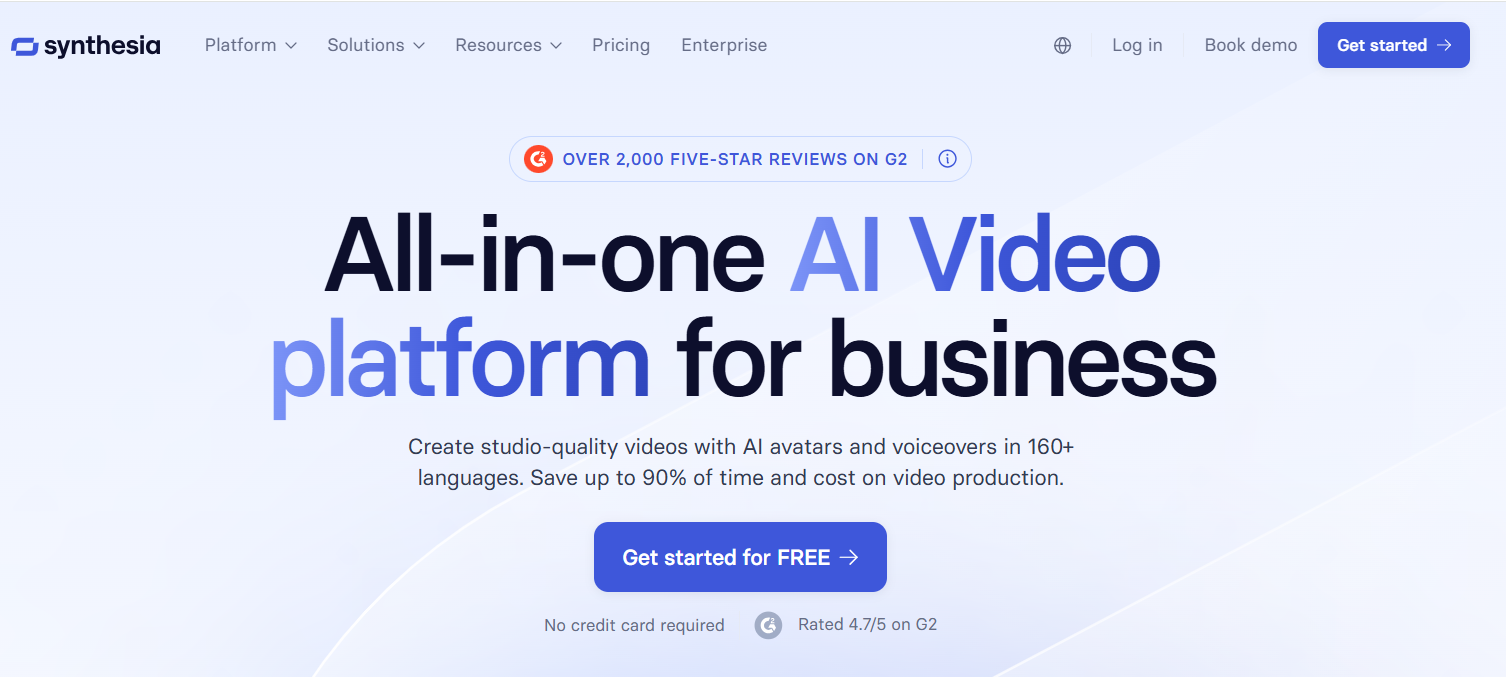
Synthesia is an AI video platform designed primarily for business communication, corporate training, and learning and development. It converts text scripts into studio-quality videos featuring AI avatars that speak in over 160 languages. The platform is built for non-technical users who need to create professional videos without cameras, studios, or editing skills.
Why Teams Use It
Synthesia has established itself as the leading choice for enterprise L&D teams, HR departments, and corporate communications. The platform's strength is its enterprise-grade feature set: SCORM exports for LMS integration, SOC 2 compliance, SSO, and team collaboration tools. Over 50,000 companies use Synthesia, making it the most widely adopted platform in the category for corporate use cases.
What It Is Good For
Synthesia is purpose-built for training videos, onboarding content, compliance modules, internal communications, product tutorials, and knowledge base videos. The platform's 1-click translation feature makes it ideal for global organizations that need to localize content across dozens of markets without re-recording. The Creator plan adds personal avatars, which is useful for executives who want to appear in videos without sitting through recording sessions.
When It Is a Good Fit
Synthesia is the right choice when your primary use case is corporate training or L&D, when you need SCORM exports for LMS delivery, when enterprise compliance (SOC 2, SSO) is required, or when you need to produce training content in many languages quickly. It is particularly strong for mid-market and enterprise companies with established learning management infrastructure.
When It Is Not a Good Fit
Synthesia is not the best fit if you are primarily creating marketing or social media content — HeyGen offers more creative flexibility and better avatar realism for those use cases. The Starter plan's 10-minute monthly limit is restrictive for teams with higher volume needs. Studio Avatars (the highest-quality custom avatars) cost an additional $1,000 per year, which can be a significant add-on cost.
How to Use It
Start with the free Basic plan to test the platform with 10 minutes of video. Write or paste your script, choose from 230+ stock avatars, select a voice (400+ options in 140+ languages), and generate. The Starter plan at $29/month ($18/month annual) gives you 10 minutes of video. The Creator plan at $89/month ($64 annual) unlocks 30 minutes, 180+ avatars, and up to 5 personal avatars.
Key Capabilities
- 230+ stock AI avatars with professional appearance
- Text-to-speech in 160+ languages with 400+ voice options
- 1-click video translation for 80+ languages
- SCORM export for LMS integration
- SOC 2 compliance and SSO for enterprise security
- Personal avatar creation (Creator plan and above)
- Team collaboration with roles and permissions
- Template library with customizable layouts
- Screen recording integration for tutorials
Pricing
Synthesia offers a free Basic plan with 10 minutes of video per month. The Starter plan costs $29/month ($18/month billed annually) with 10 minutes of video. The Creator plan costs $89/month ($64/month annual) with 30 minutes and personal avatars. Enterprise pricing is custom and includes unlimited video minutes, advanced compliance, and dedicated support. Studio Avatars cost an additional $1,000/year.
Free Tier?
Yes. The free Basic plan includes 10 minutes of video per month with 9 AI avatars and a watermark. Useful for evaluation but limited for ongoing production.
Downsides and Limitations
- Starter plan limited to 10 minutes of video per month
- Studio Avatars are an expensive add-on at $1,000/year
- Avatar realism lags behind HeyGen's Avatar IV for marketing-quality output
- SCORM export is only available on Enterprise plans
- Less creative flexibility compared to platforms focused on marketing content
3. D-ID
What It Does
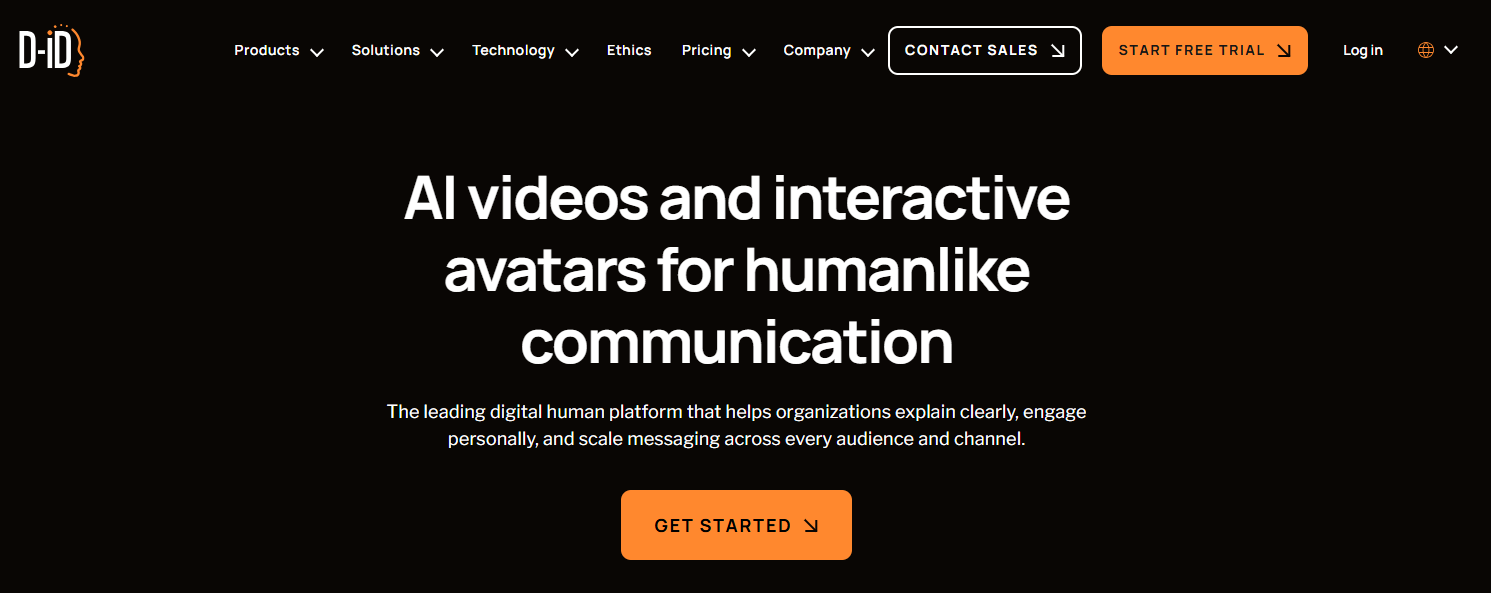
D-ID is an AI video creation platform that specializes in turning photos and text into talking-head videos, with a unique focus on interactive Visual AI Agents. Unlike pure video generation tools, D-ID combines pre-recorded video creation with real-time conversational AI agents that can be embedded on websites, apps, and products.
Why Teams Use It
D-ID attracts teams that need more than just video — they want interactive digital humans that can hold conversations. The Visual AI Agents feature sets D-ID apart from every other platform in this list. Instead of a static chatbot, visitors interact with a lifelike avatar that responds in real time with natural speech and facial expressions. This makes D-ID the top choice for customer experience, sales enablement, and interactive product demos.
What It Is Good For
D-ID excels at interactive customer experiences, conversational AI agents on websites, video translation with lip-sync re-rendering, personalized video messages at scale, and creative projects that start from a single photo. The Video Translate feature dubs existing videos into 30+ languages and re-renders lip movements, which is valuable for global teams repurposing existing content.
When It Is a Good Fit
D-ID is the right pick when you need interactive, conversational digital humans rather than just pre-recorded video. It fits well for B2B companies embedding AI agents in their product or website, ecommerce brands creating interactive shopping experiences, and teams that need affordable video translation with lip-sync. The low entry price ($5.99/month for Lite) makes it accessible for experimentation.
When It Is Not a Good Fit
D-ID is not the best choice if you need a large library of stock avatars for variety — it has around 100+ compared to HeyGen's 700+. The platform's strength is interaction, not volume production. If you need SCORM exports, branching scenarios, or enterprise training features, Synthesia or Colossyan are better fits. The Lite plan includes watermarks, and voice cloning is only available from the Pro plan.
How to Use It
Sign up for the 14-day free trial with 20 credits. Upload a photo or select a stock avatar, enter your script, choose a voice, and generate. For interactive agents, use the Visual AI Agents builder to create a conversational avatar and embed it on your site. The Lite plan at $5.99/month gives you 10 minutes with a watermark. The Pro plan at $49.99/month adds API access and voice cloning.
Key Capabilities
- Visual AI Agents for real-time conversational interactions
- Photo-to-video creation with realistic lip-sync
- Video translation in 30+ languages with lip re-rendering
- Voice cloning (Pro plan and above)
- API access for programmatic video and agent creation
- Support for 120+ languages
- Embeddable interactive avatars for websites and products
- Real-time expression and emotion rendering
Pricing
D-ID offers a 14-day free trial with 20 credits. The Lite plan costs $5.99/month for 10 minutes with watermark. The Pro plan costs $49.99/month with API access and 1 voice clone. The Advanced plan costs $299.99/month with 3 voice clones. Enterprise pricing is custom with professional voice cloning services. An additional 20% discount is available for annual billing.
Free Tier?
No permanent free tier — D-ID offers a 14-day free trial with 20 credits. This is enough to test the platform's core features including video generation and basic agent creation, but it expires.
Downsides and Limitations
- Smaller avatar library compared to HeyGen and Colossyan
- No SCORM export for LMS delivery
- Lite plan includes watermarks
- Voice cloning requires Pro plan ($48/month)
- Interactive agents feature has a learning curve
- No built-in branching scenarios or quiz features
4. Colossyan
What It Does
Colossyan is an AI video creation platform specifically designed for learning, training, and workplace communication. The platform's NEO 2 engine produces realistic AI avatars, and its standout feature is native support for interactive elements like branching scenarios, quizzes, and knowledge checks — making it the most L&D-focused platform in this comparison.
Why Teams Use It
Colossyan is the top pick for L&D teams, instructional designers, and HR departments that need to create interactive training content at scale. The combination of realistic avatars, branching scenarios, in-video quizzes, and SCORM export creates a complete training content pipeline that no other avatar platform matches. Teams can go from a PDF or presentation to a finished interactive course without leaving the platform.
What It Is Good For
Colossyan excels at corporate training videos, compliance modules, employee onboarding, product training, and any use case where interactivity improves learning outcomes. The ability to create branching scenarios — where viewers make choices that affect the video path — is unique in this category. The platform also supports converting existing PDFs and presentations into video courses, which accelerates content creation for teams with existing training materials.
When It Is a Good Fit
Colossyan is the right choice when interactive training content is the primary goal, when you need branching scenarios and quizzes natively built into the video, when SCORM export for LMS delivery is required, or when you are converting existing training materials (PDFs, slides) into video. It fits best for mid-market and enterprise companies with dedicated L&D teams.
When It Is Not a Good Fit
Colossyan is not the best fit for marketing-focused video production where creative flexibility and avatar realism are the top priorities — HeyGen handles that better. The platform is optimized for structured, informational content rather than creative social media videos. The language support (100+) is strong but trails HeyGen (175+) and Synthesia (160+). API access is limited to Enterprise plans.
How to Use It
Start with the free tier to create up to 5 minutes of video. Write your script or upload a PDF/presentation, choose from 300+ avatars, add interactive elements like branching paths or quizzes, select a voice in 100+ languages, and generate. The Starter plan at approximately $27/month provides 120 minutes per year. The Business plan at $70/month per user (billed annually) unlocks increased video creation limits and team collaboration.
Key Capabilities
- NEO 2 avatar engine with rebuilt rendering pipeline
- 300+ AI avatars in 100+ languages
- Branching scenarios for interactive learning paths
- In-video quizzes, knowledge checks, and assessments
- PDF and presentation to video conversion
- SCORM export for LMS delivery
- Custom avatar creation from one recording session
- Voice cloning for brand-consistent narration
- Team collaboration with versioning
- Multi-language localization in seconds
Pricing
Colossyan offers a free tier with 5 minutes of video. The Starter plan costs approximately $27/month with 120 minutes per year. The Business plan costs $70/month per user (billed annually) with increased video limits and team features. Enterprise pricing is custom with advanced collaboration, API access, and dedicated support.
Free Tier?
Yes. The free tier includes 5 minutes of video creation, access to stock avatars, and basic editing features. It provides enough to evaluate the platform's interactive capabilities.
Downsides and Limitations
- Starter plan limits annual minutes rather than monthly, which can be confusing
- API access restricted to Enterprise plans
- Less creative flexibility for marketing and social content
- Fewer language options than HeyGen or Synthesia
- Custom avatar quality depends on the recording session
- Not designed for conversational AI agents like D-ID
5. Elai
What It Does
Elai is a browser-based AI video generation platform that enables users to create professional videos from text input using AI avatars, voice cloning, and interactive elements. The platform is designed to be the most accessible entry point in the AI avatar space, with a straightforward interface and competitive pricing that makes it suitable for small teams and individual creators.
Why Teams Use It
Elai attracts small businesses, solopreneurs, educators, and teams with limited budgets who need to produce video content without the overhead of more expensive platforms. The platform balances simplicity with enough features — voice cloning, custom avatars, interactive quizzes, and multi-language support — to handle most standard video creation needs.
What It Is Good For
Elai works well for training videos, educational content, product demos, explainer videos, and internal communications. The platform supports four custom avatar types (Selfie, Studio, Photo, and Animated Mascot), giving users flexibility in how they present their brand. The interactive elements, including quizzes and branching scenarios, add value for training-focused use cases.
When It Is a Good Fit
Elai is a good fit when budget is a primary concern, when you need a simple and intuitive platform without a steep learning curve, or when your video needs are moderate (15-50 minutes per month). It works well for startups, small businesses, and educators who want to start creating AI avatar videos without committing to enterprise-tier pricing.
When It Is Not a Good Fit
Elai is not the best choice for teams that need the highest avatar realism (HeyGen's Avatar IV is significantly ahead), large avatar libraries (Elai has 80+ compared to HeyGen's 700+), or enterprise-grade security features like SOC 2 compliance and SSO. The language support (75+) is the most limited in this comparison. If you need interactive AI agents, D-ID is the better platform.
How to Use It
Sign up for a free trial to create one full video without a credit card. Write your script, select an avatar from the library of 80+, choose a voice from 450+ options in 75+ languages, add any interactive elements, and generate. The Basic plan at $23/month gives you 15 minutes of video. The Advanced plan at $60/month unlocks 50 minutes and voice cloning.
Key Capabilities
- 80+ AI avatars with diverse appearances
- 450+ voice options in 75+ languages
- Four custom avatar types: Selfie, Studio, Photo, Animated Mascot
- Voice cloning (Advanced plan and above)
- Interactive quizzes and branching scenarios
- Automated translations in 75+ languages
- Browser-based with no software installation required
- API access (Enterprise plans)
- SCORM export support
Pricing
Elai offers a free trial with one full video (no credit card required). The Basic plan costs $23/month for 15 minutes of video. The Advanced plan costs $60/month for 50 minutes with voice cloning. Enterprise plans start around $125/month with API access, custom avatars, and priority support.
Free Tier?
No permanent free tier — Elai offers a free trial with one complete video. This is enough to evaluate the interface and output quality but not for ongoing production.
Downsides and Limitations
- Smallest avatar library in this comparison at 80+
- Fewest supported languages at 75+
- Avatar realism trails HeyGen and Synthesia
- No permanent free plan
- Enterprise features like API access require the highest tier
- Less suitable for high-volume production workflows
What Is an AI Avatar Generator and How Does It Work?
An AI avatar generator is a software platform that creates realistic digital humans — avatars — that can speak, move, and express emotion on camera. Instead of hiring actors, booking studios, and managing post-production, you type a script, choose or create an avatar, select a voice, and the platform renders a finished video in minutes.
The technology behind these platforms combines several AI models. Text-to-speech (TTS) models convert written scripts into natural-sounding audio. Facial animation models generate realistic lip movements, expressions, and head motions that match the audio. Some platforms, like HeyGen with its Avatar IV engine, use generative AI trained on real human performances to produce motion that looks natural rather than robotic.
The workflow is straightforward across all platforms: write a script, pick an avatar, choose a voice and language, customize the visual layout, and export the video. Most platforms add features like templates, brand kits, multi-language translation, and collaboration tools on top of this core workflow.
Who Should Use an AI Avatar Generator?
AI avatar generators fit a specific set of use cases and team profiles. They are not a replacement for all video production, but they are the right tool when the content is script-driven, presenter-led, and needs to be produced at scale or in multiple languages.
Content marketing teams use AI avatars to produce explainer videos, product walkthroughs, and social media content without the time and cost of traditional video shoots. A single marketer can produce what used to require a videographer, actor, editor, and studio.
L&D and training teams are the largest adopter segment. Platforms like Synthesia and Colossyan are specifically built for creating training modules, onboarding content, and compliance videos that can be updated instantly when information changes — no re-shooting required.
Sales and customer success teams use AI avatars for personalized outreach videos, demo walkthroughs, and product updates that feel more engaging than text emails or slide decks.
Global teams benefit from the multilingual capabilities. Instead of re-recording videos for each market, most platforms can translate and re-render a single video into dozens of languages with matched lip movements.
Small businesses and solopreneurs who cannot afford traditional video production use platforms like Elai and D-ID as an accessible entry point to professional video content.
How to Choose the Right AI Avatar Generator for Your Team
The right platform depends on your primary use case, team size, budget, and technical requirements. Here is a decision framework based on the five platforms covered in this guide.
Start by defining the job to be done. If your primary need is marketing and social content at scale, HeyGen's Avatar IV realism and 700+ avatar library make it the default choice. If your primary need is corporate training with interactive elements, Colossyan's branching scenarios and quiz features give it a clear edge. If you need enterprise-grade training at scale with compliance features, Synthesia's SCORM export and SOC 2 compliance make it the safer bet. If you want interactive conversational AI agents on your website, D-ID is the only platform in this comparison that offers Visual AI Agents. And if budget is the top constraint and your needs are moderate, Elai offers the most video minutes per dollar.
Next, evaluate language requirements. HeyGen leads with 175+ languages, followed by Synthesia (160+), D-ID (120+), Colossyan (100+), and Elai (75+). If you are targeting a global audience, this gap matters.
Then test with a real workflow. Every platform offers a free trial or free tier. Run the same script through each platform you are considering and compare output quality, editing experience, and rendering speed. Vendor demos always look better than your own content, so testing with your actual use case is essential.
Finally, factor in total cost of ownership. Monthly subscription prices are just the starting point. Consider credit consumption rates (especially HeyGen's 20 credits per minute for Avatar IV), add-on costs (Synthesia's $1,000/year Studio Avatars), and whether the platform scales affordably as your team grows.
Can AI Avatars Replace Traditional Video Production?
AI avatars can replace traditional video production for a specific category of content: script-driven, presenter-led videos where the focus is on information delivery rather than cinematic quality. This includes training modules, product explainers, FAQ videos, onboarding walkthroughs, and routine marketing content.
Where AI avatars fall short is in creative storytelling, brand campaigns that require emotional depth, and any content where authenticity from a real human face matters. A CEO's keynote, a customer testimonial, or a brand film still benefits from real actors and production quality.
The practical answer for most teams is that AI avatars handle 60-80% of their routine video needs, freeing up budget and production time for the high-stakes content that justifies traditional production. The biggest wins come from turnaround time (minutes instead of weeks), update speed (change a script instead of re-shooting), and localization (translate instead of re-record).
What Are the Best Free AI Avatar Generators?
All five platforms in this guide offer some form of free access, but the value varies significantly.
HeyGen's free plan is the most generous for ongoing use, providing 3 videos per month with watermarks and access to 500+ avatars. It is the best option for teams that want to maintain a free account while evaluating the platform over time.
Colossyan's free tier gives you 5 minutes of video without a watermark restriction on the free content, making it useful for quick test projects.
Synthesia's free Basic plan offers 10 minutes of video per month with 9 AI avatars and a watermark. It is enough for evaluation but not for production.
D-ID provides a 14-day free trial with 20 credits — useful for a focused evaluation but it expires.
Elai offers one free video without requiring a credit card, which is good for a single test but does not support ongoing free usage.
If you need a permanent free option for occasional use, HeyGen's free plan is the strongest choice. If you need to evaluate quickly and thoroughly, D-ID's 14-day trial gives you the most flexibility within that window.
How Much Does an AI Avatar Generator Cost?
AI avatar generator pricing ranges from free to several hundred dollars per month, depending on the platform, plan tier, and usage volume.
At the low end, D-ID's Lite plan at $5.99/month and Elai's Basic plan at $23/month provide affordable entry points for individuals and small teams. These plans are suitable for producing a handful of videos per month.
Mid-range plans from HeyGen ($29/month Creator), Synthesia ($29/month Starter), and Colossyan ($27/month Starter) offer more features but come with monthly video limits. HeyGen's credit system means costs can escalate quickly if you use Avatar IV heavily (20 credits per minute).
Pro-tier plans range from $49.99/month (D-ID Pro) to $99/month (HeyGen Pro) to $89/month (Synthesia Creator), unlocking more minutes, custom avatars, and advanced features.
Enterprise plans with unlimited minutes, SSO, SCORM, and dedicated support start at $149/month (HeyGen Business) and go to custom pricing for Synthesia, D-ID, and Colossyan Enterprise tiers.
The most important cost factor is not the subscription price — it is the per-minute cost of your actual usage pattern. Run a two-week test with your real content volume to calculate the true monthly cost before committing to an annual plan.
What Are the Limitations of AI Avatar Generators?
AI avatar generators have real limitations that affect how and where they can be used effectively.
Avatar realism varies significantly across platforms. HeyGen's Avatar IV sets the current bar, but even the best AI avatars can trigger an uncanny valley response in viewers, especially in close-up shots or when expressing complex emotions. This matters most for customer-facing marketing content where brand perception is at stake.
Gesture and body language are still limited. Most platforms render talking heads with minimal upper-body movement. Full-body avatars with natural gestures are not yet standard, which limits the types of content you can create convincingly.
Voice quality has improved dramatically but still lacks the nuance of a professional voice actor. Voice cloning helps bridge this gap, but cloned voices can sound flat during longer scripts or when the content requires emotional variation.
Custom avatar quality depends on your input. Platforms that create custom avatars from photos or short recordings produce results that vary based on lighting, angle, and source quality. Studio-grade custom avatars (like Synthesia's Studio Avatars at $1,000/year) deliver better results but at a significant cost.
Content policies restrict some use cases. Most platforms prohibit creating avatars of real people without consent, generating misleading content, or using avatars for deceptive purposes. This is a reasonable safeguard but limits certain creative applications.
Scalability costs can surprise teams. Free and starter plans look affordable, but teams that scale to dozens of videos per month often find that credit consumption, add-on features, and seat costs push the real monthly spend well above the headline price.
Final Verdict
For most content marketing and growth teams, HeyGen is the best all-around AI avatar generator. Its Avatar IV realism, 700+ avatar library, and 175+ language support make it the most versatile platform for producing marketing videos, social content, and multi-language campaigns.
For corporate training and L&D, Colossyan is the strongest choice thanks to its branching scenarios, quizzes, and SCORM export. Synthesia is the safer enterprise pick when SOC 2 compliance and established market presence matter.
For interactive AI experiences, D-ID stands alone with its Visual AI Agents feature.
And for budget-conscious teams getting started, Elai offers the lowest barrier to entry.
The best approach is to test 2-3 platforms with your actual content and team workflow before committing. Every platform offers free access — use it.
FAQs
HeyGen's Avatar IV engine currently produces the most realistic AI avatars in the market. The technology uses generative AI trained on real human performances to create natural motion, emotional intonation, and accurate lip-sync. Synthesia and Colossyan (with its NEO 2 engine) are close behind, while D-ID and Elai offer good quality but with visible differences in motion naturalness.
Yes, all five platforms support custom avatar creation, but the quality and process vary. HeyGen and Synthesia offer the most polished custom avatars. Colossyan can create a custom avatar from a single recording session. D-ID allows you to upload a photo to create a basic avatar. Elai offers four custom types: Selfie, Studio, Photo, and Animated Mascot. Synthesia's highest-quality Studio Avatars cost an additional $1,000/year.
For script-driven, informational content — absolutely. Thousands of companies use AI avatar videos for training, onboarding, product demos, and marketing. The key is matching the right platform to your use case. HeyGen and Synthesia produce output that is indistinguishable from traditional video at normal viewing distances. For high-stakes brand campaigns or emotional storytelling, traditional production still has an edge.
Most platforms render a 2-3 minute video in under 10 minutes from script to finished export. The actual time depends on video length, avatar complexity (Avatar IV on HeyGen takes longer than standard avatars), and current server load. Editing and customization add time, but the total production cycle is measured in minutes rather than the days or weeks required for traditional video.
Yes, and this is one of the strongest use cases. Colossyan leads with built-in branching scenarios, quizzes, and SCORM export. Synthesia offers SCORM export on Enterprise plans and is widely adopted for corporate training. Elai also supports interactive elements and SCORM. HeyGen and D-ID can produce training content but lack native interactivity features.