Best AI Localization Tools (2026)
Which ai localization tools options actually fit content production and which ones create extra cost, handoff friction, or weak output.


This playbook helps content managers and growth marketers compare the best ai localization tools options for content production. It breaks down where deepl, lokalise-ai stand out, when alternatives such as jasper, copy-ai make more sense, and which setup fits B2B companies and B2C brands and solo operators and small businesses.
TL;DR
If you are looking for the best AI localization tools in 2026, the short answer is that DeepL wins on raw translation accuracy for European languages, Lokalise AI is the strongest all-in-one platform with smart LLM routing, and Crowdin offers the best value for developer-heavy teams on a budget. Smartling is the enterprise pick when you need managed translation services bundled with your platform, and Phrase gives you the deepest CAT tool environment for professional linguists.
The right choice depends on your team size, content volume, and how much human review you want baked into the process. This guide breaks down each tool so you can make a decision based on your actual workflow instead of feature lists.
Table of Contents
Best AI Localization Tools (Quick Comparison)
| Tool | Best For | Starting Price | AI Translation | Free Tier | Integrations |
|---|---|---|---|---|---|
| DeepL | Raw translation accuracy | $10.49/mo | Neural MT (proprietary) | Yes (limited) | 11+ CAT tools, API |
| Lokalise AI | All-in-one localization platform | $144/mo | Multi-LLM routing (GPT, Claude) | Yes (500 keys) | 50+ integrations |
| Smartling | Enterprise managed translation | Custom pricing | Neural MT + human QA | No | CMS, marketing platforms |
| Phrase | Professional linguist workflows | $27/mo | MT + TM + terminology | Yes (14-day trial) | 50+ connectors |
| Crowdin | Developer-first localization | $59/mo | AI built-in (OpenAI, DeepL, Google) | Yes (open-source) | GitHub, GitLab, Bitbucket |
Best AI Localization Tools (Quick Comparison)
Tool #1: DeepL
What It Does
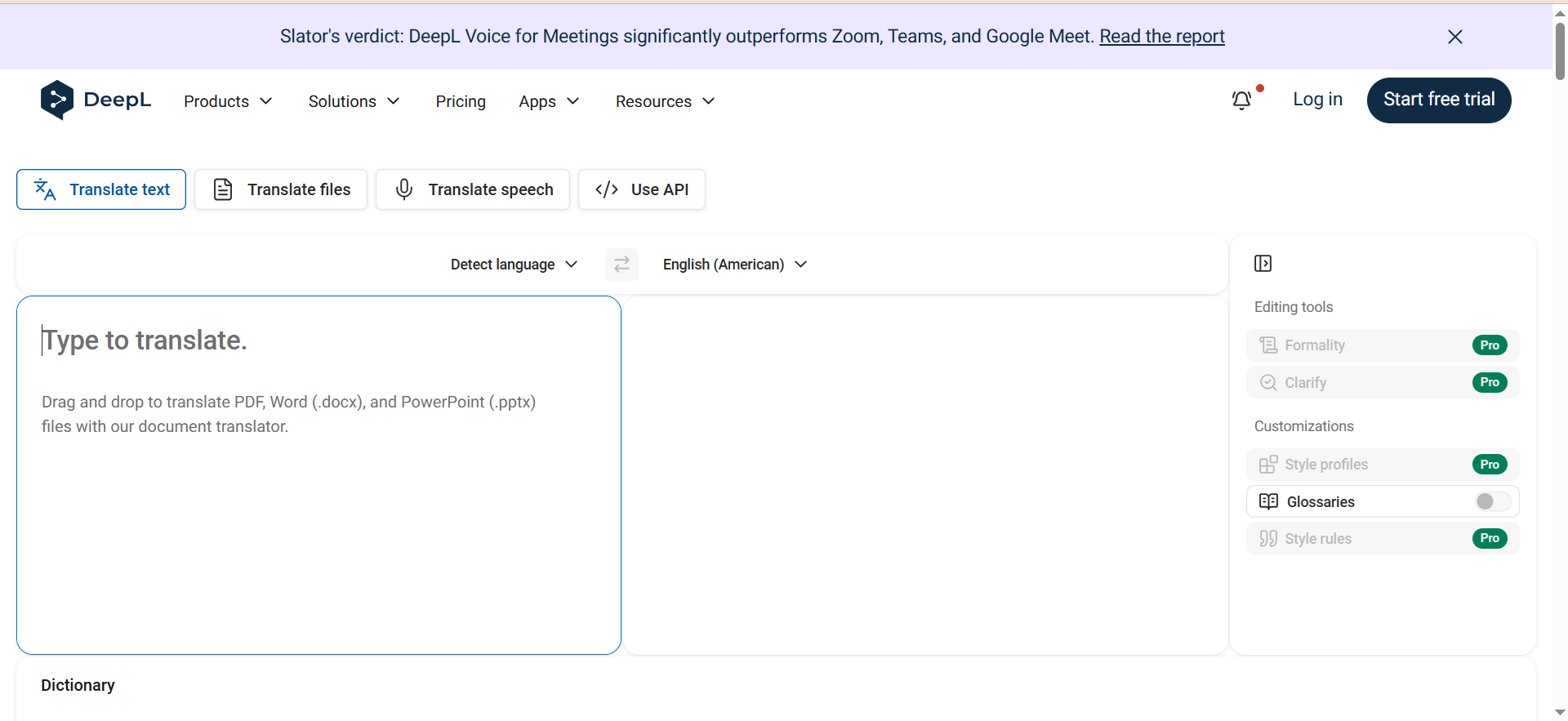
DeepL is a neural machine translation engine that consistently outperforms Google Translate and Microsoft Translator on European language pairs. It translates text, documents, and entire files while preserving formatting. The API lets you plug DeepL into any existing workflow or content pipeline.
Why Teams Use It
Content teams pick DeepL when translation accuracy is the top priority and they already have a localization workflow in place. The output reads naturally with minimal post-editing, which means less time spent on review cycles. Marketing teams that publish across German, French, Spanish, and other European markets report the fewest revision rounds compared to other MT engines.
What It Is Good For
DeepL excels at translating marketing copy, blog content, product documentation, and support articles where tone and readability matter. If you also need a platform that enforces terminology at scale, see our guide to the best AI translation platform with glossary enforcement. The glossary feature lets you lock in brand terminology so translations stay consistent across assets. Document translation handles PDFs, Word files, and PowerPoint decks directly, saving the copy-paste overhead.
When It Is a Good Fit
DeepL is a good fit when your team already manages localization workflows through a TMS or manually, and you need a high-quality translation engine to slot into that process. It works well for teams that translate fewer than 30 languages and prioritize European markets. If you are a solo content manager or a small marketing team that needs fast, accurate translations without managing a full localization platform, DeepL is the simplest path.
When It Is Not a Good Fit
DeepL is not a localization management platform. It does not handle translation memory, workflow orchestration, reviewer assignments, or version control. If you need to manage translation across multiple contributors, track progress, or automate file syncing with your CMS or codebase, you need a platform like Lokalise or Crowdin on top of DeepL. Coverage for Asian and African languages is also weaker compared to Google Translate.
How to Use It
Sign up for a DeepL Pro account, set up your glossary with brand-specific terms, and either use the web interface for one-off translations or integrate the API into your content pipeline. Most teams connect DeepL through their TMS (Phrase, memoQ, Trados) or call the API from their CMS during publishing.
Key Capabilities
DeepL supports 30+ languages with neural machine translation, document translation with formatting preservation, custom glossaries for brand terminology, CAT tool integration with 11 platforms including Trados, memoQ, and Phrase TMS, and a REST API for programmatic access. The Write feature (separate add-on) helps refine tone and style in translated content.
Pricing
DeepL offers multiple tiers. The Free plan gives you 50,000 characters per month with basic web translation. DeepL Starter begins at $10.49 per month for individual use. DeepL Advanced costs approximately $34.49 per user per month (annual billing) and includes unlimited text translation, document translation, and CAT tool integrations. DeepL Ultimate is available at $68.99 per month with expanded limits and features. The API Pro plan starts at $5.49 per month base plus $25.00 per million characters translated.
Free Tier?
Yes. The web free plan includes 50,000 characters per month, 1 document translation per month, and access to the web translator. A separate API Free plan is also available with 500,000 characters per month for developers.
Downsides and Limitations
No built-in localization management, workflow orchestration, or team collaboration features. Document translation limits do not roll over month to month. DeepL Write Pro is a separate subscription. Asian and African language quality trails behind competitors like Google Translate. The glossary feature is limited to single-term entries and does not support context-dependent rules.
Tool #2: Lokalise
What It Does
Lokalise is a localization platform that combines translation management, AI-powered translation, and team collaboration in one environment. It uses a RAG (Retrieval-Augmented Generation) architecture that pulls context from your translation memory, glossaries, and style guides to generate translations that match your brand voice. The platform routes translations through the best-performing LLM for each language pair automatically.
Why Teams Use It
Teams choose Lokalise because it eliminates the gap between translation and project management. Instead of juggling a TMS, an MT engine, and a review tool, everything runs inside one platform. The AI orchestration layer — which routes between GPT, Claude, and other models — means you get better quality without manually choosing engines. Lokalise reports that 80% of AI translations are ready without edits, rising to 90% with their advanced RAG setup.
What It Is Good For
Lokalise works best for teams managing multi-language content across web, mobile apps, and marketing materials. Teams that also need real-time interpretation may want to compare it with the best AI live translation apps. The platform handles software string localization, marketing content adaptation, and documentation translation in a single workflow. Its screenshot and in-context editing features help translators see exactly where strings appear in the product, reducing context-related errors.
When It Is a Good Fit
Lokalise fits mid-market to enterprise teams that publish content in 10 or more languages and need to coordinate translators, reviewers, and developers. If your product team ships features weekly and needs translations to keep pace, Lokalise's automation and integrations (Figma, GitHub, Slack, Jira) keep localization in the development loop rather than being a bottleneck.
When It Is Not a Good Fit
If you only translate marketing content in 2-3 languages and do not localize a software product, Lokalise's platform is more than you need. The pricing starts at $144 per month, which is steep for freelancers or small teams with simple translation needs. Teams that rely on a specific CAT tool environment (like Trados or memoQ) may find Lokalise's built-in editor less flexible.
How to Use It
Set up a project, connect your content sources (GitHub repo, Figma file, or upload files), configure target languages, and define your translation workflow. Lokalise pulls new strings automatically, runs them through AI translation, and routes outputs to human reviewers based on your rules. Approved translations sync back to your source automatically.
Key Capabilities
Lokalise features multi-LLM smart routing across GPT, Claude, and other engines, RAG-powered translations using your TM, glossaries, and style guides, over-the-air (OTA) updates for mobile apps, in-context editing with screenshots, branching and version control for translation projects, 50+ integrations including GitHub, Figma, Slack, Jira, and Contentful, and automated QA checks before delivery.
Pricing
Lokalise bills by processed words rather than stored keys. The Free plan supports 1 user and 500 keys. Paid plans start at $144 per month (Explorer tier), scaling through Growth and Advanced tiers. Enterprise plans include 40 advanced seats, 3 million processed words per year, and 400,000 Pro AI words per year. All plans include unlimited basic seats for translators and reviewers.
Free Tier?
Yes. The free plan includes 500 keys, 1 user, and access to Standard AI translations. It is designed for individuals or small projects that want to test the platform.
Downsides and Limitations
The pricing jump from free to $144 per month is significant for small teams. The word-based billing model can be hard to predict for teams with variable content volumes. Some users report that the UI has a learning curve, particularly for non-technical team members. Pro AI (the advanced LLM tier) costs extra beyond the base plan allocation.
Tool #3: Smartling
What It Does
Smartling is an enterprise translation management system that combines a localization platform with access to professional human translators and AI-powered translation. The platform automates content ingestion, translation workflow routing, quality scoring, and delivery back to your CMS or application. Smartling sits at the intersection of technology and managed language services.
Why Teams Use It
Enterprise teams pick Smartling when they need a vendor that handles both the platform and the translation labor. Instead of sourcing translators, managing freelancers, and building QA workflows, Smartling bundles everything into a managed service. The automation engine handles routing, and their linguist network handles execution. This is the "hand it off and it comes back translated" model.
What It Is Good For
Smartling is best for translating large-scale websites, product content, support documentation, and marketing campaigns where consistency and compliance matter. The platform's translation memory and neural MT work together to reduce costs over time as your content library grows. Adobe Experience Manager integration makes it a natural fit for teams running complex, personalized web experiences.
When It Is a Good Fit
Smartling fits enterprise teams with annual translation budgets above $50,000 that need a managed service layer on top of technology. If your organization translates millions of words per year across 20+ languages and needs vendor-managed quality, Smartling removes the operational burden of managing translators directly.
When It Is Not a Good Fit
Smartling does not publish transparent pricing, which makes it hard for smaller teams to evaluate. The platform is overkill for teams translating under 500,000 words per year or those comfortable managing their own translator network. Startups and small businesses will find the cost-to-value ratio unfavorable compared to Crowdin or DeepL.
How to Use It
Work with the Smartling sales team to scope your project, configure content connectors (CMS, marketing platform, or API), define language pairs and quality tiers, and set up automated workflows. Smartling's team handles onboarding and ongoing translation management.
Key Capabilities
Smartling provides a neural machine translation engine with human QA workflows, automated content ingestion from CMS and marketing platforms, translation memory and glossary management, in-platform analytics for cost, quality, and resource efficiency, workflow automation with customizable routing rules, Adobe Experience Manager integration, and API access for custom integrations.
Pricing
Smartling uses custom pricing based on projected annual translation volume, number of target languages, content complexity, and required integrations. There are two tiers: one for small-scale projects and another for large teams looking to optimize and automate localization. Expect platform fees starting in the low thousands per month for smaller volumes, plus per-word translation costs that vary by language pair.
Free Tier?
No. Smartling requires a sales conversation and custom quote to get started.
Downsides and Limitations
No transparent public pricing. The sales-driven buying process slows down evaluation for teams that want to test before committing. Less suitable for developer-centric localization (software strings, mobile apps) compared to Lokalise or Crowdin. Smaller teams may find the minimum commitment too high for their volume.
Tool #4: Phrase
What It Does
Phrase (formerly Memsource) is a localization platform that brings together translation management, a professional CAT editor, software localization, workflow automation, and machine translation in one environment. It is built for professional linguists and localization managers who need granular control over every step of the translation process.
Why Teams Use It
Localization teams choose Phrase because the CAT (Computer-Assisted Translation) editor is one of the most capable in the industry. It offers segment-level translation memory matching, terminology enforcement, QA checks, and support for 500+ file formats. Teams with in-house linguists or professional translator networks prefer Phrase because the tooling matches what translators actually need in their daily workflow.
What It Is Good For
Phrase handles complex localization workflows involving multiple file types, branching content, and large translator teams. It is particularly strong for software and game localization (via Phrase Strings), multimedia localization, and enterprise content that requires strict terminology control. The Orchestrator module lets you build custom automation workflows that route content through different translation paths based on content type, language, or priority.
When It Is a Good Fit
Phrase fits teams that employ or contract professional translators and need a CAT-first environment with built-in project management. If your workflow involves linguistic review, terminology management, and compliance-level QA, Phrase gives you the controls that simpler platforms skip. The starting price of $27 per month makes it accessible for freelance translators, while enterprise plans scale up for large localization operations.
When It Is Not a Good Fit
Phrase's depth is its strength and its barrier. If your team just needs fast AI translations without deep linguistic workflows, the platform's complexity adds unnecessary overhead. Content marketers who translate blog posts and landing pages may find Lokalise or even DeepL simpler and faster. The UI is designed for localization professionals, not general marketing teams.
How to Use It
Create a project, upload source files or connect content sources, assign translators and reviewers, and configure your machine translation and translation memory settings. Phrase automatically pre-translates content using your TM and configured MT engines, then routes files to human translators for review. Approved content is delivered through your configured output channel.
Key Capabilities
Phrase includes a professional-grade CAT editor with TM, glossary, and QA, Phrase TMS for project management with unlimited seats (except Freelancer plan), Phrase Strings for software, app, and game localization, Phrase Orchestrator for custom workflow automation, support for 500+ file formats, machine translation from multiple engines (DeepL, Google, Amazon, Microsoft), Phrase Analytics for translation performance tracking, and 50+ integrations.
Pricing
Phrase starts at $27 per month (Freelancer tier). There are 8 pricing editions, with higher tiers including more advanced features, automation, and support. All paid plans include a 14-day free trial. The mid-range plan starts at approximately $135 per month. TMS seats are unlimited across all plans except Freelancer. Every customer receives 60 minutes of video localization per year, and 24/7 support is available across all plans.
Free Tier?
No permanent free tier, but a 14-day free trial is available on all plans. The Freelancer plan at $27 per month is the lowest-cost entry point.
Downsides and Limitations
The platform's depth creates a steeper learning curve for non-localization professionals. The number of pricing tiers (8 editions) makes comparison confusing. Phrase Strings and Phrase TMS are somewhat separate products within the platform, which can feel disjointed. Teams that do not use professional translators will underutilize most of the CAT features.
Tool #5: Crowdin
What It Does
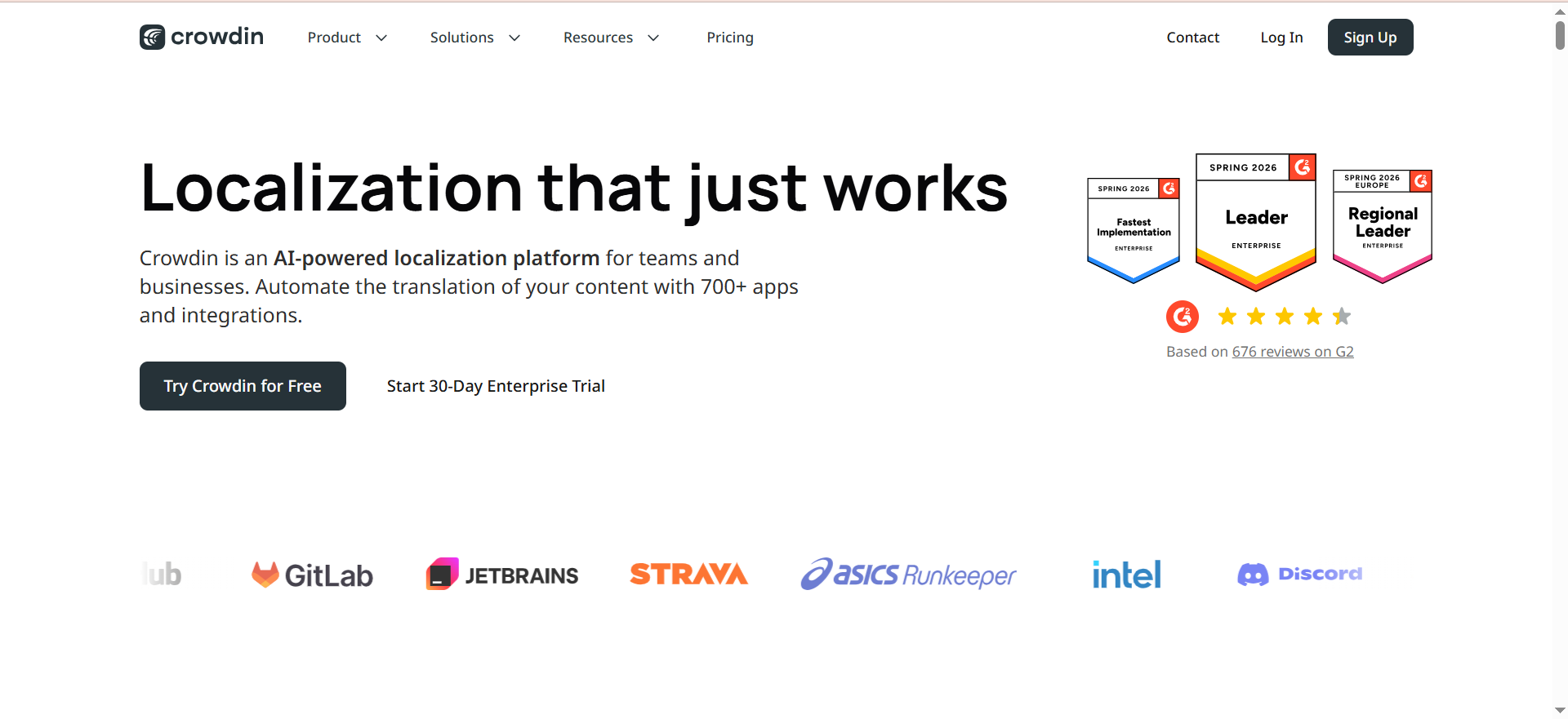
Crowdin is a cloud-based localization platform built for developers and product teams. It connects directly to your code repository, pulls translatable strings, routes them through AI or human translation, and pushes approved translations back to your repo automatically. Crowdin also offers an enterprise on-premise option for teams with strict data residency requirements.
Why Teams Use It
Developer-led teams choose Crowdin because the GitHub, GitLab, and Bitbucket integrations make localization part of the CI/CD pipeline rather than a separate process. Crowdin AI is built into the platform at no extra cost, which is a significant differentiator — most competitors charge separately for AI translation. The community translation feature also makes Crowdin popular with open-source projects.
What It Is Good For
Crowdin is strongest for software localization, mobile app translation, game localization, and documentation sites. If your localization needs extend to video content, check out the best AI subtitle generators for companion tools. The in-context editor lets translators see strings inside the actual application layout, which dramatically reduces context-related errors. Support for 40+ file formats covers everything from JSON and YAML to XLIFF and Android XML. The platform also supports marketing content through its web-based editor.
When It Is a Good Fit
Crowdin fits product teams that ship features continuously and need localization to keep pace with development sprints. If your engineering team manages localization and you want the translation workflow embedded in your Git workflow, Crowdin is the most natural fit. The free tier for open-source projects and the $59 per month starting price make it the most budget-friendly option on this list for developer teams.
When It Is Not a Good Fit
Crowdin is less suited for pure marketing localization workflows where content comes from CMS platforms, Google Docs, or design tools rather than code repos. The platform's developer-first UX can feel unintuitive for marketing teams and professional linguists who are used to CAT tool environments. Enterprise features like SSO, SAML, and SOC 2 compliance are only available on the Enterprise plan starting at $450 per month.
How to Use It
Connect your GitHub, GitLab, or Bitbucket repository, configure source and target languages, and set up your translation workflow. Crowdin automatically detects new or changed strings, runs them through AI translation (using built-in OpenAI, DeepL, or Google Translate), and creates pull requests with completed translations. Alternatively, upload files manually through the web interface.
Key Capabilities
Crowdin offers built-in AI translation powered by OpenAI, Anthropic, DeepL, and Google at no extra cost, native Git integrations with GitHub, GitLab, and Bitbucket, an in-context editor for live preview of translations, support for 40+ file formats, translation memory and glossary management, community translation features for open-source projects, over-the-air content delivery for mobile apps, workflow automation with custom routing, and an enterprise on-premise deployment option.
Pricing
Crowdin uses project volume and hosted word-based pricing. The Free tier supports open-source projects with unlimited projects and community support. The Team plan starts at $59 per month with up to 50,000 hosted words. The Business plan adds advanced workflow automation, API access, and priority support at $179 per month. Enterprise starts at $450 per month with unlimited hosted words, SSO, SAML, SOC 2, and dedicated account management.
Free Tier?
Yes. The free tier is available for open-source projects and includes unlimited projects and community support. It is one of the most generous free tiers in the localization space.
Downsides and Limitations
Marketing-focused localization workflows are weaker compared to Lokalise or Smartling. The UI is developer-oriented, which can alienate non-technical users. The hosted word pricing model can be confusing since it multiplies source words by target languages. Advanced security and compliance features require the Enterprise plan at $450 per month. Professional linguist tooling is less developed than Phrase's CAT editor.
How to Choose the Right AI Localization Tool for Your Team
Picking the right AI localization tool comes down to three questions: who manages translation on your team, what type of content you translate most, and how localization fits into your existing workflow. If your engineering team owns localization and everything lives in Git, Crowdin is the natural choice. If you have a dedicated localization manager coordinating professional translators, Phrase gives them the controls they need. If you want a platform that does everything from AI translation to reviewer management to CMS syncing, Lokalise is the most complete option. If you need enterprise-grade managed services, Smartling takes the operational burden off your team. And if you just need the most accurate translation engine to plug into your existing setup, DeepL is the simplest path.
The best approach is to map your content types, languages, and team structure, then run a controlled test with your actual content — not demo data — across 2-3 shortlisted tools before committing. For teams that also need to optimize translated content for search, our guide to the best AI content optimization tools for search engine visibility covers the next step in the workflow.
Can AI Localization Tools Replace Human Translators
AI localization tools in 2026 handle roughly 80-90% of translation work without human intervention for straightforward content like product documentation, support articles, and UI strings. However, they do not replace human translators for brand-sensitive copy, legal content, creative marketing campaigns, or culturally nuanced material. The practical model is AI for the first pass and humans for final review on high-visibility content. Teams that skip human review on customer-facing marketing content typically see brand consistency issues within the first quarter. The best approach is tiered: route low-risk content through AI-only workflows and reserve human review for content that impacts brand perception or compliance.
How Much Do AI Localization Tools Cost Compared to Traditional Translation
Traditional human translation costs between $0.08 and $0.25 per word depending on language pair and specialization. AI localization tools reduce this to $0.01-$0.05 per word when you factor in platform fees and post-editing labor. DeepL's API costs roughly $25 per million characters. Crowdin includes AI translation at no extra cost on paid plans. Lokalise and Phrase charge for AI translation credits on top of platform fees. The real savings come from translation memory — once you translate a sentence, every future occurrence is free. Teams translating over 500,000 words per year typically see 40-70% cost reduction compared to pure human translation, with the gap widening as the translation memory grows.
What Is the Difference Between Machine Translation and AI Localization
Machine translation (MT) converts text from one language to another using statistical or neural models. AI localization goes further: it adapts content for cultural context, brand voice, regional preferences, and format requirements. MT engines like DeepL and Google Translate produce translations. AI localization platforms like Lokalise and Phrase use those translations as a starting point, then apply your glossaries, style guides, and context rules to produce content that reads like it was written for that market. The practical difference is that MT gives you translated words, while AI localization gives you market-ready content.
Which AI Localization Tool Is Best for Small Teams
For small teams translating content in under 10 languages with no software localization needs, DeepL is the best starting point at $10.49 per month. It requires the least setup and produces the highest raw translation quality. If you also localize a mobile app or web product, Crowdin's $59 per month Team plan gives you developer integrations and built-in AI at a fraction of what Lokalise or Smartling costs. Phrase's Freelancer plan at $27 per month is worth considering if you work with professional translators and need a proper CAT environment. Avoid Smartling and Lokalise's paid tiers until your translation volume justifies the higher platform fees. If you also need help drafting the content before translation, see our guide to the best AI writing tools.
How Do AI Localization Tools Handle Brand Voice and Terminology
Most AI localization tools use glossaries and translation memories to enforce brand terminology. DeepL supports custom glossaries with term-level control. Lokalise goes further with RAG-powered translations that pull context from your style guides, previous translations, and terminology databases before generating output. Phrase offers professional-grade terminology management with enforcement rules in the CAT editor. Crowdin supports glossaries and translation memory but relies on simpler term matching. Smartling combines terminology tools with human quality assurance. The key difference is whether the tool uses your brand data before translation (Lokalise's RAG approach) or applies it as a post-translation check (most others).
What Integrations Should You Look for in a Localization Tool
The integrations that matter most depend on where your source content lives. For software teams: GitHub, GitLab, Bitbucket, and CI/CD pipeline hooks (Crowdin and Lokalise lead here). For marketing teams: CMS integrations with WordPress, Contentful, Webflow, and HubSpot (Lokalise, Smartling, and Phrase cover these best). For design teams: Figma and Sketch integration (Lokalise is the standout). For project management: Jira, Slack, and Asana connections keep localization visible across teams. API access matters for everyone — all five tools on this list offer REST APIs, but Crowdin and DeepL have the most developer-friendly documentation.
Is It Better to Use One AI Localization Platform or Combine Multiple Tools
Most teams get the best results from a two-layer setup: one translation engine (like DeepL) for raw quality and one localization platform (like Lokalise, Crowdin, or Phrase) for workflow management. Lokalise already includes this architecture internally by routing between multiple LLM engines. Crowdin bundles DeepL, Google, and OpenAI translations into the platform at no extra charge. Phrase lets you configure which MT engine handles each language pair. The exception is Smartling, which is designed as a complete managed solution and works best as a single-vendor approach. Avoid stacking more than two tools — every additional system adds handoff friction and increases the chance of version conflicts.
Frequently Asked Questions
DeepL consistently scores highest for translation accuracy, particularly on European language pairs like English-German, English-French, and English-Spanish. For Asian languages, Google Translate through Crowdin or Lokalise often produces better results. Accuracy also depends on how well you configure glossaries and translation memory — a well-configured Lokalise or Phrase setup can match or exceed standalone DeepL for domain-specific content.
Yes. Crowdin, Lokalise, and Phrase all support software string localization with file format support for JSON, YAML, XLIFF, Android XML, iOS Strings, and more. Crowdin is the strongest choice for this use case because of its native Git integration and developer-friendly workflow.
DeepL can be set up in under an hour — create an account, set up glossaries, and start translating. Crowdin takes 1-2 days for full repository integration and workflow configuration. Lokalise and Phrase require 1-2 weeks for proper setup including integrations, workflow rules, and team onboarding. Smartling typically involves a multi-week onboarding process with their team.
Yes, all five tools on this list support RTL languages. Crowdin and Lokalise handle RTL rendering in their in-context editors, which is important for verifying that translations display correctly within your application layout.
Translation memory is portable. All major localization tools support TMX (Translation Memory eXchange) format for import and export. Moving from one tool to another means exporting your TM as a TMX file and importing it into the new platform. The main risk is losing workflow-specific metadata and custom rules that do not transfer between platforms.