Best AI Tools For Analyzing Customer Feedback (2026)
A practical buyer's guide to picking the right ai tools stack for analyzing customer feedback across email and social.


This playbook helps product managers and growth marketers compare the best ai tools options for analyzing customer feedback. It breaks down where thematic, qualtrics-xm-discover stand out, when alternatives such as intercom, intercom-fin make more sense, and which setup fits B2B companies and B2C brands and small businesses and mid-market companies.
Customer feedback is everywhere—support tickets, surveys, social media, reviews, direct messages. But raw feedback data is noise without the right tools. You need AI that can extract themes, surface urgency, and reveal what customers actually care about. This guide compares the five best AI tools for feedback analysis: Thematic, Qualtrics XM Discover, Chattermill, MonkeyLearn, and Medallia. Each fits different team sizes, budgets, and use cases. Whether you're a product manager tracking feature requests, a CMO analyzing brand sentiment, or a CX leader managing enterprise feedback workflows, one of these tools will match your workflow. Read on to find the best fit for your stack.
Table of Contents
Best AI Tools For Analyzing Customer Feedback (Quick Comparison)
| Tool Name | Best For | Starting Price | Key Strength |
|---|---|---|---|
| Thematic | Mid-market product/CX teams | Custom (from ~$25K/yr) | Hierarchical theme detection + human-in-loop refinement |
| Qualtrics XM Discover | Large enterprises | ~$1,500/yr (base) | Omnichannel feedback + advanced speech analytics |
| Chattermill | Mid-to-enterprise with multi-channel needs | Custom (integrations + volume) | 50+ native integrations + Gen-AI summaries |
| MonkeyLearn | Small-to-mid teams, flexible workflows | Part of Medallia (custom) | No-code custom classifiers + sentiment analysis |
| Medallia | Large enterprise CX programs | $20K+/yr | Real-time analytics + auto-reply generation |
Best AI Tools For Analyzing Customer Feedback (Quick Comparison)
Tool #1: Thematic
What it does
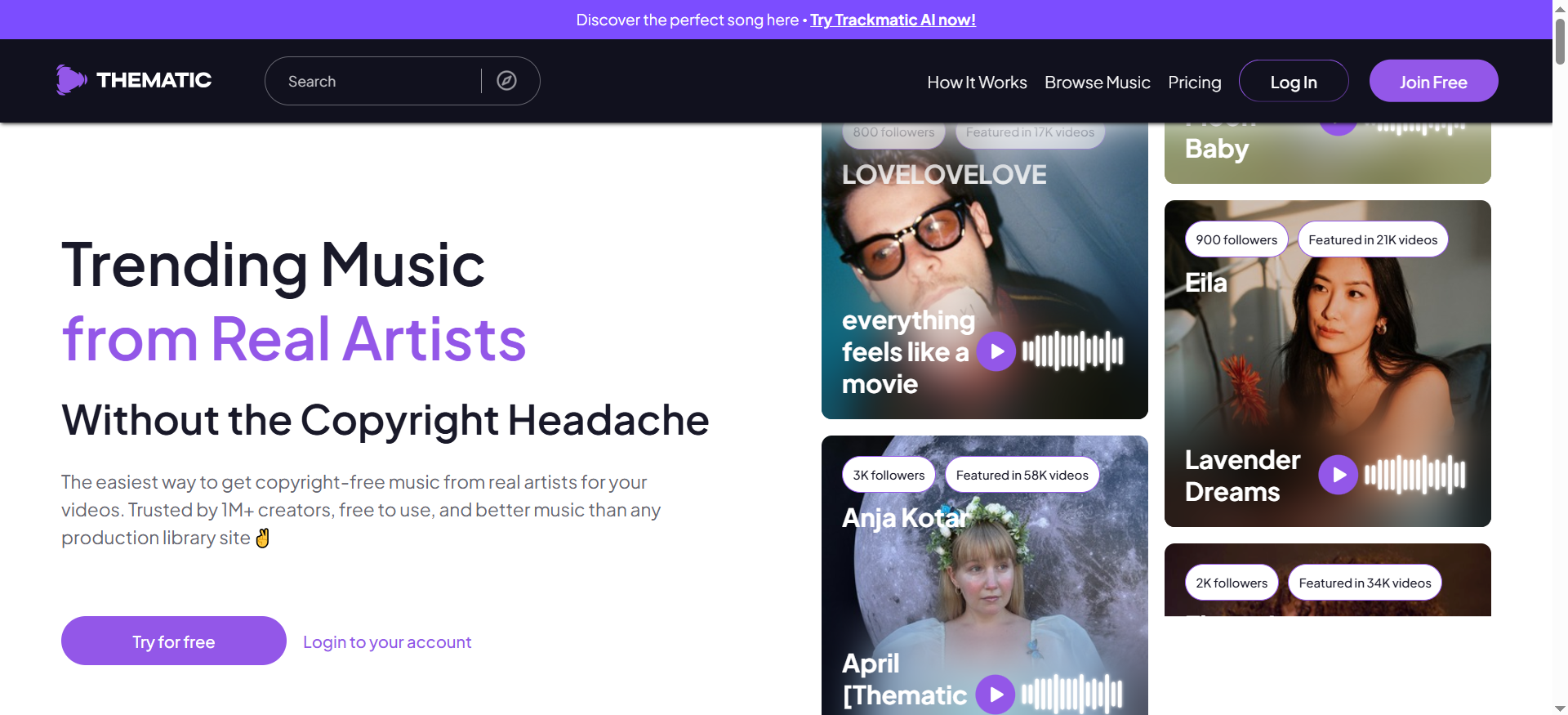
Thematic is an AI-powered text analytics platform that transforms unstructured customer feedback into structured, actionable insights. It automatically detects themes and topics across feedback from surveys, support tickets, reviews, and other channels. The platform uses hierarchical theme detection—meaning it doesn't just identify topics, it organizes them by importance and relationship. You can see not just that customers mention "pricing," but why they mention it and how often it correlates with churn.
Why teams use it
Thematic appeals to product managers and research teams who need to move fast. Instead of spending hours manually coding feedback, teams feed data into Thematic and get instant theme clusters. The platform's human-in-loop design means you can teach it your domain-specific language—if "buggy" and "slow" both matter to your roadmap, you train the model to recognize them distinctly. This beats one-size-fits-all sentiment or topic tools.
What it's good for
Thematic excels at:
- Feature prioritization: Understand which product requests appear most often and with what intensity
- Churn analysis: Identify the themes most correlated with churned customers
- NPS deep dives: Segment and explore themes within detractors, passives, and promoters
- Multi-source feedback: Ingest surveys, support tickets, app reviews, and social media in parallel
- Iterative refinement: Build custom themes with your team and refine them over time
When it's a good fit
Thematic fits well if:
- You're a mid-market company (100–5,000 employees) with dedicated product or research teams
- You process 10K–100K+ feedback records per month
- You want theme detection without building a custom ML pipeline
- You value human oversight—you don't want a black box
- Your budget allows $25,000+/year for a specialized tool
When it's not a good fit
Skip Thematic if:
- You have a very small team and need a one-person-friendly tool (setup requires some planning)
- You process fewer than 1K feedback records/month (may not justify cost)
- You need omnichannel experience management beyond text (Qualtrics or Medallia are broader)
- Your budget is under $25,000/year
- You want pre-built integrations with every CRM (it has many, but not universal)
How to use it
- Connect your feedback sources: Link Thematic to Zendesk, Intercom, Google Forms, Salesforce, or upload CSV/API data
- Let AI detect initial themes: Thematic's engine suggests themes automatically from your data
- Refine with your team: Edit, merge, or rename themes to match your business language
- Explore via dashboards: View theme trends over time, drill into sentiment by theme, segment by customer cohort
- Export insights: Share theme reports with stakeholders, export for Looker/Tableau, or send to your CRM
- Iterate: Feedback loop—as Thematic learns your domain, accuracy improves
Key capabilities
- Hierarchical themes: Multi-level topic organization
- Sentiment by theme: See positive vs. negative mentions of each topic
- Trend analysis: Spot emerging themes and declining ones
- Cohort analysis: Compare themes across customer segments
- Hybrid AI: Combines NLP with human feedback for accuracy
- Custom models: Train models specific to your industry or use case
- API access: Automate workflows and push insights downstream
Pricing
Thematic uses annual contracts starting around $25,000/year depending on feedback volume and features. Enterprise contracts include custom SLAs and dedicated support.
Free tier?
No free tier, but Thematic offers a free trial (typically 14 days) with sample data so you can test theme detection on your own feedback.
Downsides / limitations
- Setup overhead: Requires intentional theme design; not instant-use
- Not omnichannel: Text-only (no speech, video, or behavioral signals)
- Pricing for small orgs: Cost can exceed budget for solo practitioners or micro-teams
- Learning curve: Getting the most from hierarchical themes requires some training
- Integration limits: Works best if your data lives in supported platforms
Tool #2: Qualtrics XM Discover
What it does
Qualtrics XM Discover is an enterprise experience management (XM) platform with built-in AI analytics for text and speech feedback. It ingests data from surveys, open-ended responses, social media, online reviews, and call center recordings. The platform then applies machine learning to uncover patterns, sentiment, and experience drivers at scale.
Why teams use it
Qualtrics is the established player in enterprise feedback management. Large organizations choose it because:
- It handles complexity (100+ feedback sources in one platform)
- It comes with survey design tools built-in
- AI analytics work across structured and unstructured data
- It integrates with major ERPs and CRMs (SAP, Oracle, Salesforce)
- It includes benchmarking
What it's good for
Qualtrics XM Discover excels at:
- Multi-channel feedback: Unified dashboard for surveys, reviews, social listening, call transcripts
- Experience drivers: Identify which factors predict loyalty and churn
- Speech analytics: Analyze call center recordings for quality, compliance, and sentiment
- Benchmarking: Compare your customer satisfaction metrics to industry peers
- Closed-loop workflows: Route insights to responsible teams
- Enterprise scale: Manage feedback from thousands of respondents and multiple business units
When it's a good fit
Qualtrics is right if:
- You're an enterprise (1,000+ employees) with a dedicated CX team
- You need omnichannel feedback (surveys + social + calls + reviews all together)
- You have an existing Qualtrics contract or use Qualtrics for surveys already
- Your budget is $1,500–$200K+/year
- You need compliance and audit trails (regulated industries)
When it's not a good fit
Avoid Qualtrics if:
- You're a mid-market or small company (expensive for your stage)
- You need transparency on pricing (Qualtrics is opaque; you need a sales call)
- You primarily analyze text feedback (Thematic is more specialized and cheaper)
- You want a simple, single-source tool (Qualtrics complexity may be overkill)
- Your data is fragmented across many custom APIs
How to use it
- Set up feedback sources: Connect surveys, review platforms, social media monitoring, call recordings, and CRM data
- Deploy surveys or ingest data: Design Qualtrics surveys or pull existing feedback from your systems
- Enable AI analytics: Qualtrics automatically processes responses and generates insights
- Explore dashboards: View cross-channel experience metrics, sentiment trends, and theme discovery
- Set up rules and workflows: Create alerts and closed-loop processes
- Benchmark and report: Compare metrics to your industry, share reports with executives
Key capabilities
- Text + speech analytics: AI processes both written feedback and call recordings
- Omnichannel ingestion: Unified feedback from 50+ sources
- Experience drivers analysis: Identify which factors predict customer loyalty
- Sentiment + emotion detection: Understand not just satisfaction, but emotional tone
- Automated workflows: Route insights, trigger actions, and close the loop
- Benchmarking: Compare your experience metrics to peer companies
- Advanced segmentation: Analyze feedback by customer segment, geography, product line
- API access: Push insights to BI tools, CRMs, or data warehouses
Pricing
Qualtrics pricing is enterprise-only and custom. Base licensing starts around $1,500/year, but most enterprise customers pay $50K–$200K+/year depending on feature set, user count, and data volume.
Free tier?
No free tier. Qualtrics offers a demo environment where you can see the platform in action, but not an actual working trial.
Downsides / limitations
- Opaque pricing: You can't see costs upfront; requires sales negotiation
- Complex onboarding: Setup can take months for enterprises
- Steep learning curve: Many features create a bulky, dense UI
- Overkill for smaller use cases: If you need simple text analytics, Qualtrics is heavy-handed
- AI not always transparent: "Black box" algorithms
- Lock-in risk: Once integrated, switching costs are high
Tool #3: Chattermill
What it does
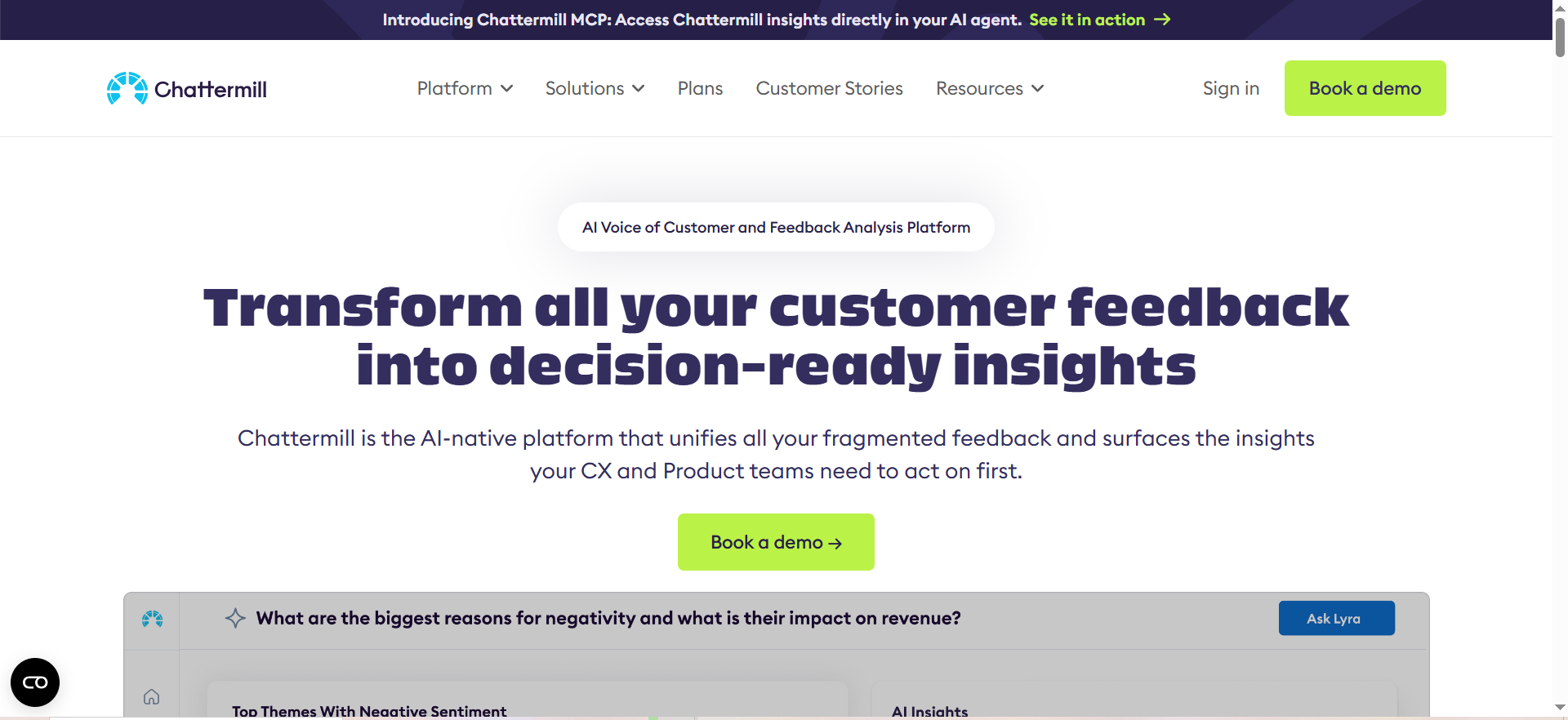
Chattermill is an AI-native Voice of Customer (VOC) platform that unifies feedback from 50+ sources into a single workspace. It pulls data from customer support systems, surveys, social media, review platforms, and more, then uses AI to categorize, analyze, and summarize feedback. The platform's Lyra AI engine generates intelligent summaries and auto-identifies actionable insights without requiring manual theme setup.
Why teams use it
Chattermill appeals to mid-to-large teams that are drowning in feedback data across multiple platforms. Instead of logging into Zendesk, then Slack, then Google Forms to understand customer sentiment, teams use Chattermill as a single-source-of-truth for all voice of customer data.
What it's good for
Chattermill excels at:
- Multi-source unification: Aggregate feedback from support, surveys, social, reviews, and community in one place
- Auto-summarization: Lyra AI generates executive summaries of key themes without manual coding
- Real-time dashboards: View feedback trends as they happen across all channels
- Team collaboration: Assign feedback to team members, track action items, and close the loop
- Scalability: Handle millions of feedback records across enterprise customer bases
- Pre-trained integrations: 50+ plug-and-play connectors
When it's a good fit
Chattermill is ideal if:
- You manage feedback across 3+ platforms (support, surveys, social, reviews)
- You're mid-market to enterprise and want one dashboard for all VOC data
- You value ease of integration (50+ pre-built connectors)
- Your team is spread across product, support, and marketing
- Budget allows for usage-based pricing on data volume and integrations
When it's not a good fit
Skip Chattermill if:
- You have very simple feedback workflows (one source, small volume)
- You need speech analytics or call transcription
- You require highly specialized theme detection (Thematic is more granular)
- Your data is locked in custom internal systems with no API
- You're a solo practitioner
How to use it
- Connect your feedback sources: Authorize Chattermill to pull from Zendesk, Intercom, Slack, Trustpilot, Google Forms, Qualtrics, etc.
- Normalize data: Chattermill maps data fields and deduplicates across sources
- Enable Lyra AI: AI engine automatically categorizes and summarizes feedback
- Explore insights: Dashboard shows themes, sentiment, trends, and emerging topics
- Assign and act: Tag team members, create action items, track resolution
- Export and share: Generate reports, send insights to Slack, or integrate with downstream tools
Key capabilities
- 50+ native integrations: Zendesk, Intercom, Slack, Trustpilot, Google Forms, Qualtrics, Typeform, SurveyMonkey, and more
- Lyra AI summaries: Auto-generated insights and theme discovery
- Real-time dashboards: Monitor feedback trends across all channels
- Sentiment analysis: Automatically classify positive, negative, and neutral feedback
- Team collaboration: Assign feedback, track resolutions, and close loops
- API access: Push insights to data warehouses or BI tools
- Workflow automation: Route feedback to right team, trigger actions
Pricing
Chattermill pricing is custom and based on data integrations and feedback volume. There's no per-user fee. Typical mid-market pricing ranges from $2,000–$10,000+/month depending on number of integrations and data volume.
Free tier?
No free tier, but Chattermill offers a free demo with your own data.
Downsides / limitations
- Pricing opacity: Cost depends on integrations + volume; hard to estimate without a quote
- Setup complexity: Each integration requires some configuration and testing
- AI not always tunable: Lyra AI is less customizable than Thematic's human-in-loop approach
- Collaboration overhead: Works best with a dedicated team
- Limited speech analytics: Focused on text and structured data, not call recordings
Tool #4: MonkeyLearn
What it does
MonkeyLearn (acquired by Medallia in 2022) is a text analytics platform that uses machine learning to extract insights from unstructured text. It offers pre-trained classifiers for sentiment analysis, named entity recognition (NER), and topic modeling, plus a visual interface to build custom classifiers without code. Note: MonkeyLearn now operates under the Medallia umbrella, and its standalone availability and pricing have changed since the acquisition.
Why teams use it
MonkeyLearn appeals to teams that want flexibility without data science expertise. Unlike Thematic (which specializes in themes) or Qualtrics (which is enterprise-focused), MonkeyLearn is a general-purpose text analytics tool with a low barrier to entry.
What it's good for
MonkeyLearn excels at:
- Sentiment analysis: Classify feedback as positive, negative, or neutral
- Custom classifiers: Build domain-specific models without coding
- Named entity recognition: Extract product names, company names, people, and custom entities
- Topic classification: Tag feedback with custom topics
- Workflow integration: Connect with Zendesk, HelpScout, Google Forms, Airtable, and Zapier
- Scalability: Process thousands of feedback records in parallel
When it's a good fit
MonkeyLearn is right if:
- You're small-to-mid-sized (10–500 employees) or a specific team within a larger org
- You need custom classifiers but don't have ML expertise
- You want pay-as-you-go pricing (no large upfront contracts)
- Your feedback lives in Zendesk, HelpScout, Google Forms, or Airtable
- You need fast iteration
When it's not a good fit
Avoid MonkeyLearn if:
- You need hierarchical theme detection (Thematic is better)
- You need omnichannel experience management
- You want managed services (MonkeyLearn is more DIY)
- Your data volume is extremely high and you need enterprise SLAs
- You need speech analytics or call center integration
How to use it
- Create a project: Define your text classification task
- Upload training data: Provide examples of text and tag them manually (or use pre-trained models)
- Train a classifier: MonkeyLearn's ML engine learns from your examples; no code needed
- Test and refine: Evaluate accuracy on test data, adjust rules or add more training examples
- Deploy: Integrate with Zendesk, HelpScout, Zapier, or use the API to classify live feedback
- Monitor and retrain: Track accuracy over time, add new training data as needed
Key capabilities
- Pre-trained classifiers: Out-of-the-box sentiment, entity recognition, and topic models
- Custom classifier builder: Visual rule builder and ML training without code
- Integrations: Zendesk, HelpScout, Google Forms, Airtable, Zapier, Slack
- Batch processing: Upload CSV or connect via API for large-scale classification
- Model versioning: Keep track of classifier versions
- API access: Embed classifiers in your own apps or workflows
- Explainability: See why a classifier tagged feedback a certain way
- Active learning: MonkeyLearn suggests high-priority examples to label next
Pricing
Since its acquisition by Medallia in 2022, MonkeyLearn's pricing is no longer published independently. Access to MonkeyLearn's text analytics capabilities is now bundled within Medallia's platform. Contact Medallia for current pricing details.
Free tier?
MonkeyLearn previously offered a free tier, but since its acquisition by Medallia, standalone free access is no longer available. Contact Medallia for trial options.
Downsides / limitations
- Requires tuning: Pre-trained classifiers need training data to be accurate for your domain
- Not managed service: You own classifier maintenance and retraining
- Limited integrations: Fewer pre-built connectors than Chattermill
- No thematics engine: Doesn't auto-detect hierarchical themes
- Scalability at higher volumes: At very high volumes, costs can climb quickly
Tool #5: Medallia
What it does
Medallia is an enterprise-grade experience management platform powered by Medallia Athena (their proprietary AI engine). It captures and analyzes structured and unstructured feedback from every touchpoint—surveys, reviews, social media, contact center calls, web interactions—then applies AI to detect trends, predict outcomes, and recommend actions.
Why teams use it
Medallia attracts large enterprises that need comprehensive experience management. Organizations choose it for:
- Integrated AI: Athena engine handles text, sentiment, predictive analytics, and action recommendations
- Real-time orchestration: Automatically trigger experiences in real-time based on feedback signals
- Industry expertise: Pre-built models for hospitality, financial services, healthcare, retail
- Scalability: Proven to handle feedback from 10M+ customers
- ROI focus: Strong emphasis on closed-loop processes and measurable business impact
What it's good for
Medallia excels at:
- Omnichannel experience orchestration: Unified feedback from surveys, reviews, calls, social, web, and app
- Real-time analytics: Spot issues and opportunities as they happen
- Predictive models: Forecast churn, satisfaction, and loyalty based on feedback signals
- Auto-response generation: AI suggests replies to negative feedback
- Closed-loop workflows: Automate routing, escalation, and resolution
- Industry-specific templates: Pre-built models for retail, hospitality, financial services, healthcare
- Compliance and security: Enterprise-grade data handling for regulated industries
When it's a good fit
Medallia is right if:
- You're a large enterprise (5,000+ employees) with a dedicated CX department
- You operate across multiple touchpoints and need unified analytics
- You want real-time experience orchestration (not just reporting)
- Your budget is $20K–$500K+/year
- You prioritize ROI and closed-loop actions over simple insight dashboards
- You operate in a regulated industry
When it's not a good fit
Skip Medallia if:
- You're mid-market or smaller (too expensive for your stage)
- You need a simple, self-service tool
- You want transparency on pricing upfront
- You need a specialized tool for one use case
- You don't have a dedicated CX operations team
How to use it
- Plan your feedback strategy: Identify all touchpoints to ingest
- Implement data connectors: Set up integrations and data pipelines
- Configure Athena AI: Enable experience drivers analysis, predictive models, and auto-response
- Build closed-loop workflows: Set up rules to route insights, escalate issues, and track resolutions
- Monitor dashboards: View real-time experience metrics, trends, and anomalies
- Act and measure: Route insights to responsible teams, measure impact, and refine workflows
Key capabilities
- Athena AI: Proprietary AI for sentiment, themes, predictive analytics, and recommendations
- Omnichannel ingestion: 100+ native integrations
- Real-time orchestration: Trigger automated experiences based on feedback signals
- Predictive models: Forecast churn, satisfaction, and upsell opportunities
- Industry templates: Pre-built solutions for hospitality, retail, financial services, healthcare
- Auto-response generation: AI suggests replies to customer feedback
- Closed-loop workflows: Automate routing, escalation, and follow-up
- Advanced segmentation: Analyze feedback by customer segment, region, product
- Compliance and audit: Enterprise-grade data security and compliance controls
Pricing
Medallia pricing is enterprise custom and typically starts at $20,000+/year. Most enterprise customers pay $100K–$500K+/year depending on data volume, number of users, and feature set.
Free tier?
No free tier. Medallia offers a demo and proof-of-concept program where they set up a limited implementation with your data to show ROI potential.
Downsides / limitations
- Expensive: Minimum $20K/year; easily $100K+ for meaningful enterprise deployment
- Complex implementation: Requires data science and operations expertise
- Steep learning curve: Dense UI and many configuration options; not self-service
- Opaque AI: Athena's algorithms are proprietary
- Vendor lock-in: Once integrated, switching cost is very high
- Long sales cycle: Months to evaluate, configure, and deploy
How Do I Analyze NPS Feedback at Scale?
NPS feedback analysis at scale requires both automated categorization and statistical tracking. Tools like Thematic and Qualtrics XM Discover excel here because they use AI to automatically tag and bucket thousands of open-ended responses without manual coding. Start by connecting your NPS survey tool (Typeform, Qualtrics, SurveySparrow) directly to these platforms, then let their machine learning models identify themes: product quality, pricing concerns, support responsiveness, etc. You'll want to track how theme frequency shifts month-over-month—this reveals which issues drive your NPS movement. Both platforms generate exportable trend reports showing which themes correlate most strongly with detractors vs. promoters, letting you prioritize fixes. For teams handling 5,000+ NPS responses monthly, automation is essential; manual analysis becomes impossible beyond a few hundred responses.
What's the Best Way to Extract Customer Pain Points from Support Tickets?
Support ticket analysis is where MonkeyLearn and Chattermill shine, as both integrate natively with help desk tools like Zendesk and Freshdesk. The approach is straightforward: feed your ticket data into the platform and use pre-built or custom classifiers to extract recurring pain points—login issues, slow performance, confusing workflows, etc. Rather than reading hundreds of tickets, you get a structured summary of the top 10–15 problems customers report. Medallia also supports this workflow and connects directly to support systems, auto-tagging tickets as they arrive. The key is consistency: automated extraction means you catch pain points the same way every time, making trends easier to spot. Teams that also need agent assist and knowledge surfacing can pair feedback analysis with in-conversation guidance to further reduce resolution time.
How Can I Use AI to Identify Feature Requests in Customer Feedback?
Feature request detection is a specific classification task that Thematic, Qualtrics, and MonkeyLearn all handle well. These tools use AI to distinguish feature requests from praise, complaints, or general feedback. Train the model on a small sample of your feedback (50–100 labeled examples) and let it classify the rest automatically. Once identified, you can segment requests by frequency and customer segment. Chattermill also excels here because it feeds directly into Slack or your product management tool, so your team sees feature requests in real-time rather than in a monthly report. Pro tip: cross-reference feature request frequency with customer lifetime value or churn risk to prioritize what to build next.
What Tools Integrate Customer Feedback with Product Management Workflows?
Integration depth varies across platforms. Chattermill is purpose-built for this integration—it connects to Jira, Monday.com, and Linear, automatically creating or updating cards based on feedback themes. Thematic and Qualtrics both offer API access and Zapier integrations, allowing you to push high-priority feedback themes into your PM tool. Medallia has broader enterprise integrations including Salesforce. The workflow: feedback enters the tool → AI tags it → high-severity themes auto-create tasks in Jira with customer quotes attached → product team reviews and prioritizes. For e-commerce teams, AI customer service agents can close the loop by acting on feedback insights automatically.
How Do I Track Customer Sentiment Trends Over Time?
Sentiment tracking requires consistent measurement and visualization. Qualtrics XM Discover and Thematic both offer time-series dashboards showing sentiment shifts across weeks or months. The setup is simple: connect your feedback sources, let the AI assign sentiment scores, then view trends over time. You want to track not just overall sentiment but sentiment within specific themes—for example, "pricing-related feedback became 40% more negative last month" is actionable. Set up weekly or monthly reports so you catch sentiment shifts before they hit churn metrics.
Which Tools Offer the Best ROI for Customer Feedback Analysis?
ROI depends on your starting point and volume. Thematic and Qualtrics XM Discover have the highest upfront cost but justify it with scale—if you analyze 50,000+ feedback pieces monthly, automation saves hundreds of hours of manual work. MonkeyLearn offers a middle ground: lower price, self-serve model, good for teams starting out with 5,000–20,000 monthly feedback items. Chattermill maximizes ROI specifically if you route feedback into existing workflows. Calculate your ROI: count hours currently spent manually analyzing feedback × your team's hourly cost. If you're spending 40 hours/month on manual categorization, even a $5,000/month tool pays for itself in 2–3 months.
How Can I Automate Feedback Routing to Relevant Teams?
Automated routing reduces delays and ensures feedback reaches the right owner. Chattermill and MonkeyLearn both offer rules-based routing: if feedback is tagged "product bug" → Slack notification to engineers; if "pricing objection" → flag for sales. Thematic and Qualtrics support this via workflow automation and integrations. Medallia supports sophisticated routing that can factor in customer value—high-LTV customer complaints might escalate to a senior stakeholder. Routing automation typically cuts feedback-to-action time from days to hours.
What's the Difference Between Text Analytics and Sentiment Analysis?
These terms are often conflated but serve different purposes. Sentiment analysis assigns an emotional tone (positive/negative/neutral) to text—it answers "Is this customer happy or upset?" Text analytics is broader: it extracts what customers are talking about (themes, topics, entities) and why. Thematic and Qualtrics excel at text analytics—they identify themes and show sentiment within each theme. Chattermill and MonkeyLearn support both but shine at custom classification. In practice, you need both: sentiment tells you the urgency, while text analytics tells you what to fix.
Can I Use These Tools for Employee Feedback or Just Customer Feedback?
Most tools work equally well for employee feedback, though customer feedback is their primary use case. Thematic, Qualtrics XM Discover, and Medallia all handle employee survey analysis. MonkeyLearn and Chattermill are more agnostic and work with any text-based feedback. One caveat: employee feedback is more sensitive, so ensure your tool meets privacy and compliance requirements.
How Do Voice of Customer (VOC) Platforms Differ from Basic Survey Tools?
Basic survey tools (SurveyMonkey, Typeform, Qualtrics Surveys) collect feedback; VOC platforms like Thematic, Qualtrics XM Discover, and Medallia collect and analyze feedback at scale. A survey tool lets you ask questions and see response rates. A VOC platform ingests feedback from surveys plus support tickets, product reviews, social media, and interviews—then automatically surfaces themes and trends. Chattermill and MonkeyLearn are lighter-weight VOC tools—they focus narrowly on text analysis rather than full-stack customer experience management.
What's the Best Way to Handle Feedback from Multiple Languages?
Multilingual analysis is increasingly important and supported unevenly across platforms. Thematic and Qualtrics XM Discover both claim multilingual support, though it's strongest for major languages. Medallia has enterprise-grade multilingual support since it serves global companies. MonkeyLearn and Chattermill are lighter on language coverage—test with your specific languages before committing. Machine translation (auto-translating feedback to English before analysis) is tempting but risky; it loses nuance and cultural context.
How Do I Choose Between Thematic and Qualtrics for Feedback Analysis?
Thematic and Qualtrics XM Discover compete directly but serve slightly different needs. Thematic is purpose-built for feedback analysis—if all you want is to categorize, theme, and visualize customer feedback, it's streamlined and easier to learn. Qualtrics is broader: it's a full-stack customer experience platform that includes survey design, distribution, analysis, and action management. Pricing favors Thematic at smaller volumes; Qualtrics justifies its cost when you're running large-scale survey programs. If your use case is strictly analyzing pre-existing feedback, Thematic is the leaner choice. If you're designing surveys and analyzing them, Qualtrics reduces tool sprawl.
The Right Tool Depends on Your Stage and Team
Choosing a customer feedback analysis tool is less about which one is "best" and more about which matches your current needs, budget, and team structure.
Start with MonkeyLearn if you're exploring feedback analysis for the first time. The free tier and pay-as-you-go model let you test the concept without committing capital.
Move to Thematic once you have consistent feedback volume (10K+/month) and a dedicated product or research team. The investment pays off when theme detection becomes a weekly or daily ritual for your team.
Choose Chattermill if feedback lives across multiple platforms and your team needs a single source of truth.
Go with Qualtrics or Medallia only if you're an enterprise with omnichannel experience management as a core function. The cost and complexity are justified when you're orchestrating experiences across dozens of touchpoints and thousands of customers.
The best tool is the one your team will actually use every week. Run a pilot with your top two choices using real feedback from your customers. The winner will be obvious within the first month. If your goal is to improve CSI scores through automated customer service, pairing a feedback analysis tool with a support automation platform can accelerate results.
Frequently Asked Questions
For budget-conscious small teams, Thematic is the strongest standalone option with annual contracts starting around $25,000/year. MonkeyLearn (now part of Medallia) was previously the most accessible option with a free tier, but its standalone availability has changed since the acquisition. Contact Medallia to explore MonkeyLearn's capabilities within their platform.
Yes, but it depends on the tool. Chattermill specializes in this with 50+ native integrations. Qualtrics and Medallia also excel at omnichannel, but at much higher cost and complexity. Thematic can ingest multiple sources via API or integrations with platforms like Zendesk and Intercom.
Qualtrics and Medallia both handle speech analytics and call transcription. Thematic, Chattermill, and MonkeyLearn are text-focused. If analyzing call center recordings is critical to your workflow, Qualtrics or Medallia are the only real options.
Chattermill leads with 50+ pre-built connectors, including Zendesk, Intercom, Slack, Trustpilot, and Google Forms. Qualtrics and Medallia also have broad integration ecosystems.
Timeline varies by tool and use case. MonkeyLearn and Thematic can show results in weeks. Chattermill often delivers insights within the first month after integration. Qualtrics and Medallia typically require months of implementation.
Yes. Thematic is built on customization—you refine themes with your team. MonkeyLearn lets you build custom classifiers without code. Chattermill’s Lyra AI is less tunable. Qualtrics and Medallia both allow configuration, but it’s more technical.
Easiest to hardest:
- Chattermill (connect integrations, Lyra does the rest)
- MonkeyLearn (drag-and-drop classifier builder)
- Thematic (requires intentional theme design)
- Qualtrics (dense UI, many features; steep learning curve)
- Medallia (most complex; usually requires professional services)
All five do. MonkeyLearn and Thematic offer granular sentiment (positive, negative, neutral, mixed). Chattermill includes sentiment via Lyra AI. Qualtrics and Medallia offer emotion detection beyond sentiment.