Best AI Search Optimization Platforms Comparison (2026)
A practical buyer's guide to picking the right ai search optimization platforms comparison stack for SEO and AI search across SEO and content.


This playbook helps SEO specialists and content managers compare the best ai search optimization platforms comparison options for SEO and AI search. It breaks down where ahrefs, semrush stand out, when alternatives such as screaming-frog, se-ranking make more sense, and which setup fits B2B companies and SaaS companies and solo operators and small businesses.
Search optimization has shifted from manual keyword research to AI-powered content intelligence. The five best AI SEO platforms are Ahrefs (best for comprehensive SEO), SEMrush (best all-in-one platform), Surfer SEO (best for on-page optimization), Clearscope (best for content briefs), and MarketMuse (best for content planning). Choose Ahrefs or SEMrush if you need a full toolkit; Surfer SEO if on-page optimization is your focus; Clearscope for fast content briefs; MarketMuse for content intelligence at scale.
Table of Contents
Best AI Search Optimization Platforms (Quick Comparison)
| Platform | Best For | Starting Price | Free Tier |
|---|---|---|---|
| Ahrefs | Comprehensive SEO & backlink analysis | $29/month (Starter) | Yes (free Webmaster Tools) |
| SEMrush | All-in-one marketing & SEO | $139.95/month | Yes (free tier available) |
| Surfer SEO | On-page optimization & SERP analysis | $99/month | No (7-day money-back guarantee) |
| Clearscope | Content brief generation | $129/month | No (demo available) |
| MarketMuse | Content strategy & topic clustering | $0 (Free) / $99 (Optimize) | Yes (free plan available) |
Best AI Search Optimization Platforms (Quick Comparison)
1. Ahrefs
What it does
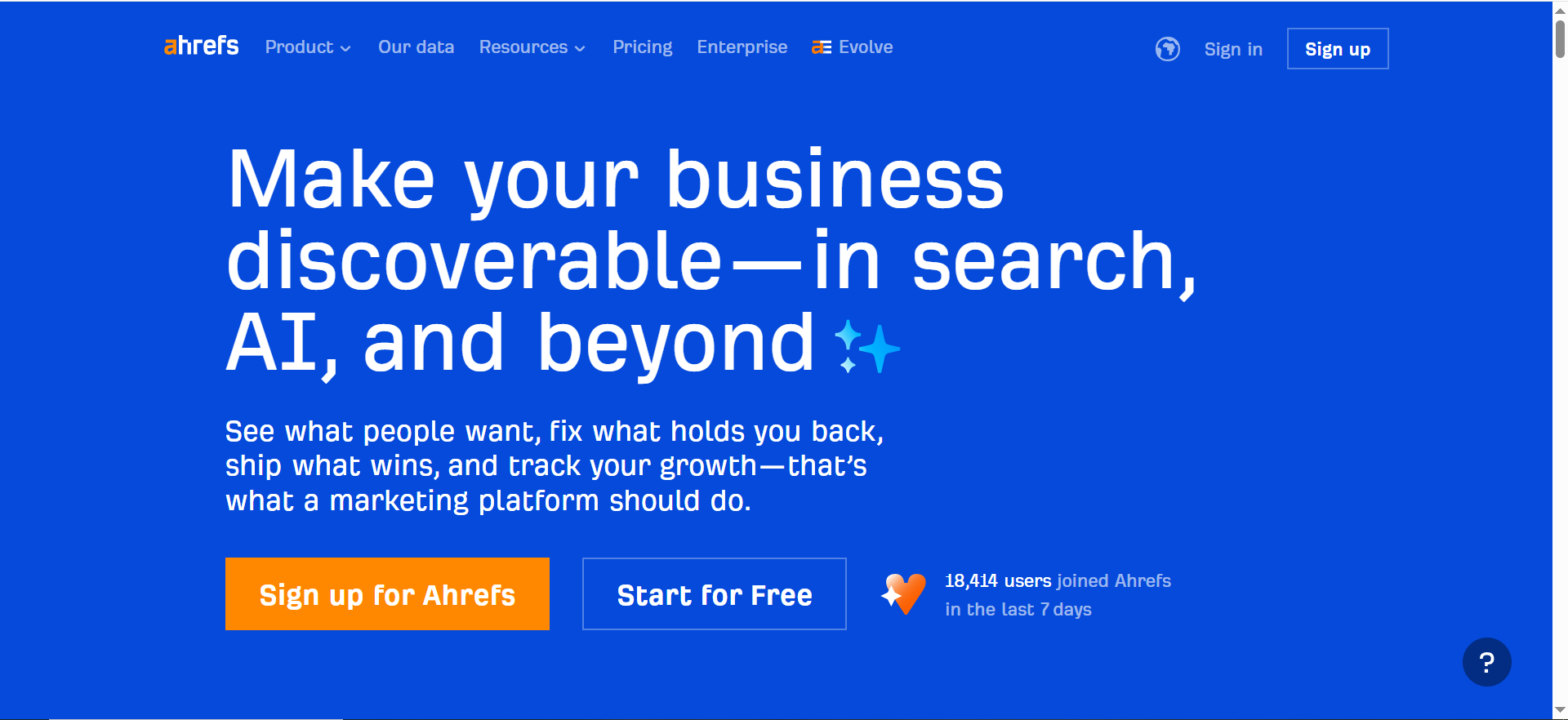
Ahrefs is a comprehensive SEO platform that combines backlink analysis, keyword research, competitor tracking, content analysis, and rank tracking in one dashboard. The platform crawls billions of web pages to build one of the largest databases of backlinks and keywords, allowing users to see how competitors rank, what keywords drive traffic, and where opportunities exist.
Why teams use it
Ahrefs has become the default choice for professional SEO teams because it offers unmatched depth in backlink data, competitor insights, and keyword research. The Site Explorer feature reveals exactly how competitors are winning in search, including their top-performing pages, traffic estimates, and referring domains. SEO specialists trust Ahrefs because the data is granular, actionable, and updates frequently.
What it's good for
- Competitor backlink analysis: See exactly who links to competitors and why
- Keyword research at scale: Analyze keyword difficulty, search volume, and click-through rates
- Content gap identification: Find topics your competitors rank for but you don't
- Traffic estimates: Get realistic estimates of organic traffic for any URL
- Rank tracking: Monitor keyword rankings across multiple projects
- Site audits: Identify technical SEO issues systematically
When it's a good fit
Ahrefs is the right choice if:
- You have a team doing SEO (not a solo marketer on a tight budget)
- Backlink analysis and competitive intelligence are critical to your strategy
- You need to track rankings across hundreds of keywords
- You want one platform to own your SEO workflow
- You value data accuracy and frequent updates over flashy AI features
When it's not a good fit
Ahrefs can feel overwhelming for beginners because it offers so much data. The platform is also expensive ($129+ per month for the Lite plan), making it less accessible for solopreneurs or small agencies on a tight budget. If you only need on-page optimization, Surfer SEO is more focused. If you want AI-generated content briefs, Clearscope is faster.
How to use it
Start with Ahrefs by entering your domain in Site Explorer to understand your current search footprint. Move to Keyword Explorer to find new opportunities; filter by keyword difficulty and traffic potential. Use Content Gap to identify what competitors rank for. Set up rank tracking for your target keywords. Run periodic site audits to catch technical issues before they hurt rankings.
Key capabilities
- Site Explorer: Analyze any domain's backlinks, organic traffic, top pages
- Keyword Explorer: Research keywords with search volume, difficulty, and SERP analysis
- Content Gap: Find keywords your competitors rank for that you don't
- Rank Tracker: Monitor keyword positions across search engines
- Site Audit: Crawl your site and identify SEO issues
- Backlink Audit: Identify toxic backlinks that might harm rankings
- Content Planner: Discover content ideas based on keyword research
Pricing
- Starter: $29/month (basic access to core tools)
- Lite: $129/month (~$108/month annually)
- Standard: $249/month (~$208/month annually)
- Advanced: $449/month (~$374/month annually)
- Enterprise: Starting at $1,499/month (annual commitment)
Annual billing saves roughly 17% across paid plans.
Free tier?
Yes—Ahrefs Webmaster Tools (AWT). Ahrefs offers free limited access to Site Explorer and Site Audit for your own verified domain. No credit card required. The $29/month Starter plan provides a low-cost entry point for exploring the full platform. There is no free trial.
Downsides / limitations
- High price: At $129/month minimum for the Lite plan, Ahrefs is expensive for individual marketers (though the $29/month Starter plan lowers the barrier to entry)
- Steep learning curve: The platform has so many features that getting started is intimidating
- Backlink data delays: While comprehensive, backlink data can lag 2-4 weeks behind reality
- Limited AI writing features: The platform doesn't generate content briefs or outlines like newer competitors
- Credit usage: Some features consume credits that can add to costs
2. Semrush
What it does
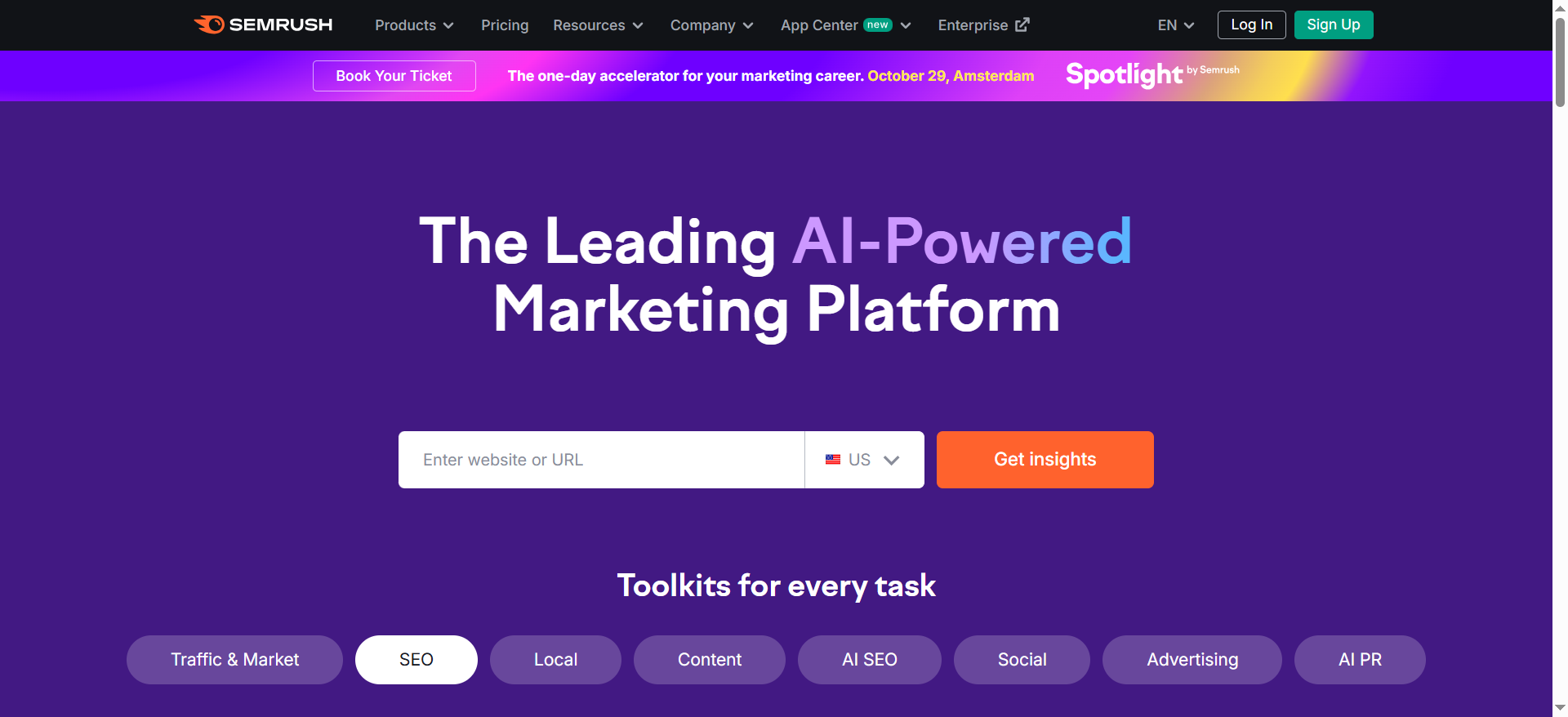
SEMrush is an all-in-one digital marketing suite that bundles SEO, PPC, content, and social media tools. For SEO specifically, SEMrush offers keyword research, competitor analysis, position tracking, site audits, content optimization suggestions, and a "Writing Assistant" powered by AI to help optimize copy during writing.
Why teams use it
SEMrush dominates because it's a one-stop-shop. Teams that run both paid and organic campaigns appreciate having keyword data, competitor PPC insights, and SEO features in the same interface. Marketing teams use SEMrush because the platform connects SEO insights to campaign performance and makes cross-channel strategy easier. The Writing Assistant (AI-powered copy optimization) is a unique advantage over pure SEO tools.
What it's good for
- Competitive keyword analysis: See what keywords competitors bid on in PPC and rank for organically
- PPC + SEO integration: Understand the full competitive landscape across both channels
- Position tracking: Monitor keyword rankings and share performance reports
- On-page SEO recommendations: Get AI suggestions while writing content
- Site audits: Identify technical SEO issues
- Social media management: Schedule posts and track competitor social activity
- All-in-one reporting: Bundle SEO, PPC, content, and social metrics in one dashboard
When it's a good fit
SEMrush is right if:
- Your team runs both organic and paid search campaigns
- You want AI assistance during the content writing process
- You need to understand competitor PPC + SEO strategies together
- You prefer one vendor over managing multiple best-of-breed tools
- You have budget for a full marketing suite
- You value polish and ease of use over raw data depth
When it's not a good fit
SEMrush is weaker than Ahrefs on backlink analysis depth (critical for link-building strategy). If backlink research is your primary need, Ahrefs wins. SEMrush also feels more "marketing tool" than "SEO specialist tool," so pure SEO teams often feel the tool is doing too much they don't need. The PPC and social features can feel clunky compared to native platforms like Google Ads or native social tools.
How to use it
Start by auditing your site to establish a baseline. Move to Competitor Analysis to identify keyword opportunities in your vertical. Use the Writing Assistant as you draft content—it will suggest optimizations in real-time. Set up position tracking to monitor your top keywords. Create monthly reports to share with stakeholders.
Key capabilities
- Keyword Research: Identify keywords by search volume, difficulty, and traffic potential
- Competitor Analysis: Spy on competitor keywords, PPC campaigns, and rankings
- Position Tracking: Monitor keyword rankings daily
- Site Audit: Crawl your site and identify technical SEO issues
- On-Page SEO Checker: Real-time optimization suggestions while writing
- Writing Assistant: AI-powered copy suggestions during content creation
- Content Marketing Platform: Plan, create, and optimize content at scale
- Social Media Toolkit: Manage and track social posts
Pricing
- Pro: $139.95/month (5 projects, 500 tracked keywords)
- Guru: $249.95/month (15 projects, 1,500 tracked keywords, content marketing tools)
- Business: $499.95/month (40 projects, 5,000 tracked keywords, API access)
Annual billing saves 17% across all plans (~$117/month Pro, ~$208/month Guru, ~$417/month Business).
Free tier?
Yes. SEMrush offers a free tier with limited monthly reports, access to a few core features, and limited project access. The free version is a good way to test the platform before committing to a paid plan.
Downsides / limitations
- Not as deep in backlinks: Ahrefs' backlink database is larger and more accurate
- Feature bloat: The all-in-one nature means you pay for PPC/social features you may not use
- Writing Assistant is hit-or-miss: AI suggestions are sometimes generic or obvious
- Reporting feels outdated: While functional, reports don't feel as modern as some competitors
- Learning curve: Like Ahrefs, there's a lot to learn; the interface can be overwhelming
3. Surfer SEO
What it does
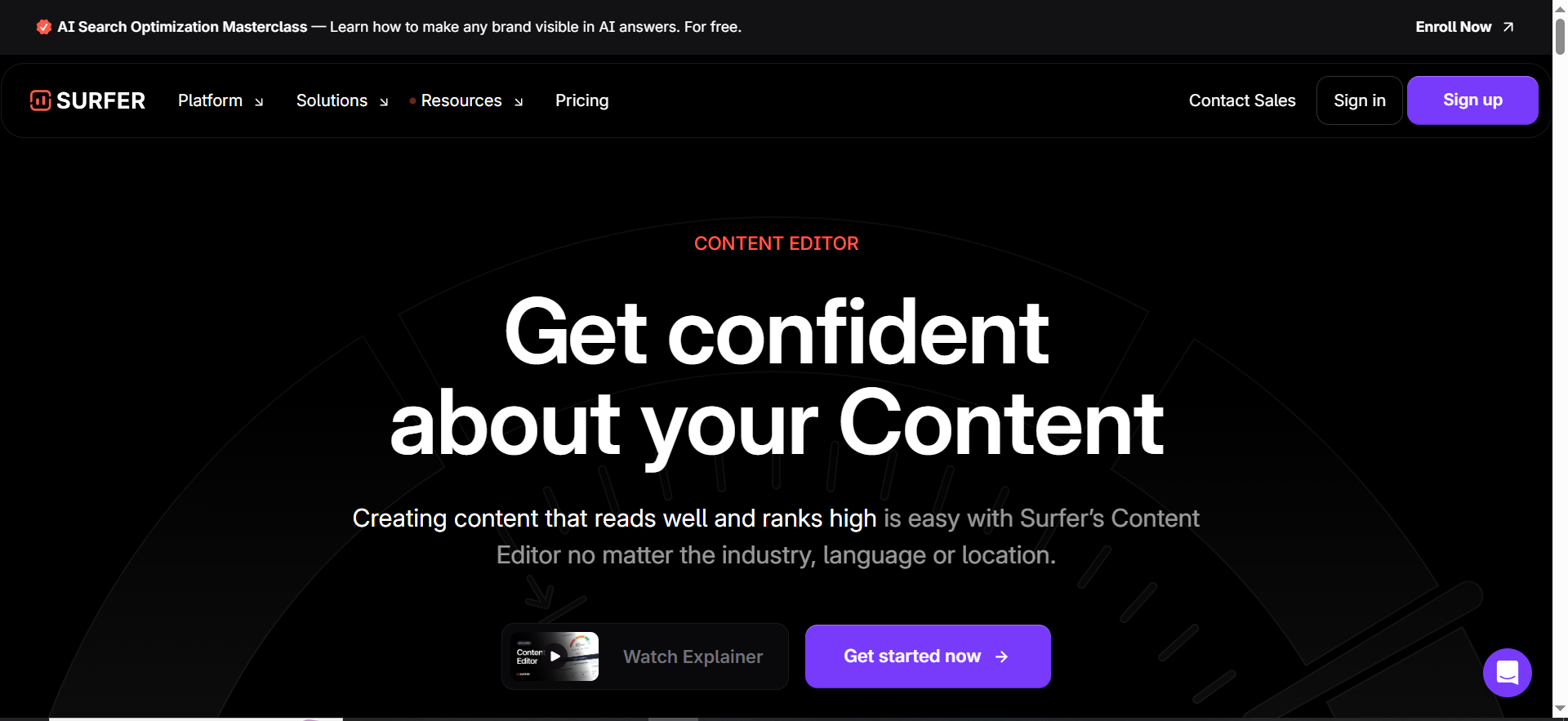
Surfer SEO is a focused, AI-powered on-page optimization tool. Rather than trying to be everything, Surfer specializes in analyzing the top-ranking pages for a keyword and telling you exactly what your page needs to compete: word count, heading structure, keyword placement, semantic keywords, images, and backlinks. The platform uses AI to suggest content improvements based on SERP analysis.
Why teams use it
Content teams love Surfer because it cuts through the noise. Instead of guessing what will rank, you get a data-backed blueprint from the pages actually ranking at the top. The Content Editor lets writers work directly in the tool with real-time optimization suggestions, making the writing process faster and more confident. For teams focused on content production rather than full SEO workflows, Surfer is lighter-weight and cheaper than Ahrefs or SEMrush.
What it's good for
- On-page optimization: AI-powered suggestions for content structure, word count, and keyword usage
- Content audits: See how your page stacks up against top competitors
- Keyword research: Lightweight keyword research focused on SERP analysis
- SERP analysis: Understand the competition and content landscape for any keyword
- Content briefs: Generate AI-powered content outlines based on top-ranking pages
- Real-time editing: Optimize as you write, not after
- Rank tracking: Monitor keyword positions
When it's a good fit
Surfer SEO is the right choice if:
- You're primarily focused on content production and on-page SEO
- You want AI help during the writing process, not just analysis afterward
- Budget is a concern ($69/month is the cheapest among the top five)
- You don't need deep backlink analysis or competitor PPC intelligence
- Your team is mainly writers and content managers, not SEO specialists
- You like lightweight tools that do one job really well
When it's not a good fit
Surfer SEO doesn't help with backlink strategy, competitor research beyond SERP analysis, or site-wide SEO audits. If your strategy relies on understanding your competitor's link profile or tracking 500+ keywords, you need Ahrefs or SEMrush. Surfer is also weaker at identifying brand-new content opportunities—it's better at optimizing content for keywords you already know about.
How to use it
Enter a target keyword into Surfer's SERP analyzer. Review the content brief showing word count, headings, semantic keywords, and image placement. Draft your content in Surfer's Content Editor, which highlights suggestions in real-time. Use the optimization score to track your progress. Once published, monitor your rank in Surfer's rank tracker.
Key capabilities
- SERP Analyzer: Analyze top-ranking pages for any keyword
- Content Editor: Write and optimize in one place with real-time AI suggestions
- Content Brief: AI-generated outlines based on top competitors
- Keyword Research: Find keywords with search volume and difficulty data
- Audit Tool: Analyze your page against top competitors
- Rank Tracker: Monitor keyword positions
- SEO Workflow Automation: Integrate with CMS platforms like WordPress, Webflow, and HubSpot
Pricing
- Essential: $99/month (30 Content Editor articles, 5 AI articles, 100 page audits)
- Scale: $219/month (expanded limits for growing teams)
- Enterprise: Custom pricing (SSO, white-labeling, API access, priority support)
Annual billing saves approximately 17% (~$79/month Essential, ~$175/month Scale).
Free tier?
No. Surfer SEO does not offer a free plan or free trial. However, it does offer a 7-day money-back guarantee and free browser tools including the Keyword Surfer Extension, AI Outline Generator, and AI Content Detector.
Downsides / limitations
- Focused on on-page only: If you need backlink analysis or competitor PPC data, you need another tool
- Keyword research is basic: Surfer's keyword data is good but not as comprehensive as Ahrefs
- Smaller company: Surfer is smaller than Ahrefs or SEMrush, which can mean slower feature releases and less integrations
- Content brief can be generic: AI-generated briefs are helpful but sometimes obvious
- Rank tracking is limited: Keyword tracking limits feel restrictive compared to Ahrefs
4. Clearscope
What it does
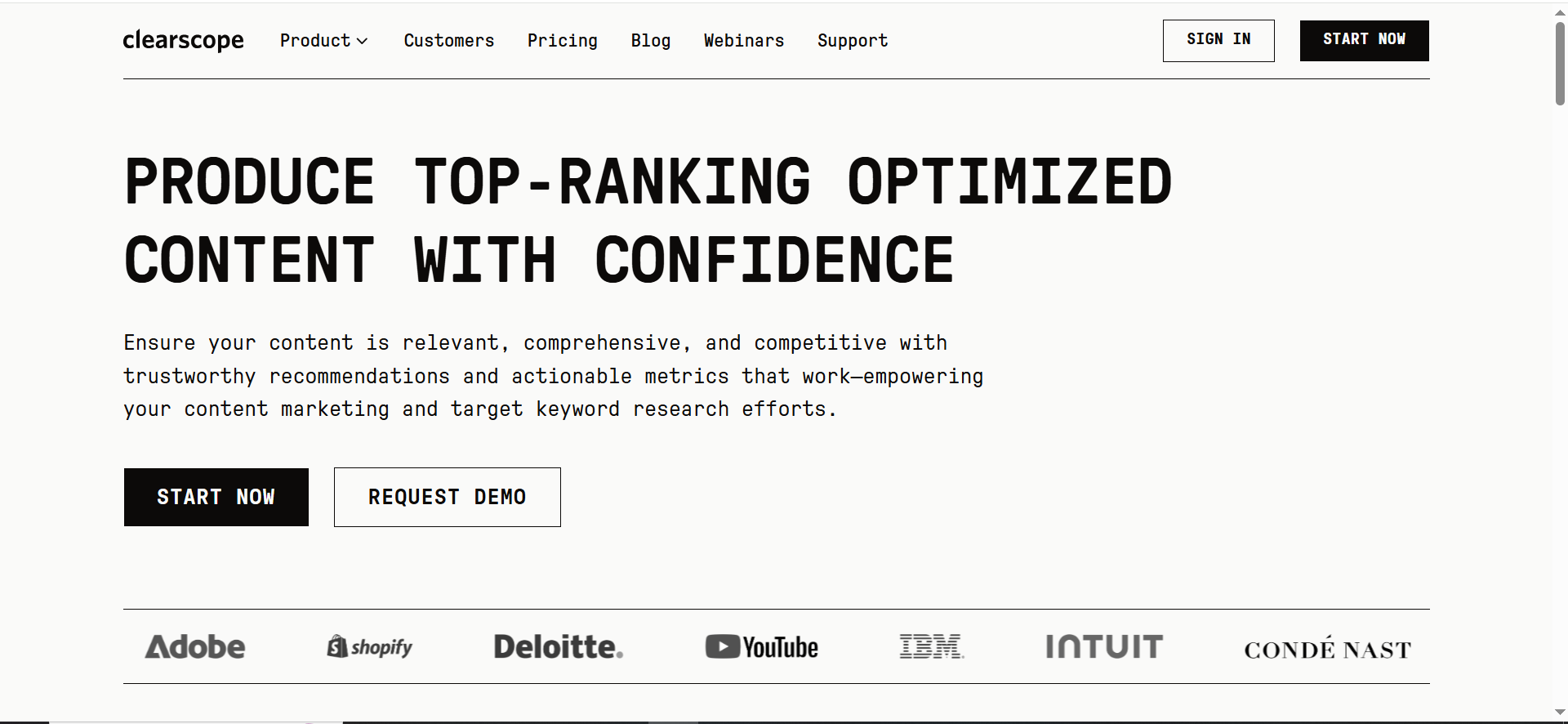
Clearscope is an AI-powered content optimization platform focused on generating research-backed content briefs. You input a topic or keyword, and Clearscope analyzes the top 10 ranking pages, identifies the most important subtopics and keywords, and generates a structured content brief. The platform also offers a Content Editor that guides writers through optimization in real-time and integrates with WordPress and other CMS platforms.
Why teams use it
Content teams use Clearscope because it saves enormous amounts of research time. Instead of manually reading the top 10 articles, taking notes, and synthesizing what matters, Clearscope does it in seconds. The generated briefs are well-structured and immediately actionable. For editorial teams managing dozens of pieces per month, Clearscope is a huge efficiency win. The AI-powered brief generation is more sophisticated than Surfer's (which is more tactical) and feels less like a research tool and more like a content strategy tool.
What it's good for
- Content brief generation: AI-powered research briefs for any keyword in seconds
- Topic clustering: Identify the core topics your content needs to address
- Keyword mapping: See which keywords you should target in each section
- Content editor: Get real-time suggestions while writing
- Competitive analysis: Understand what the top competitors are covering
- Content quality scoring: Measure how well your content covers the topic
- CMS integrations: Connect to WordPress, HubSpot, Contentful, and other platforms
When it's a good fit
Clearscope is ideal if:
- Your main bottleneck is content research and brief creation
- You manage a large content calendar and need to speed up research
- Your team values structured briefs and topic mapping over raw data
- You want AI assistance focused on content strategy, not just optimization
- You prefer a lightweight tool for content rather than a full SEO suite
- You're creating long-form, high-quality content that needs strong research
When it's not a good fit
Clearscope doesn't help with keyword research from scratch—you need to already know what keywords you're targeting. It also doesn't offer backlink analysis, rank tracking, or competitor PPC intelligence. If your strategy requires understanding your competitor's link profile, you need Ahrefs. If you're more focused on on-page optimization than strategy, Surfer SEO might be faster.
How to use it
Enter a keyword or topic into Clearscope. Review the generated brief, which includes core topics, subtopics, keywords to target, and what competitors are covering. Share the brief with your writing team. Use the Content Editor as they draft, and Clearscope will highlight areas where they're not covering the core topics.
Key capabilities
- Content Brief: AI-generated research briefs with topic clustering and keyword mapping
- Topic Research: Identify all important subtopics for a keyword
- Content Editor: Real-time optimization guidance during writing
- Competitive Analysis: See what top competitors are covering
- Quality Scoring: Track how well your content covers the topic
- CMS Integrations: Direct integrations with WordPress, HubSpot, Contentful, and others
- Insight Reports: Generate reports on content performance and gaps
Pricing
- Essentials: $129/month (unlimited users and projects)
- Business: $399/month (expanded allowances for AI Tracked Topics, briefs, and Content Inventory)
- Enterprise: Custom pricing (custom credit bundles, SSO, crawler whitelisting)
No contracts. You can upgrade, downgrade, or cancel anytime.
Free tier?
No. Clearscope does not offer a free plan or free trial. You can request a personalized demo from their team to evaluate the platform before committing.
Downsides / limitations
- No keyword research: You need to know your target keywords upfront; Clearscope doesn't help you find them
- No rank tracking: Can't monitor whether your content actually ranks after publishing
- Focused on briefs, not full SEO: Clearscope is a content research tool, not a full SEO platform
- Brief quality varies: AI-generated briefs are sometimes obvious or miss nuance
- Limited backlink or competitor analysis: If understanding your competitor's link strategy is important, look elsewhere
- Content Editor is not a full writing tool: You'll still need a word processor or CMS for actual writing
5. MarketMuse
What it does
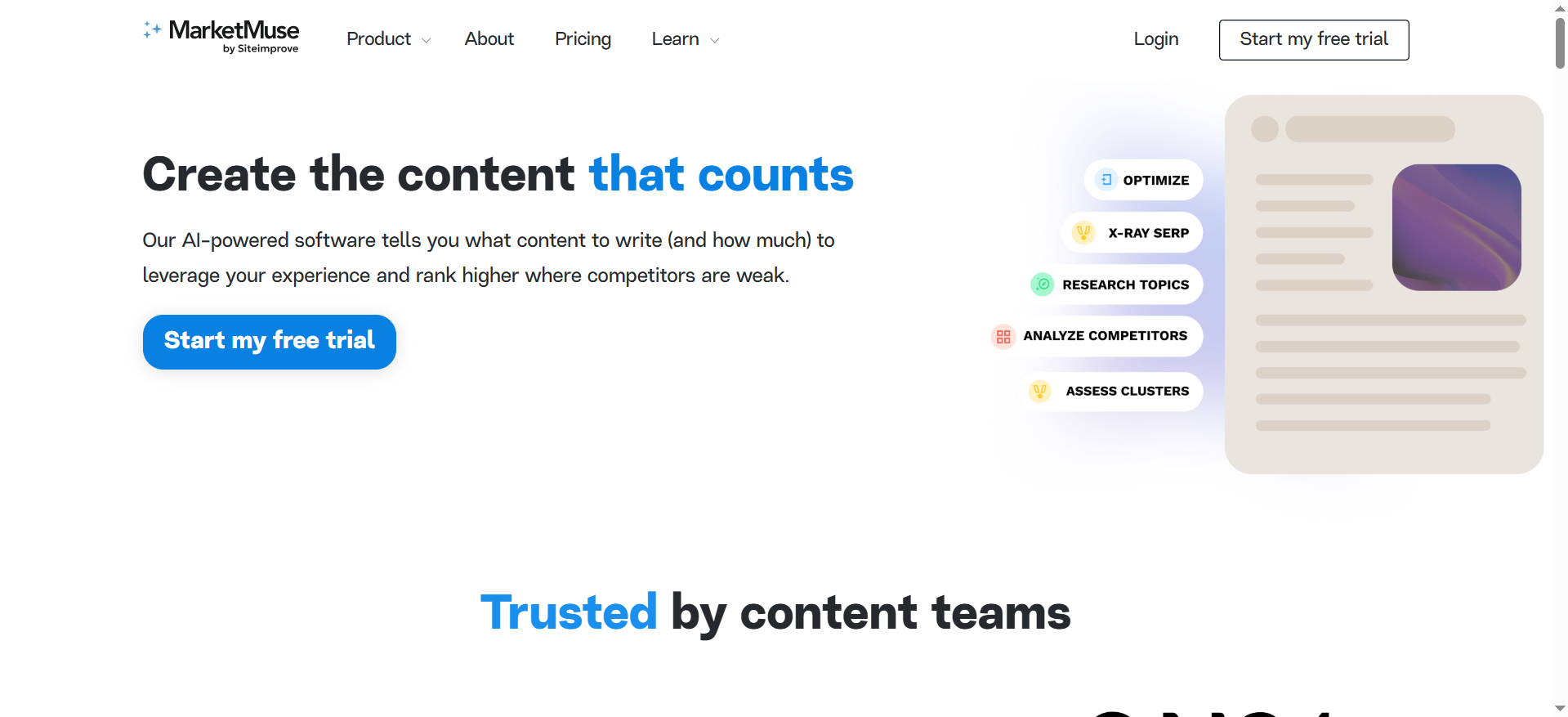
MarketMuse is an AI-powered content intelligence platform focused on content strategy and planning. The platform analyzes your entire content library, identifies content gaps, recommends new topics to target, suggests ways to improve existing content, and tracks how your content strategy performs. MarketMuse uses AI to understand your topic expertise and recommend what to create next based on your goals and audience.
Why teams use it
Marketing teams use MarketMuse to move beyond reactive content creation (just writing what seems popular) to strategic planning. The platform tells you what topics your audience actually needs, what expertise you should build, and which of your existing pages should be updated or combined. For teams managing large content libraries, MarketMuse helps prioritize work and reduce wasted effort on topics that won't move the needle.
What it's good for
- Content strategy: AI recommendation of what topics to create and target
- Content gap analysis: Identify topics your competitors own but you don't
- Content performance tracking: Understand which of your topics drive results
- Topic clustering: Group related content and find opportunities to combine
- Content audit: Review your entire content library for optimization opportunities
- Competitive intelligence: Understand what topics competitors are winning in
- Content roadmap: Plan what to create over the next quarter or year based on AI recommendations
When it's a good fit
MarketMuse is ideal if:
- You manage a large content library (50+ pages) and need strategic prioritization
- Your main pain point is knowing what to create, not how to write it
- You want data-driven content strategy rather than gut-based planning
- Your organization needs to justify content projects with data
- You have a long sales cycle and need to track content performance over months
- You're trying to build thought leadership in a specific area
When it's not a good fit
MarketMuse is not a writing tool or on-page optimization tool—it's pure strategy. If you need real-time optimization suggestions while writing, Surfer SEO or Clearscope are better. MarketMuse also doesn't help with rank tracking, backlink analysis, or keyword research from scratch. If your biggest bottleneck is writing content, MarketMuse won't help much. It's best for teams that already create a lot of content but need help knowing what to create.
How to use it
Connect your website to MarketMuse (via Google Analytics or direct integration). Let the platform analyze your content library. Review the recommendations for new topics to target. Use the content gap analysis to identify opportunities. Create a content roadmap based on the AI recommendations. Track performance over time to validate the strategy.
Key capabilities
- Content Strategy Recommendations: AI-powered suggestions on what topics to create
- Content Gap Analysis: Identify topics competitors own but you don't
- Topic Research & Clustering: Group related content and find opportunities to combine
- Content Performance Tracking: Measure how your topics perform against competitors
- Content Audit: Review your entire library for quality and gaps
- Competitor Intelligence: Understand what topics competitors are winning in
- Content Roadmap: Plan quarters or years of content based on strategy
- Integration with CMS: Connect to WordPress, HubSpot, and other platforms
Pricing
- Free: $0/month (1 user, 10 queries/month, Topic Navigator access)
- Optimize: $99/month or $999/year (1 user, 100 tracked topics, 5 briefs/month)
- Research: $249/month or $2,499/year (3 users, 1,000 topics, 10 briefs/month, unlimited queries)
- Strategy: Custom pricing (tailored for larger organizations)
Free tier?
Yes. MarketMuse offers a free plan at $0/month that includes 1 user, 10 queries/month, access to Topic Navigator, and Keywords + SERP x-ray/Heatmap. No credit card required.
Downsides / limitations
- Focused on strategy, not execution: You still need other tools for writing, optimization, and rank tracking
- Data depends on your content library: If you don't have much content to analyze, recommendations are limited
- Requires Google Analytics integration: For full functionality, you need to connect your GA data
- Best for established sites: New sites with little content won't get much value yet
- Can feel slow for tactical teams: If you just want to write one blog post, MarketMuse feels like overkill
- Learning curve: Understanding how to act on recommendations takes some time
How to choose the right AI SEO platform for your team
Choosing between these platforms depends on three factors: your team's primary bottleneck, your budget, and your existing tool stack.
If your bottleneck is research and brief creation, Clearscope or MarketMuse will save you the most time. Clearscope is faster if you're writing individual pieces; MarketMuse is better if you manage a large, strategic content library.
If your bottleneck is knowing what content to create, MarketMuse is your answer. The platform tells you what topics matter and what gaps exist, removing the guesswork.
If your bottleneck is on-page optimization and writing, Surfer SEO is your fastest path. You get AI optimization suggestions directly in the editor, making the writing process smoother.
If you need comprehensive SEO (backlinks, keywords, rank tracking, site audits, competitor analysis), Ahrefs is the gold standard, with SEMrush as a close second if you also need PPC or social media tools.
If you want an all-in-one marketing platform, SEMrush covers SEO, PPC, content, and social media in one interface.
If you're on a tight budget, MarketMuse offers a free plan, and Ahrefs Starter ($29/month) provides an affordable entry to full SEO tools. Surfer SEO starts at $99/month for focused on-page optimization. If budget is really tight, try the free tiers of MarketMuse or SEMrush to see which resonates with your workflow. For more options, check out the best beginner-friendly AI search optimization platforms.
Ahrefs vs. SEMrush: Which should you pick?
This is the most common question. Both platforms are full-featured, enterprise-grade tools. Here's the real difference:
Pick Ahrefs if:
- Backlink analysis is critical to your strategy (link building, competitive analysis)
- You want the most comprehensive keyword database
- Your team is pure SEO (not also running PPC or social)
- You value depth and raw data over bells and whistles
Pick SEMrush if:
- You run both organic and paid campaigns
- You want AI writing assistance during content creation
- You prefer one vendor for multiple channels
- You value ease of use and reporting polish over data depth
Honestly, at this level ($129-$500/month), both are excellent. Pick based on which feels more natural in a 30-minute trial. If you're not sure, Ahrefs wins for pure SEO; SEMrush wins for integrated marketing.
Should you use multiple SEO tools together?
Yes—most professional teams do. Here's a realistic multi-tool stack:
- Ahrefs or SEMrush (full SEO foundation)
- Surfer SEO (on-page optimization during writing)
- Clearscope (fast content brief generation)
- Rank tracker (dedicated tool like SE Ranking or Moz)
The reason: each tool excels at a different job. Ahrefs is unbeatable at backlinks. Surfer is fastest at on-page. Clearscope is quickest at briefs. A single tool rarely excels at all jobs simultaneously.
That said, if you're just starting out, pick one platform and master it. Adding tools creates overhead. Once you hit scale (50+ pages/month, multiple team members), a multi-tool AI SEO strategy becomes worth the complexity.
Do you need AI for SEO in 2026?
The honest answer is: not AI specifically, but you need the data and workflow automation these tools provide.
Traditional SEO tools like Moz or SEMrush from five years ago had the same data (keywords, backlinks, rankings) but required more manual work. The AI features in modern platforms—content briefs, optimization suggestions, topic recommendations—are valuable because they save time and reduce guesswork. To stay ahead, learn the best practices for optimizing content for Google AI Overviews. But the magic is mostly in the data and integrations, not the AI.
If you're writing one blog post per month as a solopreneur, you may not need these tools at all—you can use ChatGPT and Google Search. But if you're writing multiple pieces monthly, managing a team, or competing in competitive keywords, these platforms will save you hours and improve your results significantly.
What's the ROI of switching to an AI-powered SEO tool?
Real ROI depends on your situation, but here are typical scenarios:
Content team (10+ pieces/month): Clearscope or Surfer saves 2-3 hours per piece in research and optimization. At $30/hour labor cost, that's $60-90 per piece or $600-900 per month. Clearscope costs $129-399/month, so payback happens in weeks.
SEO specialist managing 5+ clients: Ahrefs at $129/month could reallocate 5-10 hours per month from manual research to strategy. At $50-100/hour, that's $250-500 per month in time savings. Payback is immediate.
In-house team managing organic traffic: This one's harder to measure. If the platform helps you rank for one high-value keyword earlier, the ROI could be thousands. But it's harder to track causally.
General rule: If these tools save your team even 5 hours per month, they pay for themselves. Most teams save 10-20 hours per month per person. For a deeper breakdown, see which AI search optimization tools have the best ROI.
Can you replace your entire SEO stack with one tool?
Technically yes, but practically no.
What one tool can do: keyword research, rank tracking, on-page optimization, site audits, some competitor analysis, and content planning.
What one tool struggles with: backlink research (Ahrefs dominates), PPC intelligence (SEMrush is strong, others weak), custom reporting (you may need BI tools), CRM integration (may need custom workflows).
Most teams keep 2-3 tools: a foundation platform (Ahrefs or SEMrush) + a content tool (Surfer or Clearscope) + a specialist tool (a dedicated rank tracker, for example).
The all-in-one dream sounds great, but in practice, best-of-breed tools still win. Go deep with 2-3 tools rather than shallow with one.
Summary
The best AI search optimization platform for your team depends on what you're trying to accomplish:
- Ahrefs is the most comprehensive and best for teams that need deep SEO analysis, backlink research, and competitive intelligence.
- SEMrush is the best all-in-one platform if you run both organic and paid campaigns and want everything in one place.
- Surfer SEO is best if your focus is on-page optimization and you want AI guidance during content writing.
- Clearscope is best if content brief generation and research speed are your top priorities.
- MarketMuse is best if you manage a large content library and need strategic guidance on what to create next.
Start with one platform, master it, and add others as your team and budget grow. The combination of data, workflow automation, and AI suggestions these tools provide will save your team significant time and improve your SEO results measurably.
FAQs
MarketMuse's free plan is the most generous, giving you 10 queries per month and access to Topic Navigator. SEMrush's free tier is also solid. Ahrefs offers free Webmaster Tools for your verified domain. Surfer SEO and Clearscope do not offer free plans.
Yes. Ahrefs and SEMrush excel at ecommerce because they can track thousands of product pages and category keywords. Surfer is good for optimizing individual product descriptions. MarketMuse helps plan your category and buyer-intent content strategy.
These tools aren't designed for local SEO specifically. Local SEO tools like Google Business Profile, Bright Local, or SEMrush's Local module are better. That said, the keyword research and optimization features work for local keywords too.
ChatGPT is a writing assistant; these tools are data and research platforms. ChatGPT can brainstorm ideas and help draft content, but it can't tell you what keywords rank, what competitors are doing, or how many searches a keyword gets. Use ChatGPT for writing; use these tools for research and strategy. Ideally, use both.
No. Pick one foundation tool (Ahrefs or SEMrush) and one content tool (Surfer or Clearscope). That covers 95% of SEO needs. Add MarketMuse only if you manage a large content library and need strategic prioritization.
Immediate in terms of workflow efficiency. You'll save time on research and optimization right away. SEO ROI (better rankings, more organic traffic) takes longer—typically 3-6 months to see significant changes, depending on competitiveness of your keywords.
Yes. All five platforms allow you to export reports and data. SEMrush and Ahrefs have the most flexible export options. Integrations with Google Sheets and BI tools vary; Ahrefs has robust API access.
Surfer SEO and Clearscope both have native WordPress plugins. SEMrush and Ahrefs require manual workflow integration. MarketMuse integrates via API.
All five are GDPR compliant and SOC 2 certified. Check individual privacy policies if you're processing sensitive data, but enterprise-grade compliance is standard across these platforms.
Yes, but ethically. These tools analyze public data (published content, backlinks, rankings, ads). Using them to understand competitor strategy is standard practice. But don't break terms of service or access private data.