Best AI Image Generator For Mac (2026)
A practical buyer's guide to picking the right ai image generator stack for mac across content and social.

This playbook helps brand strategists and content managers compare the best ai image generator options for mac. It breaks down where midjourney, dall-e stand out, when alternatives such as canva, adobe-express make more sense, and which setup fits B2B companies and B2C brands and solo operators and small businesses.
TL;DR
If you're a Mac user looking to generate professional-quality images without learning graphic design, you're facing a crowded field of AI tools—each with different pricing models, image quality, and learning curves. The best choice depends on your workflow: Midjourney excels at aesthetic quality and creative visuals but requires Discord and costs $10+ monthly with no free tier. DALL-E offers the easiest entry point with a native Mac app and generous free tier (2 images daily), though generation is slower. Adobe Firefly integrates seamlessly if you already have Creative Cloud but struggles with text rendering. Leonardo AI stands out for model variety and video generation, while Ideogram dominates if you need accurate text in images. This guide walks through the top 5 options, helping you skip the guesswork and pick the right tool for your needs.
Table of Contents
Best AI Image Generators For Mac (Quick Comparison)
| Tool | Best For | Mac Access | Starting Price |
|---|---|---|---|
| Midjourney | Aesthetic quality, concept art | Web + Discord | $10/mo |
| DALL-E | Ease of use, native Mac app | Native app + web | Free (2–3/day) |
| Adobe Firefly | Creative Cloud users | Web browser | Free (25 credits/mo) |
| Leonardo AI | Model variety, video generation | Web browser | Free (150 daily tokens) |
| Ideogram | Text in images, logos, posters | Web browser | Free (10 credits/day) |
Best AI Image Generators For Mac (Quick Comparison)
1. Midjourney
What it does
Midjourney is a text-to-image generator accessed through Discord on Mac. You describe what you want in plain English, and the tool generates four image options in 30-60 seconds. The system uses Version 8 architecture with native 2K resolution output, meaning you get sharp, detailed images suitable for print and large-format displays. Unlike some competitors, Midjourney handles complex prompts, style blending, and photorealistic renders with consistent quality.
Why teams use it
Content teams, agencies, and brand strategists choose Midjourney for visual consistency and aesthetic polish. The tool's ability to maintain style across multiple generations makes it invaluable for building cohesive visual libraries—create one stunning hero image, then iterate variations for social media, landing pages, and email campaigns. Design-forward companies use it as a rapid prototyping tool to validate creative directions before investing in professional photography or illustration.
What it's good for
Midjourney excels at concept art, mood boards, hero images, marketing visuals, and anything where aesthetic quality matters more than speed. The tool handles complex lighting, composition, and style directions that simpler generators miss. If you need images that look "designed" rather than "generated," Midjourney consistently delivers. It's also strong for creating branded visual languages—maintaining consistent art direction across dozens of images.
When it's a good fit
Choose Midjourney if you value image quality above all, have budget ($10-120/mo), and can work within its Discord-based workflow. It's perfect for agencies billing clients for creative assets, brands building premium visual content, and individuals who want gallery-quality outputs without learning Photoshop. If you're willing to spend time refining prompts for better results, you'll get the most from this tool.
When it's not a good fit
Skip Midjourney if you need a free tier (it eliminated free access in 2026), work in strict brand guidelines that require exact text rendering, or need quick, disposable images. The Discord interface frustrates some Mac users accustomed to web apps. Content policies around certain subjects can be restrictive, and the tool struggles with precise pose control if you're generating specific character positions.
How to use it
Create a Discord account and join the Midjourney server, then subscribe to a plan ($10-120/mo). Use the /imagine slash command followed by your text prompt. Midjourney generates four options; you can upscale any, create variations, or start over. The tool supports advanced parameters like --style raw, --ar 16:9 (aspect ratio), and --niji (anime mode). Browse the prompt guide on Midjourney's website for specific syntax—quality depends heavily on prompt detail.
Key capabilities
- V8 architecture for sharp, detailed output
- Native 2K resolution (scales to 4K with upscaling)
- Style consistency across variations
- Advanced parameters for aspect ratio, quality, and style tweaking
- Niji mode for anime and illustration
- Remix mode to modify existing images
- Pan feature to extend generated images
Pricing
Midjourney uses a monthly subscription model: Basic ($10/mo, 3.33 hours fast GPU), Standard ($30/mo, 15 hours fast GPU), Pro ($60/mo, 30 hours fast GPU), and Mega ($120/mo, 60 hours fast GPU). Fast hours roll over monthly. You can also purchase additional fast hours at $4/hour. For light users, Basic covers casual projects; Standard works for most professionals.
Free tier?
No. Midjourney does not offer a free tier. All users must subscribe to generate images.
Downsides / limitations
The elimination of the free tier creates friction for new users testing the tool. Discord's interface feels outdated and unintuitive for image generation workflows. Midjourney's strict content policies block certain creative directions (graphic violence, political figures, etc.), frustrating artists with ambitious visions. The tool struggles with precise hand positions, small text, and complex spatial relationships. Copyright litigation against the company has created legal uncertainty around commercial use—though Midjourney claims users own generated images, the legal status remains contested.
2. DALL-E
What it does
DALL-E (powered by OpenAI's GPT Image 2 engine) is a text-to-image generator accessible via a native Mac application or web browser. You write a text description, and DALL-E generates one image at a time in 10-30 seconds. The tool integrates directly with ChatGPT, so you can describe ideas conversationally and have the AI refine your prompt before generating images. Unlike batch tools, DALL-E focuses on single, quality outputs rather than exploring multiple variations simultaneously.
Why teams use it
Marketing teams and solopreneurs love DALL-E for its simplicity and Mac native app. The ChatGPT integration means non-technical users can describe what they want conversationally, and the AI helps clarify vague ideas. Customer success teams use it for social media graphics, blog headers, and marketing materials without needing design skills. The native Mac app feels native—no Discord or clunky web interface required.
What it's good for
DALL-E shines for quick graphics, social media visuals, blog illustrations, and marketing assets where speed matters. The chat-to-image workflow is intuitive for busy professionals who don't want to learn prompt engineering. If you describe an image naturally (like you would to a designer), DALL-E often understands without multiple iterations. The integration with ChatGPT means you can ask "make this less corporate" and the AI adjusts rather than restarting from scratch.
When it's a good fit
Choose DALL-E if you want a native Mac app, value ease of use over cutting-edge aesthetics, and generate 1-10 images daily. The generous free tier (2–3 images daily) makes it ideal for testing before committing money. The Plus plan ($20/mo, roughly 50 images per 3-hour window) is affordable for professional use. Small teams and solopreneurs appreciate the straightforward pricing and no credit system confusion.
When it's not a good fit
Avoid DALL-E if you need high-volume generation (free tier limits to 2–3/day), require gallery-quality aesthetics comparable to Midjourney, or work with complex creative directions. The tool generates one image at a time, so exploring variations is tedious compared to Midjourney's four-at-once approach. Faces sometimes look artificial or uncanny, and the tool struggles with consistent character generation across multiple prompts.
How to use it
Download the Mac app from the App Store or sign in at ChatGPT. Write your image description naturally in conversational language. Review the result; if it's not quite right, ask ChatGPT to refine it ("make it less vibrant," "add more people"). Continue iterating until satisfied. The native app is faster than web access on Mac, though both work smoothly.
Key capabilities
- Native Mac application
- ChatGPT integration for conversational refinement
- Text-to-image generation
- Image editing (outpainting, inpainting)
- Variation generation from existing images
- Batch processing in web version
- Custom instructions for consistent outputs
Pricing
Free: 2–3 images daily. ChatGPT Plus: $20/mo (roughly 50 images per 3-hour window). ChatGPT Pro: $200/mo with advanced features. For most users, Plus is the cost-effective tier for professional work.
Free tier?
Yes. The free tier offers 2–3 images daily, sufficient for light usage but restrictive for daily creative work.
Downsides / limitations
The one-image-at-a-time generation is slow compared to tools like Midjourney's simultaneous four-image output. GPT Image 2 can take longer to generate single images—sometimes 30+ seconds on overloaded servers. Faces frequently look artificial, making character-driven projects challenging. The free tier's 2–3 daily limit is tight for experimentation. Large batches are impractical since you generate and wait for each image individually.
3. Adobe Firefly
What it does
Adobe Firefly is a text-to-image generator built into the Adobe ecosystem, accessible via web browser on Mac or integrated directly into Photoshop, Illustrator, and other Creative Cloud apps. You can generate images from text prompts and edit them within Adobe's native tools—no need to export and reimport like competing tools. Firefly uses a credit system: standard generations (like text-to-image and Generative Fill) are unlimited on paid plans, while monthly premium credits are reserved for advanced features like text-to-video and partner model outputs.
Why teams use it
Creative professionals already paying for Adobe Creative Cloud appreciate Firefly's deep integration. Rather than juggling multiple tabs and apps, designers can generate images, refine them in Photoshop, and hand off production-ready files without context switching. Marketing teams with existing Adobe licenses see Firefly as an included feature that reduces tool sprawl and subscription fatigue.
What it's good for
Firefly excels for designers who live in Photoshop or Illustrator. Generating a background texture, filling transparent areas with contextual imagery, or rapidly experimenting with visual directions happens seamlessly within familiar software. If you're already editing in Adobe apps, Firefly's integration saves time and mental effort. It's also useful for quick mockups and design exploration before committing to photo shoots or expensive illustration projects.
When it's a good fit
Choose Firefly if you already subscribe to Creative Cloud, work primarily in Adobe apps, and want generative features without learning new interfaces. The free tier (25 credits/mo) is sufficient for light experimentation; Standard ($9.99/mo, 2,000 credits) covers professional use. The tool reduces friction for Adobe ecosystem users who previously had to export, use external generators, and reimport.
When it's not a good fit
Skip Firefly if you don't already use Creative Cloud (subscriptions add up), need high aesthetic quality (outputs feel generic), or require accurate text rendering in images. The tool struggles with typography and precise text placement, making it unsuitable for posters, social graphics with overlays, or any text-heavy design. Non-Adobe users will find the subscription cost prohibitive compared to cheaper standalone options.
How to use it
In Photoshop, select the Generative Fill tool and describe what you want. In Illustrator, use the Generative Fill feature on selected paths. On the web, visit Firefly's home page and enter prompts in the image generator. All credit usage appears in your Adobe account. Efficient users who reuse prompts spend credits slower; experimentation-heavy workflows burn credits quickly.
Key capabilities
- Integration with Photoshop and Illustrator
- Generative Fill for in-document editing
- Credit-based system (100 credits roughly = 100 images)
- Customizable aspect ratios and sizes
- Content controls (photo-based vs. illustration-based styles)
- Direct export to Creative Cloud libraries
- Batch generation
Pricing
Free: 25 generative credits monthly. Standard: $9.99/mo (2,000 premium credits, unlimited standard generations). Pro: $19.99/mo (4,000 premium credits, unlimited standard generations). Creative Cloud bundle: included as part of subscription. Credits are separate from Creative Cloud membership; many users find themselves needing Standard or Pro tiers for serious use.
Free tier?
Yes. The free tier provides 25 credits monthly, adequate for light testing but restrictive for regular use.
Downsides / limitations
Premium credit usage can be opaque—advanced features like video generation consume credits at varying rates, making cost tracking difficult. The tool's aesthetic quality lags behind Midjourney significantly; outputs feel generic and safe rather than distinctive. Text rendering is particularly weak, making any design with overlaid typography challenging. While standard generations are unlimited on paid plans, premium credit limits create pressure to optimize advanced feature usage rather than explore freely. If you don't already use Creative Cloud, the subscription cost makes Firefly expensive compared to cheaper standalone alternatives.
4. Leonardo AI
What it does
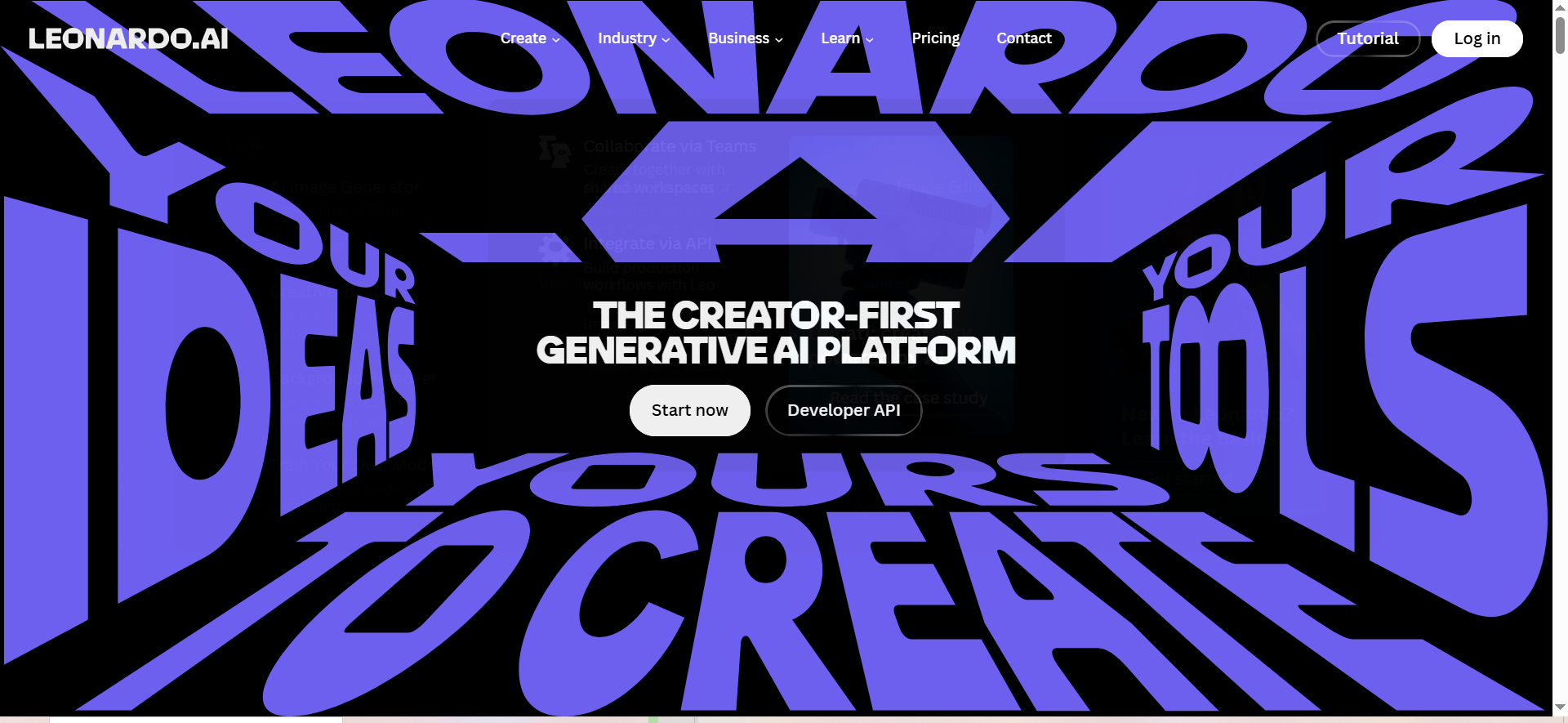
Leonardo AI is a web-based image generator offering 10+ proprietary models (Phoenix, Alchemy v4, etc.), each optimized for different outputs—photorealism, anime, illustrations, or 3D. You select a model, write a prompt, configure settings, and generate images using daily token allowances. Leonardo uses a token system—the free tier refreshes daily (150 tokens), while paid plans provide monthly token allocations that roll over. The tool also offers video generation capabilities, creating moving versions of static images.
Why teams use it
Content creators and illustrators choose Leonardo for model variety—different projects demand different aesthetics, and having 10+ specialized models in one platform reduces tool switching. Video generation sets Leonardo apart; you can create static images then animate them, useful for social media and motion graphics work. Token-based pricing appeals to users who prefer paying for what they use rather than monthly flat fees.
What it's good for
Leonardo excels for character design, illustrations, anime, photorealistic scenes, and video generation. If you need different artistic styles for different projects without switching platforms, the model variety is invaluable. The video generation feature (creating 4-second clips from images) opens new creative directions—static hero images become animated hero videos. Token-based pricing rewards consistent daily use without penalizing occasional users.
When it's a good fit
Choose Leonardo if you work with varied visual styles, need video generation capabilities, or prefer token-based over monthly pricing. The free tier (150 daily tokens) is surprisingly generous, covering 5-10 medium-quality images daily. Apprentice ($12/mo) and Artisan ($24/mo) tiers are affordable for professionals. Creators who generate images daily will appreciate the token reset system.
When it's not a good fit
Avoid Leonardo if you need instant, high-quality generation—processing times range 15-90 seconds depending on settings and server load. Quality inconsistency across models means some outputs disappoint; you'll do more curating than with Midjourney. Character consistency is limited; generating related characters requires detailed prompts and luck. The smaller community means fewer shared prompts and tutorials compared to Midjourney. If you value speed and reliability over variety, faster competitors may frustrate you less.
How to use it
Sign up at Leonardo AI's website, select your preferred model (Phoenix for quality, Alchemy for speed). Enter a text prompt with optional negative prompts (what you don't want). Configure settings like guidance scale and image dimensions. Generate and wait 15-90 seconds depending on model selection. Review results; upscale favorites or iterate. Free-tier tokens reset daily at midnight UTC. Paid plan tokens are allocated monthly and roll over if unused.
Key capabilities
- 10+ proprietary models for different outputs
- Video generation (4-second clips from images)
- Token allowance system (daily for free tier, monthly for paid plans)
- Negative prompts for precise control
- Upscaling and refinement
- Canvas feature for collaborative ideation
- Batch generation with custom seeds
Pricing
Free: 150 daily tokens (roughly 5-10 images daily depending on settings). Apprentice: $12/mo (8,500 monthly tokens). Artisan: $24/mo (25,000 monthly tokens). Maestro: $48/mo (60,000 monthly tokens). Token costs vary by model; faster models use fewer tokens than higher-quality models.
Free tier?
Yes. The free tier's 150 daily tokens are genuinely useful, covering typical daily creative needs without spending money.
Downsides / limitations
Generation speed is the main pain point—15-90 seconds per image compared to Midjourney's 30-60 seconds. Quality varies significantly across models; choosing the right model requires trial and error. Character consistency is weak; the same character in multiple images requires detailed visual references and often fails. Free tier tokens deplete quickly if you experiment heavily, pushing users toward paid tiers. The smaller community means fewer shared prompts and less online guidance compared to Midjourney's documentation and forums. Servers occasionally slow during peak hours, extending generation times.
5. Ideogram
What it does
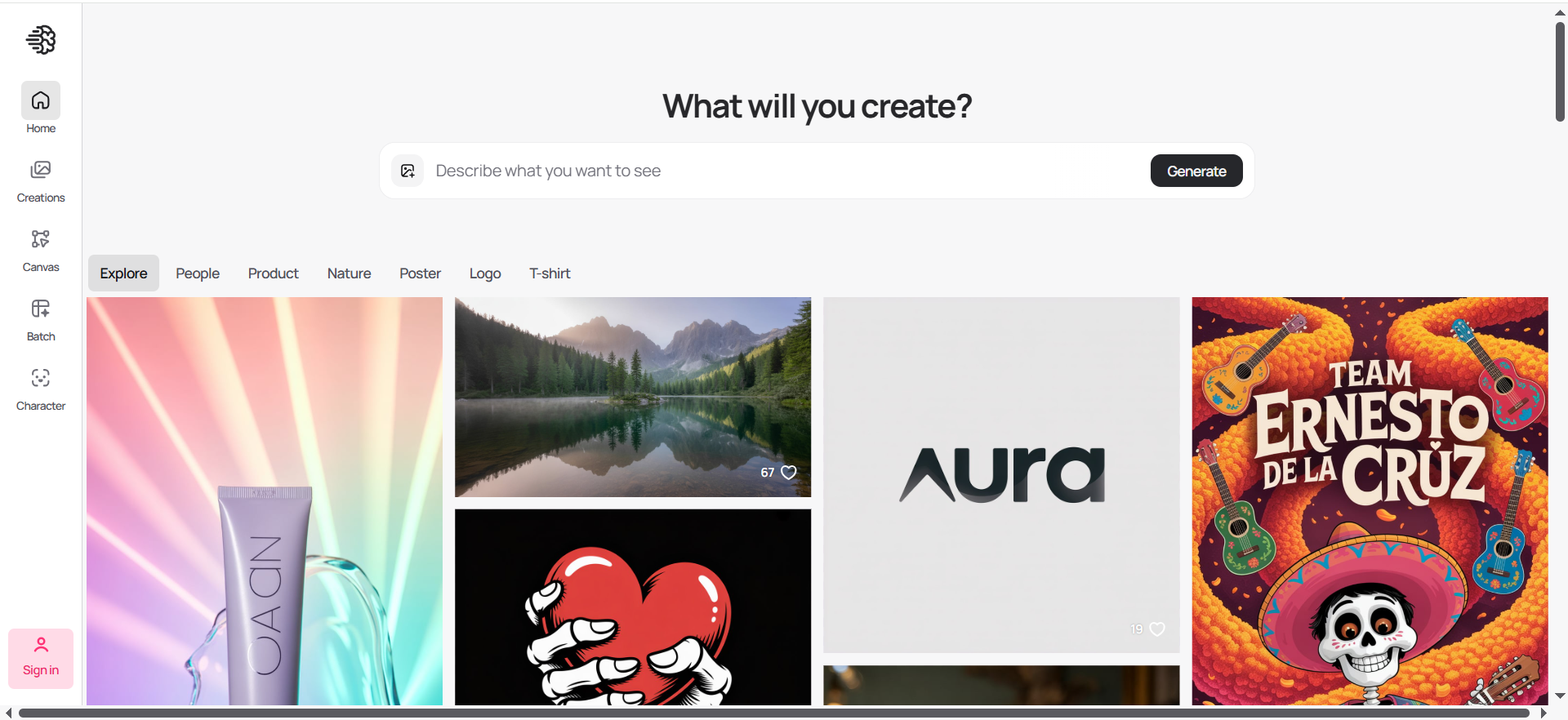
Ideogram is a web-based image generator purpose-built for typography and text rendering. The tool uses specialized architecture achieving 95%+ accuracy with text in images—a weakness for virtually every competitor. You write a prompt including specific text you want rendered, and Ideogram incorporates that text naturally into the generated image. This focus on text makes it the go-to choice for logos, posters, social graphics, and any design where typography matters.
Why teams use it
Marketing teams, small businesses creating logos, and graphic designers choose Ideogram specifically for text accuracy. Rather than generating an image then manually adding text in Photoshop, you describe the complete visual (including text) and receive production-ready files. Social media managers use it for graphics with overlaid copy. Startups bootstrapping design use Ideogram to rapidly create branded visual assets without hiring designers.
What it's good for
Ideogram dominates logos, posters, social media graphics with text, product packaging mockups, and any design where typography is primary. The 95%+ text accuracy is game-changing compared to competitors where text rendering fails 80% of the time. If your project includes any text element, Ideogram saves hours of manual editing. The tool also handles branding assets well—consistent typography and styling across multiple generated images.
When it's a good fit
Choose Ideogram if your projects involve text, you need quick branded visuals without design skills, or you're tired of Midjourney's text failures. The free tier (10 daily credits, up to 40 images as each prompt generates 4 variations) is adequate for testing. Plus ($15/mo) adds private generations, and Pro ($20/mo) includes commercial use rights. For any text-heavy project, Ideogram eliminates the friction competitors create.
When it's not a good fit
Avoid Ideogram if artistic quality rivaling Midjourney is your priority—Ideogram's aesthetic is less refined. Character consistency is limited; generating multiple related characters requires very detailed prompts. The smaller community means fewer shared techniques and prompts compared to Midjourney. If your projects never involve text, competitors may deliver better quality. The tool's specialization in text makes it redundant if you pair any other generator with Photoshop's text tools.
How to use it
Visit Ideogram's website, sign up with email or Google. Write prompts naturally, specifying any text you want included (e.g., "poster with text 'Spring Sale' in bold sans-serif"). Generate and review results. Upscale favorites or iterate. Pro subscription ($20/mo) adds commercial use rights and higher credit allowances; free tier images are for personal use only.
Key capabilities
- 95%+ text accuracy in images
- Logo generation
- Brand asset creation
- Customizable text styling
- Multiple generations from single prompt
- Upscaling and refinement
- Commercial use rights (Premium)
Pricing
Free: 10 credits daily (up to 40 images, as each prompt generates 4 variations), public-only generations for personal use. Plus: $15/mo (additional credits, private generations). Pro: $20/mo (higher credit allowance, commercial use rights). Team: $42/mo (collaborative features).
Free tier?
Yes. The free tier offers 10 daily credits (each prompt generates up to 4 image variations), sufficient for testing before upgrading. Free-tier images are public and for personal use only.
Downsides / limitations
Artistic quality lags behind Midjourney; outputs feel more utilitarian than beautiful. Character consistency across multiple prompts is weak, making character-driven projects challenging. The community is smaller, so shared prompts and techniques are less available than competitors with larger user bases. If your project requires no text, you're likely better served by competitors. Commercial use rights require a Pro subscription ($20/mo)—free and Plus users cannot legally use images commercially, creating friction when testing before committing money.
What is the best AI image generator that runs natively on Mac?
DALL-E is the only major contender with a native Mac application, downloaded from the App Store. The native app feels responsive and integrates with macOS design patterns. All other competitors—Midjourney, Adobe Firefly, Leonardo AI, and Ideogram—run entirely in web browsers. If native performance and app-like experience matter, DALL-E wins by default. However, the native app doesn't generate images faster than the web version; it's a UX preference, not a performance advantage.
Can I use Midjourney on a MacBook without Discord?
No. Midjourney functions exclusively through Discord, accessed via the Mac browser or Discord's native app. There is no standalone web interface or alternative entry point. If you want to use Midjourney, Discord—and learning the /imagine command syntax—is mandatory. This requirement frustrates Mac users accustomed to web-first tools, but it's non-negotiable for Midjourney's workflow.
Which AI image generator has the best free tier for Mac users?
Leonardo AI's free tier (150 daily tokens, roughly 5-10 images) and Ideogram's free tier (10 daily credits, up to 40 images as each prompt generates 4 variations) are both generous. Leonardo edges ahead because its free-tier token allowance resets daily, rewarding consistent use. For completely free, high-volume generation, Leonardo is the strongest option. DALL-E's free tier (2–3 images daily) is restrictive but acceptable for casual testing before upgrading.
How do AI image generators handle Apple Silicon optimization?
All major generators—Midjourney, DALL-E, Firefly, Leonardo, and Ideogram—process images on cloud servers, not your Mac. Your Mac's processor (M1, M2, M3, M4, or Intel) doesn't affect generation speed; server load and subscription tier determine performance. Switching from Intel to Apple Silicon won't speed up image generation since the work happens remotely. Native apps like DALL-E may launch faster on Apple Silicon, but generation times remain identical.
Is Adobe Firefly worth it if I already have Creative Cloud on Mac?
Yes, if you use Photoshop or Illustrator regularly. Firefly's integration eliminates context switching and export/import hassles. The free tier (25 monthly credits) covers light experimentation; Standard ($9.99/mo) handles professional use. However, if you generate fewer than 5 images monthly, Firefly's cost per image is lower than Midjourney or Leonardo, making it straightforward. The value increases significantly if you already pay for Creative Cloud—you're essentially getting a powerful feature for $10/month.
What AI image generator is best for logo design on Mac?
Ideogram is purpose-built for logos, achieving 95%+ text accuracy for wordmarks and incorporating brand colors reliably. Midjourney runs second—its aesthetic quality and style control produce polished logos, though text often fails. For logo-heavy projects, Ideogram's text accuracy eliminates manual editing in Photoshop afterward. If you need rapid logo exploration before commissioning professional design, Ideogram pays for itself in time saved.
Can AI image generators work offline on Mac?
No. All five tools—Midjourney, DALL-E, Firefly, Leonardo, and Ideogram—require internet access and server-side processing. No offline options exist for professional-quality outputs. Local tools exist but produce inferior quality unsuitable for commercial work. If you travel without reliable internet or work in restrictive network environments, cloud-based generators won't work.
Which AI tool generates the most accurate text in images?
Ideogram dominates with 95%+ text accuracy, making it the only reliable choice for text-heavy designs. Midjourney achieves roughly 60-70% accuracy; DALL-E, Firefly, and Leonardo fall below 50%, frequently misspelling words or creating unreadable text. If text accuracy is non-negotiable, Ideogram is the only viable option. All competitors require manual text addition in Photoshop for polished results.
How much does a good AI image generator cost per month on Mac?
Minimum viable plans: Midjourney ($10/mo Basic), Leonardo ($12/mo Apprentice), Ideogram Plus ($15/mo) or Pro ($20/mo for commercial rights), DALL-E ($20/mo Plus), Adobe Firefly ($9.99/mo Standard). Budget $10-30/mo for single-tool professional use. Multi-tool users (Midjourney + Firefly, for example) approach $40-50/mo. Agencies and high-volume users spend $100-200/mo across multiple platforms. Free tiers reduce costs to $0 but impose severe limitations.
Are AI-generated images copyright-safe for commercial use on Mac?
Yes, with caveats. Ideogram, Midjourney, DALL-E, and others claim users own generated images with commercial rights. However, Midjourney faces ongoing copyright litigation that may cloud future rights. DALL-E, Firefly, and Ideogram offer clearer commercial licenses. Verify terms for your specific use case—logo design has different legal implications than social media graphics. For risk-averse companies, consulting a lawyer about AI image copyright is prudent.
What's the fastest AI image generator for Mac in 2026?
Midjourney averages 30-60 seconds per batch (four images simultaneously). Leonardo's Alchemy v4 model achieves 15-30 seconds but varies by server load. DALL-E's single-image generation takes 10-30 seconds. Ideogram generates similarly fast. Speed depends more on server load and subscription tier than Mac hardware. During off-peak hours, most tools perform faster; peak usage times slow all platforms equally.
How do I choose between Midjourney and DALL-E on Mac?
Choose Midjourney if you prioritize aesthetic quality, work with complex creative directions, and can afford $10+/mo. Choose DALL-E if you want a native Mac app, prefer conversational workflows, or need a generous free tier. For a broader comparison across all platforms, see our best AI image generator guide. Midjourney appeals to professional designers and agencies; DALL-E suits casual users and small teams. Try both free (Midjourney's free tier is gone; test DALL-E's 2–3 daily images) before committing.
Frequently Asked Questions
No specific specs required. All generators run on cloud servers; your Mac's processor, RAM, and storage don't affect image generation. A 2015 MacBook and a 2024 M4 MacBook Pro generate images at identical speeds. You only need a stable internet connection and a web browser (or the DALL-E native app). Even entry-level Macs handle these tools effortlessly.
Most tools limit batch generation to prevent abuse and manage server load. Leonardo and DALL-E support batch processing on the web, but speeds slow as batch size increases. Midjourney doesn't officially support true batch mode. Realistically, you can queue 10-20 images simultaneously; larger batches hit rate limits. Planning bulk generation? Spread it across multiple days to avoid throttling.
Free options exist for all five tools, but free tiers impose strict limitations (DALL-E: 2–3 daily images; Midjourney: none; others: 25-150 daily). Serious professional use requires paid plans ($8-30/mo). Hobbyists and testers can work entirely free with Ideogram, Leonardo, or Adobe Firefly's free tiers, though results may watermark or restrict commercial use.
Adobe Firefly integrates natively with Photoshop and Illustrator but not Sketch or Figma. Competitors (Midjourney, DALL-E, Leonardo, Ideogram) require exporting generated images and importing them as assets. For Sketch or Figma users, the workflow is export, upload to competitor, download, and import. Adobe Firefly's integration is exclusive to Adobe's ecosystem, creating friction for designers outside it.
Ideogram excels at product packaging mockups and labeled designs due to text accuracy. Leonardo's variety of models handles different product categories well. Midjourney produces polished product visuals but struggles with packaging text. For photorealistic product placement and context, Midjourney and Leonardo outperform text-focused Ideogram. No tool is specialized for products; your choice depends on whether text or aesthetic quality matters more.