Best Platform For Freelance AI Data Annotation (2026)
Which platform options actually fit freelance ai data annotation and which ones create extra cost, handoff friction, or weak output.


This playbook helps data analysts and product managers compare the best platform options for freelance ai data annotation. It breaks down where labelbox, scale-ai stand out, when alternatives such as langsmith, helicone make more sense, and which setup fits B2B companies and SaaS companies and mid-market companies and enterprise teams.
If you are building machine learning models and need labeled training data, the platform you choose for freelance AI data annotation will directly affect your model accuracy, time to production, and total labeling cost. The short answer: Labelbox is the strongest all-around choice for teams that want enterprise-grade annotation tooling with flexible workforce management, Scale AI is the leader when you need a fully managed annotation workforce at scale, and Label Studio is the best option for technical teams that want open-source control with zero licensing cost. SuperAnnotate and Dataloop round out the top five with standout strengths in computer vision speed and multimodal pipeline management, respectively.
This guide breaks down where each platform wins, where it falls short, and which one fits your team based on budget, data type, and operational maturity. We tested and compared these five platforms against real annotation workflows so you can skip the generic feature comparison and get to a decision.
Table of Contents
Best Platforms For Freelance AI Data Annotation (Quick Comparison)
| Platform | Best For | Data Types | Pricing Model | Free Tier? | Standout Feature |
|---|---|---|---|---|---|
| Labelbox | Enterprise teams needing flexible annotation + workforce management | Image, video, text, LiDAR, documents | Usage-based (LBU) | Yes (5,000 data rows) | Active learning pipeline integration |
| Scale AI | Teams needing fully managed annotation at massive scale | Image, video, text, 3D, documents | Custom enterprise pricing | Yes (1,000 labeling units) | Managed global annotation workforce |
| Label Studio | Technical teams wanting open-source control | Image, video, text, audio, LiDAR, HTML | Free (OSS) / $149/mo (Starter Cloud) / Enterprise pricing | Yes (unlimited, self-hosted) | Fully open-source with ML backend |
| SuperAnnotate | Computer vision teams prioritizing annotation speed | Image, video, text, LiDAR | Custom tiered pricing | Limited free plan | Pixel-accurate selection at 20x speed |
| Dataloop | Teams managing complex multimodal pipelines | Image, video, audio, text, LiDAR, documents | Custom pricing | Free community tier | End-to-end AI data lifecycle management |
Best Platforms For Freelance AI Data Annotation (Quick Comparison)
Tool #1: Labelbox
What It Does
Labelbox is a cloud-based data annotation and management platform built for teams that need to label, curate, and manage large volumes of training data across computer vision, NLP, and multimodal projects. Founded in 2018, it has become one of the most widely adopted enterprise annotation platforms in the market.
Why Teams Use It
Labelbox sits at the intersection of annotation tooling and data-centric AI. Teams choose it because it combines a polished labeling interface with programmatic data management, letting data scientists and annotators work in the same environment. The platform is designed around the idea that better training data, not just more of it, drives better models.
What It Is Good For
Labelbox excels at projects where annotation quality and data pipeline integration matter more than raw throughput. It handles image segmentation, bounding boxes, text classification, named entity recognition, video annotation, and LiDAR labeling. Its model-assisted labeling uses your own model predictions as pre-labels, which cuts annotation time significantly on iterative projects.
When It Is a Good Fit
Labelbox fits best when your team is building production ML systems and needs tight integration between annotation, model training, and data curation. If you are running active learning loops where you train a model, upload predictions as pre-labels, route low-confidence samples to human annotators, and feed corrected labels back into training, Labelbox handles that natively. It also works well for mid-market and enterprise companies that need role-based access control, audit trails, and SOC 2 compliance.
When It Is Not a Good Fit
If your budget is under $2,000 per month and you have more than 5,000 data rows to label, Labelbox gets expensive quickly. The free tier caps at 5,000 data rows, which is enough for a proof of concept but not for sustained production labeling. Teams that just need basic bounding box annotation on a small dataset may find the platform overkill. It also requires some technical setup to get the most out of its Python SDK and API integrations, which can be a barrier for non-technical teams. If Labelbox does not fit your constraints, see our breakdown of the best alternatives to Labelbox for AI data labeling.
How to Use It
Sign up for a free account and create a project. Upload your data (supports Amazon S3, Google Cloud Storage, Azure Blob Storage, Databricks, and Snowflake integrations). Configure your labeling ontology, set up review workflows with consensus mechanisms, and invite your annotation team. For active learning, connect your model training pipeline via the Python SDK to push predictions back as pre-labels.
Key Capabilities
Labelbox provides pixel-level annotation for images and video, NER and classification for text, LiDAR cuboid labeling for 3D data, model-assisted labeling with pre-labels from your own models, customizable review and QA workflows with consensus scoring, automated data quality checks, integrations with TensorFlow, PyTorch, Slack, and major cloud storage providers, and a Python SDK for programmatic pipeline management.
Pricing
Labelbox offers a free tier limited to 5,000 data rows for individuals and small teams. Paid plans start at approximately $2,000 per month and scale based on data volume, user count, and features. Enterprise contracts typically range from $5,000 to $15,000 per month depending on usage and support requirements.
Free Tier?
Yes. The free tier supports unlimited users but caps at 5,000 data rows. It includes basic annotation tools and limited API access. Enough to validate the platform, not enough for production workloads.
Downsides and Limitations
Pricing scales steeply once you exceed the free tier, and there is no published mid-tier plan between the free tier and enterprise pricing. The platform requires technical fluency to unlock its full value through the SDK and API. Some users report that the interface can feel sluggish with very large datasets. Customer support response times vary outside of enterprise contracts.
Tool #2: Scale AI
What It Does
Scale AI is a data annotation platform and managed labeling service that combines a global annotation workforce with advanced automation tools to deliver high-quality labeled data at enterprise scale. It serves some of the largest AI companies in the world, including OpenAI, Microsoft, and Toyota.
Why Teams Use It
Teams use Scale AI when they need large volumes of accurately labeled data and do not want to manage an annotation workforce themselves. The platform handles recruitment, training, quality control, and delivery of labeled data, which means your internal team can focus on model development instead of data operations.
What It Is Good For
Scale AI is strongest on complex annotation tasks for autonomous vehicles, generative AI training, RLHF (reinforcement learning from human feedback), and large-scale computer vision projects. It supports 2D and 3D image labeling, text categorization, document processing, and retail taxonomy. Its RLHF services are used by many of the leading LLM developers for post-training alignment.
When It Is a Good Fit
Scale AI fits when you have budget for custom enterprise pricing and need a managed workforce to label data at scale. If your project involves autonomous driving, robotics, or LLM fine-tuning with RLHF, Scale AI has the deepest expertise and workforce in these verticals. It also fits when your team does not have the bandwidth to manage freelance annotators directly and wants a turnkey solution with quality guarantees.
When It Is Not a Good Fit
If you need a self-service platform where your own team does the labeling, Scale AI is not the right choice. It is built around managed services, not DIY tooling. The pricing is opaque and generally higher than self-service alternatives, which makes it a poor fit for startups or small teams with tight budgets. If your annotation needs are simple or low-volume, the overhead of working with Scale AI's sales and onboarding process is not justified.
How to Use It
Contact Scale AI's sales team to scope your project. Choose between Scale Rapid (their managed workforce handles annotation) or Scale Studio (you bring your own specialists to work on their platform). Provide your data, labeling guidelines, and quality requirements. Scale AI's team handles workforce management, QA, and delivery.
Key Capabilities
Scale AI delivers managed annotation across 2D and 3D image labeling, text categorization, retail taxonomy, and document processing. It provides RLHF services for LLM training, LLM evaluation and benchmarking through Scale Labs, enterprise-grade security and compliance, integration with major ML frameworks and cloud platforms, and quality assurance with multi-tier review processes.
Pricing
Scale AI does not publish pricing. Costs vary by task type, data volume, complexity, and whether you use Scale Rapid or Scale Studio. Expect enterprise-level pricing, typically in the tens of thousands per month for production workloads. Contact their sales team for a custom quote.
Free Tier?
Yes, limited. Scale AI offers 1,000 free labeling units and 10,000 free image uploads on its self-serve platform. This is designed for experimental or research projects, not production workloads. Beyond the free allowance, pricing is custom and requires a sales engagement.
Downsides and Limitations
Pricing is not transparent and generally high compared to self-service platforms. The onboarding process requires working with a sales team, which adds lead time. It is not designed for teams that want to manage their own annotators. Turnaround times can vary depending on task complexity and workforce availability. Smaller projects may not get the same priority as large enterprise contracts.
Tool #3: Label Studio
What It Does
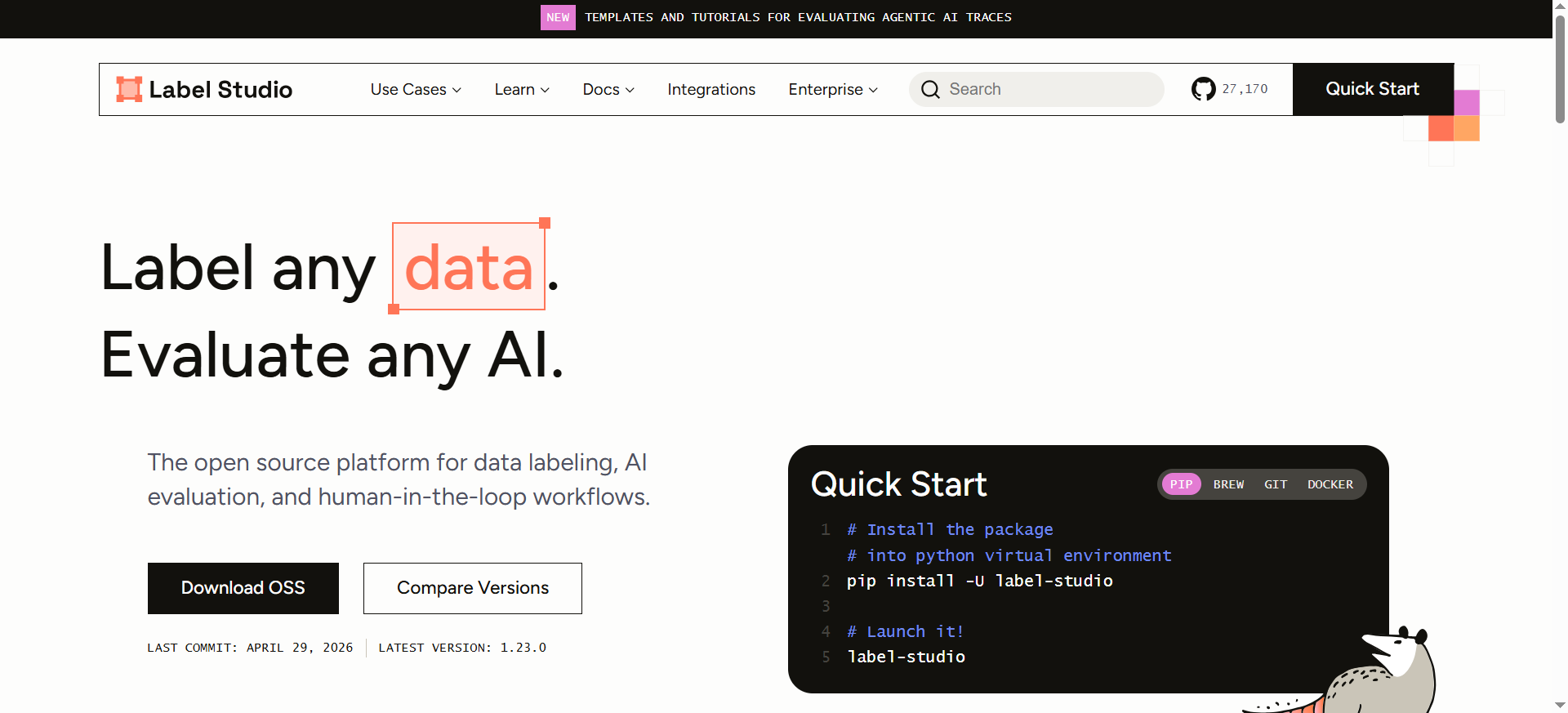
Label Studio is an open-source data labeling and annotation platform built by HumanSignal. It supports multi-type data labeling across images, video, text, audio, LiDAR, and HTML, with a standardized output format that integrates into most ML pipelines.
Why Teams Use It
Teams choose Label Studio because it is free, self-hosted, and fully customizable. For technical teams that want complete control over their annotation environment without licensing fees, it is the default choice. The open-source community is active, and the template system lets you build custom labeling interfaces for virtually any data type or annotation task.
What It Is Good For
Label Studio handles NER, text classification, image segmentation, audio transcription, video labeling, dialogue annotation, and document processing. Its ML Backend system lets you plug in HuggingFace or OpenAI models for model-assisted labeling. Recent releases added vector annotation, interactive task viewers, and workflow improvements. The Enterprise edition adds team management, SSO, RBAC, and advanced QA features.
When It Is a Good Fit
Label Studio fits when your team has the technical skill to self-host and configure the platform, and you want to avoid per-seat or per-data-row licensing costs. It is ideal for research teams, startups, and mid-market companies that need a flexible annotation platform without vendor lock-in. If you are already working with Python-based ML pipelines, the SDK integration is seamless.
When It Is Not a Good Fit
If your team is non-technical and needs a managed, out-of-the-box solution, Label Studio's open-source version will require too much setup and maintenance effort. The community edition lacks enterprise features like RBAC, SSO, and advanced QA workflows. If you need a managed annotation workforce, Label Studio does not provide one — you will need to source and manage annotators yourself.
How to Use It
Install Label Studio via pip, Docker, or deploy on a cloud instance. Create a project, select or customize an annotation template, upload your data, and invite annotators. For model-assisted labeling, connect an ML Backend to push model predictions as pre-annotations. For enterprise features, contact HumanSignal for the Enterprise edition.
Key Capabilities
Label Studio provides an open-source, self-hosted annotation platform with no data row limits. It supports a configurable template system for any data type, an ML Backend for model-assisted labeling with HuggingFace and OpenAI integration, a Python SDK for pipeline automation, audio waveform visualization with speaker diarization, conversational AI and dialogue annotation, LiDAR and 3D point cloud support, and an active open-source community with regular releases.
Pricing
The Community Edition is free with no limits on users, tasks, or data volume. Label Studio also offers a Starter Cloud plan at $149 per month for the first user, with additional users at $49 per month (up to 12 users). This plan includes SaaS hosting, user management with role-based access control, team collaboration features, and a dedicated support portal. Label Studio Enterprise pricing is not publicly listed but typically starts around $1,000 to $2,000 per month, depending on team size and feature requirements.
Free Tier?
Yes. The open-source Community Edition is free forever with unlimited users, tasks, and data volume. You self-host and manage the infrastructure.
Downsides and Limitations
The open-source edition lacks enterprise features like RBAC, SSO, and audit logging. Self-hosting requires DevOps effort for setup, backups, and scaling. The UI is functional but less polished than commercial alternatives like Labelbox or SuperAnnotate. Documentation can lag behind releases. No managed annotation workforce is included.
Tool #4: SuperAnnotate
What It Does
SuperAnnotate is a data annotation platform focused on building high-quality training datasets for computer vision and NLP, with patented AI algorithms that enable pixel-accurate object selection at up to 20x the speed of traditional manual annotation methods.
Why Teams Use It
Teams choose SuperAnnotate when annotation speed and precision on computer vision tasks are the top priorities. The platform's AI-assisted annotation tools, particularly for image segmentation, are measurably faster than competitors. Its quality assurance workflows and SDK support make it a strong option for teams running large-scale labeling operations.
What It Is Good For
SuperAnnotate is strongest on image annotation, including object detection, instance segmentation, semantic segmentation, and keypoint labeling. It also supports NLP tasks like text classification, entity extraction, and sentiment analysis, as well as video annotation with object tracking and event detection. The platform integrates with Google Cloud Platform, Azure, IBM Watsonx, Snowflake, AWS S3, and Databricks.
When It Is a Good Fit
SuperAnnotate fits best when your primary workflow is computer vision annotation and you need fast, accurate labeling with strong QA built in. It works well for teams labeling thousands of images per week where annotation speed directly impacts project timelines. Enterprise teams that need integration with major cloud platforms and data warehouses will find the integration layer solid.
When It Is Not a Good Fit
If your annotation needs are primarily text-based, audio, or multimodal beyond images and video, SuperAnnotate's NLP and other capabilities are less differentiated. The custom pricing model means you need to go through a sales process, which slows evaluation. Teams with small datasets or one-off projects may not justify the platform cost.
How to Use It
Sign up on SuperAnnotate and create a project. Upload your image, video, or text data. Configure your annotation taxonomy and QA workflows. Use the AI-assisted tools for accelerated segmentation and labeling. Manage your annotation team through the built-in workforce management features. Use the Python SDK to integrate with your ML pipeline.
Key Capabilities
SuperAnnotate provides patented AI-powered pixel-accurate object selection at 20x speed, comprehensive image, video, and text annotation tools, built-in QA workflows with consensus and review mechanisms, a Python SDK for pipeline integration, integrations with GCP, Azure, AWS S3, Snowflake, and Databricks, workforce management tools, and offline access for annotators.
Pricing
SuperAnnotate offers three plans with custom pricing. Contact their sales team for a quote. Pricing is not publicly listed, but is generally competitive with Labelbox for enterprise use cases.
Free Tier?
A limited free plan is available for evaluation purposes. Contact SuperAnnotate for details on what is included.
Downsides and Limitations
Pricing is not transparent and requires a sales conversation. NLP and non-vision capabilities are less mature than competitors like Label Studio or Labelbox. The platform's strength is narrowly focused on computer vision, which limits its value for teams with diverse data types. Onboarding and setup require some technical investment.
Tool #5: Dataloop
What It Does
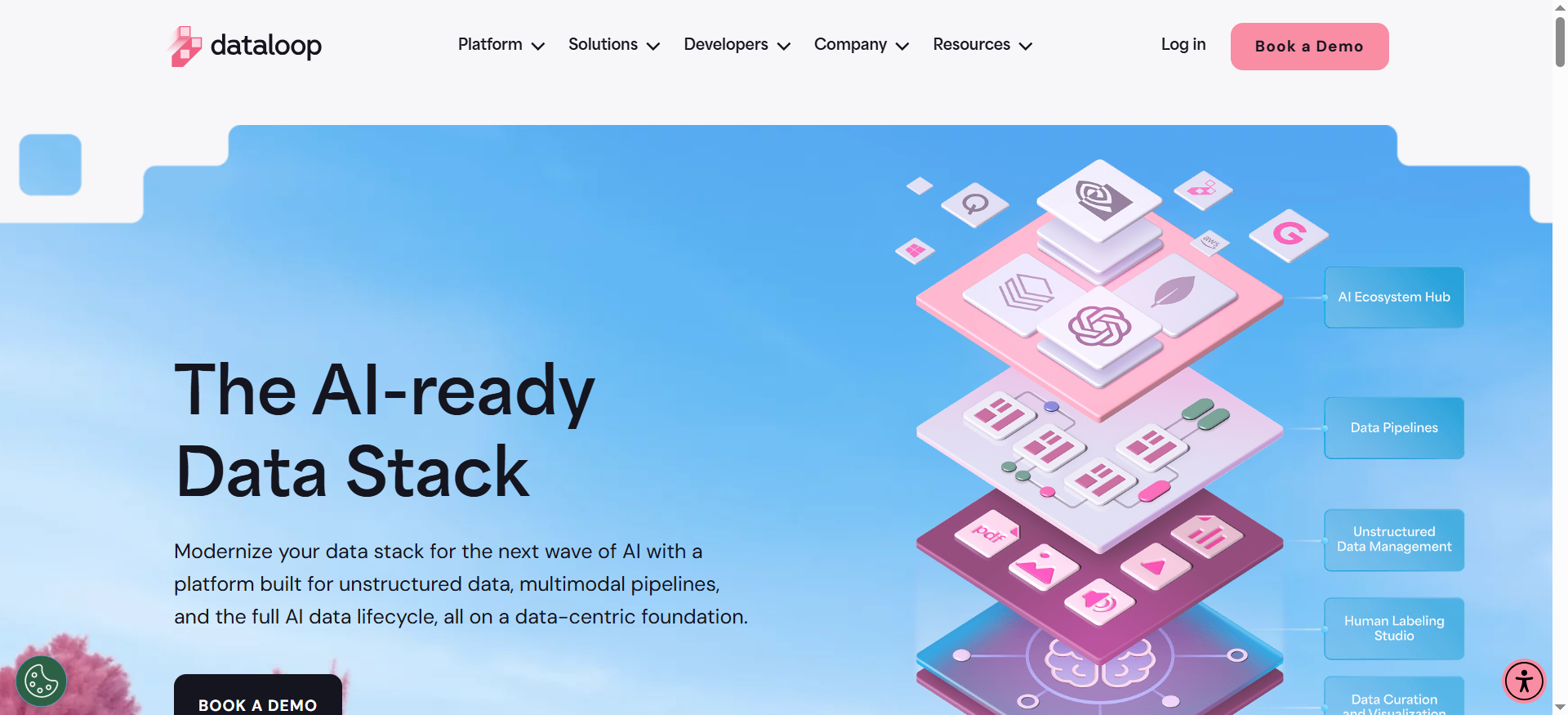
Dataloop is a cloud-based data annotation and AI data lifecycle management platform designed for teams working with high-volume, multimodal datasets. It supports the full pipeline from data ingestion and curation through annotation, model training, and deployment.
Why Teams Use It
Teams choose Dataloop when they need a single platform to manage the entire data lifecycle rather than stitching together separate tools for annotation, data management, and pipeline orchestration. Its pipeline builder lets you create automated workflows that connect annotation, quality assurance, and model feedback loops in one environment.
What It Is Good For
Dataloop handles image, video, audio, text, LiDAR, and document annotation. It provides bounding boxes, polygons, keypoints, segmentation, 3D cuboids, splines, NLP entity tagging, and audio labeling. Its AI-powered tools include automatic annotation using pre-trained models, smart object tracking for video, and active learning for sample prioritization. The platform also includes a marketplace for AI tools and pre-built models.
When It Is a Good Fit
Dataloop fits best when your team needs to manage complex, multimodal annotation workflows with built-in pipeline orchestration. It is particularly strong for autonomous vehicle, robotics, retail, and precision agriculture use cases where data comes in multiple formats and needs to flow through multi-stage labeling and QA processes. Enterprise teams that need GDPR, ISO 27001, ISO 27701, and SOC 2 Type II compliance will find Dataloop's security posture solid.
When It Is Not a Good Fit
If you need a simple, lightweight annotation tool for a single data type, Dataloop's full-lifecycle approach adds unnecessary complexity. The platform is geared toward mid-market and enterprise teams, so solo freelancers or small startups may find the setup overhead too high relative to their needs. Pricing is custom and not publicly available, which makes it harder to evaluate without engaging sales.
How to Use It
Sign up on Dataloop and create a project. Upload your multimodal data through the UI or API. Build annotation pipelines using the visual pipeline builder. Configure QA nodes, model prediction nodes, and human review stages. Assign tasks to your annotation workforce and monitor progress through the dashboard. Use the Python SDK for programmatic integration.
Key Capabilities
Dataloop provides a unified annotation environment for image, video, audio, text, LiDAR, and documents. It includes a visual pipeline builder for automated workflows, AI-powered automatic annotation and smart object tracking, active learning for data prioritization, human-in-the-loop feedback mechanisms, a marketplace for AI tools and pre-trained models, GDPR, ISO 27001, ISO 27701, and SOC 2 Type II compliance, and a Python SDK for pipeline automation.
Pricing
Dataloop offers custom pricing based on data volume, user count, and feature requirements. A free community tier is available for evaluation. Contact their sales team for a detailed quote.
Free Tier?
Yes. A free community tier is available for getting started and evaluating the platform. Limits on data volume and features apply.
Downsides and Limitations
Pricing is not publicly available and requires a sales engagement. The platform's full-lifecycle approach can feel heavy for teams that only need annotation tooling. Documentation and community resources are less extensive than Label Studio or Labelbox. The learning curve for the pipeline builder is steeper than simpler annotation-only tools.
How to Choose the Right AI Data Annotation Platform For Your Team
Choosing the right platform starts with understanding your constraints. If budget is tight and your team is technical, Label Studio gives you unlimited labeling at zero cost. If you need managed services and can afford enterprise pricing, Scale AI removes the operational burden entirely. Labelbox sits in the middle, offering strong tooling with a flexible pricing model that scales from proof-of-concept to production. SuperAnnotate is the specialist pick for computer vision speed, and Dataloop is the platform to choose when your data pipeline spans multiple modalities and stages.
The most common mistake teams make is choosing based on feature lists rather than workflow fit. Run a controlled test with your actual data, your actual annotators, and your actual QA requirements before committing to a contract. If you are still narrowing the field, our guide to the best data labeling tools for AI covers additional options beyond this shortlist.
What Makes a Good Freelance AI Data Annotation Platform
A good platform balances annotation quality, speed, cost, and integration depth. The baseline requirements include support for your data types, customizable labeling ontologies, quality assurance workflows with consensus and review mechanisms, and API or SDK access for pipeline integration. Beyond that, differentiation comes from model-assisted labeling (which cuts annotation time significantly), workforce management tools, security and compliance certifications, and the ability to support active learning loops. For a deeper look at the underlying technology, see our guide to the best AI tech for data annotation tools.
How Much Does AI Data Annotation Cost in 2026
Data annotation costs vary widely based on task complexity, data type, and whether you use a self-service platform or managed service. Self-service platforms like Label Studio (free) and Labelbox (starting at roughly $2,000 per month) let you control costs by using your own annotators. Managed services like Scale AI charge on a per-task or per-project basis, with enterprise contracts typically running tens of thousands per month. Freelance annotator rates range from $15 per hour in Southeast Asia to $80 per hour in Western markets. For simple bounding box tasks, expect $0.02 to $0.10 per annotation; for complex segmentation or RLHF tasks, costs can reach $1 to $5 per item.
Can You Use Open-Source Tools For Production Data Annotation
Yes. Label Studio's open-source edition is used in production by thousands of teams, from startups to large enterprises. The tradeoff is that you handle hosting, backups, scaling, and security yourself. For teams with DevOps capacity, this is often the most cost-effective path. For teams that want open-source flexibility with enterprise support, Label Studio Enterprise adds RBAC, SSO, and managed infrastructure. CVAT is another strong open-source option worth evaluating for computer vision-specific workflows.
What Is the Difference Between Self-Service and Managed Data Annotation
Self-service platforms (Labelbox, Label Studio, SuperAnnotate, Dataloop) provide the tooling, and you supply or manage the annotation workforce. You control quality, cost, and turnaround time directly. Managed services (Scale AI) provide both the tooling and the workforce, handling recruitment, training, QA, and delivery. Managed services cost more but remove the operational burden of workforce management. The right choice depends on whether your bottleneck is tooling or people.
How to Evaluate Data Annotation Quality Across Platforms
Quality evaluation should go beyond vendor claims. Run a parallel labeling test where the same dataset is labeled on two or three platforms using identical guidelines. Measure inter-annotator agreement (IAA), label accuracy against a gold-standard subset, and time per annotation. Check how each platform handles edge cases, ambiguous labels, and reviewer disagreements. The platform with the best combination of accuracy, consistency, and review workflow wins, not the one with the longest feature list.
Which Data Types Are Best Supported by Each Platform
Labelbox covers image, video, text, LiDAR, and documents. Scale AI handles 2D and 3D images, text, documents, and retail taxonomy. Label Studio supports the widest range, including image, video, text, audio, LiDAR, HTML, and conversational AI. SuperAnnotate is strongest on images and video, with growing NLP support. Dataloop covers image, video, audio, text, LiDAR, and documents with a focus on multimodal pipeline management. If your workflow spans multiple data types, Label Studio and Dataloop offer the broadest native support.
Is AI-Assisted Labeling Worth the Investment
AI-assisted labeling, where a model generates pre-labels that human annotators correct, consistently reduces annotation time by 30 to 70 percent on iterative projects. Labelbox, Label Studio, SuperAnnotate, and Dataloop all support model-assisted labeling in various forms. The value is highest when you are running active learning loops where each annotation cycle improves the model, which in turn improves the next round of pre-labels. For one-off labeling projects, the setup overhead may not be worth it.
FAQs
Label Studio is the best free option. Its open-source Community Edition has no limits on users, tasks, or data volume. You self-host the platform and get full annotation capabilities including model-assisted labeling through the ML Backend. For teams with the technical skill to deploy and manage it, Label Studio eliminates licensing costs entirely. For a wider comparison, see our roundup of the best rated data labeling tools for AI projects.
Scale AI and Dataloop are the top choices for autonomous vehicle annotation. Scale AI has the deepest expertise with managed labeling for 3D LiDAR, sensor fusion, and video annotation used by companies like Toyota. Dataloop supports LiDAR cuboids, polylines, splines, and semantic segmentation with point cloud visualization, and its pipeline builder handles the multi-stage workflows common in AV data processing.
Yes, on most of them. Labelbox, Label Studio, SuperAnnotate, and Dataloop are all self-service platforms where you invite and manage your own annotators. Scale AI offers Scale Studio for teams that want to bring their own specialists, alongside their managed workforce option through Scale Rapid. Only Scale AI provides a built-in managed workforce by default.
Use platforms with built-in consensus mechanisms (multiple annotators label the same item and disagreements are flagged), review workflows (senior annotators or domain experts audit a sample of labels), and gold-standard benchmarking (annotators are periodically tested against known-correct labels). Labelbox, SuperAnnotate, and Dataloop all include these QA features natively. Label Studio Enterprise adds advanced QA workflows beyond the open-source edition.
For enterprise data annotation, look for SOC 2 Type II, GDPR compliance, and ISO 27001 at minimum. Dataloop holds SOC 2 Type II, GDPR, ISO 27001, and ISO 27701 certifications. Labelbox is SOC 2 compliant. Scale AI provides enterprise-grade security for government and enterprise clients. If you are handling healthcare or financial data, confirm that the platform supports the specific regulatory requirements for your industry.
For self-service platforms, expect one to three days for basic setup (creating a project, configuring the labeling ontology, uploading data, and onboarding annotators). For managed services like Scale AI, the onboarding process typically takes one to four weeks including scoping, guideline development, and workforce calibration. Open-source platforms like Label Studio may require additional time for infrastructure setup and deployment, depending on your DevOps capacity.