Best AI Avatar Generator For Tech Product Reviews (2026)
How B2B companies and B2C brands can shortlist the best ai avatar generator tools for tech product reviews without wasting evaluation cycles.


This playbook helps content managers and growth marketers compare the best ai avatar generator options for tech product reviews. It breaks down where heygen, synthesia stand out, when alternatives such as runway, veed make more sense, and which setup fits B2B companies and B2C brands and solo operators and small businesses.
Creating professional tech product review videos no longer requires a camera, studio, or production crew. AI avatar generators have made it possible for solo reviewers, content teams, and SaaS companies to produce polished, on-brand video content at scale. Whether you're walking through a new software feature, comparing competing products, or explaining technical concepts, the right avatar generator can compress weeks of production into hours.
This guide covers the five best AI avatar generators for tech reviews: HeyGen stands out for photorealistic avatars and high-volume production. Synthesia leads in enterprise L&D and compliance. D-ID excels for developers building conversational AI agents. Colossyan brings interactive branching scenarios to corporate training. Elai shines when voice cloning and API automation matter most. We've tested each on realism, language support, ease of use, and cost-per-video to help you pick the right fit.
Ready to start creating? Read the comparison below, or jump to the tool that matches your use case.
Table of Contents
Best AI Avatar Generators for Tech Product Reviews (Quick Comparison)
| Tool | Best For | Starting Price | Avatars | Languages |
|---|---|---|---|---|
| HeyGen | Marketing teams, high-volume production | Free | 700+ | 175+ |
| Synthesia | Enterprise L&D, compliance, training | Free | 240+ | 160+ |
| D-ID | Developers, conversational AI agents | $5.99/mo | 120+ | 120+ |
| Colossyan | Corporate training, interactive scenarios | Free | 300+ | 100+ |
| Elai | Mid-market, voice cloning, API automation | $23/mo | 80+ | 75+ |
Best AI Avatar Generators for Tech Product Reviews (Quick Comparison)
Tool #1: HeyGen
What it does
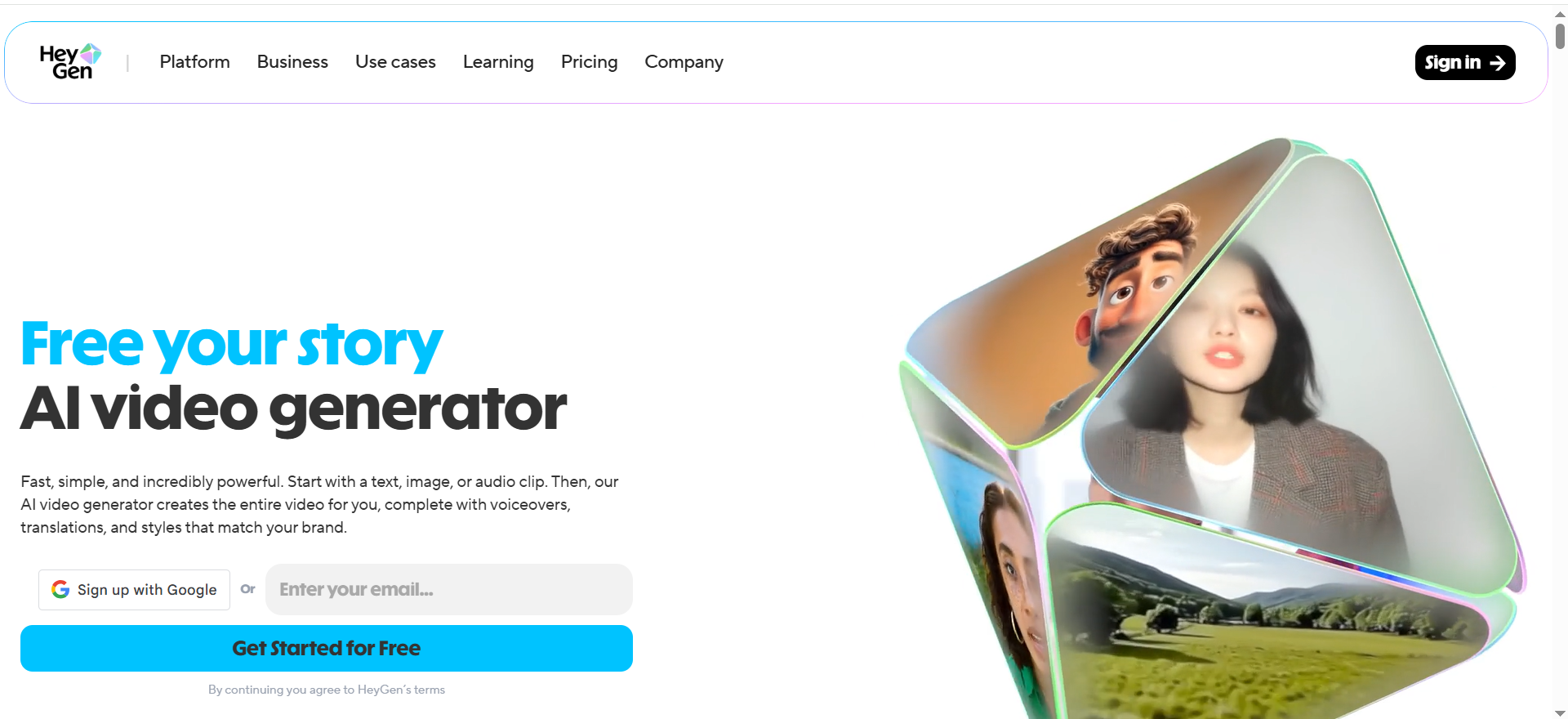
HeyGen generates AI avatar videos from text or scripts in seconds. You input a script, select an avatar from 700+ options (including hyperrealistic Avatar IV and Avatar V avatars), choose a voice and language, and the platform renders a finished video. The avatars lip-sync accurately to voiceover, support gestures and expressions, and can be customized with virtual backgrounds or your own branding elements.
Why teams use it
HeyGen's Avatar IV and Avatar V hyperrealistic avatars are the standout feature—they display nuanced facial expressions and micro-movements that other platforms struggle to match. The platform is fast and scalable, making it ideal for teams producing dozens of videos monthly. Paid plans include unlimited video creation, meaning you pay a flat fee rather than per-video consumption. For marketing teams and content creators running regular review series or product demo campaigns, this model removes friction.
What it's good for
HeyGen excels at product walkthrough videos and feature explainers, tech review series with consistent professional avatars, SaaS feature comparisons where you need quick turnarounds, multi-language product demos (shipping the same review to 50+ territories), and high-volume content production for large marketing teams or agencies.
When it's a good fit
Choose HeyGen if your team is producing more than five videos per month, cares deeply about avatar realism, or needs to localize content across many languages. The hyperrealistic avatars feel authentic enough for professional tech reviews, and the pricing model (per-month seats rather than per-video consumption) favors volume producers.
When it's not a good fit
HeyGen isn't the best choice if you need interactive branching or quizzes (Colossyan handles this better), if you're building a conversational chatbot (D-ID is better), or if budget is your only concern (Colossyan's free tier offers more). The paid plans start at $29/month.
How to use it
Sign up and create a project, write or paste your script, select an avatar, pick a voice, choose your language and any customizations, hit generate and wait 2–10 minutes for rendering, then download or share directly. The workflow is straightforward—most users produce their first video in under 30 minutes.
Key capabilities
Avatar IV and Avatar V hyperrealistic avatars with realistic facial expressions and eye contact, 700+ avatar options, 175+ language support including Mandarin, Japanese, Hindi, and Arabic, unlimited video creation on paid plans, watermark-free exports on paid tiers, gesture and expression control, 4K rendering on Business and Enterprise plans, batch processing for bulk creation, and integration with Zapier, Make, and REST APIs.
Pricing
Free: $0/month, 3 videos/month with watermark. Creator: $29/month, 200 credits/month. Pro: $99/month, 2,000 credits/month, 4K ready. Business: $149/month + $20/seat, 4K rendering, SSO. Enterprise: Custom pricing.
Free tier?
Yes. HeyGen's free tier allows 3 videos per month with a watermark. It's enough to test the platform and create occasional content, but the watermark limits professional use. Moving to Creator ($29) removes the watermark.
Downsides / limitations
Watermark on free tier can be a dealbreaker for published content. Avatar IV avatars consume more credits (20 credits/minute) than standard avatars. No built-in quiz or branching logic. The interface can feel overwhelming to new users with so many avatars and customization options.
Tool #2: Synthesia
What it does
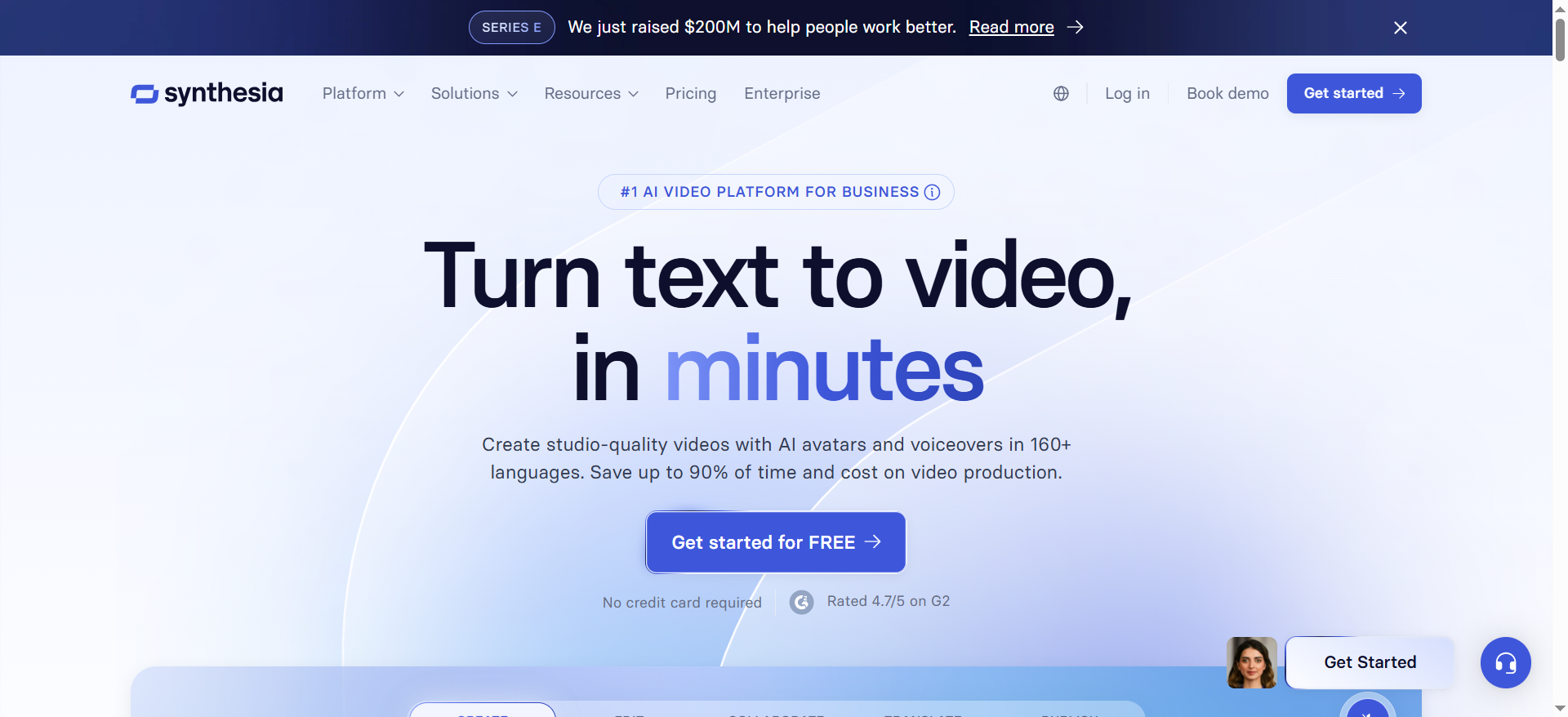
Synthesia is an enterprise-grade AI video creation platform built around 240+ diverse avatars and 160+ languages. You input text or a script, the platform generates a video with an avatar, voiceover, and optional background content. Synthesia excels at handling large organizations with SCORM export for LMS integration, 1-click translation for 80+ languages, and powerful governance features.
Why teams use it
Synthesia is the go-to for large enterprises, particularly in L&D and compliance training. Companies appreciate SCORM-compliant export, 1-click translation, and personal avatar creation. The avatar diversity is excellent, with 240+ options spanning gender, age, ethnicity, and accent.
What it's good for
Synthesia shines for enterprise training and compliance videos, localized product demos for multinational teams, L&D departments needing LMS-native content, customer-facing training with personal avatars, and large-scale video production with governance and versioning.
When it's a good fit
Choose Synthesia if you're a mid-to-large company with formal training needs, compliance requirements, or a global audience needing localized content. The 1-click translation feature is a genuine timesaver—create your video once in English, translate to 80+ languages in one click, and deploy globally.
When it's not a good fit
Synthesia isn't ideal for solo creators or small teams on tight budgets. If you need maximum avatar realism for consumer-facing reviews, HeyGen's Avatar IV is more impressive. Synthesia doesn't offer interactive quizzes or branching.
How to use it
Create a project, write your script, choose an avatar, add voiceover, optionally add slides or images, set language and branding, generate the video, and export as MP4 or SCORM package. The process is streamlined for non-technical users.
Key capabilities
240+ diverse avatars, 160+ language support, 1-click translation across 80+ languages, SCORM export for LMS platforms, personal avatar creation, slide synchronization, subtitles and captions in 100+ languages, versioning and approval workflows, and enterprise SSO.
Pricing
Free: $0/month, 10 minutes/month with watermark. Starter: $18/month (billed annually) or $29/month (billed monthly), 10 minutes/month, 125+ avatars. Creator: $49/month (billed annually) or $69/month (billed monthly), 30 minutes/month, 180+ avatars. Enterprise: Custom pricing, unlimited minutes.
Free tier?
Yes. The free tier provides 10 minutes of video per month and access to 9 avatars. It's a solid starting point but limited for ongoing content production.
Downsides / limitations
Avatar quality feels more corporate and less photorealistic than HeyGen's Avatar IV. Pricing jumps significantly between tiers. No interactive elements like quizzes or branching. Personal avatar creation requires Enterprise plan. Slower generation times compared to HeyGen.
Tool #3: D-ID
What it does
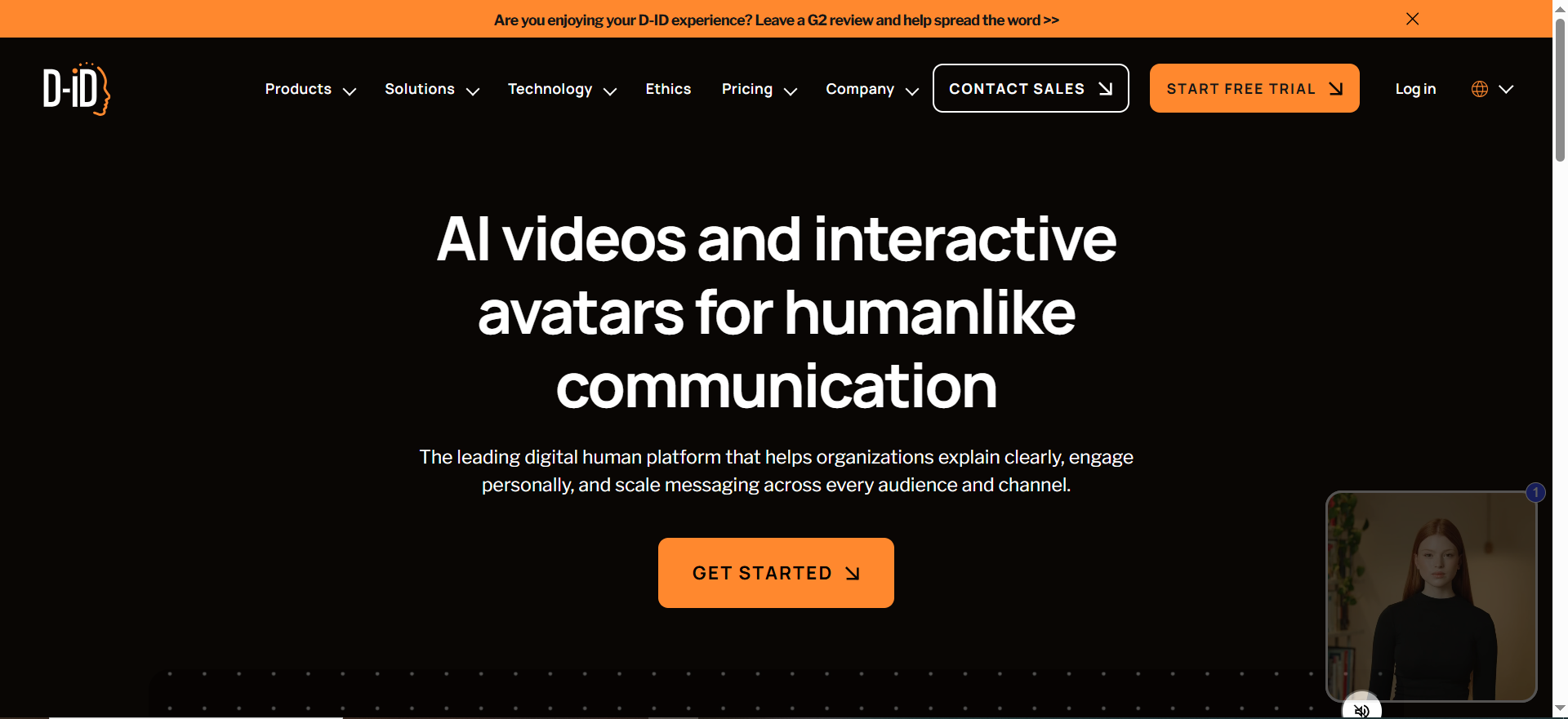
D-ID specializes in generative AI for creating and animating avatars from photos or videos. The Creative Reality Studio lets you upload a photo and animate it with a script. D-ID also offers Visual AI Agents—conversational avatars that live on websites and answer questions in real time.
Why teams use it
D-ID appeals to developers and tech-forward teams because it bridges avatars and conversational AI. The platform's API access is strong, making it possible to automate avatar video generation or build chatbots with avatar faces.
What it's good for
D-ID excels at photo or video-to-avatar conversion, conversational AI agents embedded on websites, interactive product review chatbots, developer-driven automation via API, and personalized video at scale.
When it's a good fit
Choose D-ID if you're a developer or growth team needing API-driven avatar automation, if you want to use your own photo, or if you're building an interactive review platform with Visual AI Agents.
When it's not a good fit
D-ID requires more technical expertise than HeyGen or Synthesia. The free trial is short (14 days). If you need 240+ pre-made avatars, Synthesia offers more variety.
How to use it
For Creative Reality Studio: sign up, upload a photo or video clip, write your script, adjust voice settings, render, and download. For Visual AI Agents: deploy the widget on your website, connect to an LLM, define the agent's personality and knowledge base.
Key capabilities
Photo and video avatar animation, Visual AI Agents for conversational avatars, 120+ language support, API access, natural head gestures and eye contact, custom voice options, talking head videos from portrait photos, and real-time chatbot integration.
Pricing
Free Trial: 14 days with limited video minutes. Lite: $5.99/month, 10 minutes with watermark. Pro: $49.99/month, 15 minutes, API access. Advanced: $299.99/month, 65 minutes. Enterprise: Custom pricing.
Free tier?
Yes, a 14-day free trial with limited video minutes. No watermark during trial. After trial, Lite tier includes watermark.
Downsides / limitations
Free trial is only 14 days. Lower tiers include watermarks. Fewer pre-made avatars (120+). Requires more technical setup. Upload quality affects results. Customer support can be slow.
Tool #4: Colossyan
What it does
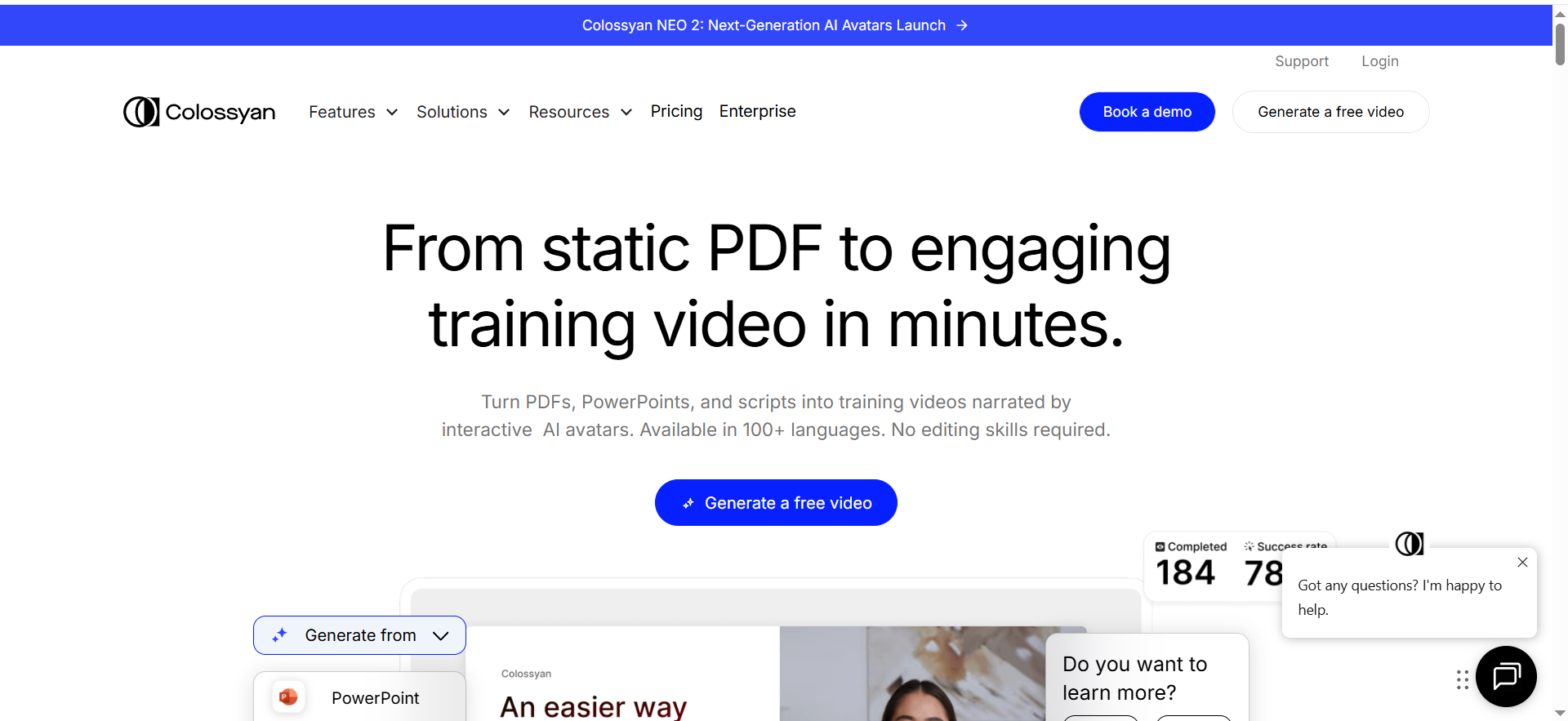
Colossyan is a video creation platform designed for corporate training and interactive learning. It offers 300+ pre-built avatars, NEO 2 video rendering, and interactive elements—branching scenarios, quizzes embedded in videos, and SCORM export for LMS systems.
Why teams use it
Colossyan stands out because it bridges avatar video creation and interactive learning. While HeyGen and Synthesia create linear videos, Colossyan lets you build branching paths where viewers make choices and the video branches to show consequences.
What it's good for
Colossyan excels at interactive training videos with branching scenarios, product demonstrations with viewer choices, compliance and safety training, onboarding flows with adaptive paths, knowledge checks and embedded quizzes, and team collaboration.
When it's a good fit
Choose Colossyan if your tech review benefits from interactivity. The branching scenarios and quiz capabilities are especially valuable for B2B software reviews. The 300+ avatar library is the largest in this comparison.
When it's not a good fit
Colossyan's per-user pricing makes it pricier for larger teams. If you need maximum avatar realism, HeyGen's Avatar IV still wins. Colossyan doesn't offer conversational AI.
How to use it
Create a project, write your script, select an avatar, add voiceover, define branching points, add quiz questions, customize branding, generate the video, and export as MP4 or SCORM package.
Key capabilities
300+ avatars (largest library), NEO 2 video rendering, branching scenarios with multiple viewer choice paths, embedded quizzes with scoring, SCORM export, 100+ language support, team collaboration with versioning, custom avatar creation, and API integration.
Pricing
Free: 5 minutes of video. Starter: $19/month/user. Business: $70/month/user, unlimited videos, branching, quizzes. Enterprise: Custom pricing.
Free tier?
Yes. The free tier provides 5 minutes of video creation.
Downsides / limitations
Per-user seat pricing makes scaling expensive. Avatar realism is good but not as photorealistic as HeyGen's Avatar IV. Branching adds complexity. Generation times can exceed 5–10 minutes for complex branching.
Tool #5: Elai
What it does
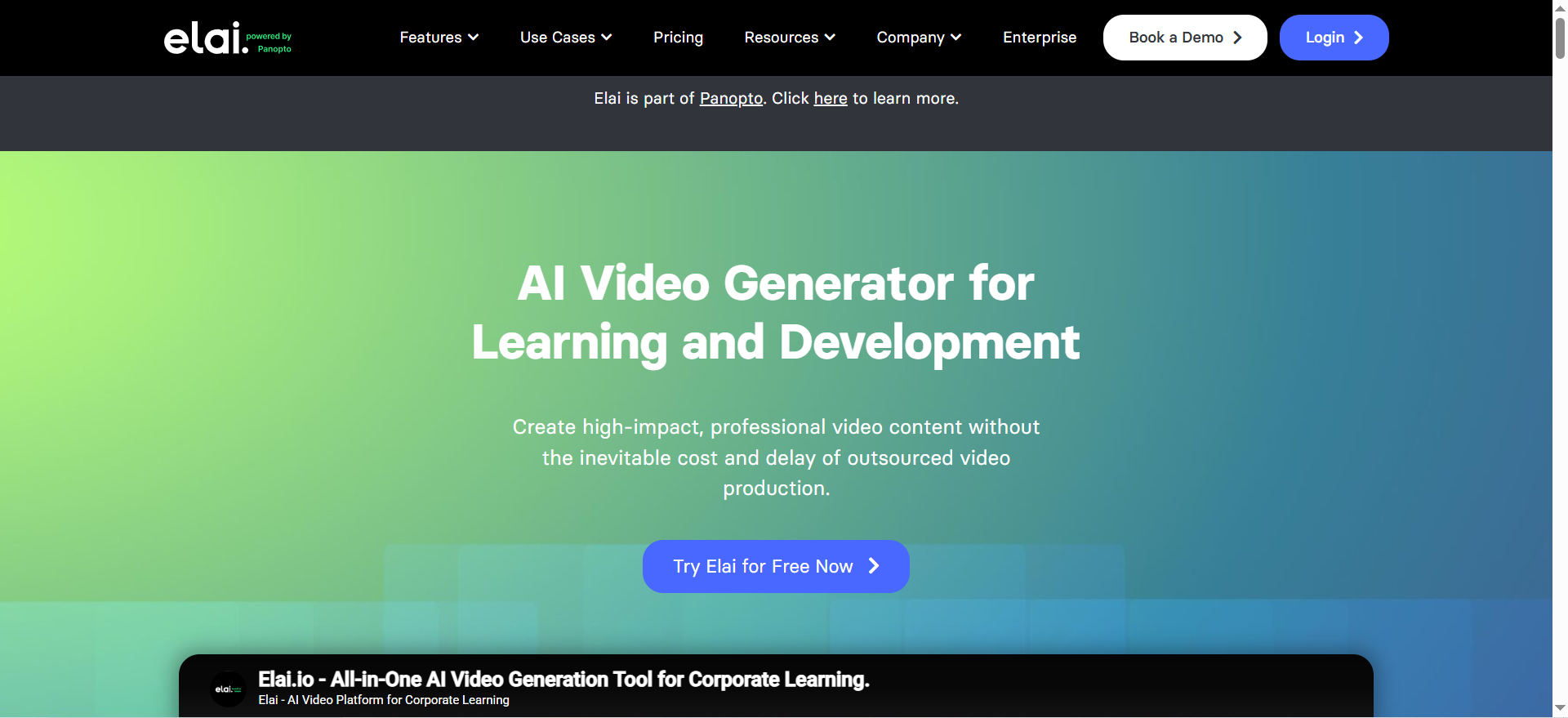
Elai is a mid-market avatar video platform with an emphasis on voice cloning and API automation. You can create avatar videos from text, clone your own voice in 32 languages, create up to 4 custom avatars, and integrate via REST API. Elai includes interactive quizzes and offers 450+ voice options.
Why teams use it
Elai appeals to teams that need voice authenticity and automation. Voice cloning is a standout feature—your CEO or review host can clone their voice once, and then Elai generates dozens of videos with that cloned voice automatically.
What it's good for
Elai excels at personalized product review videos at scale, voice cloning for founder-led review series, API-driven automation, interactive quizzes in product demos, and branded video campaigns with a consistent host voice.
When it's a good fit
Choose Elai if voice quality and consistency matter, if you want to automate video generation at scale, or if you're building a personalized review platform. Voice cloning is the killer feature.
When it's not a good fit
If avatar realism is your top priority, HeyGen's Avatar IV is more photorealistic. Elai's avatars are less diverse (80+ vs. HeyGen's 700+). If you need strict compliance and LMS, Synthesia and Colossyan have better SCORM export.
How to use it
For standard video: create a project, write script, select avatar, choose voice (clone, ElevenLabs, or standard), add quizzes, generate and download. For voice cloning: upload voice samples, Elai trains a model in 24–48 hours. For API: authenticate, send JSON request, receive video URL.
Key capabilities
80+ avatars, 75+ languages, 450+ voice options including voice cloning in 32 languages, 4 custom avatar types, REST API, interactive quizzes, batch processing, and webhooks for automation.
Pricing
Basic: $23/month, 15 minutes. Advanced: $60/month, 50 minutes, voice cloning. Enterprise: ~$125/month, API access, custom avatars.
Free tier?
No free tier. Elai requires a paid plan starting at $23/month. No watermark on any tier.
Downsides / limitations
No free tier. Smaller avatar selection (80+). Voice cloning training takes 24–48 hours. API documentation is less mature. No branching scenarios. Customer support can be slow.
How to Choose the Right AI Avatar Generator for Tech Reviews
Selecting the best avatar generator depends on four core dimensions: avatar realism, language and voice support, pricing model, and specific features your reviews require.
Avatar realism is the first filter. If your tech review targets premium products or executive audiences, photorealistic avatars matter—HeyGen's Avatar IV avatars feel closest to real humans. Language and localization are critical if your reviews reach global audiences—Synthesia's 1-click translation is unmatched. Pricing models vary: HeyGen charges per-month seat for unlimited videos while Synthesia and Colossyan charge per-user. Feature fit is the final driver: interactive quizzes go to Colossyan, conversational AI to D-ID, voice cloning to Elai, enterprise compliance to Synthesia, fastest realistic avatars to HeyGen.
What Makes a Good AI Avatar for Product Walkthroughs?
A good avatar for tech product walkthroughs combines expressiveness, consistency, and cultural fit. Expressiveness means the avatar's face, eyes, and gestures convey emotion and intent—HeyGen's Avatar IV excels here. Consistency means the same avatar appears across your entire review series, building brand recognition. Cultural fit matters for global tech reviews, where diverse avatar libraries ensure content feels culturally resonant. Synthesia's 240+ avatars and Colossyan's 300+ provide the most options. A strong walkthrough avatar balances realism with approachability.
Can You Create Custom Avatars for Brand Consistency?
Yes, but the approach varies. Personal avatars let you use your own face—Synthesia, D-ID, and Colossyan support this. Custom avatar creation goes further: Elai lets you create up to 4 custom variants. Voice cloning reinforces consistency—Elai's voice cloning creates a recognizable host voice across your review series. For a personal review channel, combining personal avatar plus voice cloning creates maximum consistency. For corporate teams, pre-made diverse avatars are more efficient.
Which AI Avatar Generator Has the Best Language Support?
HeyGen leads with 175+ languages, followed by Synthesia with 160+ languages. However, raw count doesn't tell the full story. Synthesia's 1-click translation from English to 80+ languages is a game-changer for global teams. D-ID supports 120+ languages, Colossyan 100+, and Elai 75+. For global tech reviews, if you're translating manually, HeyGen is most versatile. If you want one-click translation, Synthesia is unbeatable.
How Much Do AI Avatar Generators Cost for Small Teams?
For a solo creator or small team producing 1–3 videos monthly, costs are modest. Lowest cost to start: HeyGen Free ($0), D-ID Lite ($5.99/month), Colossyan Free ($0). For professional watermark-free production: HeyGen Creator ($29/month), D-ID Pro ($49.99/month), Elai Basic ($23/month), Synthesia Starter ($18/month billed annually). For high-volume production: HeyGen Pro ($99/month), Synthesia Creator ($49/month billed annually), Colossyan Business ($70/month/user), Elai Advanced ($60/month). A small team starting out spends $0–$30/month; a growing team spends $60–$100/month.
Are AI Avatars Realistic Enough for Professional Tech Reviews?
Yes, but with caveats. Avatar realism has improved dramatically—HeyGen's Avatar IV avatars look convincingly human. Realism depends on avatar quality and script delivery. Limitations remain: hand gestures are limited, full-body movement is rare, and micro-expressions aren't perfect. For professional B2B tech reviews, the realism bar is lower than consumer content. Best practice: use avatars for talking-head explanation and narration, cut to screen recordings for product-specific details.
What's the Fastest Way to Create a Tech Review Video with an AI Avatar?
For pure speed, HeyGen is the fastest end-to-end: write your script (5 minutes), select an avatar (2 minutes), pick a voice and generate (2 minutes), download (1 minute). Total roughly 10 minutes. For API-driven speed, Elai and D-ID APIs let you generate hundreds of videos programmatically. Time-saving tips: use script templates, pre-select favorite avatars, write scripts beforehand, and use batch processing.
Do AI Avatar Generators Support API Integration?
Yes, most platforms offer APIs. Full REST APIs: D-ID (mature, well-documented), Elai (good for personalization), Colossyan (branching videos via API). Limited APIs: HeyGen integrates with Zapier and Make but no direct video API. Synthesia has Enterprise-only API access. If API automation is critical, D-ID and Elai are your strongest options.
FAQs
Yes. All platforms support uploading your own audio. HeyGen, Synthesia, and Colossyan accept MP3 or WAV uploads. D-ID integrates with external voice services. Elai offers voice cloning—train once, use forever.
Typical render times: HeyGen 2–10 minutes, Synthesia 3–5 minutes, D-ID 2–5 minutes, Colossyan 5–10 minutes, Elai 3–8 minutes. Batch rendering queues videos for parallel processing.
Most avatars are head-and-shoulders only. Workaround: overlay screen recordings or annotated screenshots. For product-heavy reviews, a hybrid of avatar narration and screen recording is standard practice.
Yes. If the avatar is photorealistic and the script is well-written, customers won't know the difference. HeyGen's Avatar IV and Synthesia's avatars work well for customer-facing content. The key is production quality—good lighting effects, professional backgrounds, and clear narration.
Write and edit script (15–30 minutes), choose avatar and voice (5–10 minutes), generate video (5–15 minutes), review and edit (10–30 minutes), export and upload (5 minutes). Total: 40–90 minutes for a 3–5 minute video.
Yes, all platforms export MP4 files that you can edit in video software. Some platforms have built-in editors for simple tweaks; for heavy editing, use external software.
HeyGen Free ($0, 3 videos/month with watermark) or Colossyan Free ($0, 5 minutes) are the best starting points. For watermark-free professional production, HeyGen Creator at $29/month offers the best value with unlimited videos.