Best AI Avatar Creators For Telehealth Consultations (2026)
A practical buyer's guide to picking the right ai avatar creators stack for telehealth consultations across content and social.

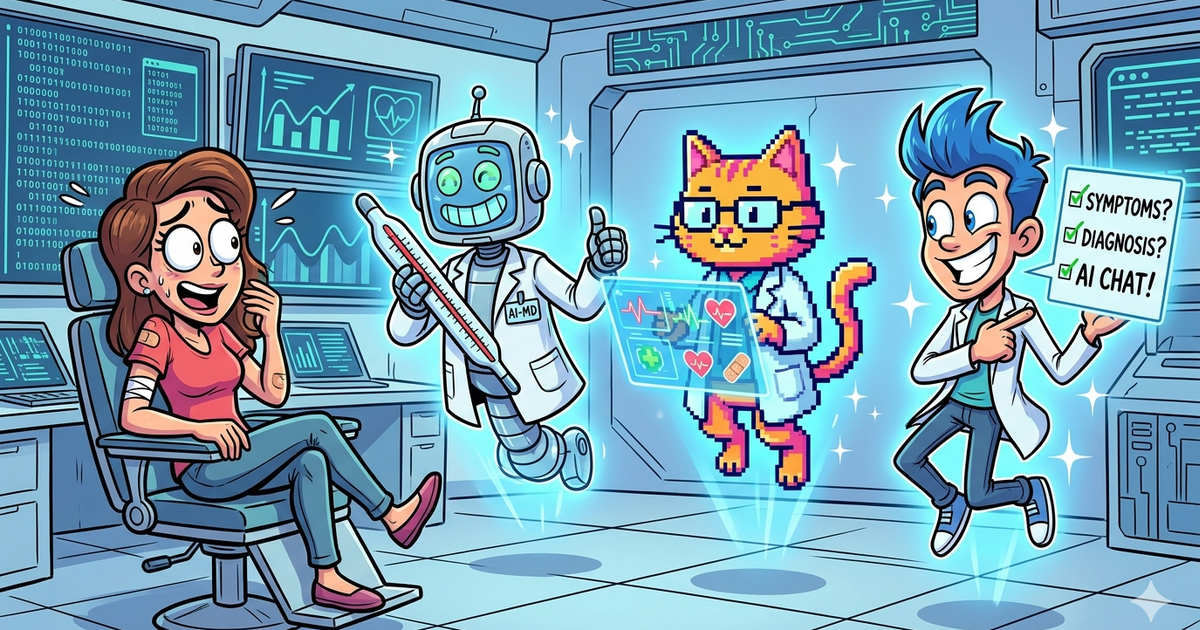
This playbook helps content managers and growth marketers compare the best ai avatar creators options for telehealth consultations. It breaks down where heygen, synthesia stand out, when alternatives such as runway, veed make more sense, and which setup fits B2B companies and B2C brands and solo operators and small businesses.
Telehealth teams usually do not need an avatar tool that tries to replace a clinician. They need one that helps them explain, prepare, onboard, translate, and follow up faster. In most real healthcare workflows, the best AI avatar creators are the ones that turn scripts, decks, and approved patient information into clear video content with strong localization, reasonable governance, and fast updates. Based on current platform capabilities and your required tool set, Synthesia is the strongest overall pick for structured healthcare communications, HeyGen is the best for fast patient-friendly explainers, Colossyan is the best for interactive training, D-ID is the most interesting for API-driven or real-time avatar experiences, and Elai.io is the most practical budget option.
📋 Get Listed / Advertise
We update this guide monthly. Want your tool featured? Contact: aigrowthhacksofficial@gmail.com.
Table of Contents
Best Tools for Telehealth Consultations
| Tool | Best for | Standout strength | Starting price |
|---|---|---|---|
| Synthesia | Large healthcare teams and structured education | Strong business-grade workflow, collaboration, healthcare positioning, 160+ languages/voices | Free, then Starter $29/mo, Creator $89/mo |
| HeyGen | Fast patient education and multilingual explainers | Speed, ease of use, healthcare education use cases, strong localization | Free, Pro $99/mo, Business $149/mo |
| Colossyan | Staff training and interactive learning | Branching, quizzes, analytics, SCORM, healthcare training fit | Starter $35/mo monthly or $28/mo billed yearly |
| D-ID | API-led experiences and real-time avatar workflows | Real-time interactions, API integration, 120+ languages | Free trial, paid plans from low-cost tiers |
| Elai.io | Budget-conscious teams and slide-to-video workflows | PPTX-to-video, article-to-video, dialogs, lower entry pricing | Creator $29/mo monthly or $23/mo billed yearly |
Best Tools for Telehealth Consultations
What “telehealth avatar creator” should mean in practice
For most healthcare organizations, AI avatars are most useful around the consultation, not instead of the consultation. The practical use cases are pre-visit education, intake preparation, consent walkthroughs, post-visit instructions, medication explainers, care navigation, staff onboarding, and multilingual follow-up content. HHS explicitly notes that telehealth technologies create privacy and security risks that must be managed, so healthcare teams should treat avatar tools as communication infrastructure that needs governance, not as a novelty layer. For teams evaluating this category specifically for care delivery, this is why guides like best AI avatar services for telehealth consultations are more useful than generic avatar roundups.
That framing matters because some tools are optimized for polished one-way videos, while others are better for training, branching scenarios, or API-based assistants. If your goal is to help patients understand a procedure or prepare for a remote appointment, simplicity and translation speed matter most. If your goal is internal clinical training, quiz support, SCORM export, and structured learning matter more. If your goal is an interactive avatar embedded in a product or portal, API depth becomes the deciding factor, which is why it helps to compare them against adjacent use cases such as best AI avatar services for multilingual customer engagement.
Tool #1: Synthesia
What it does
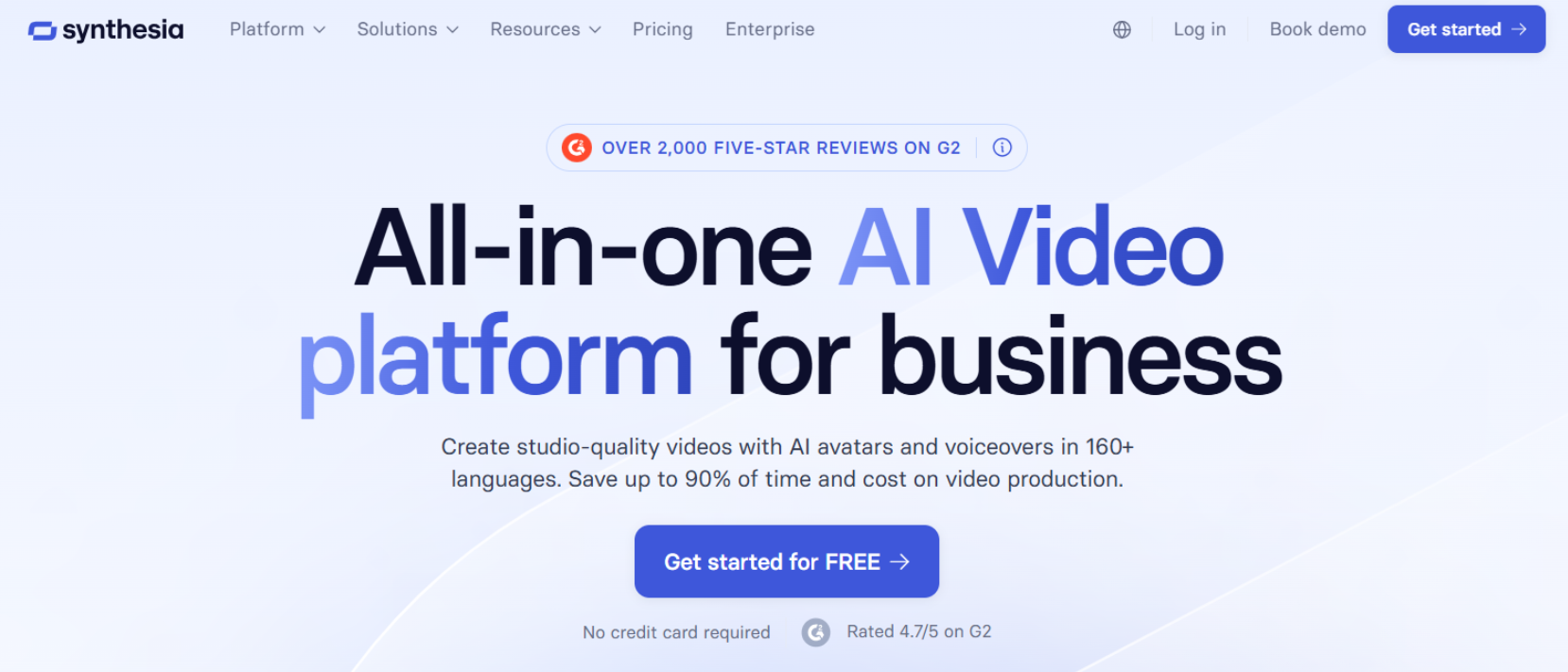
Synthesia is an AI video platform built for business use, with avatar-led videos, collaboration features, healthcare-specific positioning, and broad language coverage. Its healthcare page positions the product for clinical, compliance, and onboarding training, and its pricing and feature pages show team collaboration and 160+ languages and voices.
Why teams use it
Healthcare teams use tools like Synthesia when they need repeatable, standardized communication at scale. That is especially useful for pre-approved patient education libraries, multilingual explanation videos, clinical operations updates, and internal enablement content that has to be refreshed regularly.
What it’s good for
Synthesia is strongest when the workflow is structured and repeatable. Think discharge education, benefits or portal walkthroughs, staff onboarding, compliance refreshers, and multilingual condition explainers that need a polished, enterprise-friendly production process.
When it’s a good fit
It is a good fit for health systems, telehealth providers, digital health companies, and larger care operations that need consistent video production across teams and languages. It also fits organizations that want a vendor already speaking the language of healthcare training and business governance.
When it’s not a good fit
It is less compelling if you want a lightweight creator workflow, experimental real-time avatar experiences, or the cheapest way to turn a slide deck into a simple explainer. Smaller teams that just want fast output may find it more platform-heavy than they need.
How to use it
A strong telehealth workflow in Synthesia looks like this: start with approved patient or operations scripts, turn them into short modules, produce versions by language and reading level, then route exports into your patient portal, help center, onboarding flow, or LMS. Keep each video focused on one decision or one step, since that makes review and updates easier. This workflow recommendation is an editorial inference based on the product’s collaboration and multilingual features plus HHS privacy guidance.
Key capabilities
Key capabilities include 160+ languages and voices, AI dubbing with lip sync into 130+ languages and dialects, live collaboration, and healthcare-focused positioning with references to security standards such as SOC2, GDPR, and ISO 42001 on its healthcare page.
Pricing
Synthesia lists a free Basic tier, Starter at $29 per month, Creator at $89 per month, and Enterprise on custom pricing.
Free tier?
Yes. Synthesia lists a free Basic plan.
Downsides / limitations
The biggest limitation is that Synthesia is best when you already have a controlled content process. It is not the most interesting option here for real-time avatar conversations, and some smaller teams may prefer a lighter interface or more experimental presentation styles. Those tradeoffs are based on its public positioning compared with D-ID’s API and real-time emphasis and HeyGen’s simplicity.
Tool #2: HeyGen
What it does
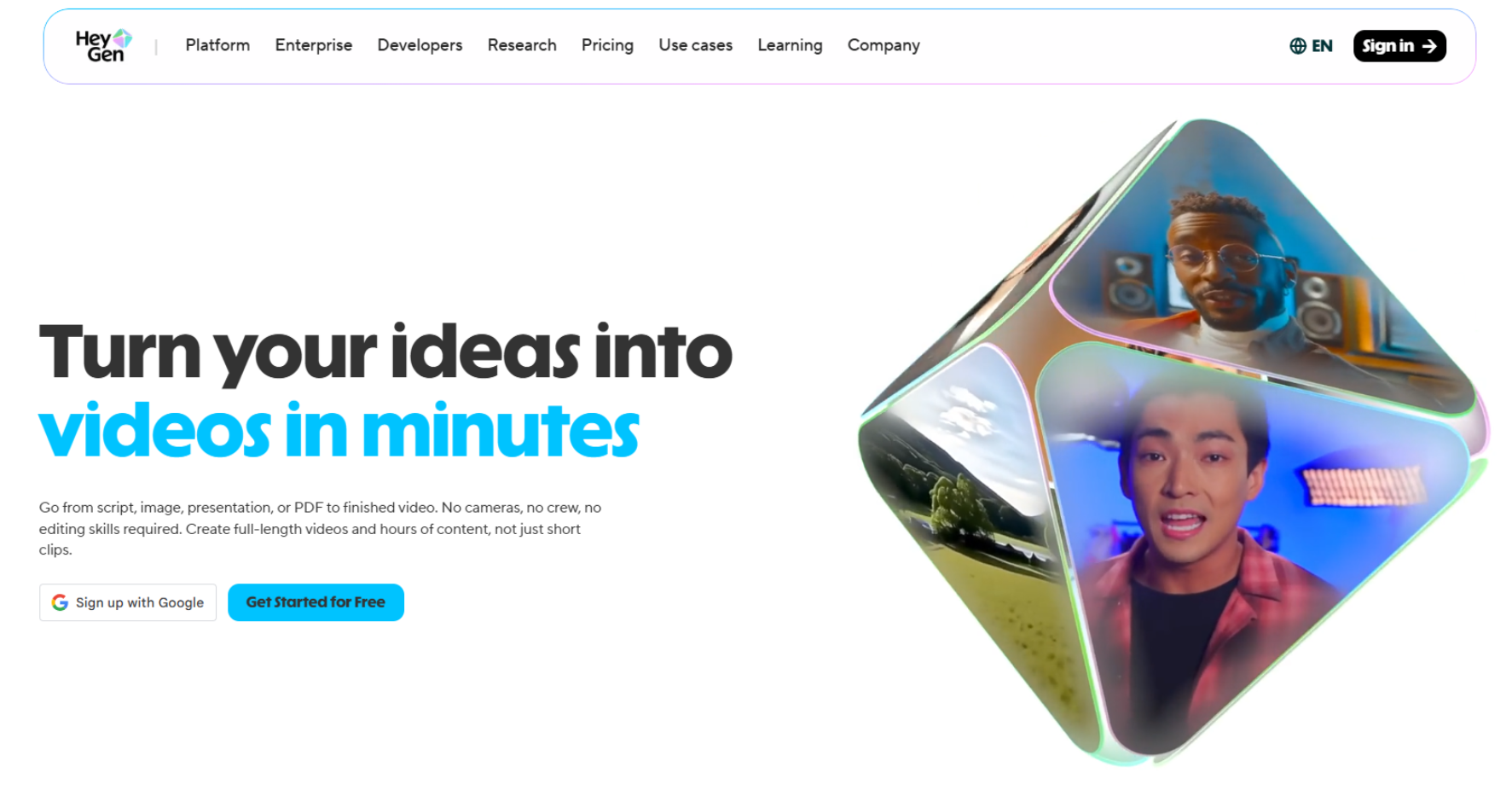
HeyGen is an AI video platform known for fast creation, expressive avatars, strong localization, and an easy workflow for turning text into finished videos. Its healthcare-related pages emphasize medical knowledge sharing and patient education use cases, while its platform pages stress security controls, enterprise data handling, and translation capabilities.
Why teams use it
Teams use HeyGen when they want speed without needing a heavy production stack. That makes it a strong option for patient education videos, appointment preparation clips, portal onboarding, FAQ videos, and multilingual outreach where turnaround time matters.
What it’s good for
HeyGen is especially good for clear, patient-friendly video content. The platform explicitly frames its healthcare use around simplifying conditions, lab results, procedures, and treatments for professionals and patients, which maps neatly to telehealth communication needs.
When it’s a good fit
It is a good fit when your team wants to publish lots of short educational videos quickly, localize them, and keep them updated as protocols or scripts change. It is also a strong choice when healthcare marketers and content teams, not just L&D or operations teams, are driving the workflow.
When it’s not a good fit
It is not the best pick if your main requirement is interactive branching training, SCORM export, or deep real-time avatar workflows inside a product experience. In those cases, Colossyan or D-ID usually fit better.
How to use it
A practical HeyGen setup for telehealth is to build a reusable library of short scripts for common patient journeys: what to expect before a virtual visit, how to prepare vitals at home, how to use the patient portal, what a follow-up plan means, or how to understand a medication change. Then localize by population segment and publish through the portal, email, or help center. This is an inference based on HeyGen’s healthcare use cases and localization features.
Key capabilities
HeyGen publicly highlights security standards including SOC 2 Type II, GDPR, CCPA, the Data Privacy Framework, and the EU AI Act. It also notes customer data isolation, third-party audits, and that enterprise customer data is excluded from AI model training by default. Its patient education page says teams can create content in 175+ languages and dialects.
Pricing
HeyGen lists a free plan, Pro at $99 per month, Business at $149 per month, and Enterprise through sales.
Free tier?
Yes. HeyGen lists a free plan with limited usage.
Downsides / limitations
HeyGen is optimized for fast production, but it does not present itself as a training-first platform in the same way Colossyan does. If your telehealth use case depends on assessments, branching logic, or LMS packaging, you may outgrow it faster.
📋 Get Listed / Advertise
We update this guide monthly. Want your tool featured? Contact: aigrowthhacksofficial@gmail.com.
Tool #3: Colossyan
What it does
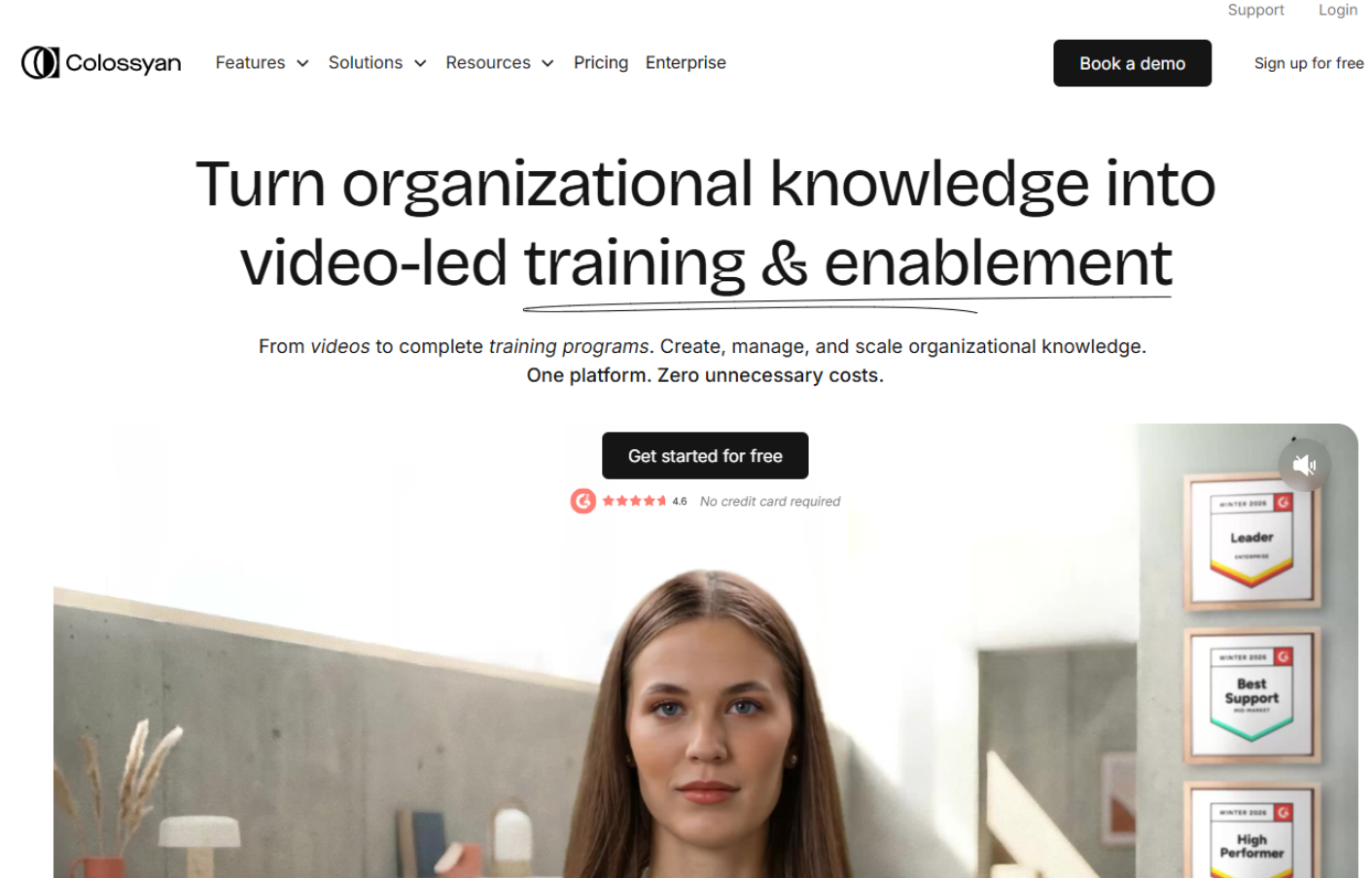
Colossyan is an AI video platform built with a strong training and enablement angle. It emphasizes AI avatars, structured course creation, interactive elements, localization, and healthcare training use cases.
Why teams use it
Teams choose Colossyan when they need more than a talking-head video. Its strength is combining avatar videos with interactive learning features such as quizzes, branching scenarios, analytics, and SCORM export, which is valuable for internal telehealth training and standardized care pathway education.
What it’s good for
It is best for staff onboarding, patient-interaction training, procedure education, and role-based simulations where the learner needs to make decisions, not just watch a video. That is a meaningful advantage for health systems building internal telehealth readiness programs.
When it’s a good fit
Colossyan is a strong fit for operations, training, and clinical enablement teams that need interactive modules or LMS-ready content. It is also a good fit when different care teams need different versions of the same core content.
When it’s not a good fit
It is less ideal if your only job is to push out simple patient-facing explainers at the fastest possible pace. For that, HeyGen is usually easier. It is also not the obvious winner for API-driven, real-time avatar assistants.
How to use it
For telehealth, Colossyan works best when you turn recurrent staff questions into structured microlearning. For example, you can create modules on handling remote intake, explaining medications, triaging common patient concerns, or communicating through interpreters, then add knowledge checks and SCORM export for reporting. This is an editorial recommendation derived from the platform’s interactive training features.
Key capabilities
Colossyan highlights 300+ stock avatars, 100+ languages, instant custom avatars, healthcare training workflows, interactive elements, branching scenarios, quizzes, analytics, and SCORM export. It also notes SOC 2 and GDPR language in its use-case pages.
Pricing
Colossyan lists Starter at $35 per month monthly or $28 per month billed yearly, Pro at $120 per month monthly or $96 per month billed yearly, and Enterprise through sales. Studio custom avatars are listed as a $1,000 per year add-on.
Free tier?
It offers a free trial rather than a fully open-ended free plan on the pages reviewed. Its interactive video page mentions 14 days free with no credit card required.
Downsides / limitations
Colossyan’s biggest strength is also its tradeoff: it shines when training structure matters. If you do not need branching, SCORM, or course logic, it may feel heavier than necessary for lightweight patient communications.
Tool #4: D-ID
What it does
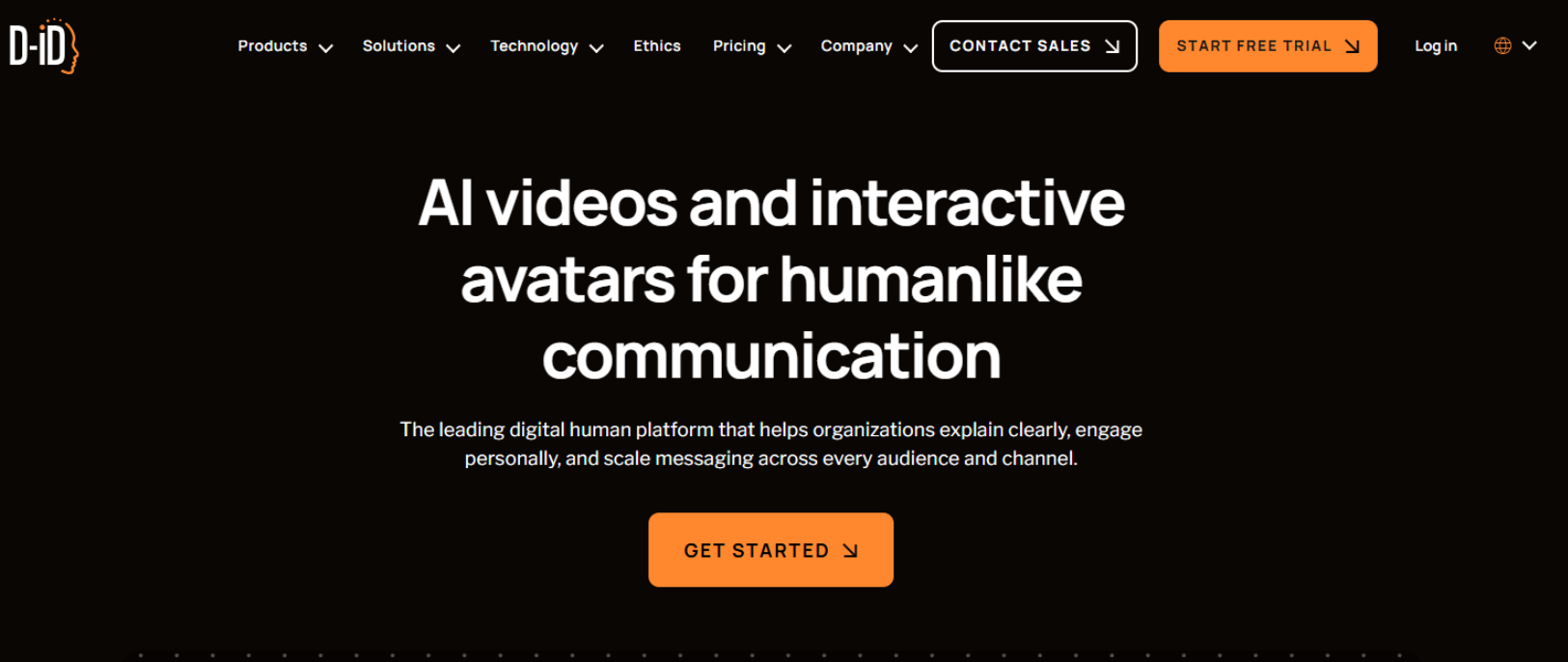
D-ID combines avatar video generation with API integration and real-time interaction options. Its public messaging focuses on speed, multilingual delivery, interactive agents, and workflow integration.
Why teams use it
Teams choose D-ID when they want avatars to be part of a product or service experience, not just standalone videos. That can matter for embedded support flows, portal experiences, or AI-guided interfaces where a visual layer improves engagement.
What it’s good for
D-ID is good for organizations exploring interactive digital assistants, multilingual support, or custom avatar experiences connected to other systems through an API. It is the most technically flexible tool in this list for that kind of use case.
When it’s a good fit
It is a good fit for digital health products, virtual care startups, and innovation teams that want to test avatar-based experiences inside apps, portals, or service flows. It is also attractive when engineering and product teams are closely involved.
When it’s not a good fit
It is not the easiest option for nontechnical teams that just want a polished education video library with minimal setup. For straightforward content operations, Synthesia or HeyGen will usually be easier to operationalize.
How to use it
In telehealth-adjacent workflows, D-ID makes the most sense for guided patient navigation, intake support, or knowledge-based visual assistants that help users find approved information before or after an actual visit. Because these are higher-risk use cases, governance, escalation rules, and careful knowledge scoping matter a lot. This is an inference from D-ID’s real-time agent positioning and HHS privacy guidance.
Key capabilities
D-ID says it supports video creation and real-time interactions in 120+ languages, offers API integration, and positions its platform for scale, security, and permission controls. Search results for its pricing pages also indicate a free trial and low-cost paid entry tiers.
Pricing
D-ID’s public pricing results show a 14-day trial and low-cost paid plans starting from entry tiers, while enterprise offerings are available through sales and API pricing.
Free tier?
There is a trial option. The reviewed pages and search results point to a free trial rather than a full-featured permanent free plan.
Downsides / limitations
D-ID is powerful, but it requires more judgment in healthcare contexts because real-time avatar interactions can create more governance complexity than static approved videos. If your organization is early in its telehealth content maturity, this may be too ambitious for a first rollout. That is an editorial judgment based on the nature of real-time systems plus HHS privacy guidance.
Tool #5: Elai.io
What it does
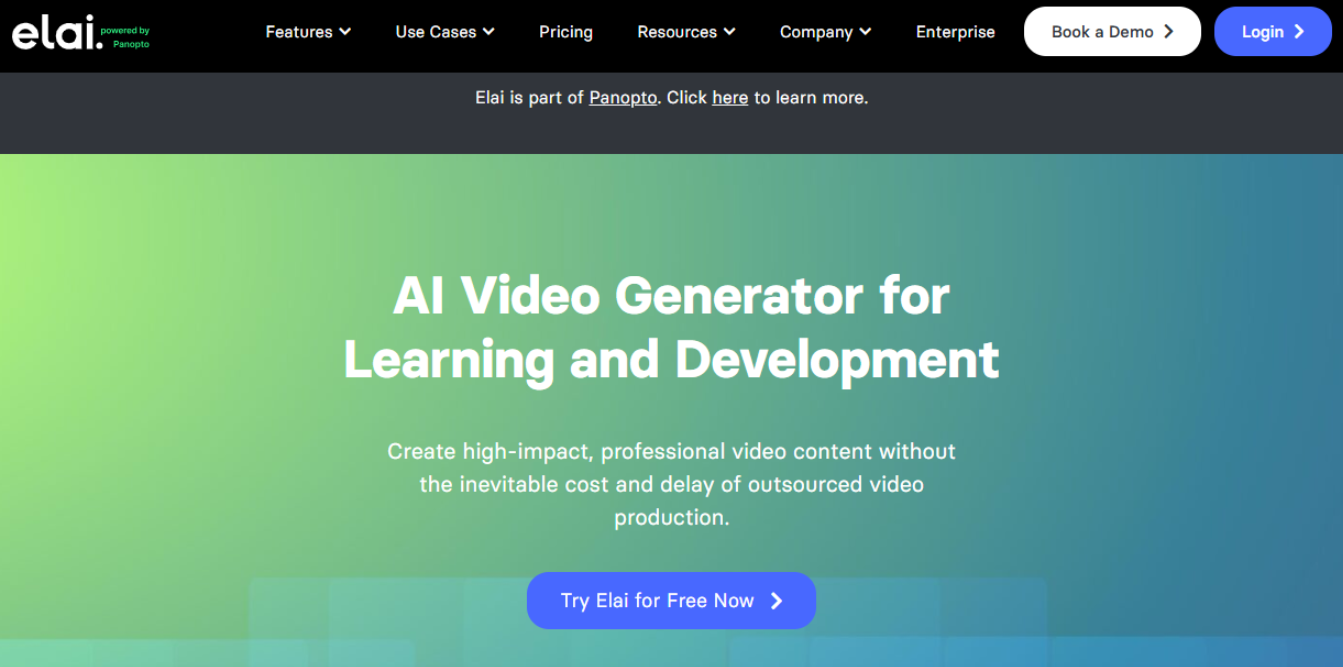
Elai.io is an AI avatar video platform with a lower-cost entry point and a practical feature set for teams that build training or explainers from text, articles, or presentations. Its pages highlight avatar creation, PPTX-to-video, article-to-video, interactive elements, dialogs, and multilingual voice support.
Why teams use it
Teams use Elai when they want to repurpose existing educational material quickly. That is useful in telehealth settings where much of the source content already exists as slide decks, approved scripts, or patient education articles.
What it’s good for
Elai is good for budget-conscious teams, training departments, and content teams that want a straightforward production flow without jumping into enterprise pricing too early. Its dialog feature is also useful for scenario-based internal education.
When it’s a good fit
It is a good fit for startups, clinics, smaller telehealth programs, or teams validating whether avatar-led communication is worth scaling. It is also practical when PowerPoint conversion or article-to-video matters.
When it’s not a good fit
It is not as strongly positioned for healthcare governance or enterprise trust messaging as Synthesia or HeyGen, and it is not as purpose-built for interactive learning as Colossyan. For a very large or heavily regulated rollout, those other platforms may feel safer. This is a comparative inference based on public positioning.
How to use it
Elai works well when you already have approved materials. Upload a deck, convert a blog or knowledge article, add an avatar and voice, then create language variations for different patient populations or staff audiences. For smaller teams, that repurposing speed is often the difference between shipping and never publishing.
Key capabilities
Elai highlights 75+ languages, 450+ accents, voice cloning in 28 languages, 80+ avatars, PPTX-to-video, article-to-video, avatar dialogs, and interactive video features.
Pricing
Elai lists Creator at $29 per month or $23 per month billed annually, and Team at $125 per month or $100 per month billed annually, with Enterprise pricing through sales.
Free tier?
Yes. Elai lists a free option alongside paid plans.
Downsides / limitations
Elai is the value pick, but it is not the strongest brand here for enterprise healthcare rollouts. Its messaging is broader and more L&D-oriented, so security review and workflow validation become especially important before scaling patient-facing use cases.
Which tool is best for which telehealth workflow?
If you want the best all-around platform for a serious healthcare content program, start with Synthesia. It has the clearest combination of business-grade positioning, healthcare relevance, collaboration, and multilingual scale.
If you want the fastest path to patient-facing educational explainers, choose HeyGen. It is especially strong for turning approved scripts into clear, localized videos quickly.
If your priority is internal training, decision-based scenarios, or LMS distribution, choose Colossyan. Its interactivity and SCORM support make it the most training-native option here.
If you want an avatar inside an application or portal, choose D-ID. Its API and real-time interaction positioning make it the best fit for that direction.
If you need a practical lower-cost option for decks, scripts, and repurposed education content, choose Elai.io.
What Is the Best AI Avatar Creator for Telehealth Consultations?
The best overall AI avatar creator for telehealth consultations is Synthesia if your team needs structured, scalable, multilingual healthcare communication. It is the strongest fit for organizations producing patient education videos, staff onboarding, compliance content, and repeatable telehealth support materials across multiple teams and regions.
If speed matters more than enterprise workflow, HeyGen is the better choice. If interactive training matters most, Colossyan stands out. If you want real-time or API-based avatar experiences, D-ID is the most technically flexible option. And if budget is the main constraint, Elai.io is the most practical lower-cost starting point.
Which AI Avatar Tool Is Best for Patient Education Videos?
HeyGen is the best option for patient education videos because it is fast, easy to use, and well suited for turning approved healthcare scripts into short, clear, multilingual explainers. That makes it especially useful for topics like appointment prep, treatment overviews, portal onboarding, follow-up instructions, and FAQ-style communication.
For larger organizations with more formal review workflows, Synthesia is also a strong choice. But for simple patient-facing education content that needs to go live quickly and stay easy to update, HeyGen has the edge.
Which Platform Is Best for Multilingual Telehealth Communication?
For multilingual telehealth communication, the strongest options are HeyGen and Synthesia. Both are built for localization at scale and are well suited for organizations serving diverse patient populations across languages and reading levels.
If your workflow depends on producing the same content in many language variants, either platform will work well. Synthesia is the better pick for structured enterprise teams, while HeyGen is the better pick for fast-moving content teams that want quicker production and easier iteration.
Which AI Avatar Generator Is Best for Healthcare Staff Training?
Colossyan is the best AI avatar generator for healthcare staff training because it goes beyond standard talking-head video. It supports more structured learning experiences, including interactive video, quizzes, branching scenarios, analytics, and SCORM export.
That makes it especially valuable for telehealth onboarding, patient communication training, workflow education, and role-based simulations. If your goal is not just to inform staff but to train them, Colossyan is the strongest fit in this list.
Are AI Avatar Tools Suitable for Live Telehealth Consultations?
They can be useful in live telehealth-related workflows, but usually not as a replacement for a clinician. The safest and most practical role for AI avatars is before or after the consultation, or as a guided support layer inside a broader care workflow.
For example, avatars can help explain how to prepare for a visit, navigate a portal, understand next steps, or access approved health information. Using them in live, high-stakes patient interactions requires much tighter guardrails, escalation rules, and legal review. For most healthcare teams, static or semi-structured communication is a safer starting point than live avatar-led consultations.
What Should Healthcare Teams Check Before Using AI Avatars?
Healthcare teams should first check whether the tool will be used with any patient-identifiable information. That determines how seriously privacy, legal, security, and procurement teams need to get involved before rollout.
They should also review data handling, content review workflows, multilingual quality, accessibility, user permissions, vendor security documentation, and whether the tool fits the actual content production process. Just as importantly, teams should define exactly what the avatar is allowed to do and where human oversight is required.
Which AI Avatar Platform Has the Best Security Posture for Healthcare Teams?
Based on public enterprise positioning, Synthesia and HeyGen appear to have the strongest security posture for healthcare teams in this list. Both emphasize enterprise controls, governance, and documented security standards in their public materials.
If your organization is highly regulated or operating at scale, those two are the safest places to begin evaluation. That said, healthcare teams should never rely on marketing pages alone. Security review, legal review, procurement checks, and any necessary contract terms still need to happen before production use.
Which Avatar Tool Supports Interactive Video or Branching Scenarios?
Colossyan is the best fit for interactive video and branching scenarios. It is the most training-oriented platform in this group and is designed for structured learning experiences, not just avatar-led presentation videos.
This matters for telehealth operations because many internal use cases are decision-based. Examples include remote intake handling, escalation workflows, patient communication training, and care coordination scenarios. If interactivity is central to the project, Colossyan should be shortlisted first.
Which AI Avatar Tool Is Best for Custom Doctor or Clinician Avatars?
If your priority is creating a custom doctor or clinician-style avatar for polished branded communication, Synthesia, HeyGen, and Colossyan are the strongest options to evaluate first. Each supports custom avatar workflows in different ways, and the best choice depends on whether you care most about realism, speed, or training structure.
For polished enterprise-style communication, Synthesia is the strongest overall fit. For faster content creation and more lightweight production, HeyGen is often easier. For internal education and structured scenario-based use, Colossyan is more useful. Teams should be especially careful with clinician likeness, approval rights, and trust implications before using any doctor-style avatar in patient-facing content.
How Much Do AI Avatar Platforms Cost in 2026?
Pricing varies quite a bit depending on minutes, seats, avatar type, and enterprise requirements, but the broad pattern is clear. Synthesia starts at around $29/month, Elai.io also starts around $29/month, Colossyan starts around $35/month on monthly billing, and HeyGen starts higher at around $99/month for Pro. D-ID offers trial and lower-entry paid options, with broader costs depending on API and use case.
In practice, the cheapest plan is rarely the full story for healthcare teams. Once you add collaboration, governance, custom avatars, localization, and review workflows, the real decision is about total workflow fit rather than sticker price alone.
Can AI Avatars Help With Pre-Visit and Post-Visit Telehealth Communication?
Yes, this is actually one of the best use cases for AI avatar platforms in healthcare. Pre-visit and post-visit communication is usually structured, repeatable, and easier to govern than real-time clinical conversations.
Before a visit, avatars can explain how to prepare, what information to have ready, how to test camera and audio, or what the appointment will cover. After a visit, they can reinforce instructions, summarize next steps, explain medication routines, or guide patients to the right support resources. This is where avatar tools can save teams time without taking on unnecessary clinical risk.
What Are the Risks of Using AI Avatars in Healthcare Communication?
The main risks are privacy, misinformation, over-automation, poor localization, and misplaced trust. If an avatar gives the impression that it is offering personalized medical advice when it is really delivering generic content, that can create confusion and legal exposure.
There is also the risk of using patient data in workflows that were not properly reviewed, or publishing videos that sound polished but are medically imprecise. In multilingual settings, translation quality and tone can also affect patient understanding. The safest approach is to keep the scope narrow, use approved content, involve clinical review, and make sure patients always know when they are interacting with an automated communication layer rather than a live clinician.
FAQs
Yes, but usually as a support layer rather than a replacement for clinician-led care. The strongest use cases are patient education, appointment preparation, onboarding, multilingual explanation, and follow-up communication. That aligns better with public vendor use cases and HHS privacy guidance than trying to automate medical judgment through avatars.
HeyGen is the best fit for fast patient education videos, while Synthesia is the stronger overall enterprise pick. HeyGen’s healthcare pages directly emphasize patient education and medical knowledge sharing, while Synthesia is stronger for structured teams and broader governance.
Synthesia and HeyGen are the strongest multilingual choices in this list. Synthesia publicly highlights 160+ languages and voices, while HeyGen’s patient education materials reference 175+ languages and dialects.
Colossyan is the best fit for healthcare staff training because it combines avatar videos with quizzes, branching scenarios, analytics, and SCORM export. That makes it more training-native than the other tools here.
It can be, especially for embedded support or guided knowledge experiences, because D-ID emphasizes real-time interactions and API workflows. But those use cases need tighter guardrails than static videos, so they are better for mature teams with clear escalation, review, and privacy controls.
Check privacy and security documentation, data handling, whether enterprise data is used for model training, localization quality, accessibility, workflow approvals, and whether the tool fits your actual content production process. HHS guidance makes it clear that telehealth technologies create privacy and security risks that need to be actively managed.
Elai.io and Synthesia Starter both begin at $29 per month on the pages reviewed, while Colossyan’s billed-year Starter comes in at $28 per month equivalent. Actual total cost still depends on minutes, seats, avatar type, and enterprise requirements.
📋 Get Listed / Advertise
We update this guide monthly. Want your tool featured? Contact: aigrowthhacksofficial@gmail.com.